MyPaste vs Warp
In the battle of MyPaste vs Warp, which AI Code Assistant tool comes out on top? We compare reviews, pricing, alternatives, upvotes, features, and more.
Between MyPaste and Warp, which one is superior?
Upon comparing MyPaste with Warp, which are both AI-powered code assistant tools, The upvote count favors Warp, making it the clear winner. Warp has 8 upvotes, and MyPaste has 6 upvotes.
You don't agree with the result? Cast your vote to help us decide!
MyPaste
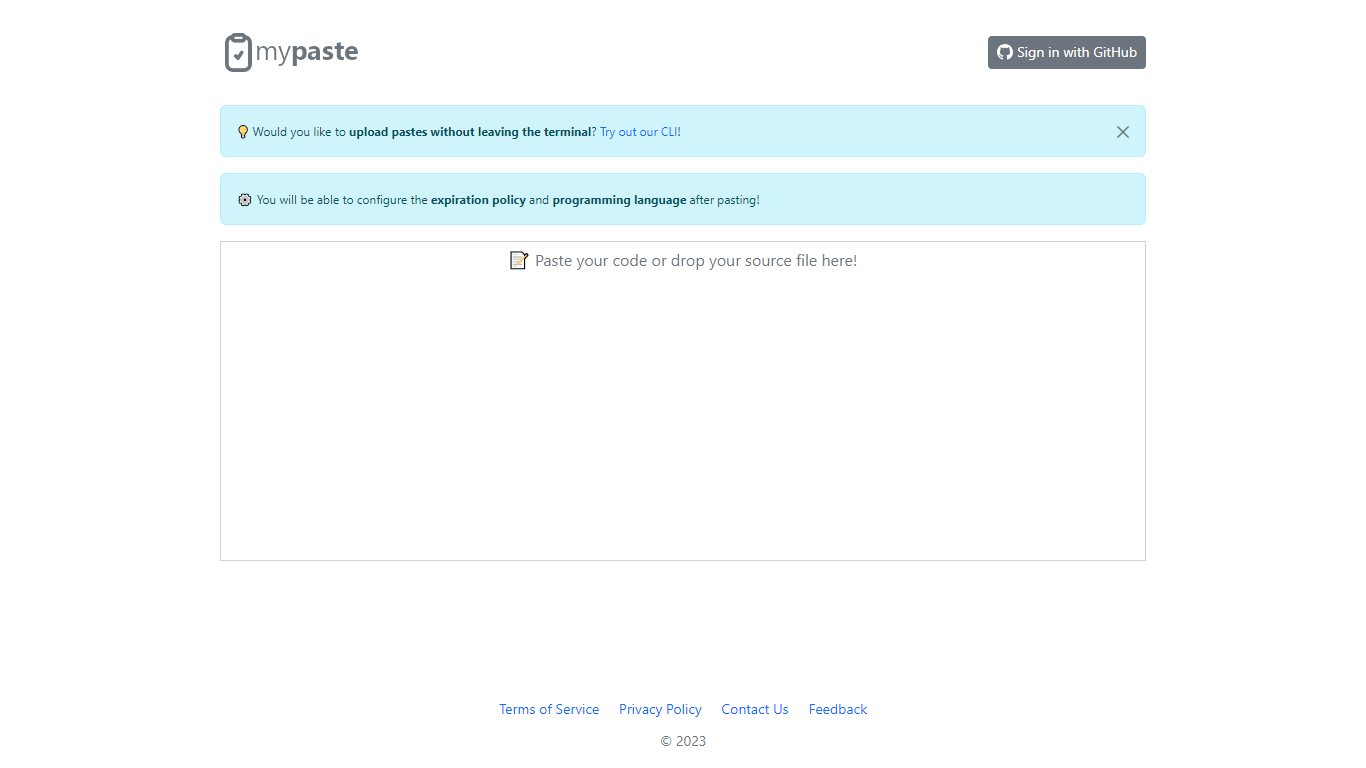

What is MyPaste ?
MyPaste is a cutting-edge code-sharing platform that has been designed for developers and programmers who seek an efficient way to share their source code. With smart features like intelligent programming language detection, MyPaste simplifies the process of pasting and distributing code snippets online. Users can quickly share their work by simply signing in with their GitHub account, ensuring a seamless integration with their existing development workflows.
The service is not only fast but also versatile, providing options through a Command Line Interface (CLI) for those who prefer to work directly from the terminal. This feature is incredibly convenient for users who want to upload code without interrupting their development process. Additional configuration settings for code snippets are also available, allowing users to set an expiration policy and specify the programming language for each paste, making MyPaste a tailored solution for modern coding needs.
Warp
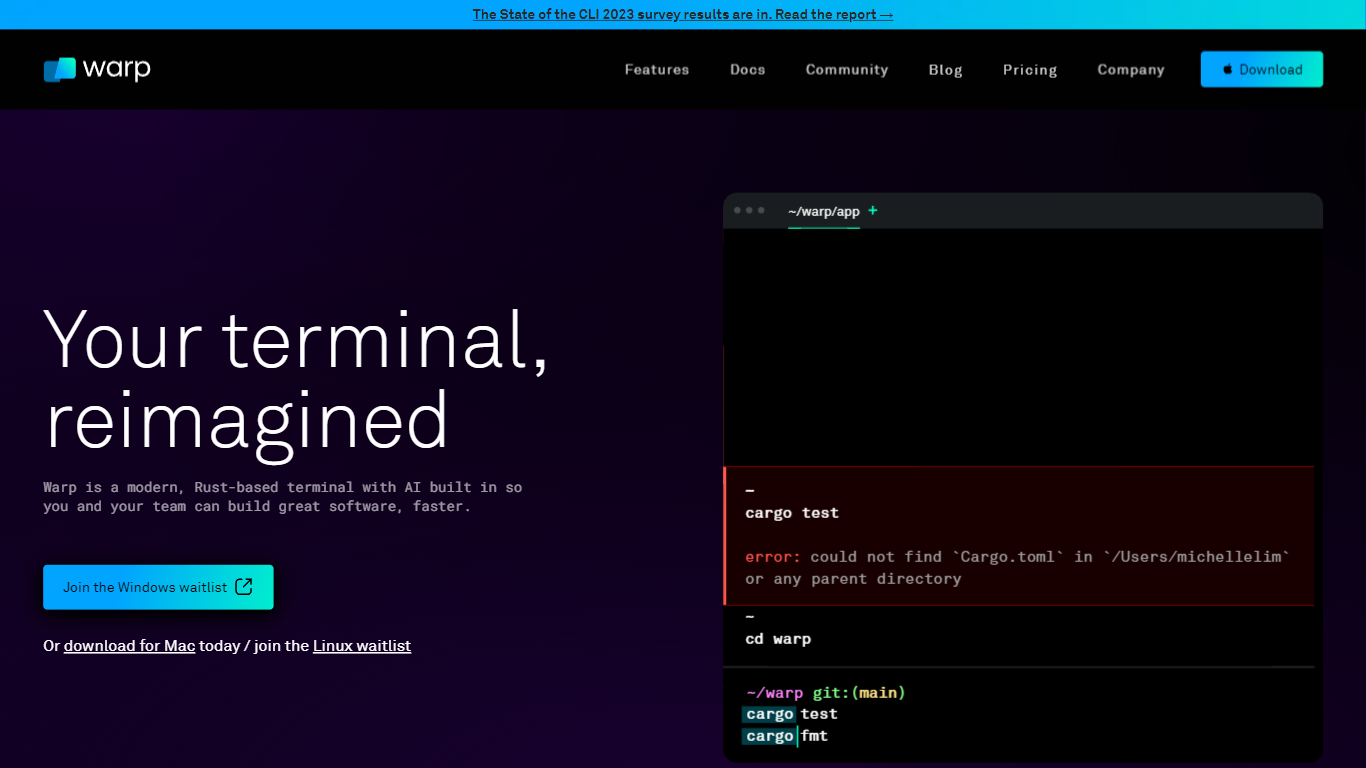
What is Warp?
Warp is revolutionizing the terminal experience for developers worldwide. At its core, Warp is a modern, Rust-based terminal designed to enhance productivity, speed, and efficiency. With a built-in AI and knowledge-sharing tools, Warp offers smart autocompletions and intelligent command executions that significantly accelerate the development process.
In addition to its performance advantages, Warp prioritizes privacy and security, never collecting input or output data and ensuring any saved data is encrypted. The terminal's user interface is highly customizable with popular themes, and the modern text input editor provides a convenient and familiar IDE experience.
Leading developers have praised Warp for its exceptional features such as easy navigation, one-click output copying, and its ability to execute saved workflows on-demand. The terminal is not just about speed; it's about providing a seamless and smart development environment that resonates with today's technological demands. Warp is available for Mac, with a waitlist for Windows and Linux users, promising a future where all developers can benefit from its advanced features.
MyPaste Upvotes
Warp Upvotes
MyPaste Top Features
Intelligent Language Detection: Automatically identifies the programming language of the pasted code.
GitHub Integration: Allows users to sign in and share code using their GitHub account.
Command Line Interface (CLI): Offers the ability to upload pastes directly from the terminal.
Custom Expiration Policy: Users can configure how long their pastes remain available.
Programming Language Specification: Provides an option to manually set the programming language for each paste.
Warp Top Features
Smart Autocompletions: Utilize AI-powered tools and knowledge sharing for faster coding.
Modern Text Input Editor: Enjoy a coding experience akin to modern IDEs with advanced text editing.
Increased Efficiency: Speed through tasks with Rust-based performance optimized for quick command execution.
Privacy and Security First: Trust in a terminal that safeguards your data encrypting information at rest.
Customizable UI: Tailor Warp to your preferences with a selection of themes and visual customization options.
MyPaste Category
- Code Assistant
Warp Category
- Code Assistant
MyPaste Pricing Type
- Freemium
Warp Pricing Type
- Freemium