Myvoicemod vs SpeechGPT
In the clash of Myvoicemod vs SpeechGPT, which AI Audio Generation tool emerges victorious? We assess reviews, pricing, alternatives, features, upvotes, and more.
When we put Myvoicemod and SpeechGPT head to head, which one emerges as the victor?
Let's take a closer look at Myvoicemod and SpeechGPT, both of which are AI-driven audio generation tools, and see what sets them apart. With more upvotes, Myvoicemod is the preferred choice. Myvoicemod has attracted 7 upvotes from aitools.fyi users, and SpeechGPT has attracted 6 upvotes.
Feeling rebellious? Cast your vote and shake things up!
Myvoicemod
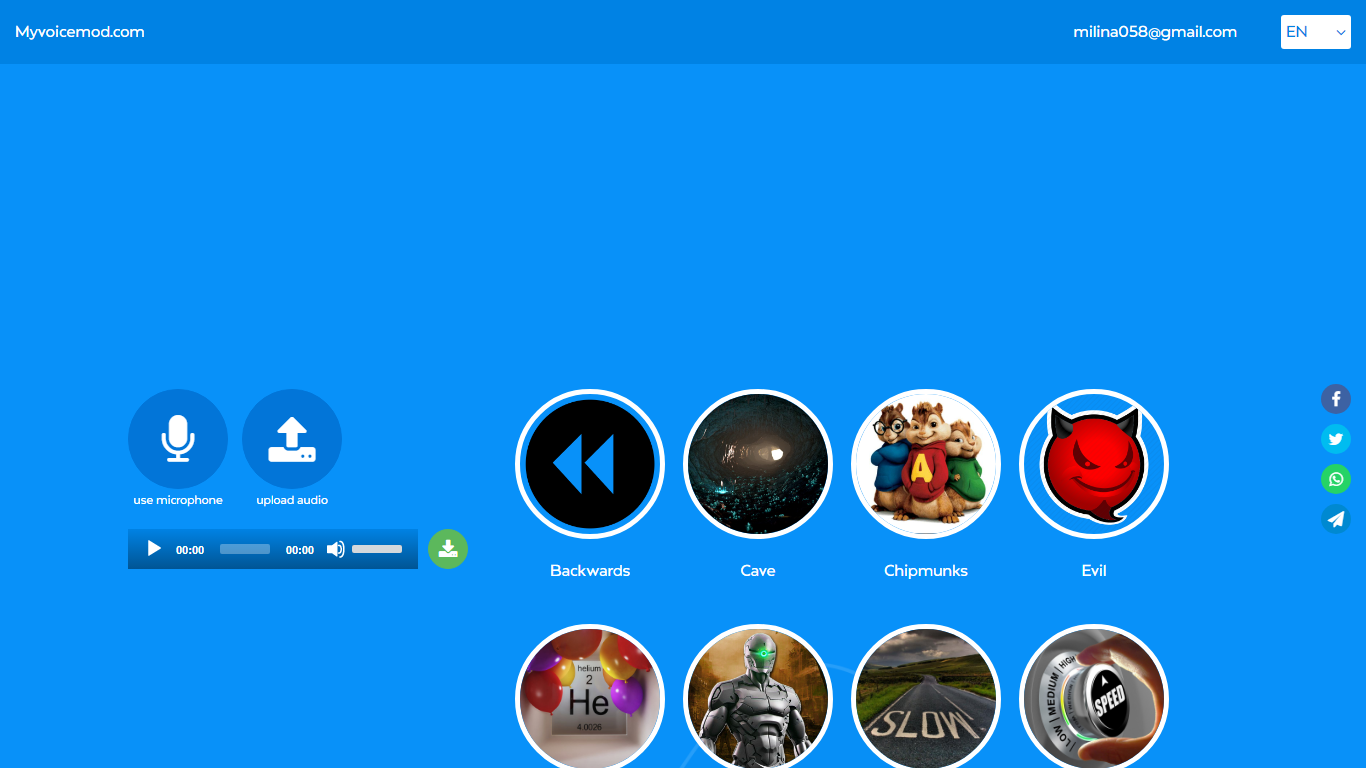

What is Myvoicemod?
Myvoicemod is a browser-based voice changer that applies effects to live microphone input or uploaded audio files. Pick from presets like Robot, Chipmunks, Cave, Megaphone, or Underwater, record a clip, and download the modified file. No account or software install is required.
Desktop voice changers like Voicemod need a local install and often charge for premium effects. Myvoicemod runs entirely in the browser, which makes it handy for quick pranks, Discord clips, or testing how a recording sounds with a different pitch. The trade-off is fewer controls than a full desktop app and no real-time system-wide voice routing.
Gamers, content creators, and anyone who wants a fast voice effect for a message or prank are the target users. The service is free with at least 12 effect presets available online.
SpeechGPT

What is SpeechGPT?
SpeechGPT lets you hold voice conversations in the browser using your own OpenAI API key. You type or record messages, send them through a chat interface, and hear spoken replies without installing desktop software.
Unlike hosted TTS services that bundle model costs into a subscription, SpeechGPT runs in the browser and bills you only through the OpenAI, Azure Speech Services, or Amazon Polly accounts you connect. That makes it a lightweight option for developers and language learners who already have API access and want a simple voice chat front end.
The interface supports English, Spanish, and Chinese UI labels, includes a record button for speech input, and stores session data locally in the browser. It suits developers testing voice chat flows, language learners practicing spoken prompts, and anyone who wants a minimal ChatGPT voice client on mobile or desktop.
Myvoicemod Upvotes
SpeechGPT Upvotes
Myvoicemod Top Features
12 voice effects including Robot, Chipmunks, Cave, Megaphone, and Underwater
Record live from your microphone or upload an existing audio file
Stack multiple effects and compare variants before downloading
Works in the browser with no account or software installation
Download the processed clip to your computer or tablet
SpeechGPT Top Features
Chat interface accepts typed messages or recorded speech input with Enter to send
Requires your OpenAI API key in settings before the app will run conversations
Optional Azure Speech Services or Amazon Polly access keys for alternate text-to-speech backends
UI available in English, Spanish, and Chinese from the in-app language selector
Shift plus Enter inserts a newline without sending the message
Runs as a web app on Vercel with no separate desktop install required
Myvoicemod Category
- Audio Generation
SpeechGPT Category
- Audio Generation
Myvoicemod Pricing Type
- Free
SpeechGPT Pricing Type
- Free