Nadi vs PSEUDO.AI
In the face-off between Nadi vs PSEUDO.AI, which AI Developer tool takes the crown? We scrutinize features, alternatives, upvotes, reviews, pricing, and more.
In a face-off between Nadi and PSEUDO.AI, which one takes the crown?
If we were to analyze Nadi and PSEUDO.AI, both of which are AI-powered developer tools, what would we find? The community has spoken, PSEUDO.AI leads with more upvotes. PSEUDO.AI has been upvoted 7 times by aitools.fyi users, and Nadi has been upvoted 6 times.
Don't agree with the result? Cast your vote and be a part of the decision-making process!
Nadi
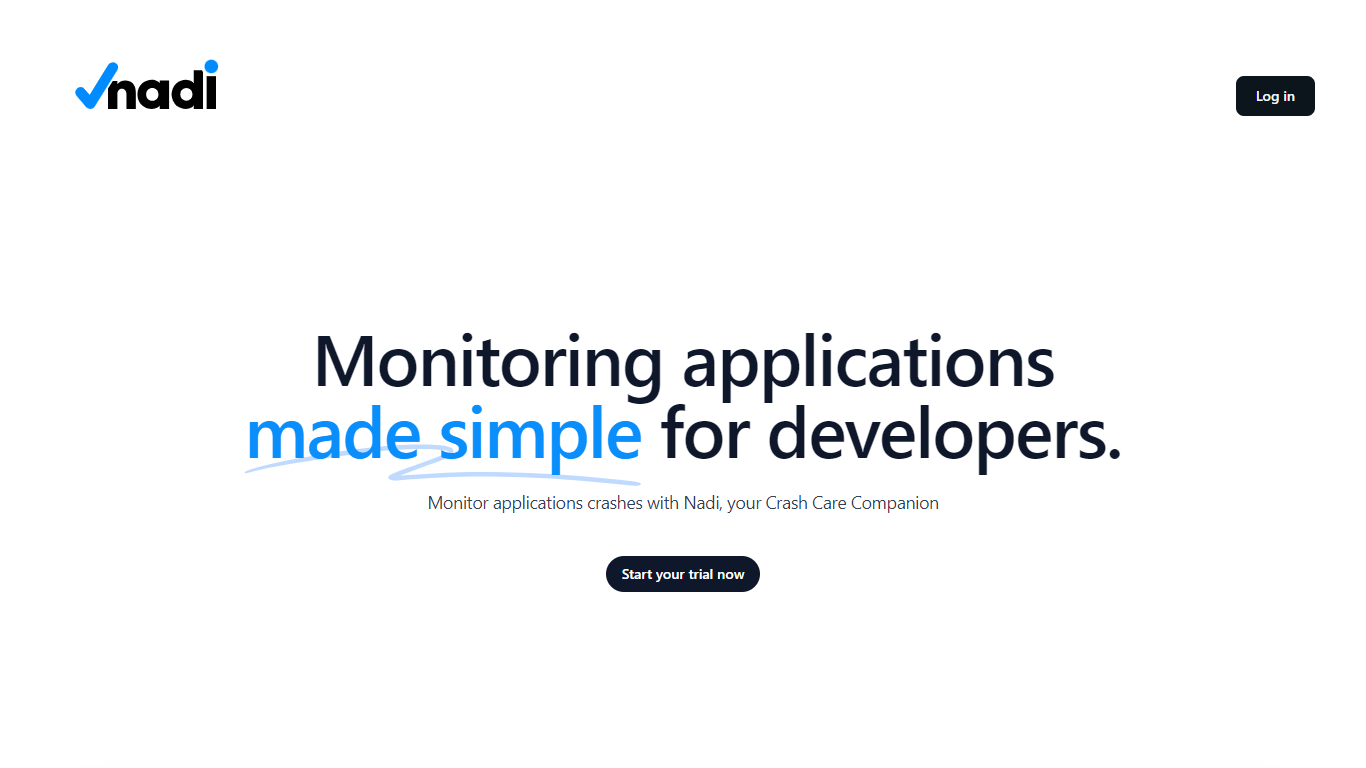

What is Nadi ?
Nadi is a crash care companion for developers who need real-time visibility into application errors and performance. It combines backend error tracking for PHP applications with browser real user monitoring, alerting, and team management in one dashboard. The platform positions itself as the nervous system for your app, capturing exceptions, slow queries, failed jobs, and other issue types with full stack traces and user impact data.
Setup is built around Laravel and PHP first. You install the Nadi Laravel package via Composer, run a single artisan installer command, and add API credentials to your environment. The JavaScript RUM SDK handles Core Web Vitals, session tracking, JavaScript errors, rage click detection, and source map deobfuscation on the frontend. Supported integrations include Laravel, WordPress, and browser JavaScript, with Node.js, Python, and Go SDKs listed as coming soon.
Alerting routes issues to Slack, Microsoft Teams, Telegram, email, and webhooks through configurable rules. Organizations get multi-tenant data isolation, team roles, project grouping, invitations, and audit logs. Nadi offers a free tier for side projects, a Pro plan for growing teams, and custom Enterprise pricing with SSO and SLA options.
PSEUDO.AI

What is PSEUDO.AI?
PSEUDO.AI turns source code into human-readable pseudocode in your browser. You enter a prompt or code snippet, pick a language, and the app returns plain-language steps that read like structured pseudocode rather than raw syntax. It runs on the web at pseudoai.vercel.app with no install, and targets teams who need to explain implementation details to people who do not read code daily.
Most code explainers summarize what a snippet does in prose. PSEUDO.AI keeps the output closer to pseudocode structure, which makes handoffs to designers, product owners, or junior developers easier to scan. The trade-off is focus: it is built for pseudocode conversion, not debugging, testing, or repo-wide documentation. That narrow scope is the point when the goal is shared comprehension, not a full IDE workflow.
Software developers use it to translate tricky logic before code reviews or stakeholder meetings. Computer science students and instructors lean on it when a textbook example needs a readable walkthrough. Product managers and mentors who sit in technical discussions but do not write production code get a format they can follow without parsing braces and semicolons.
Nadi Upvotes
PSEUDO.AI Upvotes
Nadi Top Features
Captures 10 backend issue types including exceptions, slow queries, queue failures, and HTTP errors with stack traces
JavaScript RUM SDK tracks Core Web Vitals, sessions, browser errors, rage clicks, and page load performance
Alert rules route notifications to Slack, Teams, Telegram, email, and webhooks with acknowledge and resolve workflows
Laravel package installs via Composer and auto-discovers with a two-minute setup path
Multi-organization workspaces with team roles, project grouping, invitations, and audit trails
PSEUDO.AI Top Features
Choose from 12 languages on the converter page, including C, C++, C#, Java, Python 3, JavaScript, Node.js, PHP, Kotlin, Swift, and SQL.
Runs entirely in the browser at pseudoai.vercel.app with no downloads required, per the homepage FAQ.
Uses an OpenAI-trained GPT model to generate pseudocode from your code input, according to the site FAQ.
Three-step workflow on the converter: enter a prompt or topic, pick a language, then click GO and copy the output.
Homepage FAQ lists Java, Python, C++, and JavaScript among supported languages, with a broader list on the live converter.
Nadi Category
- Developer
PSEUDO.AI Category
- Developer
Nadi Pricing Type
- Freemium
PSEUDO.AI Pricing Type
- Free