Neptyne vs kasipa (formerly deepsheet)
In the clash of Neptyne vs kasipa (formerly deepsheet), which AI Excel tool emerges victorious? We assess reviews, pricing, alternatives, features, upvotes, and more.
If you had to choose between Neptyne and kasipa (formerly deepsheet), which one would you go for?
Let's take a closer look at Neptyne and kasipa (formerly deepsheet), both of which are AI-driven excel tools, and see what sets them apart. The upvote count reveals a draw, with both tools earning the same number of upvotes. The power is in your hands! Cast your vote and have a say in deciding the winner.
Think we got it wrong? Cast your vote and show us who's boss!
Neptyne
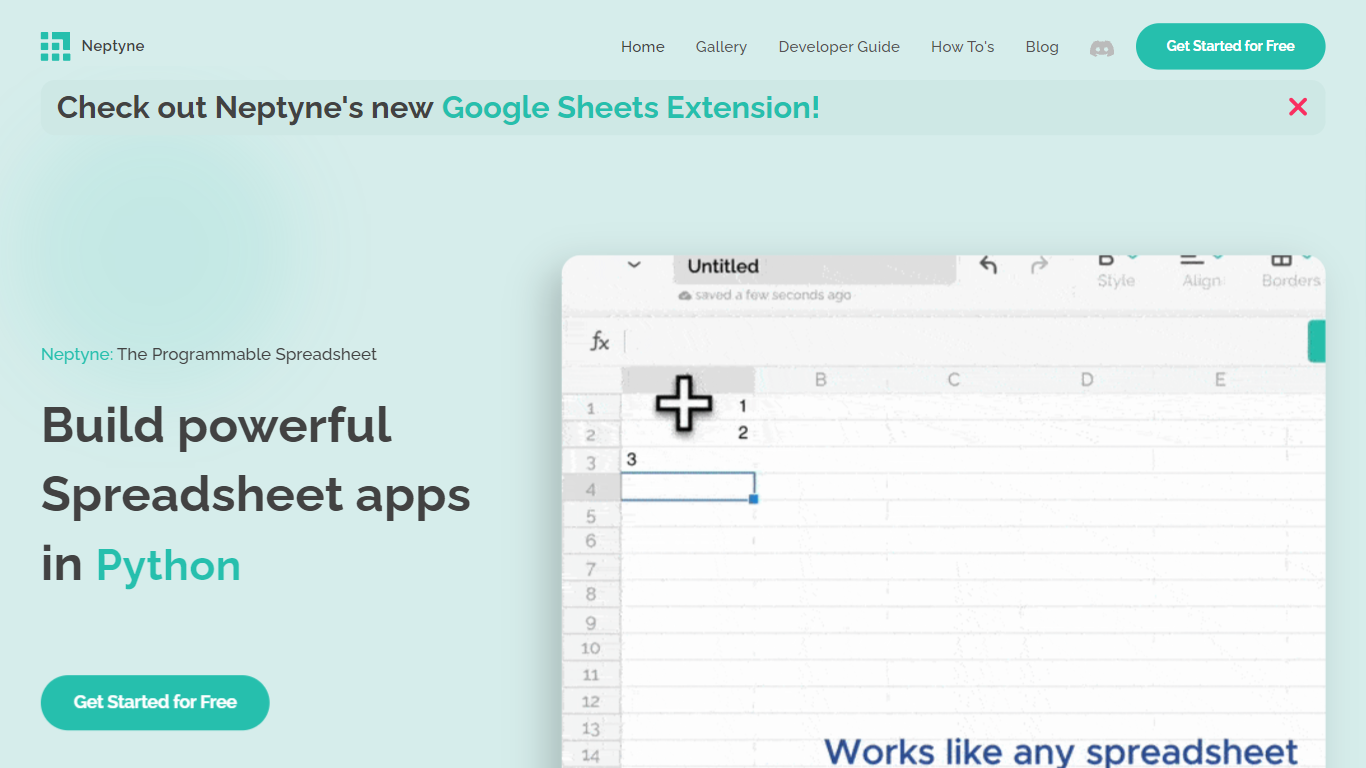

What is Neptyne?
Discover the future of spreadsheet applications with Neptyne: The Programmable Spreadsheet. Neptyne transforms traditional spreadsheets into dynamic and powerful app development platforms by integrating the full capabilities of Python and artificial intelligence. This unique offering is especially advantageous for those who find themselves constrained by the limitations of typical spreadsheet manipulations. With Neptyne, you can easily import data, perform complex statistical analysis, and enjoy extensive visualization options like those available in Jupyter notebooks. Neptyne's AI assistance ensures even beginners can confidently auto-complete data entries, create intricate formulas, and generate code for comprehensive data handling. Additionally, Neptyne operates in the cloud, allowing for seamless collaboration and continuous data processing, giving you the ability to monitor and respond to data in real time. Embrace the power to create productionized data applications with Neptyne's Python ecosystem, and explore their flexible pricing plans that cater to individuals, power users, and teams.
kasipa (formerly deepsheet)
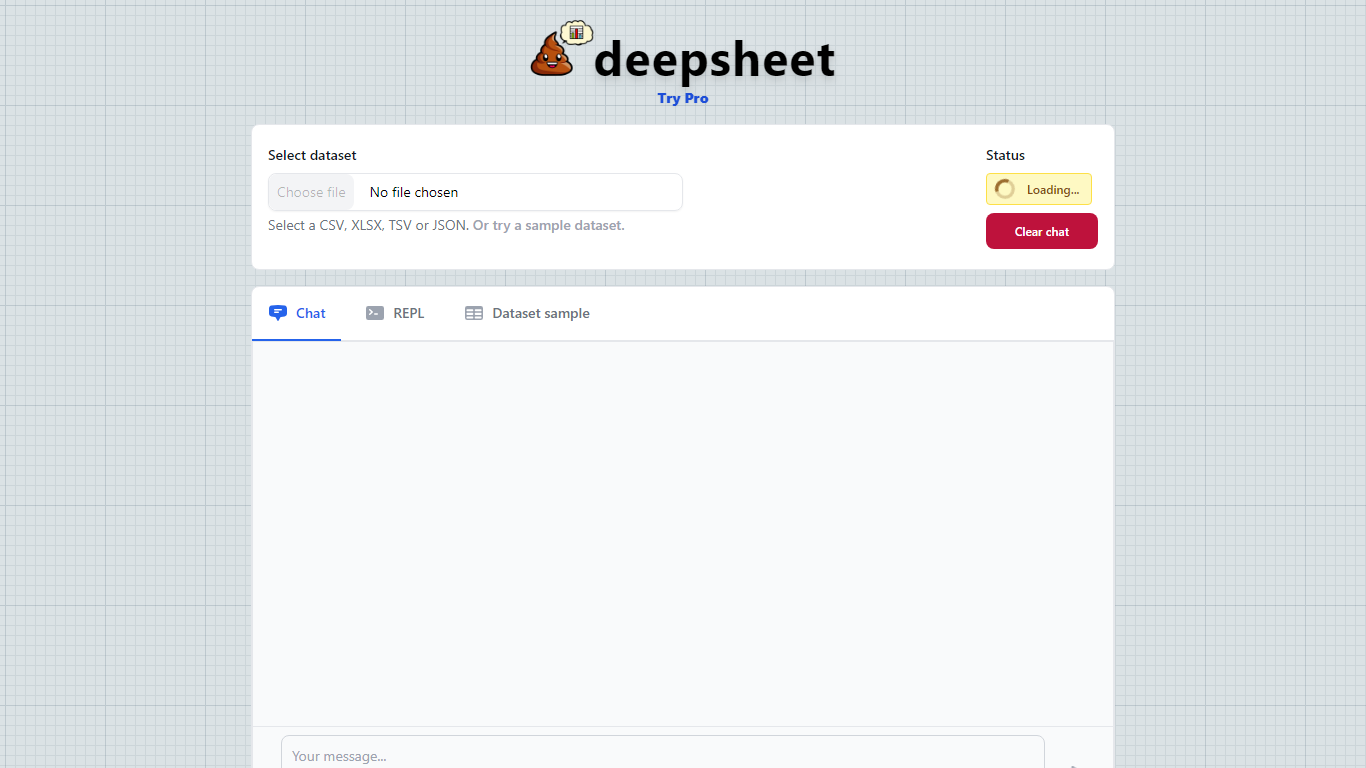
What is kasipa (formerly deepsheet)?
kasipa (formerly deepsheet) is a browser-based data visualization tool that turns spreadsheets into charts and analysis through plain-language questions. Upload a CSV, Excel file, or connect a Google Sheet, describe what you want to see, and get interactive Plotly charts without installing desktop software.
The product runs analysis locally in your browser using WebAssembly, so your spreadsheet data stays on your device during chart generation. You can start from the homepage without creating an account, then refine results with follow-up messages until the chart matches what you need.
Beyond one-off charts, kasipa includes a community showcase where users publish visualizations built from public-interest datasets. The tool also supports multi-sheet Excel workbooks, Google Sheets links, and dedicated CSV and Excel to chart landing pages for quick uploads.
Creator Dylan Castillo built kasipa for analysts, researchers, and business users who want spreadsheet insights without writing code or switching between multiple tools.
Neptyne Upvotes
kasipa (formerly deepsheet) Upvotes
Neptyne Top Features
🐍 Python Powered: Use the full Python ecosystem inside your spreadsheets for advanced calculations and data handling.
🤖 AI Assist: Get help auto-completing data, creating complex formulas, and generating code even if you're new to Python.
☁️ Cloud Collaboration: Work simultaneously with teammates on spreadsheets and code in real time, all saved in the cloud.
📊 Data Visualization: Create rich visualizations and dashboards similar to Jupyter notebooks to explore your data.
🔗 Easy App Sharing: Publish your spreadsheet apps by sharing a simple link, making deployment effortless.
kasipa (formerly deepsheet) Top Features
Upload CSV, Excel (.xlsx/.xls), or paste a Google Sheets link to start charting
Ask questions in plain English and get Plotly charts you can refine with follow-ups
Spreadsheet parsing and chart generation run locally in the browser via WebAssembly
No sign-up required to upload data and build your first visualization
Multi-sheet Excel workbooks let you pick which tab to visualize
Community showcase for browsing and sharing public data visualizations
Bar, line, pie, scatter, histogram, heatmap, and box plot chart types supported
Neptyne Category
- Excel
kasipa (formerly deepsheet) Category
- Excel
Neptyne Pricing Type
- Freemium
kasipa (formerly deepsheet) Pricing Type
- Freemium