Neptyne vs GRID
In the clash of Neptyne vs GRID, which AI Excel tool emerges victorious? We assess reviews, pricing, alternatives, features, upvotes, and more.
When we put Neptyne and GRID head to head, which one emerges as the victor?
Let's take a closer look at Neptyne and GRID, both of which are AI-driven excel tools, and see what sets them apart. Interestingly, both tools have managed to secure the same number of upvotes. Be a part of the decision-making process. Your vote could determine the winner.
Think we got it wrong? Cast your vote and show us who's boss!
Neptyne

What is Neptyne?
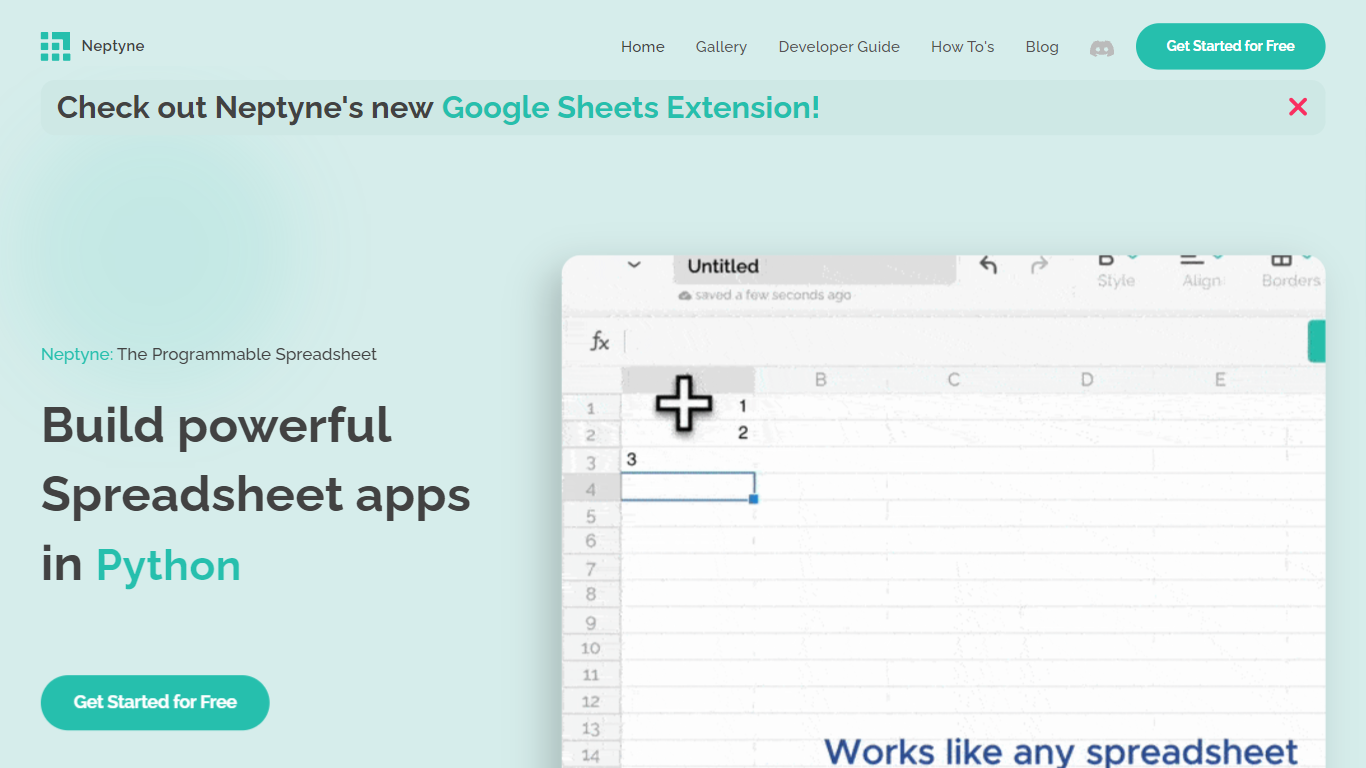
Discover the future of spreadsheet applications with Neptyne: The Programmable Spreadsheet. Neptyne transforms traditional spreadsheets into dynamic and powerful app development platforms by integrating the full capabilities of Python and artificial intelligence. This unique offering is especially advantageous for those who find themselves constrained by the limitations of typical spreadsheet manipulations. With Neptyne, you can easily import data, perform complex statistical analysis, and enjoy extensive visualization options like those available in Jupyter notebooks. Neptyne's AI assistance ensures even beginners can confidently auto-complete data entries, create intricate formulas, and generate code for comprehensive data handling. Additionally, Neptyne operates in the cloud, allowing for seamless collaboration and continuous data processing, giving you the ability to monitor and respond to data in real time. Embrace the power to create productionized data applications with Neptyne's Python ecosystem, and explore their flexible pricing plans that cater to individuals, power users, and teams.
GRID
What is GRID?
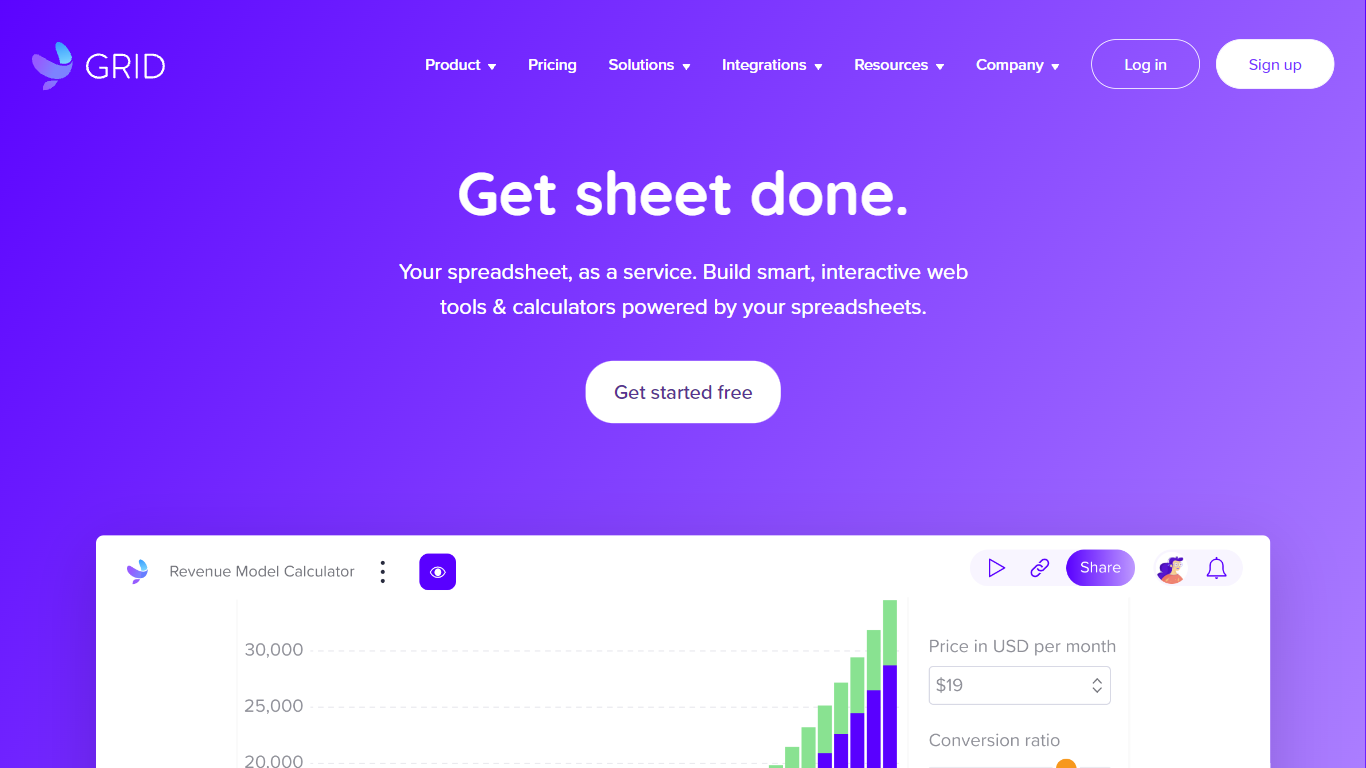
GRID is a spreadsheet engine built for agentic products. Developers install @grid-is/spreadsheet-engine from npm and embed Excel-compatible calculations directly in browsers, Node.js servers, or on-premise infrastructure. Agents call structured spreadsheet operations instead of generating code, which cuts token use and keeps recalculation deterministic.
The platform ships as a family of npm packages: a headless engine for logic, a themeable Spreadsheet Viewer for read-only display, a Spreadsheet Editor for in-product editing, and an Excel add-in for domain-specific skills inside Excel. GRID also publishes agent skills (npx skills add GRID-is/skills) so coding agents like Cursor and Claude Code can scaffold spreadsheet editors quickly.
GRID targets software teams that need spreadsheet reliability inside their own products. The engine runs nearly 200,000 automated unit tests and supports real-world Excel and Google Sheets compatibility. Major investment banks and a leading LLM provider use GRID as core spreadsheet infrastructure.
Founded in 2018 in Reykjavik, Iceland, GRID also offers Calculator Studio for interactive calculators built on spreadsheet models. Evaluation licenses are free for development and testing; commercial licenses are required when shipping to customers.
Neptyne Upvotes
GRID Upvotes
Neptyne Top Features
🐍 Python Powered: Use the full Python ecosystem inside your spreadsheets for advanced calculations and data handling.
🤖 AI Assist: Get help auto-completing data, creating complex formulas, and generating code even if you're new to Python.
☁️ Cloud Collaboration: Work simultaneously with teammates on spreadsheets and code in real time, all saved in the cloud.
📊 Data Visualization: Create rich visualizations and dashboards similar to Jupyter notebooks to explore your data.
🔗 Easy App Sharing: Publish your spreadsheet apps by sharing a simple link, making deployment effortless.
GRID Top Features
Headless TypeScript engine (
@grid-is/spreadsheet-engine) runs in browser, Node.js, or your own serversAgents read, write, and recalculate spreadsheets through structured calls instead of generated code
Spreadsheet Viewer and Editor npm packages render themeable UI inside your product without a backend
Excel add-in runs domain skills with the engine so models never corrupt the underlying workbook
Nearly 200,000 automated unit tests back Excel and Google Sheets compatibility
Neptyne Category
- Excel
GRID Category
- Excel
Neptyne Pricing Type
- Freemium
GRID Pricing Type
- Freemium