NeuralStudio vs Humata
In the clash of NeuralStudio vs Humata, which AI Data Science tool emerges victorious? We assess reviews, pricing, alternatives, features, upvotes, and more.
If you had to choose between NeuralStudio and Humata, which one would you go for?
Let's take a closer look at NeuralStudio and Humata, both of which are AI-driven data science tools, and see what sets them apart. The upvote count shows a clear preference for Humata. Humata has attracted 8 upvotes from aitools.fyi users, and NeuralStudio has attracted 6 upvotes.
Feeling rebellious? Cast your vote and shake things up!
NeuralStudio

What is NeuralStudio?
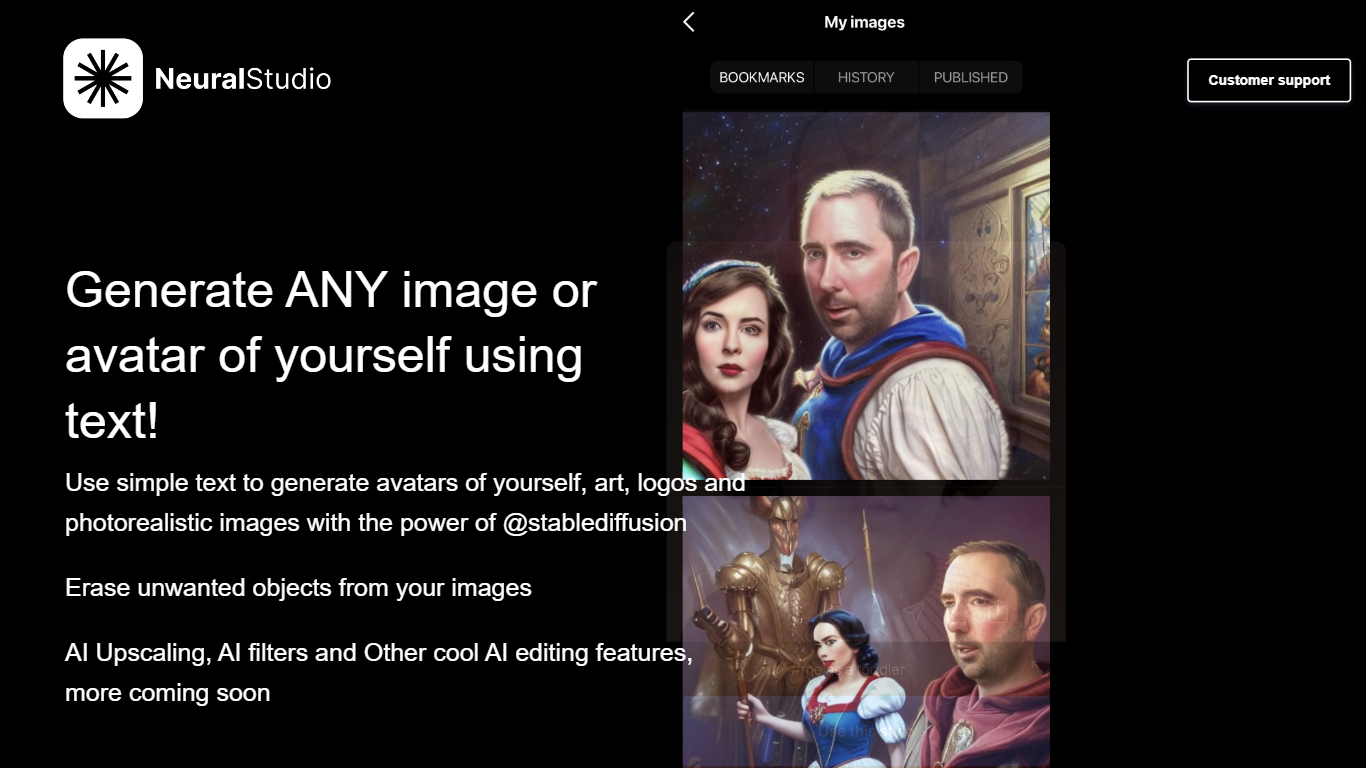
NeuralStudio turns text prompts into avatars, art, logos, and photorealistic images through Stable Diffusion on neural.cam. You describe what you want in plain language and get generated visuals without opening a separate design tool. The same workspace also removes unwanted objects from photos and applies AI upscaling and filter effects.
Compared with general-purpose image editors that need manual masking for object removal, NeuralStudio bundles generation and cleanup in one Stable Diffusion-powered flow. That combination targets creators who want quick avatar variants and touch-up edits without switching between a generator and a photo editor.
Social media creators, indie designers, and hobbyists use NeuralStudio for profile avatars, logo drafts, and quick image cleanup. The product is published in partnership with MWM. Support is available at [email protected].
Humata
What is Humata?
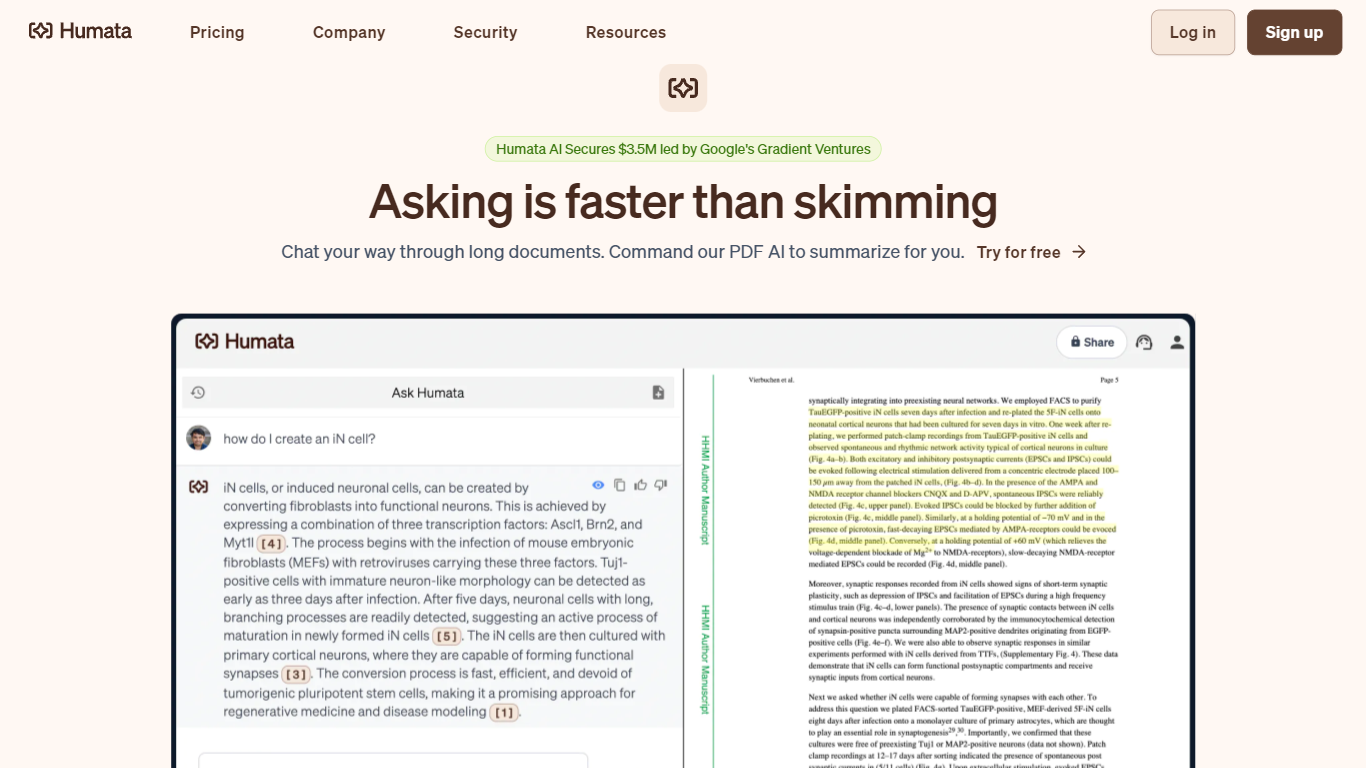
Humata turns uploaded PDFs and documents into a searchable knowledge base you can question in plain language. Upload files, ask questions, and get answers with citations pointing back to the source pages. Teams use it to summarize research papers, compare documents, and pull facts from dense technical reports without reading every page.
General chatbots answer from training data, not your files. Humata reads every document you upload and grounds each response in that content with linked citations. You can ask follow-up questions, request shorter summaries, and embed the chat widget on your own site so customers query your documentation directly.
Researchers, analysts, and educators use Humata to get through long papers faster. Enterprise teams get role-based access controls, encrypted file storage, and department-level permissions on the Team plan. The Expert plan fits small groups of up to three users who need more than the 60-page free allowance.
NeuralStudio Upvotes
Humata Upvotes
NeuralStudio Top Features
Text-to-image generation for avatars, art, logos, and photorealistic scenes via Stable Diffusion
Object eraser removes unwanted elements from existing photos
AI upscaling sharpens image resolution beyond the original capture
AI filter effects for stylized output without manual layer editing
Published in partnership with MWM for expanded distribution reach
Support contact at [email protected] for generation and editing help
Humata Top Features
Free plan includes 60 pages and up to 10 answers per month
Every answer includes citations linking back to source document sections
Expert plan at $9.99 per month covers 500 pages and 3 users
Team plan adds OCR for scanned documents and folder-level permissions
Embeddable chat widget drops into any webpage with a single click
NeuralStudio Category
- Data Science
Humata Category
- Data Science
NeuralStudio Pricing Type
- Freemium
Humata Pricing Type
- Freemium