No-Code Scraper vs SimpleScraper
In the battle of No-Code Scraper vs SimpleScraper, which AI Web Scraping tool comes out on top? We compare reviews, pricing, alternatives, upvotes, features, and more.
Between No-Code Scraper and SimpleScraper, which one is superior?
Upon comparing No-Code Scraper with SimpleScraper, which are both AI-powered web scraping tools, Neither tool takes the lead, as they both have the same upvote count. Be a part of the decision-making process. Your vote could determine the winner.
Want to flip the script? Upvote your favorite tool and change the game!
No-Code Scraper
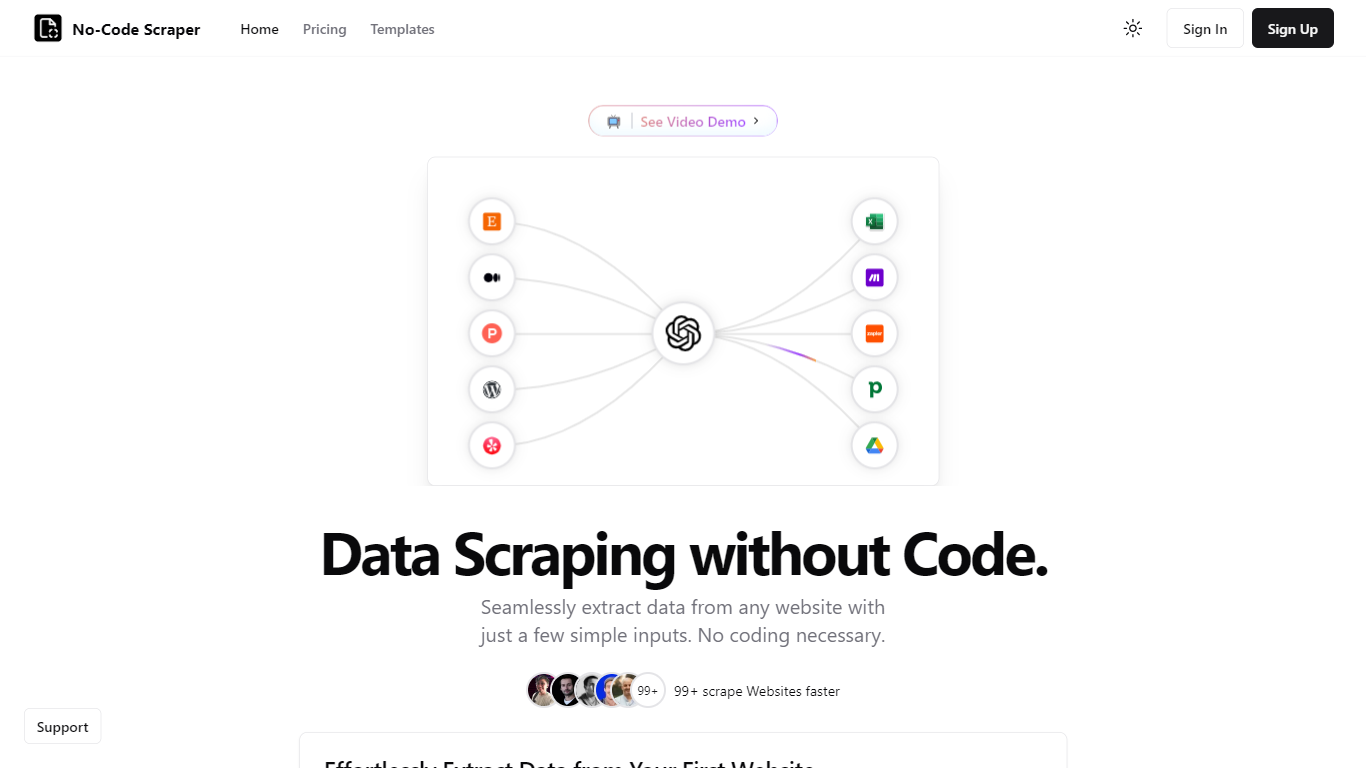

What is No-Code Scraper?
No-Code Scraper pulls structured web data through reusable templates instead of custom scripts. You import URLs, describe the fields you want in a template, and launch a job that exports cleaned rows to CSV, Excel, or JSON without writing HTML selectors or Python.
Where point-and-click scrapers break when a site redesigns its layout, No-Code Scraper uses large language models to adapt extraction when page structure shifts. One template can scrape thousands of similar sites, and optional Google Cache mode helps bypass basic anti-bot blocks.
Analysts, marketers, and founders who need product listings, directory data, or research tables use it when they want scraping output ready for spreadsheets or Google Sheets, not raw HTML dumps that need hours of cleanup.
SimpleScraper
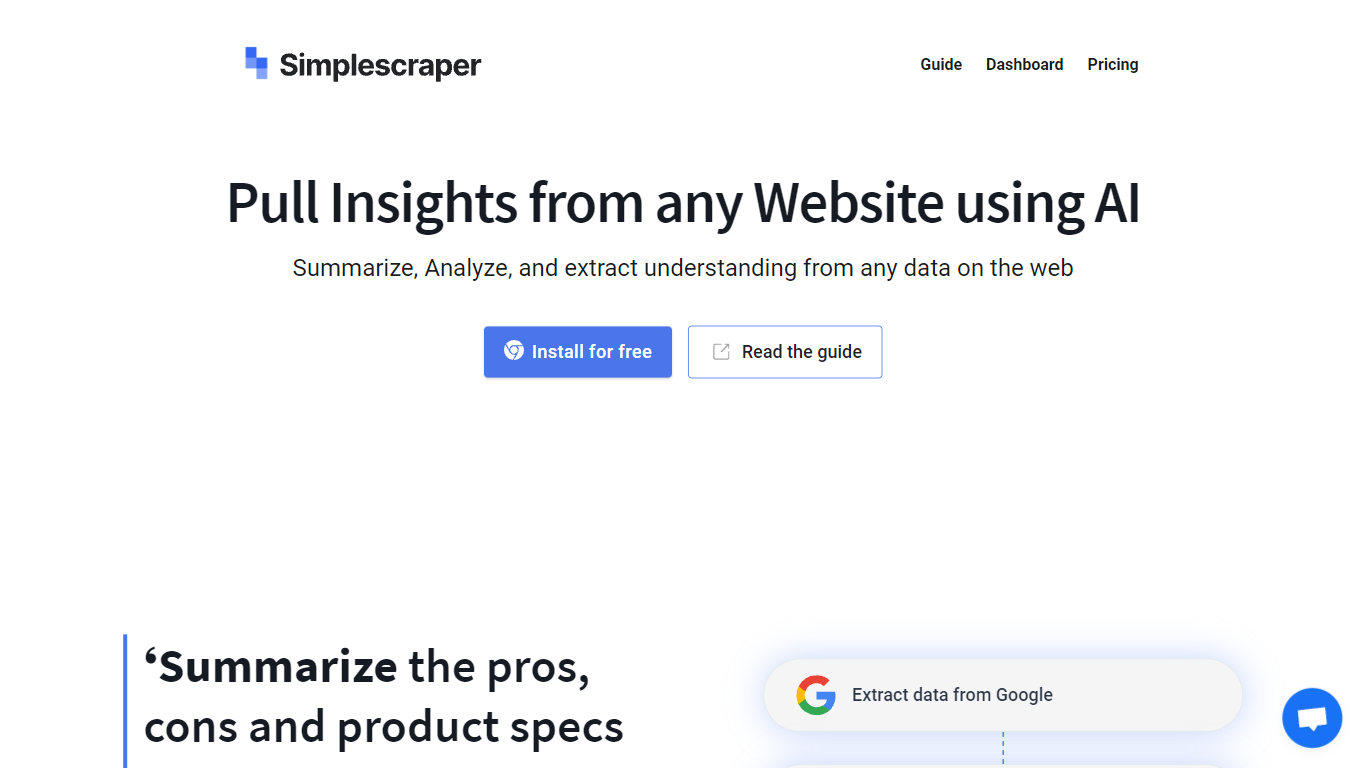
What is SimpleScraper?
SimpleScraper helps you pull structured data from websites using a Chrome extension, a cloud dashboard, or an API. Click elements on a page to build scrape recipes, run them in the browser for instant results, or schedule recurring jobs that export to CSV, JSON, or Markdown.
The platform layers AI on top of extraction workflows. You can summarize scraped rows, extract structured fields from unstructured text, rename columns automatically, or run Smart Extract to pull data from a URL without manual selector setup. Recipes can feed Google Sheets, Airtable, Zapier, Make, webhooks, or your inbox.
It suits no-code analysts, growth teams, and developers who need repeatable web data without maintaining custom scrapers. Browser scraping works for quick one-off pulls, while cloud scraping handles pagination, bulk URL lists up to 5,000 links, login-protected pages, and scheduled runs.
No-Code Scraper Upvotes
SimpleScraper Upvotes
No-Code Scraper Top Features
Starter plan at $16.99 per month includes 400 credits and a 5-day free trial
Pro at $19.99 per month adds Google Sheets, Notion, and Airtable exports
Expert at $25.99 per month unlocks API access and premium proxy support
Credit calculator lists scrape-and-extract jobs at 5 credits on simple pages
Optional Google Cache mode circumvents some anti-scraping measures
Supports pagination, load-more buttons, and multi-page scraping flows
SimpleScraper Top Features
Point-and-click Chrome extension that detects lists and builds scrape recipes in seconds
Cloud crawler handles up to 5,000 URLs per recipe with pagination and infinite scroll
AI Enhance summarizes rows, extracts structured fields, or rewrites values from natural-language prompts
Push results to Google Sheets, Airtable, Zapier, Make, webhooks, or email on each run
Extract API v1, Screenshot API, and MCP server for programmatic and agent-driven workflows
No-Code Scraper Category
- Web Scraping
SimpleScraper Category
- Web Scraping
No-Code Scraper Pricing Type
- Freemium
SimpleScraper Pricing Type
- Freemium