NocoAI vs Alpha3D
Explore the showdown between NocoAI vs Alpha3D and find out which AI Web Apps tool wins. We analyze upvotes, features, reviews, pricing, alternatives, and more.
When comparing NocoAI and Alpha3D, which one rises above the other?
When we contrast NocoAI with Alpha3D, both of which are exceptional AI-operated web apps tools, and place them side by side, we can spot several crucial similarities and divergences. Both tools have received the same number of upvotes from aitools.fyi users. Be a part of the decision-making process. Your vote could determine the winner.
Want to flip the script? Upvote your favorite tool and change the game!
NocoAI
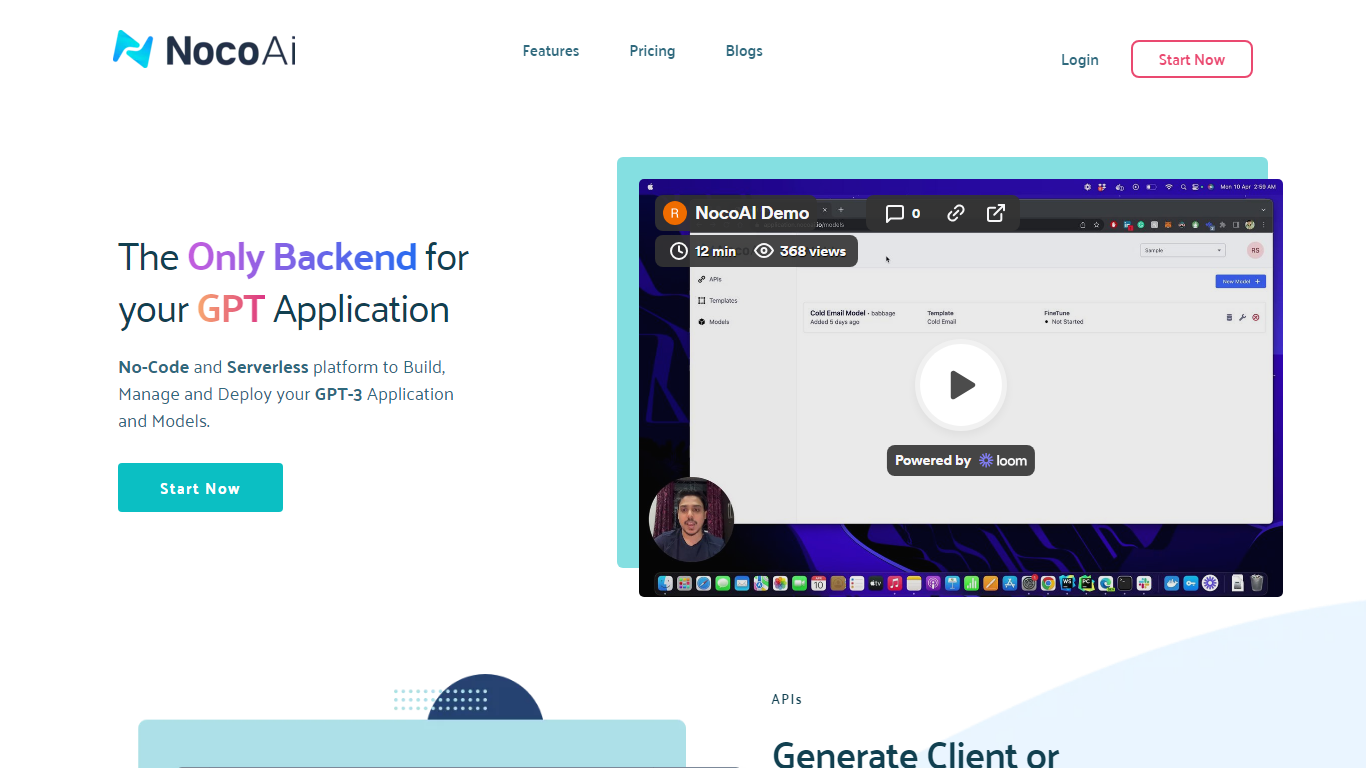

What is NocoAI?
NocoAI revolutionizes the deployment of GPT-based applications with its no-code, serverless platform, designed for simplicity and effectiveness. It empowers businesses to create custom models and API endpoints that cater to the client or backend needs. With NocoAI, you gain the ability to define prompt templates using the Mustache template engine, leading to highly personalized input for fine-tuning applications. The platform offers a unique feature enabling you to control OpenAI costs with request and user limits on your APIs, while the upcoming feature to analyze API usage promises an even more refined custom model optimization. Moreover, the NocoAI team stands ready to assist non-developers in adding datasets for further model fine-tuning via a user-friendly interface.
Alpha3D
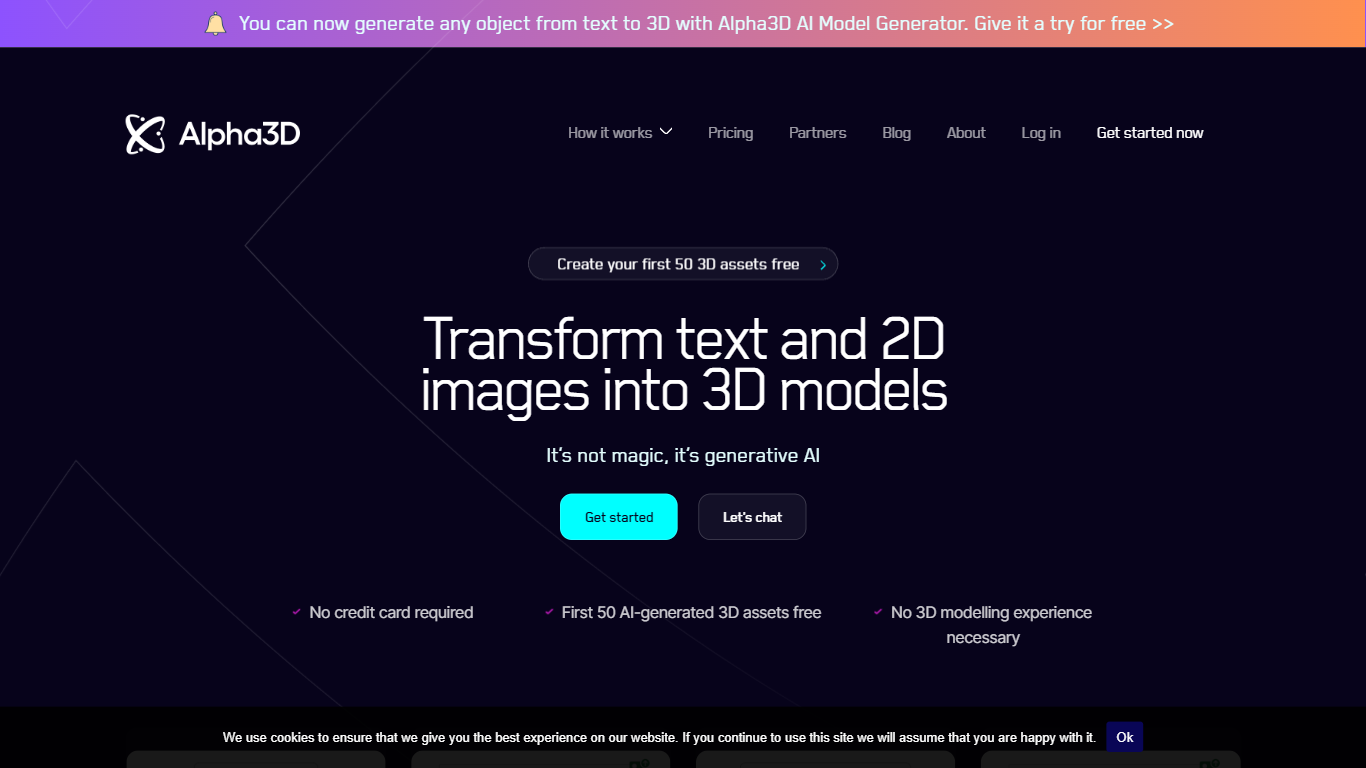
What is Alpha3D?
Alpha3D turns a text prompt or product photo into a game-ready 3D model, then walks the asset through retopology, UV unwrapping, texturing, rigging, and export in one browser tab. You can start from Generate with a single image, up to eight reference angles, or a written description, and the mesh lands in your library in about one to three minutes. The whole pipeline lives in a web app, so you never hand the mesh off to a separate DCC tool mid-job.
Most AI 3D generators hand you a raw mesh and leave Blender cleanup to you. Alpha3D keeps the same asset in one tab for Smart Topology, UV Unwrapping, AI Texturing, AI Rigging, and Convert 3D, so the finished file is what your engine expects rather than a turntable demo. Workflows adds a node canvas to chain those steps and rerun them across batches.
Indie developers use it to skip DCC handoffs before Unity or Unreal import. E-commerce teams feed multi-view product photos and export GLB for model-viewer and AR Quick Look. Alphred, the built-in chat agent, drives the same tools from natural language when you would rather describe the asset than click through ten pages.
NocoAI Upvotes
Alpha3D Upvotes
NocoAI Top Features
No-Code Platform: Utilize a serverless environment to build and deploy GPT applications without coding.
API Generation: Easily generate client or backend APIs with custom or inbuilt models.
Template Customization: Define prompt templates and variables with the Mustache template engine for personalized API inputs.
Cost Control: Implement request and user limits to manage OpenAI costs effectively.
Non-Developer Friendly: Engage the NocoAI team for assistance in dataset addition and model fine-tuning.
Alpha3D Top Features
One-tab pipeline from prompt or photo through retopology, UV unwrap, texturing, rigging, and GLB, FBX, OBJ, or STL export
Alphred agent runs every tool from chat on a separate monthly Token balance from 1,000 on Tester to 32,000 on Creator Pro
High-res text or image to 3D with PBR materials costs 42 credits; Smart Topology retopology costs 60 credits per job
REST API and MCP connectors for Claude and ChatGPT ship on every plan, including the 5 euro Tester tier
Multi-view generation accepts up to 4 reference photos on Basic and up to 8 on Creator Pro
Workflows node canvas chains generation, retopo, UV, texturing, and rigging into reusable batch graphs
NocoAI Category
- Web Apps
Alpha3D Category
- Web Apps
NocoAI Pricing Type
- Freemium
Alpha3D Pricing Type
- Paid