NocoAI vs Amazing AI
Compare NocoAI vs Amazing AI and see which AI Web Apps tool is better when we compare features, reviews, pricing, alternatives, upvotes, etc.
Which one is better? NocoAI or Amazing AI?
When we compare NocoAI with Amazing AI, which are both AI-powered web apps tools, The upvote count is neck and neck for both NocoAI and Amazing AI. The power is in your hands! Cast your vote and have a say in deciding the winner.
You don't agree with the result? Cast your vote to help us decide!
NocoAI
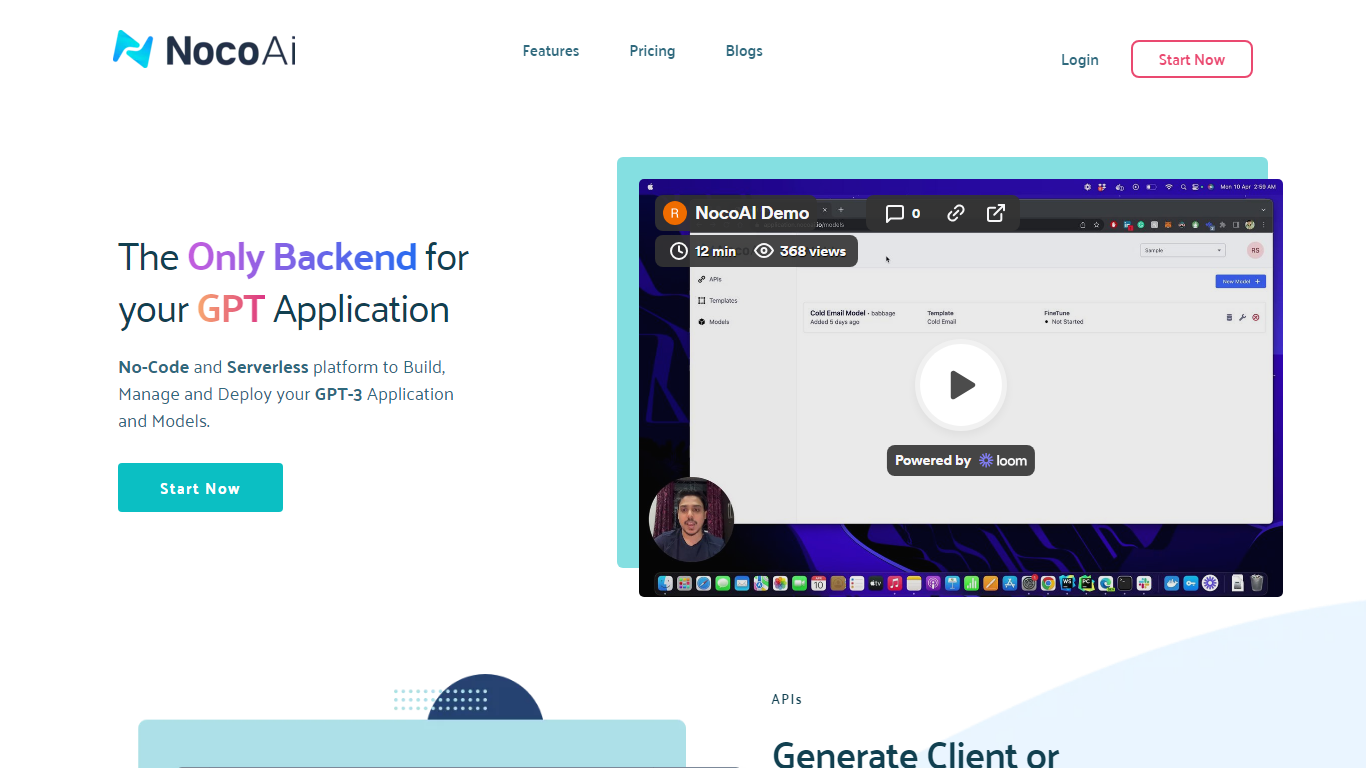

What is NocoAI?
NocoAI revolutionizes the deployment of GPT-based applications with its no-code, serverless platform, designed for simplicity and effectiveness. It empowers businesses to create custom models and API endpoints that cater to the client or backend needs. With NocoAI, you gain the ability to define prompt templates using the Mustache template engine, leading to highly personalized input for fine-tuning applications. The platform offers a unique feature enabling you to control OpenAI costs with request and user limits on your APIs, while the upcoming feature to analyze API usage promises an even more refined custom model optimization. Moreover, the NocoAI team stands ready to assist non-developers in adding datasets for further model fine-tuning via a user-friendly interface.
Amazing AI
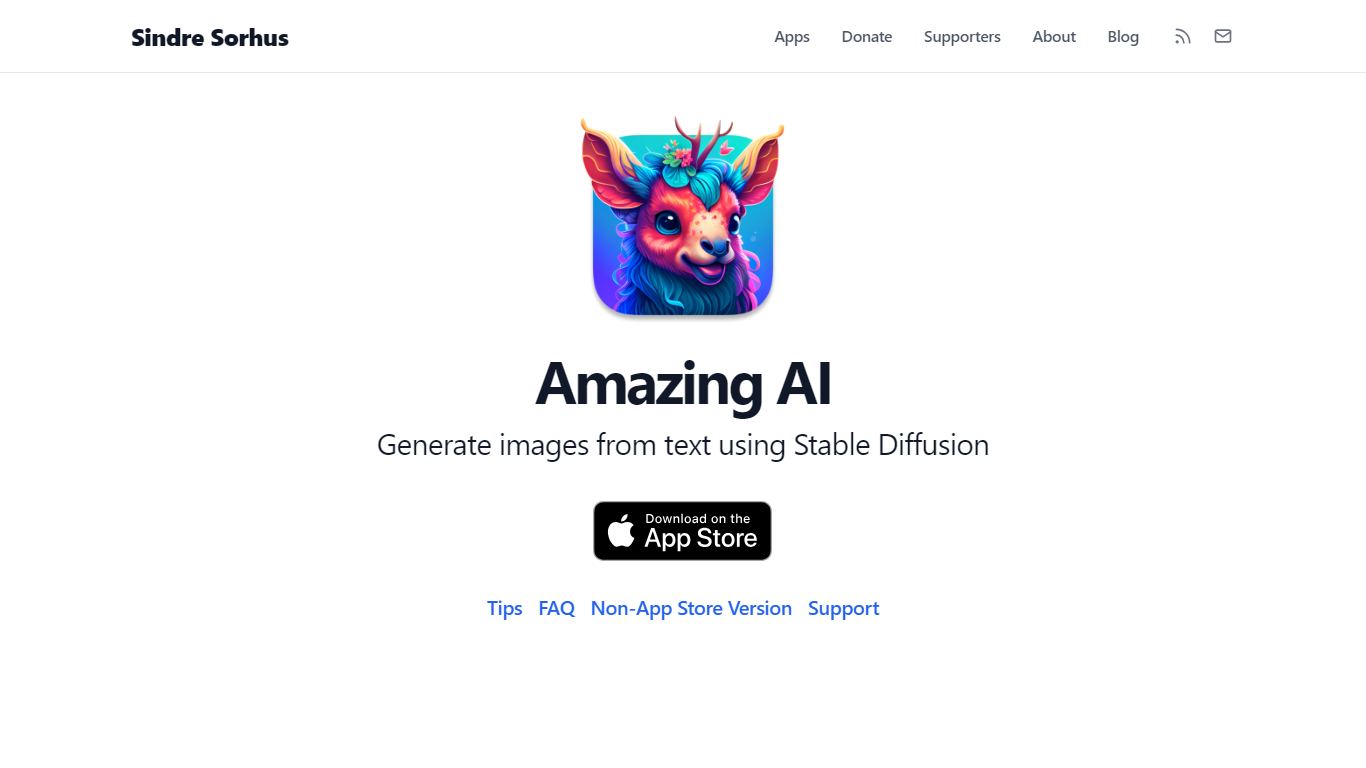
What is Amazing AI?
Amazing AI turns text descriptions into images with Stable Diffusion 1.5 on your Mac, iPhone, iPad, or Vision Pro, with every generation running locally on the device. Prompts never leave your hardware. The app targets the Apple Neural Engine and Core ML stack, so it fits quick productivity workflows where you want images without cloud queues, accounts, or upload delays.
Browser-based Stable Diffusion tools wrap Electron or send jobs to remote GPUs. Amazing AI stays narrow on purpose: a sandboxed App Store app with a native interface, Shortcuts support, batch runs across different prompts, and automatic upscaling. It skips inpainting, custom model imports, and non-square aspect ratios that broader tools like DiffusionBee offer.
Apple silicon Mac users, iPhone 15 Pro owners, and iPad users with M-series chips get a free app with no ads. macOS users can add negative prompts after a ## separator, browse results with keyboard shortcuts, and save images with embedded metadata tags for smart folders in Finder.
NocoAI Upvotes
Amazing AI Upvotes
NocoAI Top Features
No-Code Platform: Utilize a serverless environment to build and deploy GPT applications without coding.
API Generation: Easily generate client or backend APIs with custom or inbuilt models.
Template Customization: Define prompt templates and variables with the Mustache template engine for personalized API inputs.
Cost Control: Implement request and user limits to manage OpenAI costs effectively.
Non-Developer Friendly: Engage the NocoAI team for assistance in dataset addition and model fine-tuning.
Amazing AI Top Features
Stable Diffusion 1.5 runs locally on macOS, iOS, and visionOS with no cloud upload
Negative prompts via ## syntax after your main prompt (e.g., photo of a cake ## strawberry, out of frame)
macOS preview shortcuts: arrow keys to browse, Space to save, Command+C to copy
Batch generation of different prompts in one run, unlike same-prompt-only batch tools
Requires Apple silicon on Mac; iOS needs iPhone 15 Pro or iPad with M1 chip minimum
Saved macOS images include prompt and steps metadata visible in Finder Get Info
NocoAI Category
- Web Apps
Amazing AI Category
- Web Apps
NocoAI Pricing Type
- Freemium
Amazing AI Pricing Type
- Free