Notta vs Flux
In the clash of Notta vs Flux, which AI tool emerges victorious? We assess reviews, pricing, alternatives, features, upvotes, and more.
When we put Notta and Flux head to head, which one emerges as the victor?
Let's take a closer look at Notta and Flux, both of which are AI-driven tools, and see what sets them apart. Flux stands out as the clear frontrunner in terms of upvotes. Flux has been upvoted 11 times by aitools.fyi users, and Notta has been upvoted 7 times.
Disagree with the result? Upvote your favorite tool and help it win!
Notta

What is Notta?
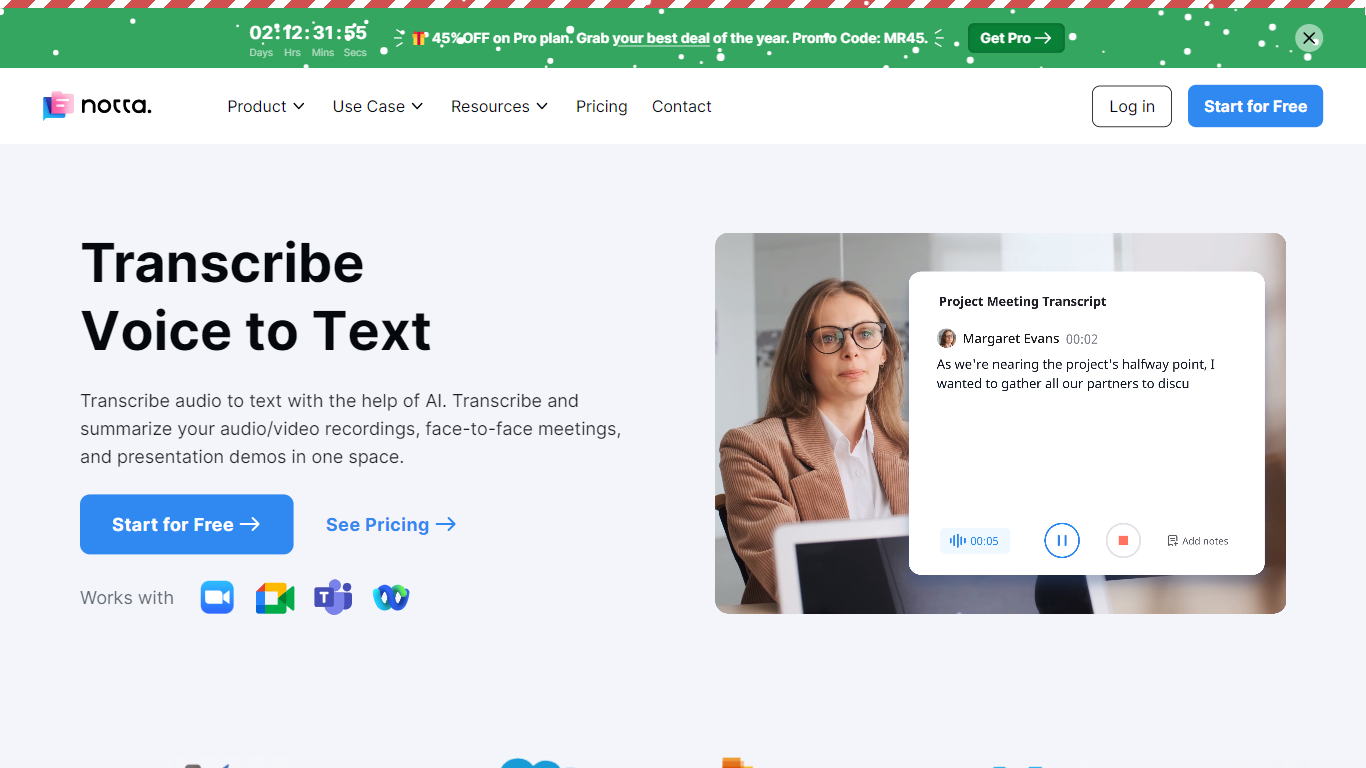
Notta offers a comprehensive solution for converting audio to text using advanced AI technology. With Notta, users can transcribe and summarize audio/video recordings, live meetings, and presentations, all in a unified platform. Designed for simplicity, Notta is accessible across different devices, with a web app, mobile app, and Chrome extension available to cater to various user needs. Transcription is made effortless with one-click operations, and support for 104 languages ensures a wide reach. In addition to transcription, the platform offers real-time translation, meeting recording, AI-powered summarization, and schedule automation. Note-taking is transformed to be efficient and manageable thanks to Notta, making it particularly valuable in contexts such as interviews, education, podcasts, and medical care. The platform champions security with GDPR and SOC 2 compliance, using AWS for secure data storage. The user-friendly service provides fast, accurate transcriptions and summaries that can be exported to multiple formats and shared easily with team members or clients.
Flux

What is Flux?
Flux runs ECAD in the browser so hardware engineers design printed circuit boards from idea through manufacturing without desktop installs. You describe what you want to build, and Flux Copilot plans the work, generates schematics and layouts, and checks in before key steps so you stay in control.
Compared with traditional desktop ECAD suites, Flux combines collaborative schematic and layout editing with live component data, supply chain pricing, and explainable automation in one workspace. Copilot handles planning, part research, BoM generation, placement, routing, and design reviews while you approve key steps instead of clicking through every net manually.
Flux supports multi-layer PCBs up to eight layers for IoT devices, wearables, robotics, and production-bound hardware. You can import from Altium, Cadence, KiCad, Eagle, and EasyEDA, then export Gerbers, drill files, BoMs, pick-and-place files, and standard netlists for fabrication.
Notta Upvotes
Flux Upvotes
Notta Top Features
Transcription: One-click speech-to-text conversion for both live and recorded audio.
Translation: Real-time language translation for accessibility in 104 languages.
Recording: Direct meeting and call recording from any device with no installation required.
Summarizer: Advanced AI that condenses text into actionable summaries.
Scheduler: Integration with Google Calendar for seamless event scheduling and meeting transcriptions.
Flux Top Features
Describe a board in plain language and Copilot maps a plan for approval
Generates schematics, BoMs, and layouts with placement and routing
Runs design reviews for unconnected pins, missing caps, and tolerance issues
Multi-layer PCBs up to eight layers, from prototype to production
Imports Altium, Cadence, KiCad, Eagle, and EasyEDA projects
Exports Gerbers, drill files, BoM, pick-and-place, and netlists
14-day free trial covers all features before Explore, Build, or Pro billing starts
Notta Category
- Meeting Assistant
Flux Category
- Design
Notta Pricing Type
- Freemium
Flux Pricing Type
- Freemium