Office Translator vs Trancy
In the contest of Office Translator vs Trancy, which AI Translation tool is the champion? We evaluate pricing, alternatives, upvotes, features, reviews, and more.
If you had to choose between Office Translator and Trancy, which one would you go for?
When we examine Office Translator and Trancy, both of which are AI-enabled translation tools, what unique characteristics do we discover? There's no clear winner in terms of upvotes, as both tools have received the same number. You can help us determine the winner by casting your vote and tipping the scales in favor of one of the tools.
Feeling rebellious? Cast your vote and shake things up!
Office Translator
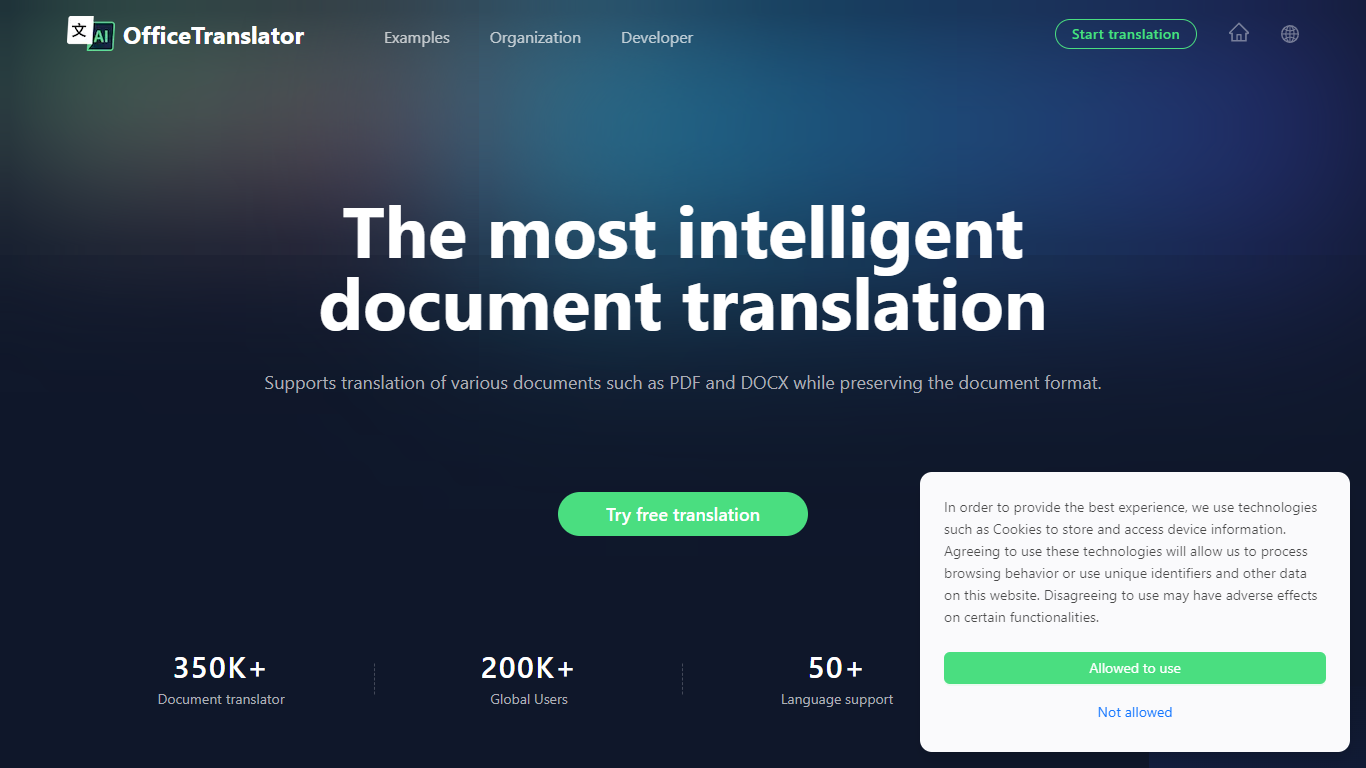

What is Office Translator?
Office Translator revolutionizes document translation with its state-of-the-art artificial intelligence. This cutting-edge platform is designed to handle an array of document types, including PDF, DOCX, XLSX, PPT, and EPUB.
Catering to diverse sectors such as legal, finance, and gaming, Office Translator ensures that your documents retain their original formatting post-translation, delivering a seamless content experience. With support for over 50 languages and a variety of document formats, this tool goes beyond the capabilities of traditional translators.
At an incredibly low cost and with a user-friendly process that includes a no-commitment preview, Office Translator stands out as a smart choice for individuals and organizations alike looking to bridge language barriers efficiently.
Trancy
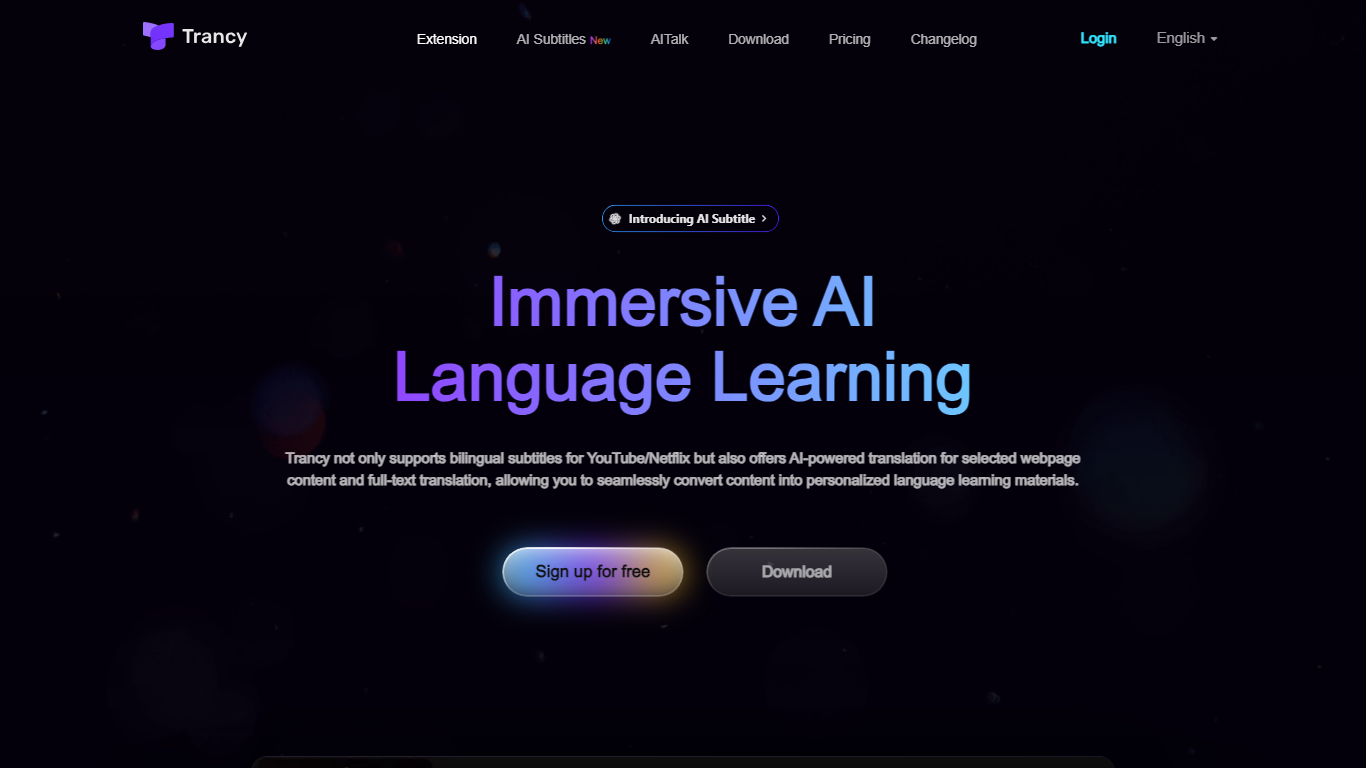
What is Trancy?
Elevate your language learning experience with Trancy for Chrome, the extension transforming how you understand and practice up to 10 languages with powerful AI features. Dive into bilingual subtitles for popular platforms like YouTube and Netflix, enjoy a personalized reading mode, and translate full-text webpage content in a snap. Whether you need to master sentence structures or enrich your vocabulary with AI-powered word lookup, Trancy is your go-to solution. With convenient tools like listening and speaking practice, AI sentence segmentation, and customizable settings, language acquisition has never been so immersive and efficient. Compatible with a range of websites and boasting a user-friendly interface, get ready to learn languages anytime, anywhere. Enhance your proficiency with Trancy’s intelligent features!
Office Translator Upvotes
Trancy Upvotes
Office Translator Top Features
Smarter Translation: Utilizes large language models to enhance semantic understanding and context application, elevating the quality of translations.
Low Cost: Affordable translation services with prices starting at approximately $1 for a 20,000-word document.
Flexible Previews: Offers free previews of document translations to gauge quality before committing to a full translation.
Format Preservation: Maintains the integrity of the original document's format during translation.
Secure Storage: Provides secure storage solutions for translated documents with easy access on various devices.
Trancy Top Features
Bilingual Subtitles: Accurate subtitles translation for YouTube/Netflix enhancing listening and oral practice.
Subtitle Reading Mode: Innovative mode for focused learning with video context summarized in adjustable text.
AI Word Lookup: Quick definitions and example collections with OpenAI integration for vocabulary building.
Full-Text Immersive Translation: Contextual understanding of webpage content with customizable translation engines.
Custom Learning Tools: Personalize your language study with saved videos sentences and word highlights.
Office Translator Category
- Translation
Trancy Category
- Translation
Office Translator Pricing Type
- Freemium
Trancy Pricing Type
- Freemium