Omnipilot vs Just Prompts
Dive into the comparison of Omnipilot vs Just Prompts and discover which AI Code Assistant tool stands out. We examine alternatives, upvotes, features, reviews, pricing, and beyond.
When comparing Omnipilot and Just Prompts, which one rises above the other?
When we compare Omnipilot and Just Prompts, two exceptional code assistant tools powered by artificial intelligence, and place them side by side, several key similarities and differences come to light. The upvote count reveals a draw, with both tools earning the same number of upvotes. Join the aitools.fyi users in deciding the winner by casting your vote.
Think we got it wrong? Cast your vote and show us who's boss!
Omnipilot

What is Omnipilot?
Omnipilot enables users to type and automate tasks across any application on macOS by understanding the full context of the screen. It assists with writing emails, generating code, and running terminal commands, reducing repetitive work through intelligent autocompletion and context-aware suggestions.
What distinguishes Omnipilot from other tools is its deep integration with macOS and its ability to adapt suggestions based on visible screen content. Unlike simpler text completion tools, it offers automation capabilities such as terminal command generation and execution, making it valuable for developers and professionals.
Omnipilot is available for immediate download without a waitlist, emphasizing quick access and ease of use. While it focuses exclusively on macOS, its versatility spans from simple text generation to complex automation tasks. The tool has joined Highlight, another AI desktop assistant, which continues to provide AI assistance to its users.
Just Prompts
What is Just Prompts?
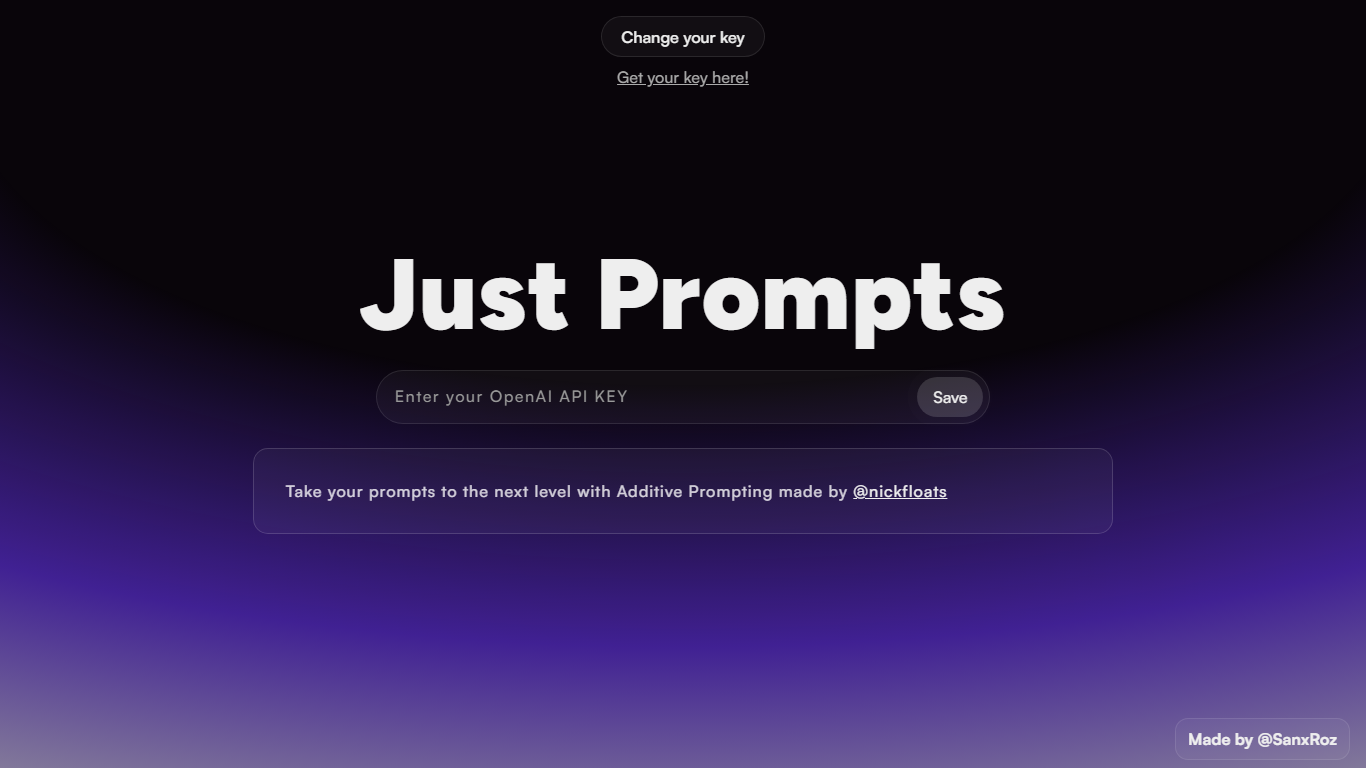
Just Prompts is an innovative platform designed to enhance your creative processes with advanced Additive Prompting, a technique developed by @nickfloats. The website provides users with a sleek user interface that includes custom styles for web elements such as scrollbars and loaders. Utilizing a rich color palette with a base of deep violet accents, the platform introduces a modern aesthetic through gradients, animations, and glow effects.
User experience is at the core of Just Prompts, which is evident in the meticulous attention to detail in the design elements. Simple yet functional, the website ensures that your visualization is uncompromised by offering a straightforward way to manage prompts with an intuitive save feature. Whether you are a writer, developer, or designer, Just Prompts offers the tools to take your creative prompts to the next level in a visually engaging environment.
Omnipilot Upvotes
Just Prompts Upvotes
Omnipilot Top Features
Context-aware typing assistance anywhere on macOS 🖥️ helps you write and automate tasks in any app.
Automated email drafting 📧 speeds up communication by generating relevant responses and messages.
Terminal command generation and execution 🖥️ simplifies complex Bash commands for developers.
Instant access with no waitlist ⏱️ download and start using immediately without delays.
Screen context understanding 👀 adapts suggestions based on what’s visible on your screen for smarter help.
Just Prompts Top Features
Efficient Design: The website features an aesthetically pleasing design with smooth transitions and customizable visual components for an enhanced user experience.
Additive Prompting: Uses the unique Additive Prompting technique developed by @nickfloats to revolutionize how prompts are utilized and managed.
Custom Scrollbar: Offers a custom-styled scrollbar for a sleek navigation experience.
Interactive Loader: Includes a unique loading animation that ensures users are engaged even when waiting.
Dynamic Colors: Implements a vibrant color scheme with dynamic gradients and glow effects to provide a visually stimulating interface.
Omnipilot Category
- Code Assistant
Just Prompts Category
- Code Assistant
Omnipilot Pricing Type
- Freemium
Just Prompts Pricing Type
- Freemium