OnTheFly vs Pictory AI
In the clash of OnTheFly vs Pictory AI, which AI Video Generation tool emerges victorious? We assess reviews, pricing, alternatives, features, upvotes, and more.
When we put OnTheFly and Pictory AI head to head, which one emerges as the victor?
Let's take a closer look at OnTheFly and Pictory AI, both of which are AI-driven video generation tools, and see what sets them apart. In the race for upvotes, Pictory AI takes the trophy. Pictory AI has garnered 41 upvotes, and OnTheFly has garnered 6 upvotes.
Disagree with the result? Upvote your favorite tool and help it win!
OnTheFly
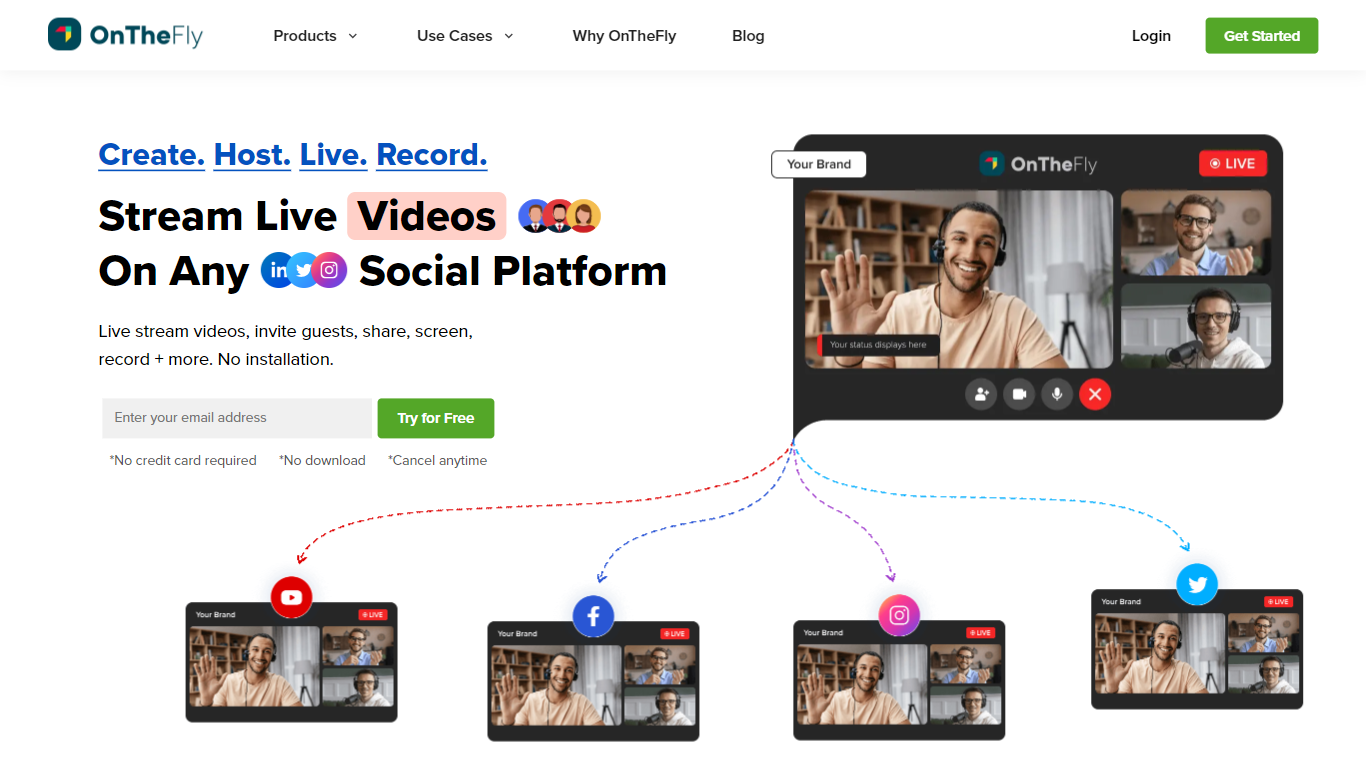

What is OnTheFly?
OnTheFly lets you multistream live video to 50-plus social platforms from one browser-based studio, record sessions automatically, and host webinars with guest invites, screen sharing, and Q&A chat. Full HD 1080p streams run over a global CDN with low-latency RTMP ingestion, real-time analytics, and optional custom RTMP destinations for your own player or website embed.
Compared with single-destination tools like native YouTube or Twitch streaming, OnTheFly is built around simultaneous distribution and post-stream repurposing. You can brand overlays, schedule streams in advance, download recordings for clips, and run pre-recorded live sessions without OBS. Plans scale from a free sampler tier through corporate plans supporting 10,000 webinar viewers.
Gamers, educators, marketers, and corporate teams use OnTheFly for product demos, podcasts, town halls, and fitness classes. The product is developed by CONTUS TECH and offers a 7-day trial on paid tiers with multistreaming included at no extra fee.
Pictory AI
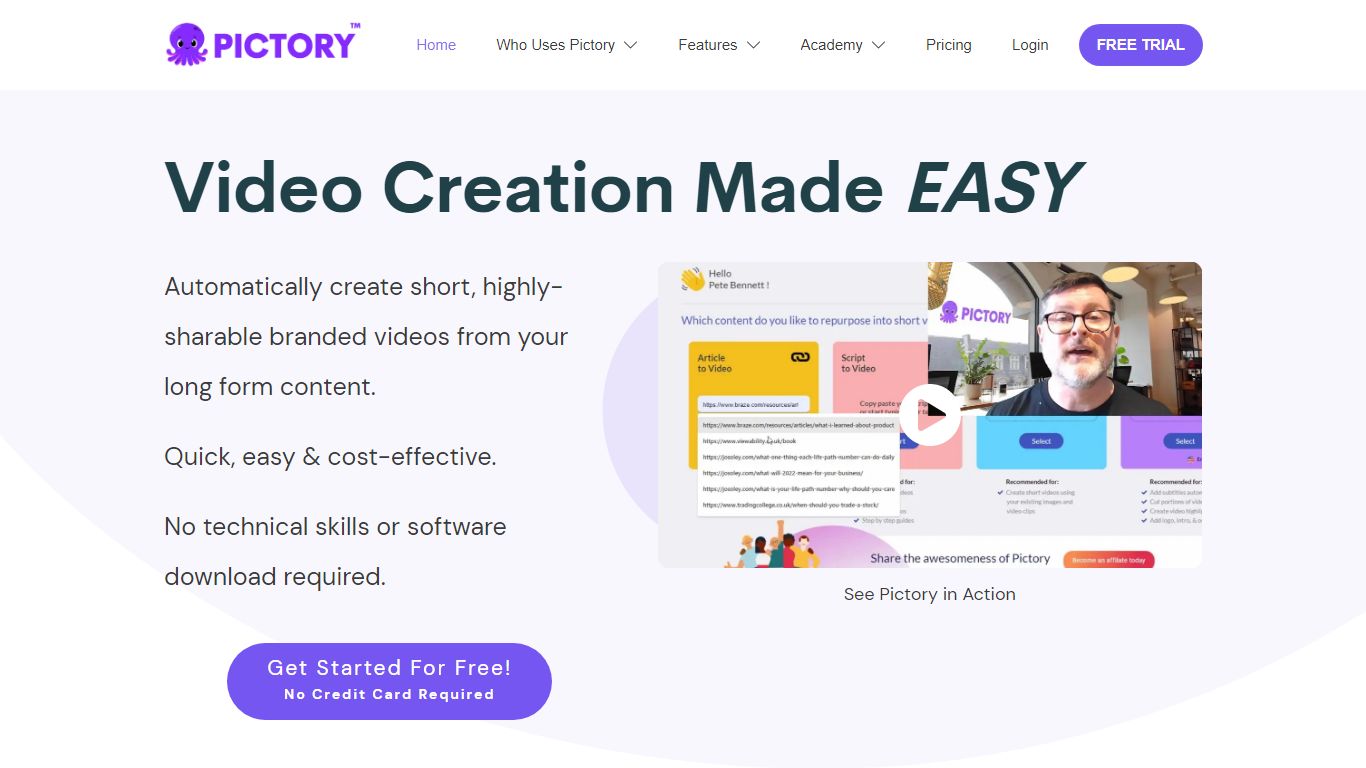
What is Pictory AI?
Pictory AI turns scripts, blog posts, PowerPoint decks, URLs, audio files, and screen recordings into finished marketing videos without a traditional timeline editor. You feed text or existing media into Pictory, and it builds scenes with stock footage, Gen AI visuals, automatic captions, realistic voices, and optional AI avatars ready for social or training channels.
Desktop editors expect you to hunt B-roll and manually chop long webinars into clips. Pictory automates structure, highlights key moments from long recordings, and resizes exports for multiple platforms, which is why teams use it to repurpose Zoom calls and articles instead of rebuilding each cut by hand.
Marketers, course creators, and enterprise video teams adopt Pictory to ship more video from content they already own. The homepage advertises a 14-day free trial with no credit card required and plans that start at $25 per month on annual billing.
OnTheFly Upvotes
Pictory AI Upvotes
OnTheFly Top Features
Multistream to 50-plus platforms including YouTube, Facebook, Twitch, and Instagram
Free Stream Sampler plan includes 2 multistream destinations and 2 hours of storage
Broadcast Pro at ₹2,143 per month supports 8 destinations and 500 webinar viewers
Full HD 1080p streaming with global CDN delivery and low-latency RTMP ingestion
Automatic cloud recording with download, trim, and embed options after each session
Corporate Cast plan supports 25 destinations, 10,000 webinar viewers, and 120 hours storage
Pictory AI Top Features
14-day free trial includes 3 video project exports on pictory.ai
Starter plan is $25 per month billed annually with 2,400 video minutes per year
Professional plan adds custom avatars and voice cloning at $35 per month annually
Library includes 5 million Getty Images and Storyblocks clips on Starter
Rated 4.7 out of 5 on G2 according to the Pictory homepage
OnTheFly Category
- Video Generation
Pictory AI Category
- Video Generation
OnTheFly Pricing Type
- Freemium
Pictory AI Pricing Type
- Freemium