Packmind vs ChatGPT in Google Sheets
Compare Packmind vs ChatGPT in Google Sheets and see which AI Automation tool is better when we compare features, reviews, pricing, alternatives, upvotes, etc.
Which one is better? Packmind or ChatGPT in Google Sheets?
When we compare Packmind with ChatGPT in Google Sheets, which are both AI-powered automation tools, The upvote count reveals a draw, with both tools earning the same number of upvotes. You can help us determine the winner by casting your vote and tipping the scales in favor of one of the tools.
Disagree with the result? Upvote your favorite tool and help it win!
Packmind

What is Packmind?
Packmind captures and governs your engineering playbook so AI coding agents across your repositories follow your team's standards instead of guessing from generic training data. It turns scattered decisions, patterns, and conventions into a versioned playbook, then distributes that context to assistants like Copilot, Cursor, Claude Code, and Gemini Code Assist.
Where generic assistants guess from training data, Packmind feeds them your team's rules. Its CLI can open pull requests that update copilot-instructions.md, AGENTS.md, and Cursor rules files, and its MCP server lets developers capture standards while coding. Violations show up in the IDE, CLI, or pre-commit with optional auto-fix before review.
Engineering leaders and platform teams use Packmind to scale agentic coding without losing consistency. The open source edition is free with unlimited developers and repositories; enterprise tiers add RBAC, SSO, SCIM, and audit trails. SOC 2 Type II certified since 2024, with public cloud or self-hosted Kubernetes deployment including air-gapped options.
ChatGPT in Google Sheets
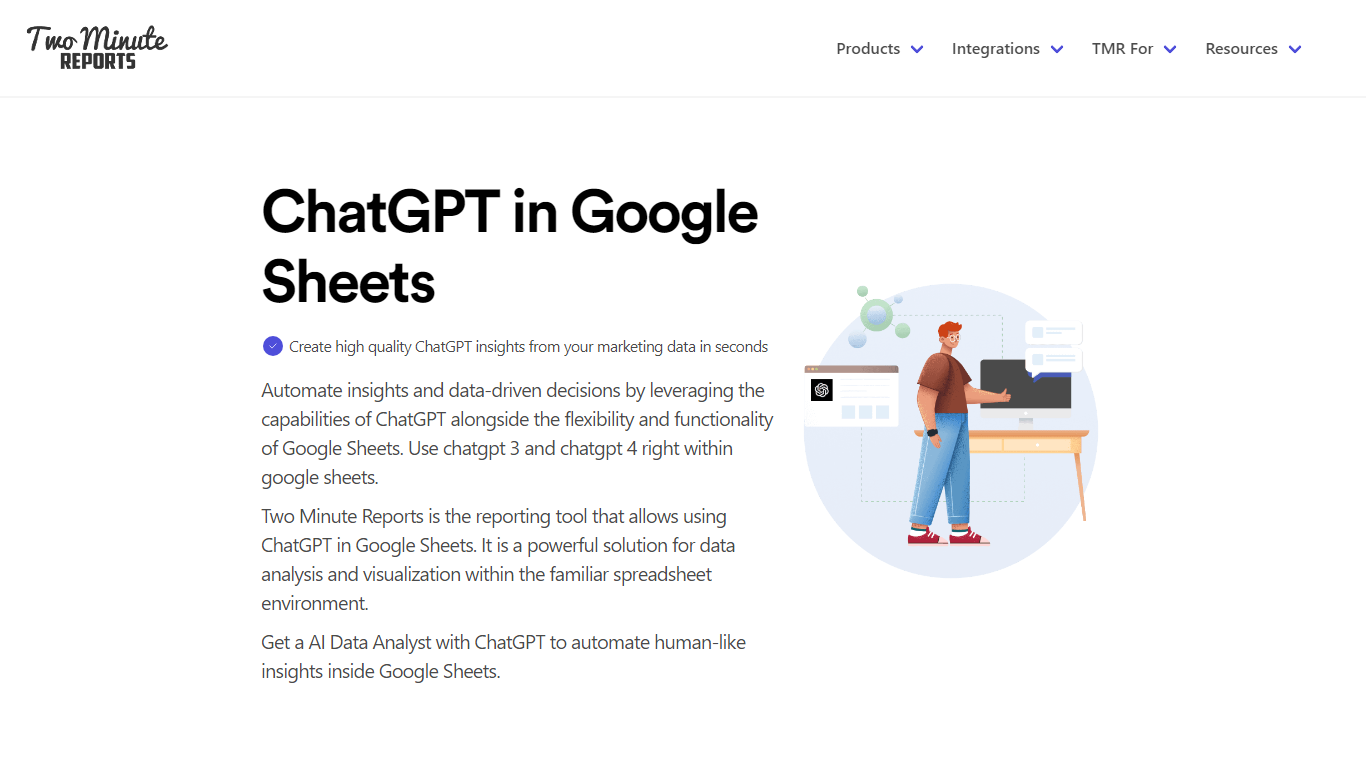
What is ChatGPT in Google Sheets?
ChatGPT in Google Sheets is a marketing automation add-on from Two Minute Reports that lets you ask questions about campaign data inside a spreadsheet. You paste your OpenAI API key into the sidebar, connect ad platforms like Google Ads or Meta, and query performance with plain-language prompts instead of formulas.
Most spreadsheet automation tools move rows between apps. This one stays inside Google Sheets and pairs live connector data with ChatGPT analysis, so you can flag pacing issues, draft client summaries, and schedule refreshes from the same workbook. The trade-off is scope: it is built for marketing reporting, not general workflow automation across arbitrary SaaS tools.
Marketing agencies, PPC managers, and in-house teams use it to turn connector-fed sheets into scheduled client reports. Setup takes about two minutes, exports go out as PDF or Excel, and the Lite plan covers three ad accounts per connector for smaller accounts.
Packmind Upvotes
ChatGPT in Google Sheets Upvotes
Packmind Top Features
Open source core is free with unlimited developers and repositories on GitHub and GitLab
CLI syncs standards to copilot-instructions.md, AGENTS.md, and Cursor rules via pull request
Imports standards from ADRs or Git docs, or captures rules via MCP while you code
Flags violations in VS Code, JetBrains, Visual Studio, CLI, or pre-commit with auto-fix
Distributes playbook context to Copilot, Cursor, Claude Code, Gemini Code Assist, and Junie
SOC 2 Type II certified since 2024 with cloud or self-hosted Kubernetes deployment
ChatGPT in Google Sheets Top Features
Paste an OpenAI API key in the sidebar to query spreadsheet data with natural-language prompts
Pull metrics from 30+ connectors including Google Ads, Meta, Shopify, and GA4
Speedboost loads large reports in under 5 seconds with intelligent caching
Schedule daily, weekly, or monthly refreshes; Pro adds hourly runs
100+ Google Sheets and Looker Studio templates for PPC, SEO, and social reporting
Export insights as PDF or Excel for client delivery without extra formatting
Packmind Category
- Automation
ChatGPT in Google Sheets Category
- Automation
Packmind Pricing Type
- Freemium
ChatGPT in Google Sheets Pricing Type
- Freemium