Packmind vs ChatGPT Prompt Plus
In the clash of Packmind vs ChatGPT Prompt Plus, which AI Automation tool emerges victorious? We assess reviews, pricing, alternatives, features, upvotes, and more.
When we put Packmind and ChatGPT Prompt Plus head to head, which one emerges as the victor?
Let's take a closer look at Packmind and ChatGPT Prompt Plus, both of which are AI-driven automation tools, and see what sets them apart. Both tools have received the same number of upvotes from aitools.fyi users. Join the aitools.fyi users in deciding the winner by casting your vote.
Feeling rebellious? Cast your vote and shake things up!
Packmind
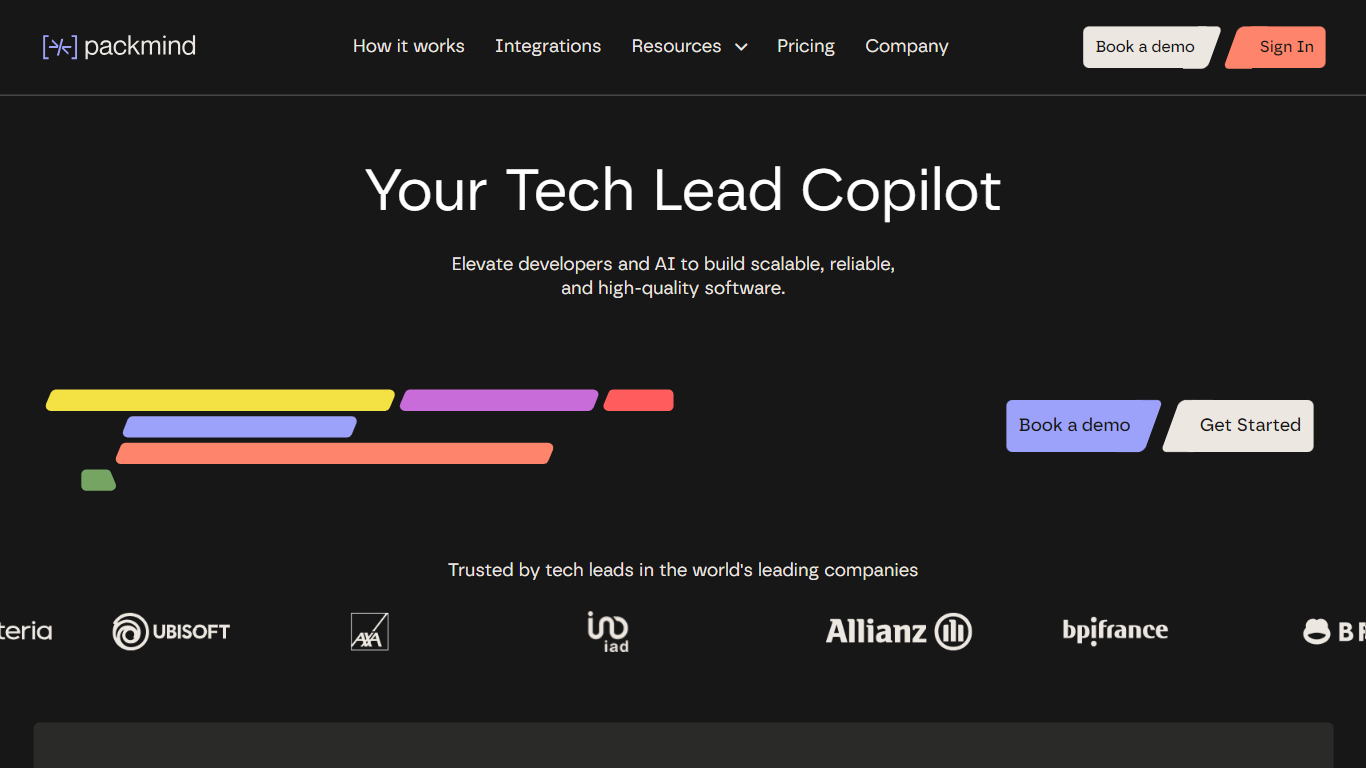

What is Packmind?
Packmind captures and governs your engineering playbook so AI coding agents across your repositories follow your team's standards instead of guessing from generic training data. It turns scattered decisions, patterns, and conventions into a versioned playbook, then distributes that context to assistants like Copilot, Cursor, Claude Code, and Gemini Code Assist.
Where generic assistants guess from training data, Packmind feeds them your team's rules. Its CLI can open pull requests that update copilot-instructions.md, AGENTS.md, and Cursor rules files, and its MCP server lets developers capture standards while coding. Violations show up in the IDE, CLI, or pre-commit with optional auto-fix before review.
Engineering leaders and platform teams use Packmind to scale agentic coding without losing consistency. The open source edition is free with unlimited developers and repositories; enterprise tiers add RBAC, SSO, SCIM, and audit trails. SOC 2 Type II certified since 2024, with public cloud or self-hosted Kubernetes deployment including air-gapped options.
ChatGPT Prompt Plus
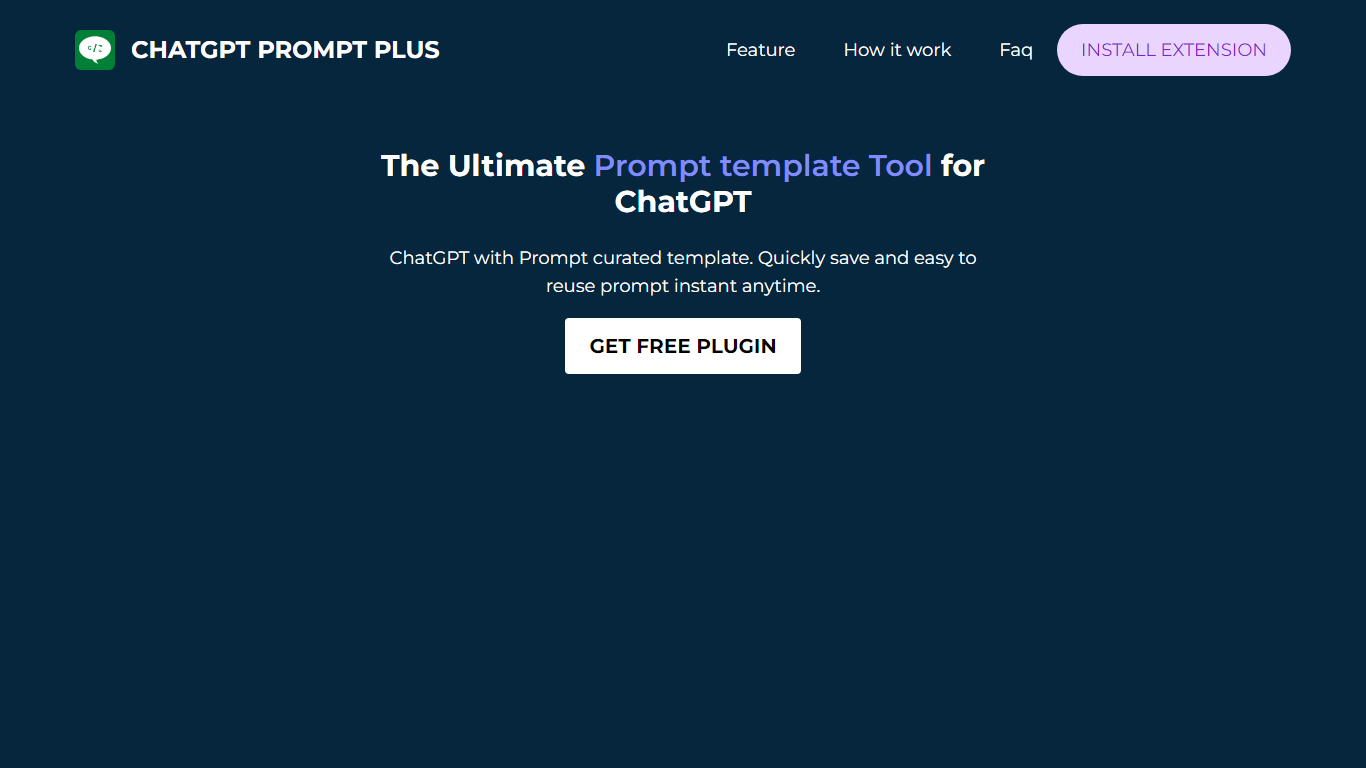
What is ChatGPT Prompt Plus?
ChatGPT Prompt Plus is a free Chrome automation extension that saves reusable ChatGPT prompt templates inside the chat interface. You build prompts with parameters, categories, and custom hotkeys, then call them by typing a forward slash in the ChatGPT input box. The Chrome Web Store lists version 1.5.1.3 at 295 KiB with about 4,000 users.
Most prompt savers store plain text snippets. ChatGPT Prompt Plus binds typed parameters to each template, so one saved prompt can collect different inputs every time you run it. Popup search, category folders, and keyboard shortcuts target people who repeat the same ChatGPT workflows daily rather than one-off chats.
Writers, support agents, and developers who live in ChatGPT use it to skip retyping long system prompts. The developer site promptplus.org was unreachable during this enrichment, but the extension remains installable from the Chrome Web Store. Support contact is [email protected], and the last store update shipped on May 13, 2023.
Packmind Upvotes
ChatGPT Prompt Plus Upvotes
Packmind Top Features
Open source core is free with unlimited developers and repositories on GitHub and GitLab
CLI syncs standards to copilot-instructions.md, AGENTS.md, and Cursor rules via pull request
Imports standards from ADRs or Git docs, or captures rules via MCP while you code
Flags violations in VS Code, JetBrains, Visual Studio, CLI, or pre-commit with auto-fix
Distributes playbook context to Copilot, Cursor, Claude Code, Gemini Code Assist, and Junie
SOC 2 Type II certified since 2024 with cloud or self-hosted Kubernetes deployment
ChatGPT Prompt Plus Top Features
Save and reuse a prompt library directly inside the ChatGPT chat UI
Add parameters with default values and input types to each template
Assign custom hotkeys for one-key access to frequent prompts
Organize prompts into categories with custom icons
Open saved prompts by typing a forward slash in the chat input
Search prompts through a popup picker without leaving ChatGPT
Includes prebuilt prompt templates and ships in 11 languages at 295 KiB
Packmind Category
- Automation
ChatGPT Prompt Plus Category
- Automation
Packmind Pricing Type
- Freemium
ChatGPT Prompt Plus Pricing Type
- Free