Palette Immo vs Studio.Design
In the face-off between Palette Immo vs Studio.Design, which AI Design tool takes the crown? We scrutinize features, alternatives, upvotes, reviews, pricing, and more.
In a face-off between Palette Immo and Studio.Design, which one takes the crown?
If we were to analyze Palette Immo and Studio.Design, both of which are AI-powered design tools, what would we find? Neither tool takes the lead, as they both have the same upvote count. Be a part of the decision-making process. Your vote could determine the winner.
Want to flip the script? Upvote your favorite tool and change the game!
Palette Immo

What is Palette Immo?
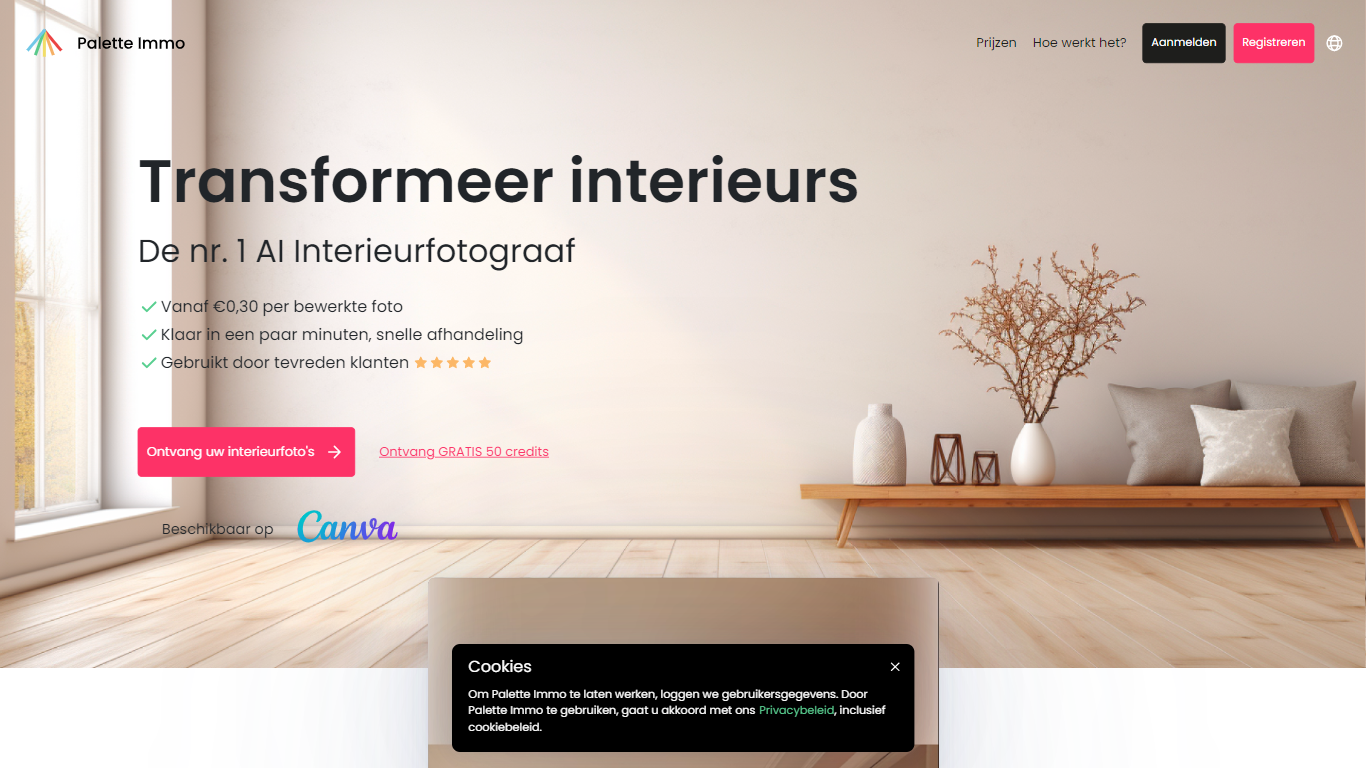
Palette Immo turns listing and room photos into styled interior visuals without a 3D artist or stager. Upload a photo, pick from 30+ design styles, and generate redesigns for furnished rooms, virtual staging for empty spaces, or photorealistic renders from 2D and 3D sketches. The product also covers clutter removal, prompt-based photo edits, sky replacement, and 2x or 4x upscaling, plus batch rendering across multiple styles for listing galleries.
Where many interior AI tools rearrange walls or swap windows, Palette Immo is built around keeping the existing room structure credible for real estate use. The help docs position outputs as inspiration concepts rather than broadcast-quality 3D renders, but at a fraction of what custom visualization typically costs. Paid users can publish an inspiration webpage with analytics so buyers browse style variants for a property.
Real estate agents, homeowners, interior designers, and photographers use Palette Immo for virtual staging, quick redesign concepts, and marketing visuals. Team subscriptions on higher plans share one credit pool across up to 25 members, which suits agencies handling multiple listings. Palette Immo is operated by Avari BV in Belgium.
Studio.Design
What is Studio.Design?
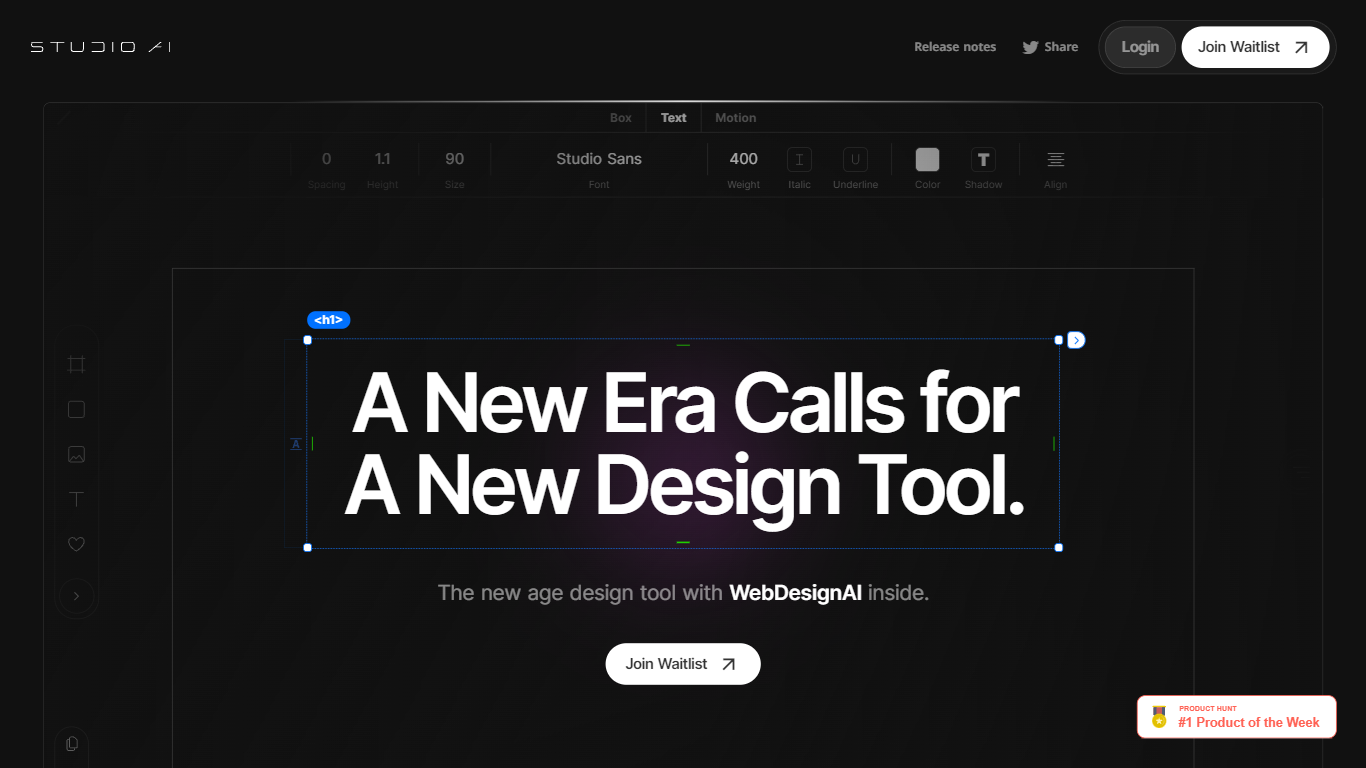
Studio.Design lets designers build and publish websites without writing HTML or CSS. You lay out pages in a visual editor, connect a CMS, add forms, and push live to Studio hosting with one click. Sites can live on a free studio.site subdomain or a custom domain on paid plans.
Compared with template-first site builders, Studio.Design leans into pixel-level layout work, Lottie animations, and a Figma import that generates responsive breakpoints automatically. That trade-off suits portfolio sites, campaign landers, and brand pages where the look matters more than plugging together prefab blocks.
Freelance designers, agencies, and product marketers use it to ship polished sites fast. The template store includes free and paid starting points, and teams can collaborate in workspaces with separate project and seat billing.
Palette Immo Upvotes
Studio.Design Upvotes
Palette Immo Top Features
Redesign furnished rooms or virtually stage empty spaces from one uploaded photo
Convert 2D and 3D sketches into photorealistic interior renders in one click
Choose from 30+ design styles including modern, Scandinavian, coastal, and bohemian
Batch render multiple photos across several styles at once for listing galleries
Edit photos with text prompts, remove clutter, replace skies, and upscale images 2x or 4x
Share team subscriptions with up to 25 members and pooled credits on the Expert plan
Subscriptions start at $33 per month with up to 3,000 monthly credits on the Expert tier
Studio.Design Top Features
Visual design editor supports pixel layouts, animations, and dynamic breakpoints
Built-in CMS for collaborative content editing with real-time updates
One-click publishing to Studio hosting with custom domain support on paid plans
Custom forms with animation and styling controls beyond basic templates
Per-page SEO controls plus auto-generated sitemaps
Native Lottie import for motion graphics without custom code
Figma import generates responsive breakpoints and publishes as a live site
Palette Immo Category
- Design
Studio.Design Category
- Design
Palette Immo Pricing Type
- Freemium
Studio.Design Pricing Type
- Freemium