Paraphrasing Tool vs MaskMyPrompt
Compare Paraphrasing Tool vs MaskMyPrompt and see which AI Paraphraser tool is better when we compare features, reviews, pricing, alternatives, upvotes, etc.
Which one is better? Paraphrasing Tool or MaskMyPrompt?
When we compare Paraphrasing Tool with MaskMyPrompt, which are both AI-powered paraphraser tools, There's no clear winner in terms of upvotes, as both tools have received the same number. Be a part of the decision-making process. Your vote could determine the winner.
Want to flip the script? Upvote your favorite tool and change the game!
Paraphrasing Tool

What is Paraphrasing Tool?
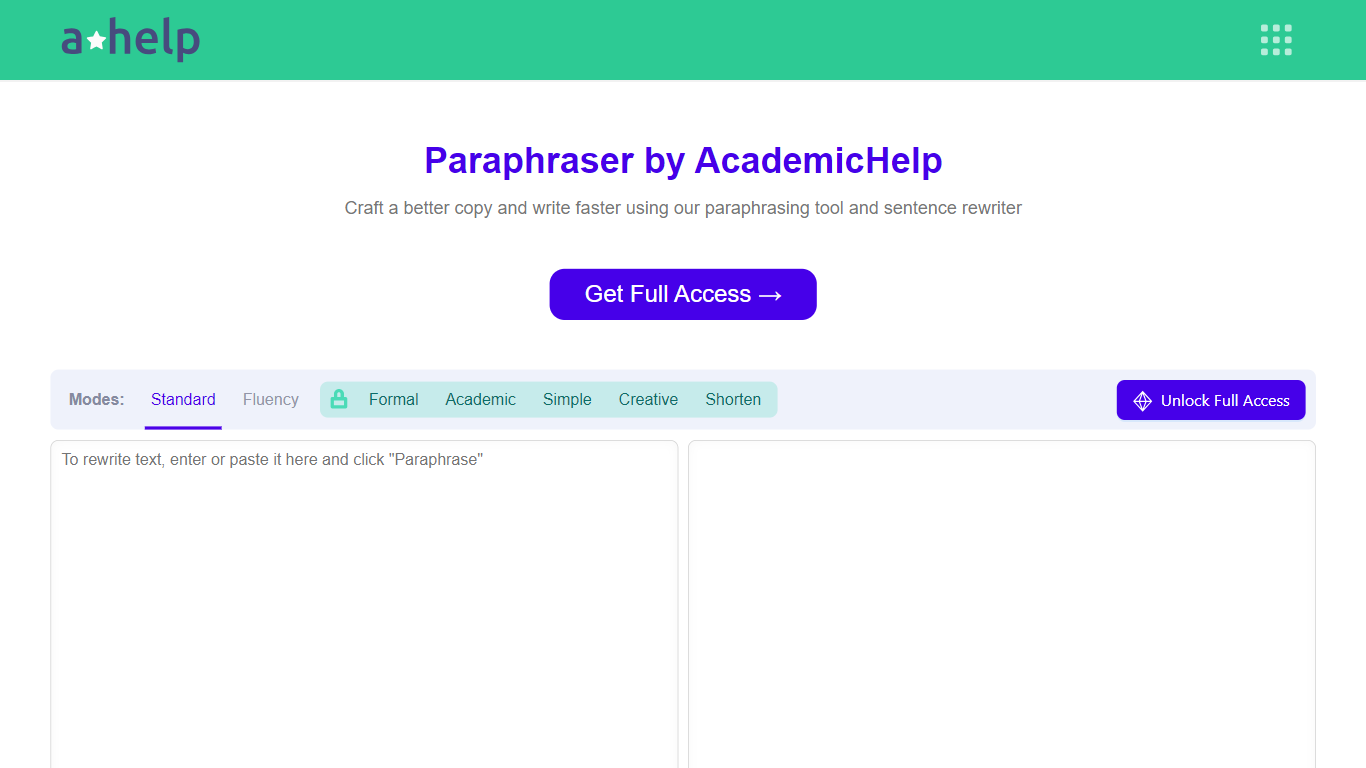
AHelp's Paraphrasing Tool rewrites pasted or uploaded text while keeping the original meaning, with context-aware sentence changes instead of simple synonym swaps. The free tier covers Standard and Fluency modes up to 200 words, and premium unlocks Formal, Academic, Simple, Creative, and Shorten modes with a 6,000-word cap per run.
Most paraphrasers stop at one generic rewrite tone. This tool offers seven modes, nine languages, and file uploads for PDF, DOC, DOCX, RTF, ODT, and TXT, plus Chrome and Microsoft Edge extensions that carry the same rewriter into your browser workflow.
Students, educators, and professionals use it for essays, reports, and multilingual drafts when they need clearer wording without drifting from the source intent. Full access runs through AHelp Learning Hub subscriptions that also bundle plagiarism and AI detection credits.
MaskMyPrompt
What is MaskMyPrompt?
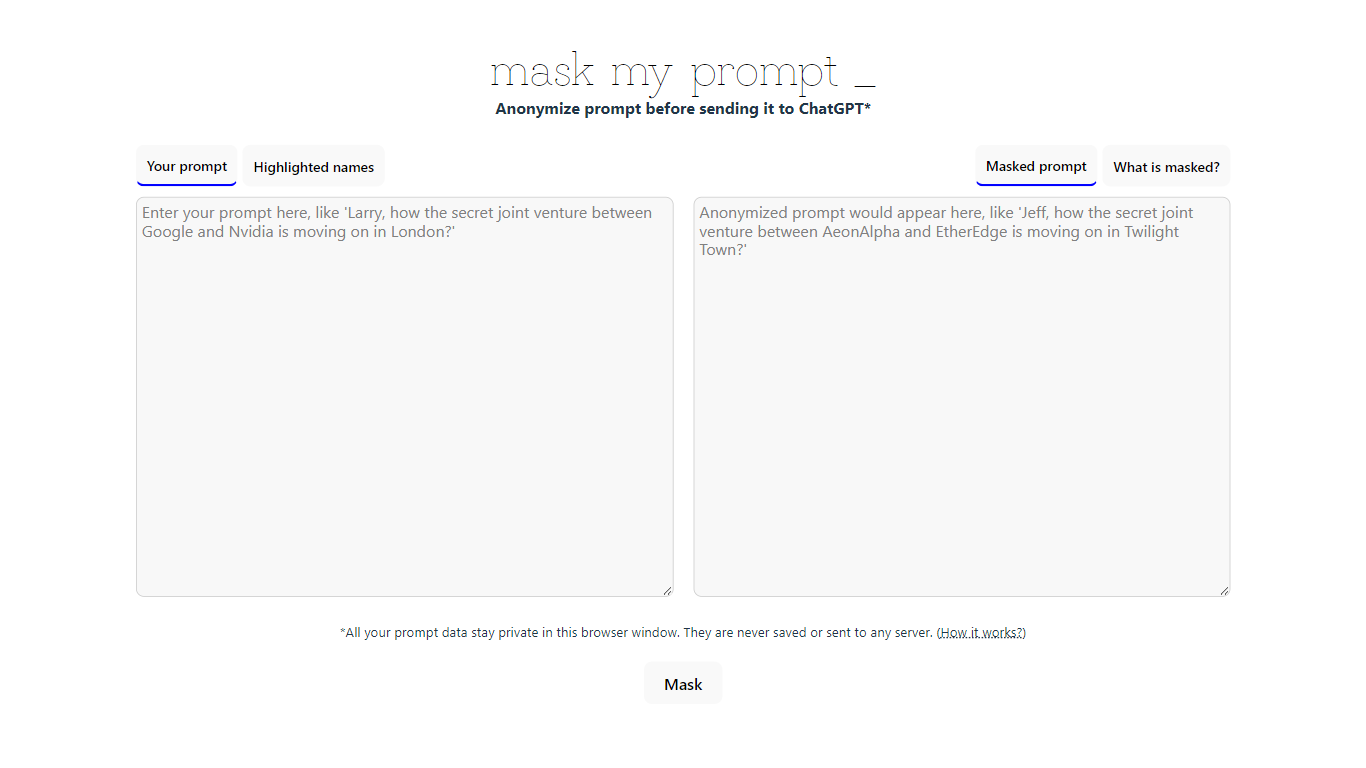
MaskMyPrompt lets you anonymize ChatGPT prompts by swapping real names for fake ones before you paste anything into the model. It works as a lightweight paraphraser focused on privacy: scan your text for people, organizations, and locations, then replace them with made-up stand-ins so confidential details never reach ChatGPT. Everything runs locally in your browser tab using Transformers.js, and the site states your prompt data is never saved or sent to any server.
Most privacy wrappers route text through a backend API, which means you still trust a third party with the raw input. MaskMyPrompt keeps the entire masking step on your device, which is a narrower but more private approach. The trade-off is a single-page utility with no team features, no pricing tiers, and no integrations beyond copy-paste into ChatGPT.
It fits developers, researchers, and anyone drafting ChatGPT prompts that mention real people or companies. Mike Ushakov built the tool, and you can reach him via email or Twitter for bug reports and feature requests.
Paraphrasing Tool Upvotes
MaskMyPrompt Upvotes
Paraphrasing Tool Top Features
Seven paraphrasing modes from Standard and Fluency to Formal, Academic, Creative, and Shorten
Free tier handles 200 words per run; premium raises the limit to 6,000 words
Supports nine languages including English, Spanish, Portuguese, German, French, Italian, Dutch, Korean, and Japanese
Upload PDF, DOC, DOCX, RTF, ODT, and TXT files directly into the rewriter
Google Chrome and Microsoft Edge extensions for in-browser paraphrasing
Context-based rewriting that preserves meaning rather than swapping isolated words
MaskMyPrompt Top Features
Masks 3 entity types: people, organizations, and locations in your prompt text
Runs at maskmyprompt.com with no server upload; prompt data stays in the browser tab
Highlights detected names in the original text and shows the masked output side by side
Free single-page tool with no account or signup required
Contact Mike Ushakov at [email protected] or @maskmyprompt on Twitter for support
Paraphrasing Tool Category
- Paraphraser
MaskMyPrompt Category
- Paraphraser
Paraphrasing Tool Pricing Type
- Freemium
MaskMyPrompt Pricing Type
- Free