Paraphrasing Tool vs Paraphraser
In the contest of Paraphrasing Tool vs Paraphraser, which AI Paraphraser tool is the champion? We evaluate pricing, alternatives, upvotes, features, reviews, and more.
If you had to choose between Paraphrasing Tool and Paraphraser, which one would you go for?
When we examine Paraphrasing Tool and Paraphraser, both of which are AI-enabled paraphraser tools, what unique characteristics do we discover? The upvote count favors Paraphraser, making it the clear winner. Paraphraser has received 10 upvotes from aitools.fyi users, while Paraphrasing Tool has received 6 upvotes.
Feeling rebellious? Cast your vote and shake things up!
Paraphrasing Tool
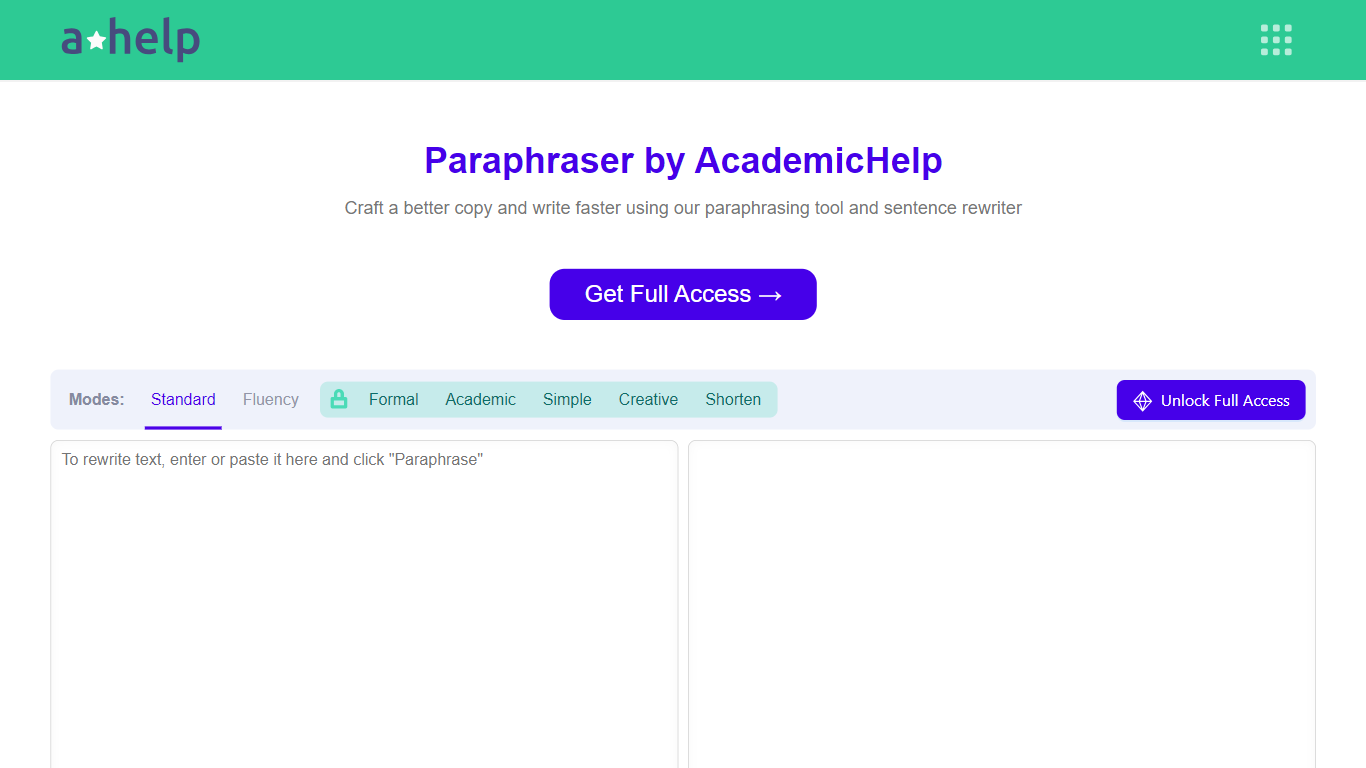

What is Paraphrasing Tool?
AHelp's Paraphrasing Tool rewrites pasted or uploaded text while keeping the original meaning, with context-aware sentence changes instead of simple synonym swaps. The free tier covers Standard and Fluency modes up to 200 words, and premium unlocks Formal, Academic, Simple, Creative, and Shorten modes with a 6,000-word cap per run.
Most paraphrasers stop at one generic rewrite tone. This tool offers seven modes, nine languages, and file uploads for PDF, DOC, DOCX, RTF, ODT, and TXT, plus Chrome and Microsoft Edge extensions that carry the same rewriter into your browser workflow.
Students, educators, and professionals use it for essays, reports, and multilingual drafts when they need clearer wording without drifting from the source intent. Full access runs through AHelp Learning Hub subscriptions that also bundle plagiarism and AI detection credits.
Paraphraser
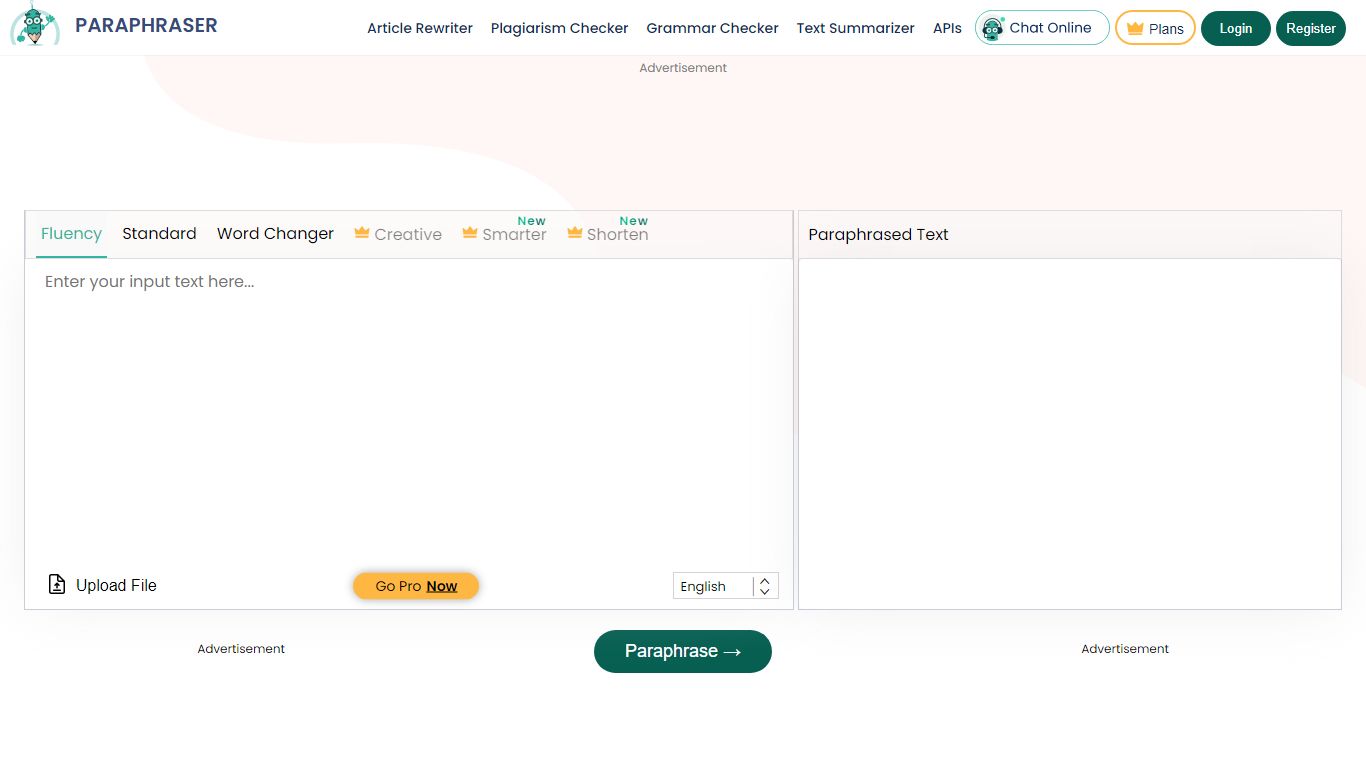
What is Paraphraser?
Paraphraser.io runs in your browser and rewrites sentences, paragraphs, or full articles while keeping the core meaning. You paste or upload text, pick a mode like Fluency, Formal, or Academic, and get a rewritten draft in seconds. The same editor can also accept speech, recorded audio, or text pulled from screenshots. It sits in the paraphrasing category as a free online rewriter with optional paid tiers for longer sessions.
Most paraphrasers stop at a text box. Paraphraser.io layers on plagiarism checking, grammar review, summarization, an essay writer, an AI humanizer, and an AI content detector in one navigation bar, so you can check or polish output without opening another site. The Freeze Words option locks brand names or technical terms so the rewriter does not swap them for synonyms. That combination of multimodal input and a bundled writing toolkit is the main reason to pick it over a single-purpose rewriter.
Students use it to rephrase assignments and study notes, while teachers generate quiz questions and simplified study material. Copywriters and bloggers refresh drafts for different tones, and researchers paraphrase dense source material without losing the original point. Marketers spin social posts and ad copy across more than 20 languages from one dropdown. Developers on the Diamond plan can route rewrites through a published API.
Paraphrasing Tool Upvotes
Paraphraser Upvotes
Paraphrasing Tool Top Features
Seven paraphrasing modes from Standard and Fluency to Formal, Academic, Creative, and Shorten
Free tier handles 200 words per run; premium raises the limit to 6,000 words
Supports nine languages including English, Spanish, Portuguese, German, French, Italian, Dutch, Korean, and Japanese
Upload PDF, DOC, DOCX, RTF, ODT, and TXT files directly into the rewriter
Google Chrome and Microsoft Edge extensions for in-browser paraphrasing
Context-based rewriting that preserves meaning rather than swapping isolated words
Paraphraser Top Features
10+ paraphrase modes from Word Changer through Academic and Expand, with five free modes capped at 400 words per session
Accepts pasted text, file uploads, speech-to-text, recorded audio, or text extracted from screenshots
Output in 20+ languages from a single editor dropdown
Silver plan at $4.55 per week includes 10,000 words and 1,500-word sessions over 7 days
Freeze Words locks keywords so the rewriter leaves brand terms and technical vocabulary untouched
One-click Check Plag, Humanize AI, and Summarize actions run on rewritten output in the same editor
Paraphrasing Tool Category
- Paraphraser
Paraphraser Category
- Paraphraser
Paraphrasing Tool Pricing Type
- Freemium
Paraphraser Pricing Type
- Freemium