Paxo vs Otter.ai
When comparing Paxo vs Otter.ai, which AI Meeting Assistant tool shines brighter? We look at pricing, alternatives, upvotes, features, reviews, and more.
In a comparison between Paxo and Otter.ai, which one comes out on top?
When we put Paxo and Otter.ai side by side, both being AI-powered meeting assistant tools, In the race for upvotes, Paxo takes the trophy. The number of upvotes for Paxo stands at 7, and for Otter.ai it's 5.
Not your cup of tea? Upvote your preferred tool and stir things up!
Paxo

What is Paxo?
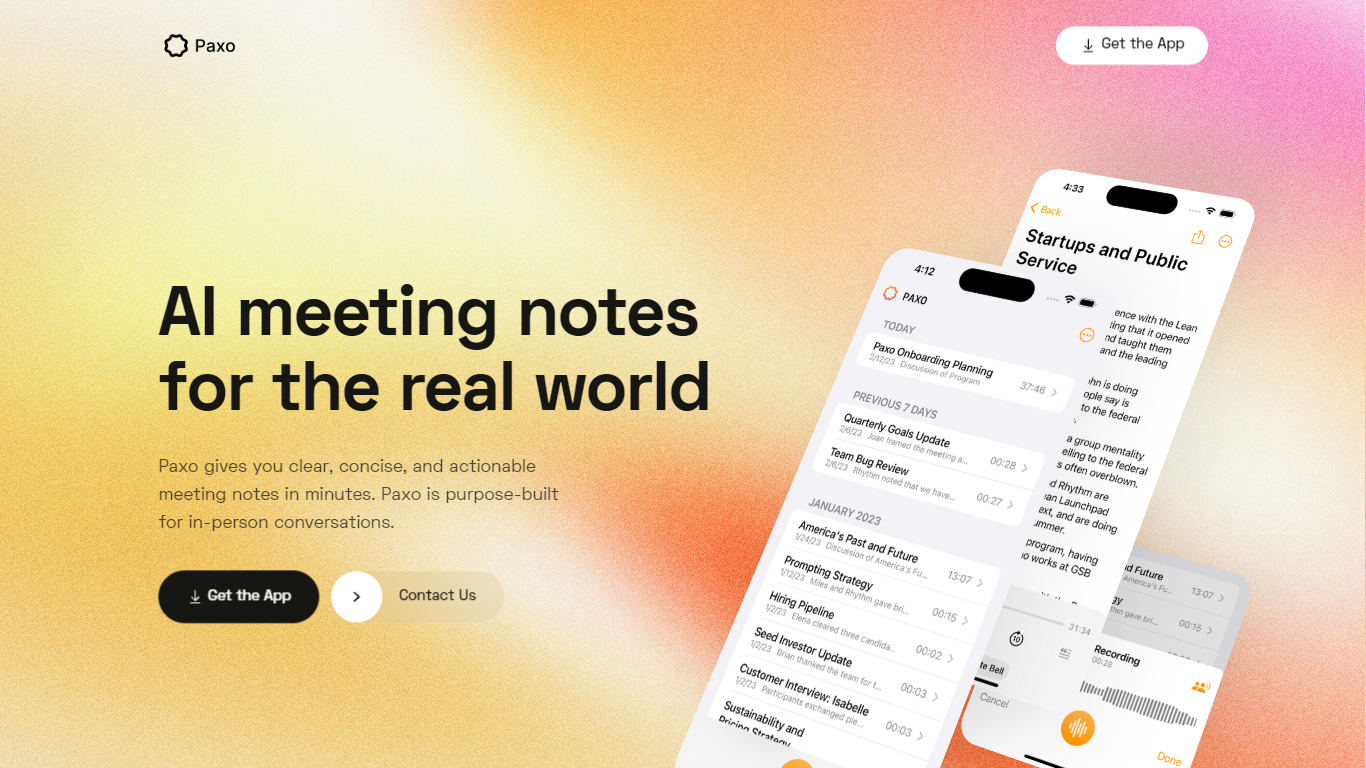
Paxo is an iPhone meeting assistant built for in-person conversations rather than calendar bots. You hit record in the app, Paxo transcribes the audio, and you get searchable notes with speaker labels after you assign voices from your Contacts. The homepage pitches it for face-to-face meetings, desk-side Zoom calls, and walking conversations where a browser extension would not follow you.
Most meeting note tools assume a video call with a shared link. Paxo records from the phone microphone, stores recordings on device, and syncs across Apple devices through iCloud. Server processing is limited to transcription and note generation, and the privacy policy says recordings are deleted from Paxo servers once processing finishes.
Managers, consultants, and field teams use Paxo to capture decisions without typing during meetings. Voice identification learns teammates over time, exports can go to Notion, Obsidian, or Google Docs, and the interface keeps past recordings organized and searchable.
Otter.ai
What is Otter.ai?
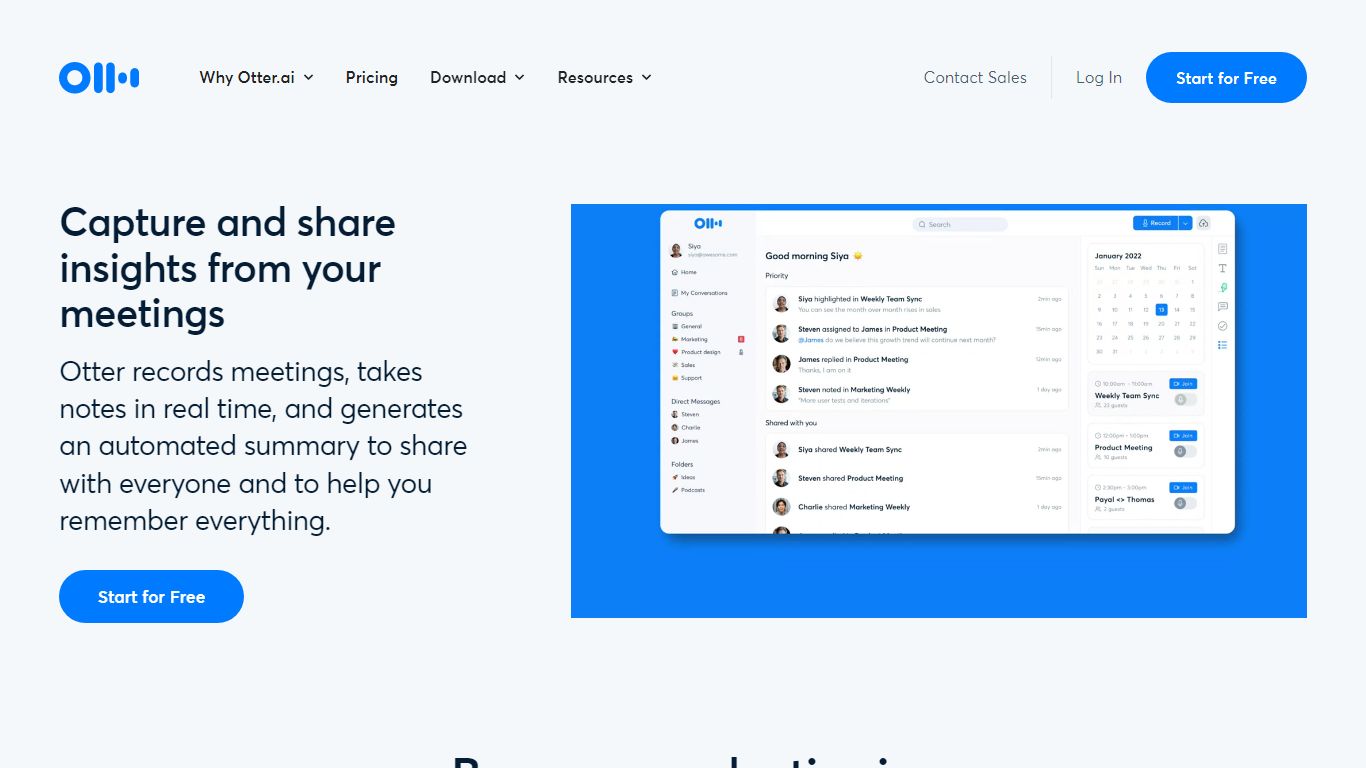
Otter.ai is an AI meeting agent that transcribes conversations in real time and turns them into searchable meeting knowledge. It joins Zoom, Google Meet, and Microsoft Teams calls, records from desktop, mobile, or web, and produces live transcripts, summaries, and action items.
Otter AI Chat lets you search across meetings and connected apps to answer questions and draft follow-ups, reports, and content. The platform also supports bot-free desktop recording on Mac and Windows, multilingual transcription, CRM integrations, and an MCP Server that connects meeting knowledge to ChatGPT and Claude.
Otter positions itself as a Conversational Knowledge Engine for sales, education, media, recruiting, and enterprise teams, with apps for iOS, Android, desktop, and a Chrome extension.
Paxo Upvotes
Otter.ai Upvotes
Paxo Top Features
iOS app records in-person, walking, or desk-side Zoom conversations from the phone microphone
Speaker identification learns contacts and recommends labels for future recordings
Recordings stored on device with optional iCloud sync across Apple devices
Server-side transcription using OpenAI with recordings deleted after processing per privacy policy
Search across notes and transcripts with import and export to Notion, Obsidian, and Google Docs
Privacy policy updated August 18, 2024 from Paxo Assist LLC with [email protected] contact
Crash reporting via Sentry without sending recordings in crash reports
Otter.ai Top Features
Real-time meeting transcription with speaker recognition across Zoom, Google Meet, and Microsoft Teams
Automated AI summaries, action items, and searchable meeting knowledge
Otter AI Chat to query meetings and connected apps for follow-ups and content
Bot-free desktop recording on Mac and Windows plus iOS, Android, web, and Chrome extension apps
Integrations with Slack, Salesforce, HubSpot, Notion, Jira, Google Calendar, and Claude via MCP Server
Paxo Category
- Meeting Assistant
Otter.ai Category
- Meeting Assistant
Paxo Pricing Type
- Freemium
Otter.ai Pricing Type
- Freemium