PDF Candy vs Scribe
Dive into the comparison of PDF Candy vs Scribe and discover which AI Productivity tool stands out. We examine alternatives, upvotes, features, reviews, pricing, and beyond.
In a comparison between PDF Candy and Scribe, which one comes out on top?
When we compare PDF Candy and Scribe, two exceptional productivity tools powered by artificial intelligence, and place them side by side, several key similarities and differences come to light. Scribe stands out as the clear frontrunner in terms of upvotes. Scribe has attracted 17 upvotes from aitools.fyi users, and PDF Candy has attracted 12 upvotes.
Does the result make you go "hmm"? Cast your vote and turn that frown upside down!
PDF Candy
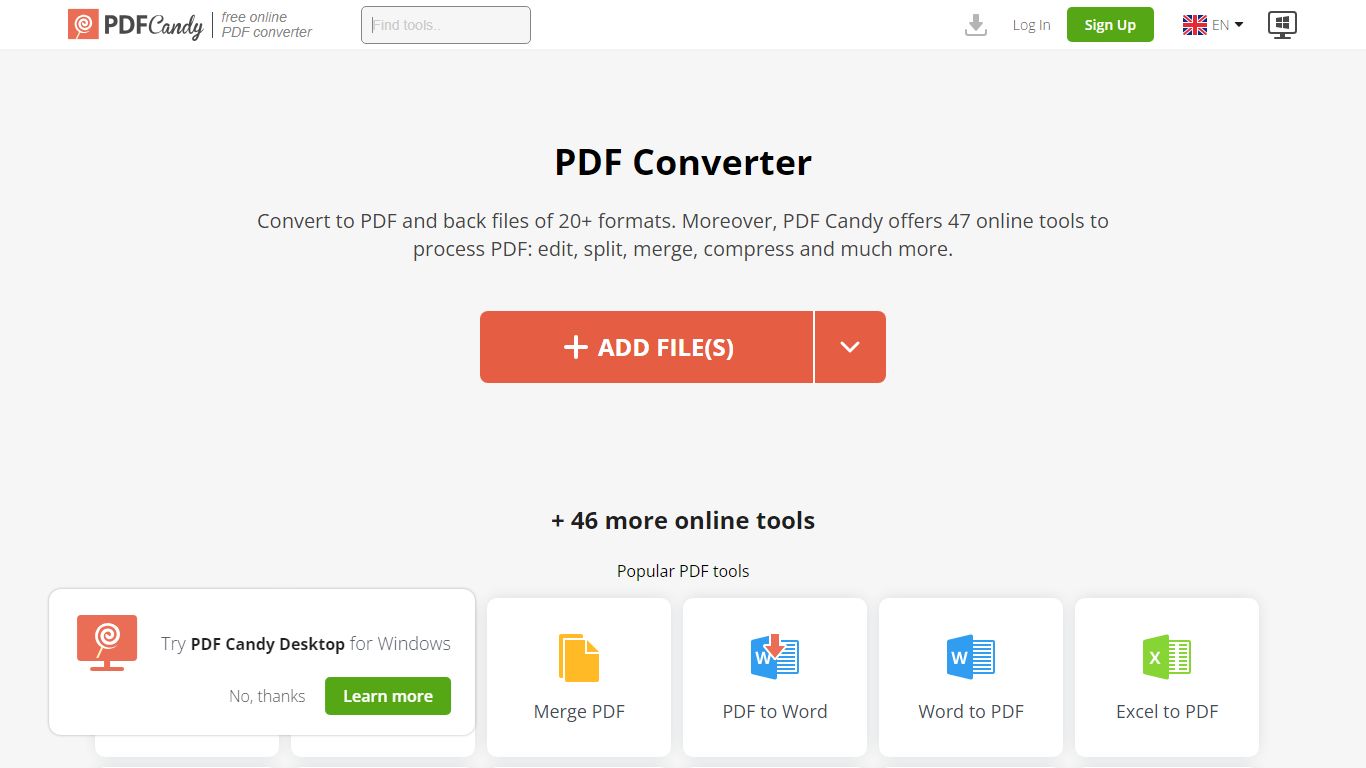

What is PDF Candy?
PDF Candy packs 90+ browser-based PDF tools into one productivity hub for editing, converting, merging, compressing, signing, and protecting documents. Newer additions include AI summarize, chat, and translate workflows alongside classics like PDF to Word and JPG to PDF.
Competing PDF sites usually split free limits across separate pages. PDF Candy keeps a forever-free web tier with no ads and no account required, then sells priority processing, 500 MB uploads, and an offline Windows desktop app with 35 tools. Paid bundles also include Video Candy and Image Candy web access.
Office workers, students, and small businesses reach for PDF Candy when they need a quick conversion without installing software, or when they want batch-friendly desktop processing. Files upload from Dropbox or Google Drive, and the site deletes uploads within two hours under GDPR rules.
Scribe
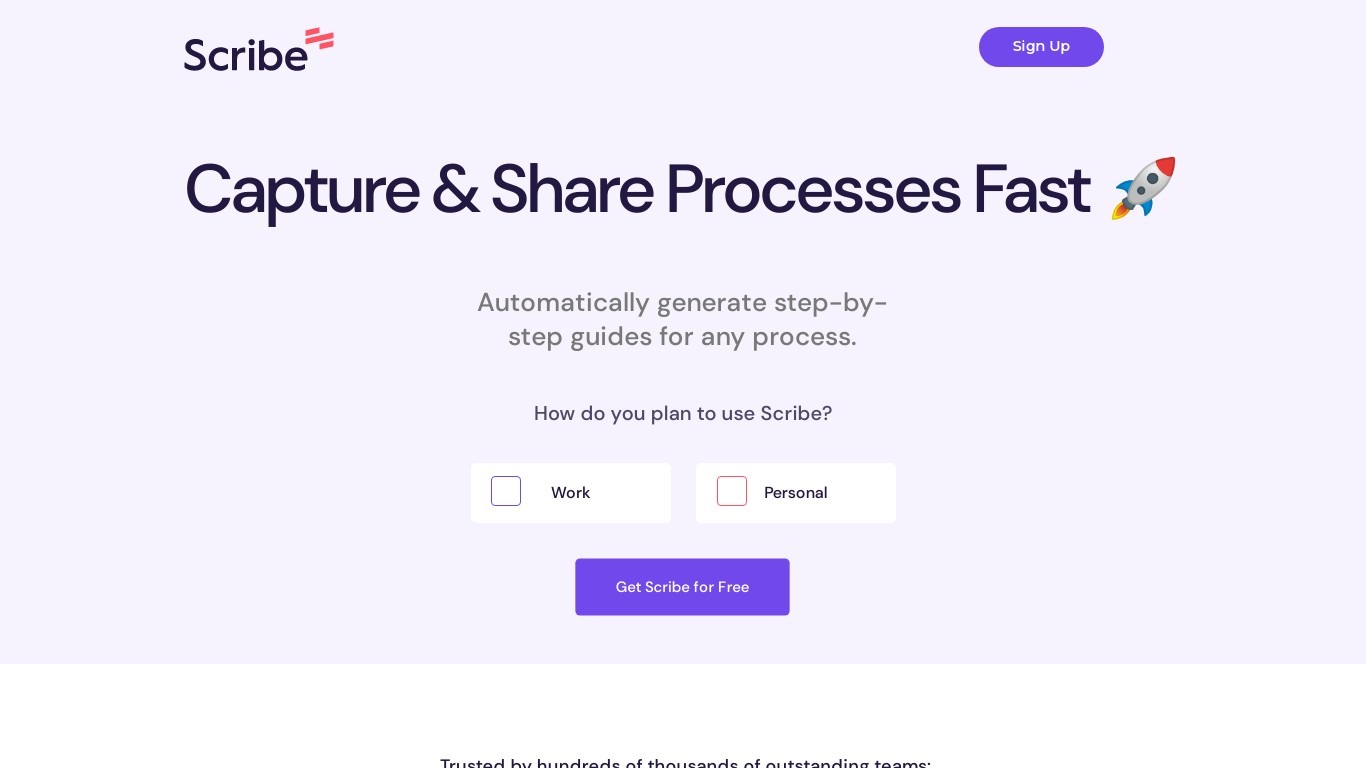
What is Scribe?
Scribe captures how work actually gets done and turns it into step-by-step guides your team and AI agents can follow. It records workflows as people perform them in the browser, desktop, or mobile apps, then generates documentation without manual screenshots or write-ups. Teams use it for SOPs, training, onboarding, and feeding workflow context to AI tools.
Where most documentation tools expect you to write guides from memory or schedule walkthroughs, Scribe watches real workflows and documents them automatically. Capture surfaces the processes teams run most often and turns them into shareable guides, while Optimize maps inefficiencies across approved apps and recommends where to automate or invest in AI.
Operations, IT, HR, and enablement teams rely on Scribe to share tribal knowledge before someone goes on PTO. Companies rolling out new software or building AI agent roadmaps use it to give bots accurate workflow context through MCP and enterprise search APIs.
PDF Candy Upvotes
Scribe Upvotes
PDF Candy Top Features
Offers 90+ online PDF tools covering edit, convert, merge, split, compress, and sign workflows
AI tools summarize PDFs, chat with document content, and translate PDF text in the browser
Forever free web tier works without signup and shows no ads
Paid web plans raise uploads to 500 MB per task with no hourly limits
Desktop + Web Yearly plan costs $4 per month and includes offline Windows software with 35 tools
Lifetime Desktop + Web license is a one-time $99 payment
Site supports 18 localized language versions from English to Korean
Scribe Top Features
Records any workflow and outputs a polished step-by-step guide automatically
Chrome and Edge extensions plus desktop apps capture web, mobile, and desktop processes
Export guides to PDF, HTML, Markdown, or Word, or embed them anywhere
Pro Team starts at 5 seats with comments and collaboration on shared guides
Feed workflow context to AI assistants through MCP and enterprise search API
Enterprise auto-redaction for PII and PHI with SOC 2 Type II and HIPAA compliance
PDF Candy Category
- Productivity
Scribe Category
- Productivity
PDF Candy Pricing Type
- Freemium
Scribe Pricing Type
- Freemium