PDF Pals vs Journey
Explore the showdown between PDF Pals vs Journey and find out which AI PDF tool wins. We analyze upvotes, features, reviews, pricing, alternatives, and more.
In a face-off between PDF Pals and Journey, which one takes the crown?
When we contrast PDF Pals with Journey, both of which are exceptional AI-operated pdf tools, and place them side by side, we can spot several crucial similarities and divergences. The upvote count reveals a draw, with both tools earning the same number of upvotes. Since other aitools.fyi users could decide the winner, the ball is in your court now to cast your vote and help us determine the winner.
Want to flip the script? Upvote your favorite tool and change the game!
PDF Pals

What is PDF Pals?
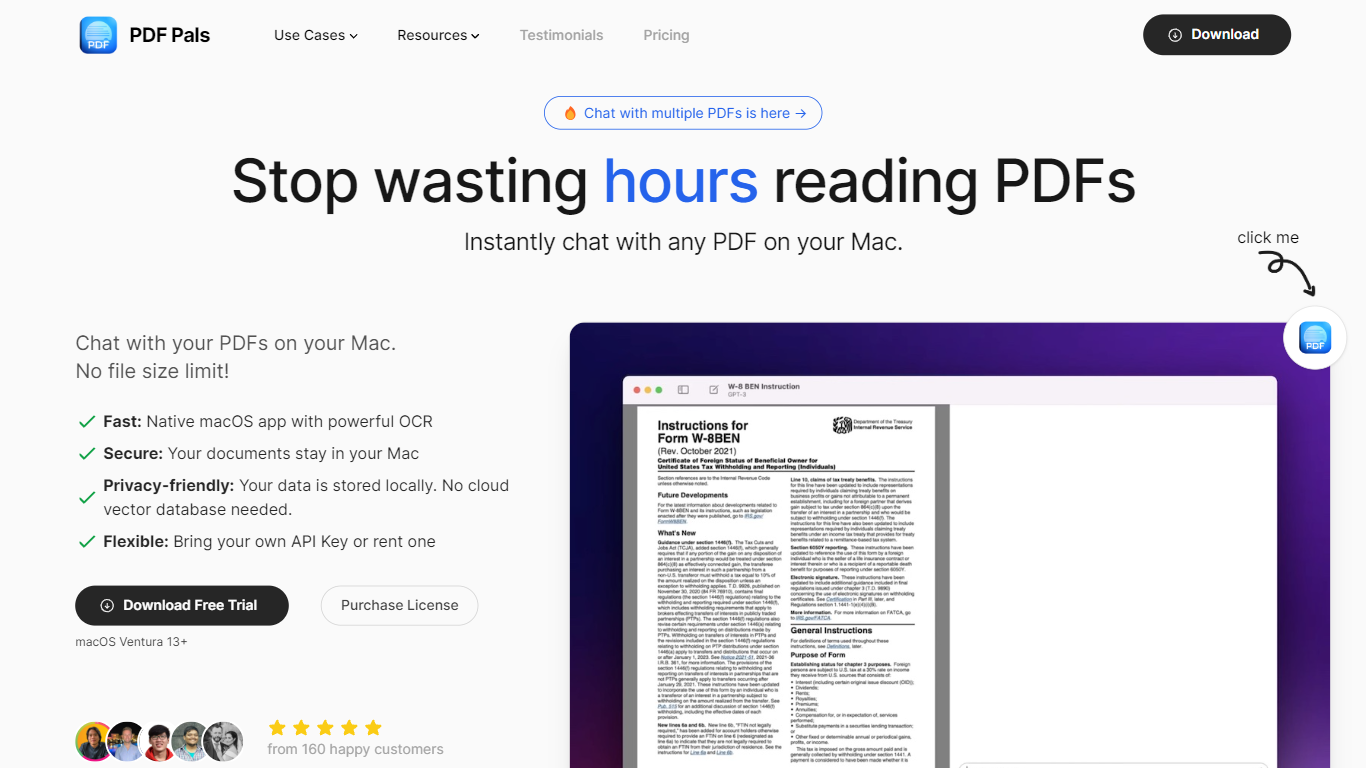
PDF Pals lets you open any PDF on your Mac and ask questions about it in plain language, with answers tied to specific pages in the source file. The native macOS app indexes documents locally instead of uploading them to a cloud server, which makes it a fit for researchers, developers, legal teams, and product managers handling long technical or legal PDFs.
Most ChatPDF tools run in the browser and send your files to their servers for indexing. PDF Pals embeds documents on your machine with an open-source model, so a 2,000-page PDF costs nothing to process beyond your own API usage. You buy a perpetual license once ($60 to $300) instead of paying a monthly SaaS fee for document hosting.
You bring your own API key from OpenAI, Azure OpenAI, or OpenRouter, or point the app at a custom OpenAI-compatible endpoint. PDF Pals supports multi-document chats with no file size cap, OCR for scanned PDFs, and automatic redaction of emails, phone numbers, and credit card numbers before prompts leave your Mac.
The app is built by Podzim LLC, the team behind BoltAI and KTool. Files stay local, API keys sit in the Apple Keychain, training data lives in a local SQLite database, and the app ships without in-app analytics.
Journey
What is Journey?
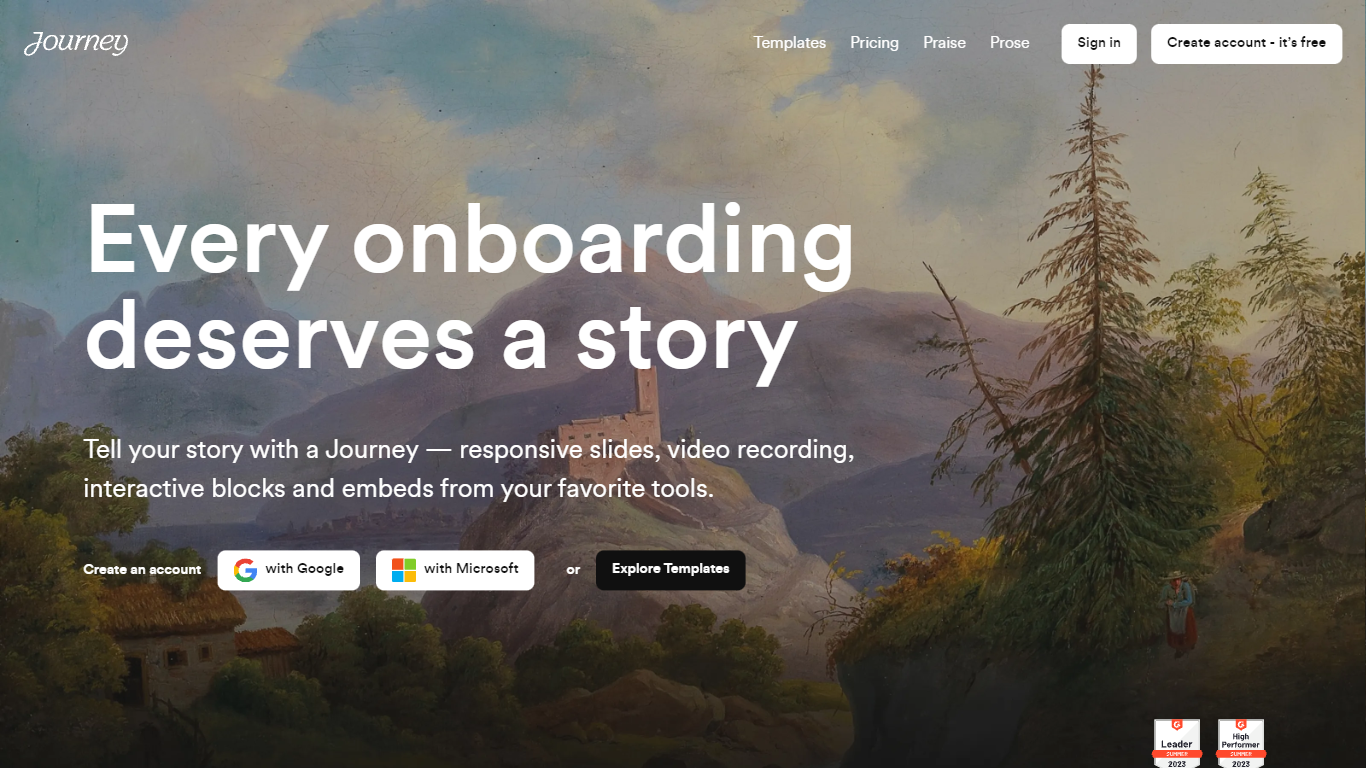
Journey packages pitch decks, case studies, pricing sheets, and follow-up docs into one branded page your buyer can forward internally. Instead of emailing scattered PDFs and links, you build a structured page with folders, a table of contents, and embeds from tools like Loom, Gong, Notion, and DocuSign. Recipients open a single URL, skim sections in any order, and you see who engaged and for how long.
Where a Google Doc or Notion page feels like homework, Journey is built for post-call follow-up and deal rooms. Pitch Mode and Microsite Mode give you two layouts for the same content blocks, and the Grow plan adds an AI chatbot that answers questions about your page. The free Start tier caps you at two live Journeys, which is the main trade-off against sending a plain shared folder.
Sales reps, founders, and customer success teams use Journey after demos to give busy stakeholders one place for the pitch, proof, and trust materials. It fits teams that already have good content but lose momentum when buyers dig through email threads to find it.
PDF Pals Upvotes
Journey Upvotes
PDF Pals Top Features
Chat with multiple PDFs in one session with no file size limit
Indexes and embeds documents locally using an open-source model at no ingestion cost
OCR extracts text from scanned PDFs and complex form layouts
Connects to OpenAI, Azure OpenAI, OpenRouter, Mistral, Perplexity, or custom endpoints
Redacts emails, phone numbers, and credit cards before prompts are sent to your API provider
Perpetual licenses from $60 (1 device) to $300 (5 devices) with one year of free updates
Journey Top Features
Start plan includes up to 2 Journeys; Grow and Scale offer unlimited Journeys with a 14-day free trial on every tier
Embed blocks for Loom, Gong, Calendly, Notion, PandaDoc, DocuSign, Google Drive, Dropbox, and YouTube without leaving the page
Grow plan unlocks an AI chatbot that lets recipients ask questions about your Journey content
Scale adds session replays plus Clay and Zapier integrations for outbound personalization workflows
Engagement insights show who viewed your page, what sections they opened, and how long they spent
Custom domain add-on costs $10 per month on any paid plan
Recipients view published Journeys without creating an account or logging in
PDF Pals Category
- PDF
Journey Category
- PDF
PDF Pals Pricing Type
- Paid
Journey Pricing Type
- Freemium