PDF Pals vs PDFPeer
Dive into the comparison of PDF Pals vs PDFPeer and discover which AI PDF tool stands out. We examine alternatives, upvotes, features, reviews, pricing, and beyond.
When comparing PDF Pals and PDFPeer, which one rises above the other?
When we compare PDF Pals and PDFPeer, two exceptional pdf tools powered by artificial intelligence, and place them side by side, several key similarities and differences come to light. The users have made their preference clear, PDFPeer leads in upvotes. The upvote count for PDFPeer is 89, and for PDF Pals it's 6.
Feeling rebellious? Cast your vote and shake things up!
PDF Pals

What is PDF Pals?
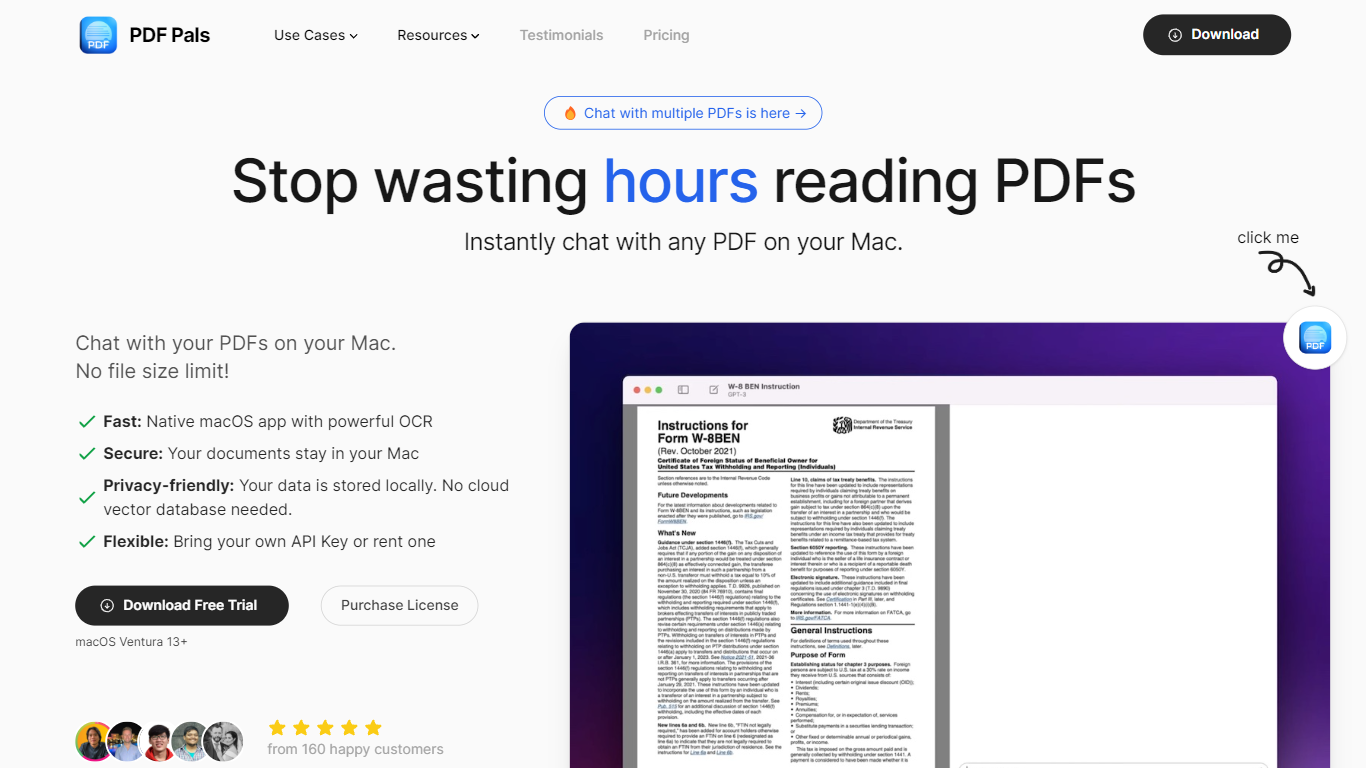
PDF Pals lets you open any PDF on your Mac and ask questions about it in plain language, with answers tied to specific pages in the source file. The native macOS app indexes documents locally instead of uploading them to a cloud server, which makes it a fit for researchers, developers, legal teams, and product managers handling long technical or legal PDFs.
Most ChatPDF tools run in the browser and send your files to their servers for indexing. PDF Pals embeds documents on your machine with an open-source model, so a 2,000-page PDF costs nothing to process beyond your own API usage. You buy a perpetual license once ($60 to $300) instead of paying a monthly SaaS fee for document hosting.
You bring your own API key from OpenAI, Azure OpenAI, or OpenRouter, or point the app at a custom OpenAI-compatible endpoint. PDF Pals supports multi-document chats with no file size cap, OCR for scanned PDFs, and automatic redaction of emails, phone numbers, and credit card numbers before prompts leave your Mac.
The app is built by Podzim LLC, the team behind BoltAI and KTool. Files stay local, API keys sit in the Apple Keychain, training data lives in a local SQLite database, and the app ships without in-app analytics.
PDFPeer
What is PDFPeer?
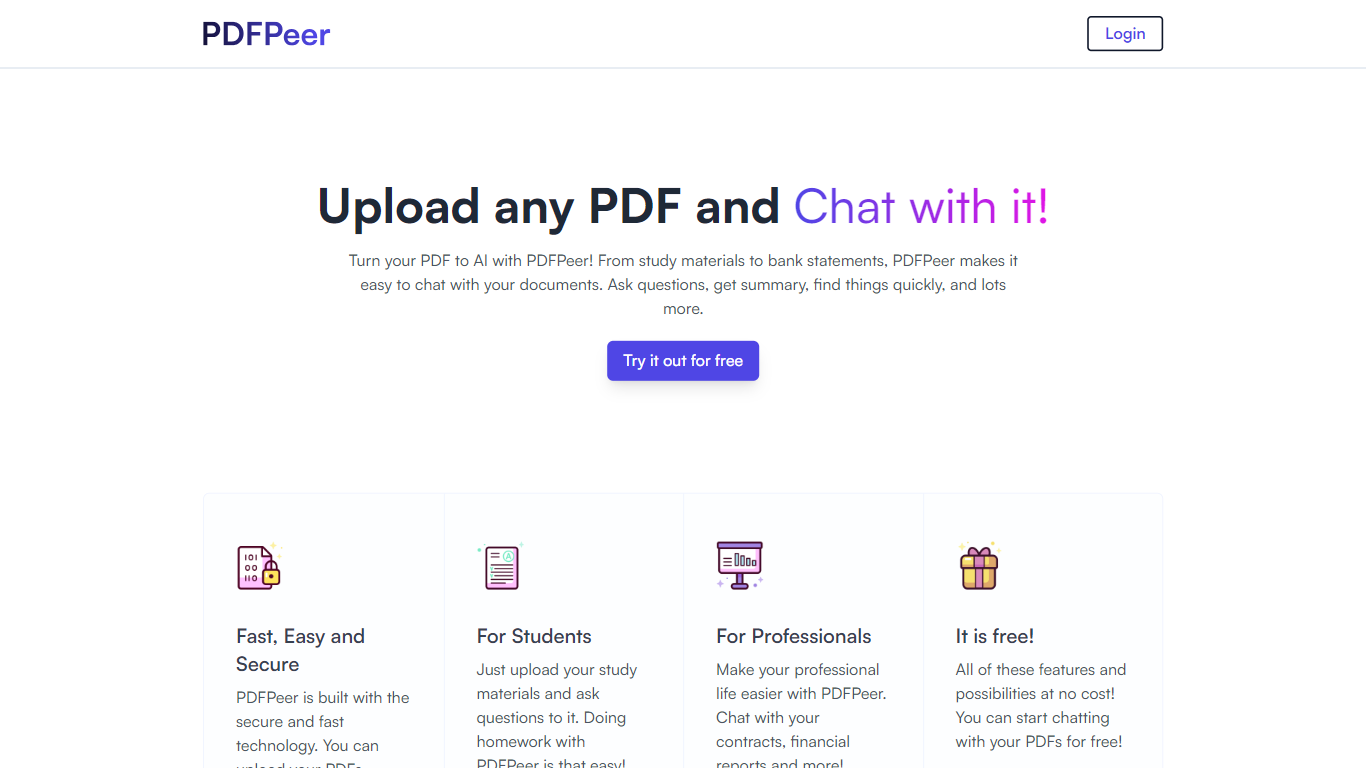
PDFPeer turns uploaded PDFs into documents you can question in plain language. Upload a file, then ask for summaries, specific facts, or quick lookups without scrolling page by page. The product targets students working through lecture notes and professionals handling contracts, reports, bank statements, and similar paperwork.
The homepage highlights use across study materials, invoices, resumes, contracts, tax forms, research papers, and other document types. PDFPeer also ships a separate free tools section for conversions and extraction, including PDF to text, OCR, image conversion, and split PDF workflows that do not require signing in.
Accounts support Google, GitHub, or email sign-in. Southern East Inc., based in Waterloo, Ontario, operates PDFPeer and handles billing through Stripe.
PDF Pals Upvotes
PDFPeer Upvotes
PDF Pals Top Features
Chat with multiple PDFs in one session with no file size limit
Indexes and embeds documents locally using an open-source model at no ingestion cost
OCR extracts text from scanned PDFs and complex form layouts
Connects to OpenAI, Azure OpenAI, OpenRouter, Mistral, Perplexity, or custom endpoints
Redacts emails, phone numbers, and credit cards before prompts are sent to your API provider
Perpetual licenses from $60 (1 device) to $300 (5 devices) with one year of free updates
PDFPeer Top Features
Upload a PDF and ask questions in natural language instead of searching manually
Generate summaries and pull specific details from long documents quickly
Works across study notes, contracts, invoices, resumes, tax forms, and research papers
Free tier includes one PDF with limits on file size, page count, and daily questions
Unlimited plan removes PDF, page, and question caps with priority support
Standalone free PDF utilities for text extraction, OCR, image conversion, and splitting files
PDF Pals Category
- PDF
PDFPeer Category
- PDF
PDF Pals Pricing Type
- Paid
PDFPeer Pricing Type
- Freemium