PDF to Study Cards vs StudyShift
Dive into the comparison of PDF to Study Cards vs StudyShift and discover which AI Education tool stands out. We examine alternatives, upvotes, features, reviews, pricing, and beyond.
In a comparison between PDF to Study Cards and StudyShift, which one comes out on top?
When we compare PDF to Study Cards and StudyShift, two exceptional education tools powered by artificial intelligence, and place them side by side, several key similarities and differences come to light. Neither tool takes the lead, as they both have the same upvote count. Your vote matters! Help us decide the winner among aitools.fyi users by casting your vote.
Does the result make you go "hmm"? Cast your vote and turn that frown upside down!
PDF to Study Cards

What is PDF to Study Cards?
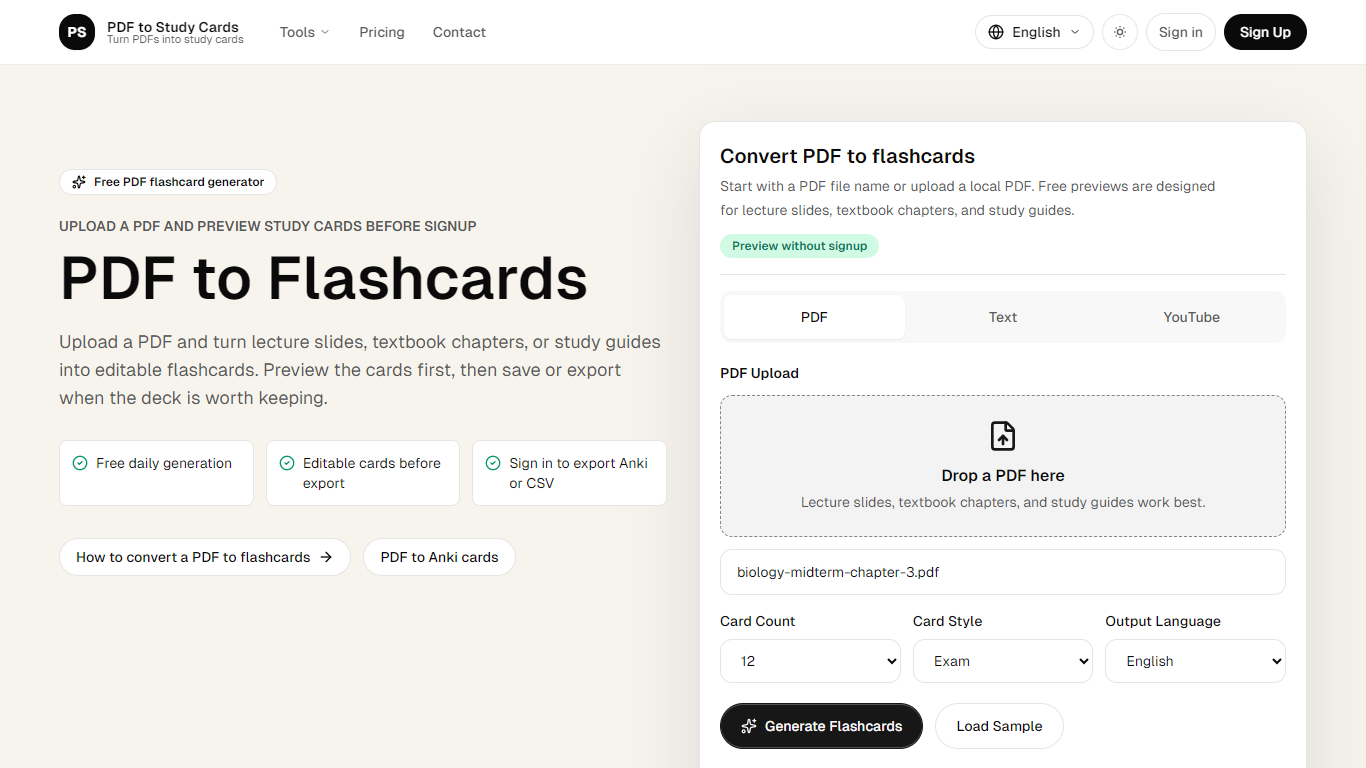
PDF to Study Cards converts lecture slides, textbook chapters, and study guides into editable question-and-answer flashcards. Upload a PDF, pick how many cards you want, and review the full deck in your browser before you create an account or pay anything.
The workflow is built around previewing first. You generate cards, rewrite weak prompts, restore the original wording, and delete duplicates in the editor. Saving a deck, exporting to Anki or CSV, or processing larger PDFs only comes after you decide the result is worth keeping.
Beyond PDFs, the same converter accepts pasted text and YouTube transcript URLs, so lecture notes and recorded lessons can follow the same path to flashcards. Output languages include English, Chinese, and Spanish.
Students prepping for midterms, nursing exams, or law courses are the core audience. The site also publishes dedicated flows for Anki export and related converters when you need cards in a specific study app format.
StudyShift
What is StudyShift?
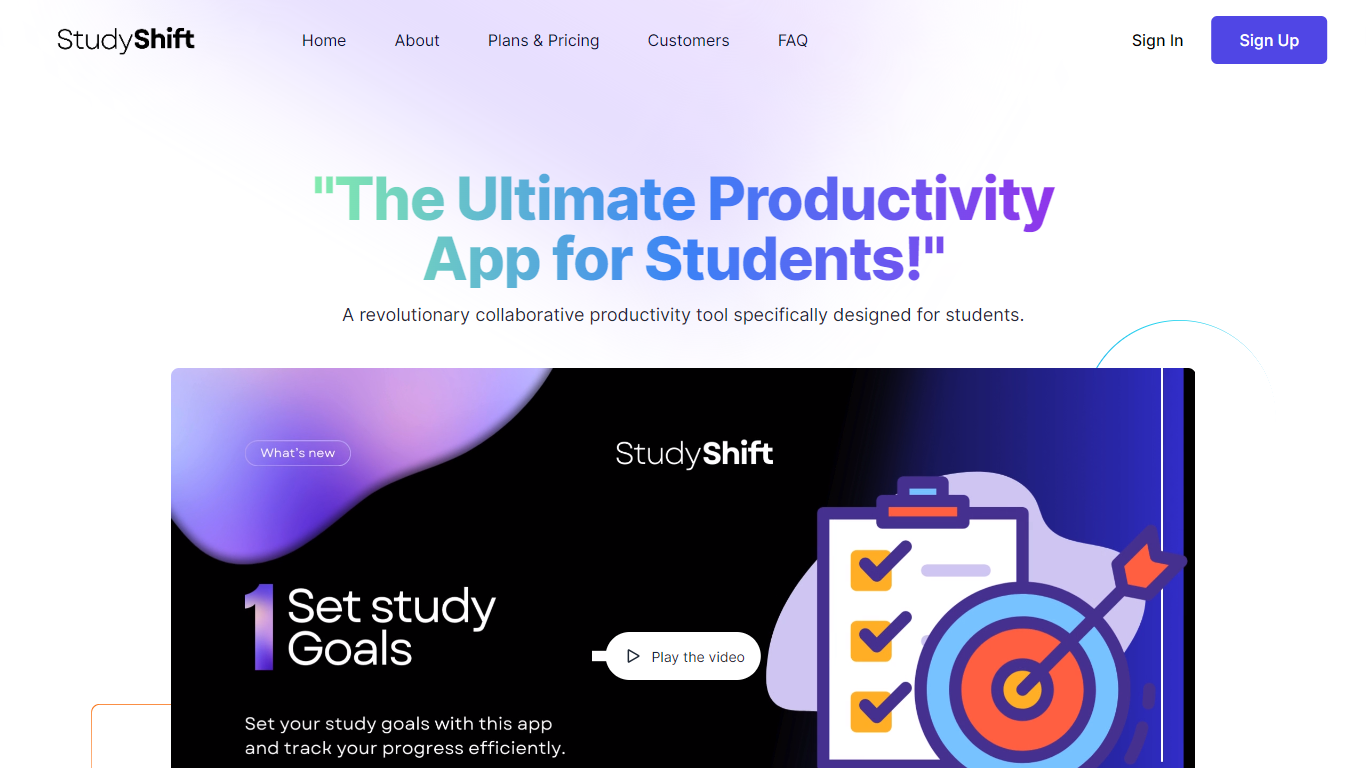
StudyShift remains a versatile productivity app tailored for students, now enhanced with new features to support academic integrity and writing quality. Beyond managing study goals, assignments, and notes, it integrates tools to help students check their work for AI-generated content, reflecting the growing importance of ethical writing practices. The app supports seamless document collaboration and offers a clear overview of study progress across devices. It also provides access to resources that explain university-level AI detection methods, helping users understand how their texts might be evaluated. StudyShift's updated value lies in combining productivity with proactive academic compliance, making it a comprehensive companion for modern students. The platform ensures privacy and data security, with all processing done securely and anonymously. This focus on transparency and user control sets it apart from other study apps. While the core remains user-friendly task and note management, the addition of AI detection awareness tools addresses a critical need in today's academic environment.
PDF to Study Cards Upvotes
StudyShift Upvotes
PDF to Study Cards Top Features
Preview a full flashcard deck before signup or payment
Choose 12, 20, or 30 cards with Exam, Simple, or Definition styles
Edit front and back text, restore originals, or delete weak cards in the preview
Export reviewed decks as Anki-compatible TSV or CSV after sign-in
Convert PDFs, pasted text, or YouTube transcripts in English, Chinese, or Spanish
StudyShift Top Features
📚 Set and track personalized study goals to stay motivated
📝 Manage assignments with collaborative document editing
🔍 Check texts for AI-generated content to ensure originality
📊 Visual progress reports help monitor study effectiveness
🔒 Secure and anonymous processing protects your data
PDF to Study Cards Category
- Education
StudyShift Category
- Education
PDF to Study Cards Pricing Type
- Freemium
StudyShift Pricing Type
- Freemium