pdfAssistant.ai vs Converse
In the clash of pdfAssistant.ai vs Converse, which AI PDF tool emerges victorious? We assess reviews, pricing, alternatives, features, upvotes, and more.
When we put pdfAssistant.ai and Converse head to head, which one emerges as the victor?
Let's take a closer look at pdfAssistant.ai and Converse, both of which are AI-driven pdf tools, and see what sets them apart. Neither tool takes the lead, as they both have the same upvote count. Be a part of the decision-making process. Your vote could determine the winner.
Want to flip the script? Upvote your favorite tool and change the game!
pdfAssistant.ai
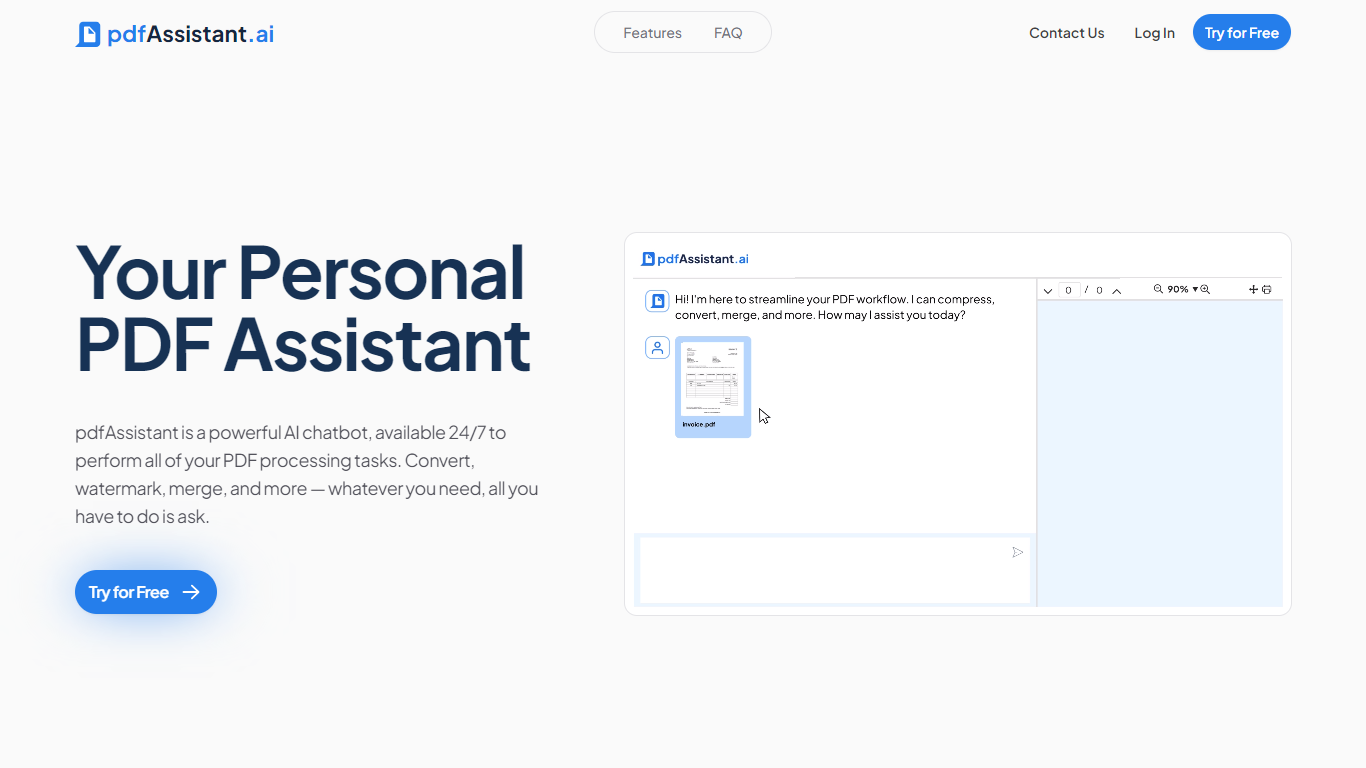

What is pdfAssistant.ai ?
pdfAssistant.ai is a PDF automation platform from Datalogics that turns everyday document tasks into reusable workflows. Instead of clicking through menus for every file, you describe what you need in plain language, chain operations together, and run the same workflow across one file or thousands.
The platform sits on the Adobe PDF Library, the same engine behind Acrobat, with AI layered on top for conversational tasks and workflow building. That combination covers heavy-duty PDF work like redaction, OCR, PDF/A archival conversion, and batch merges alongside quick one-off jobs in AI Studio.
It targets teams in finance, legal, HR, and publishing who process documents at volume but do not want to write custom scripts. Integrations via MCP bring pdfAssistant into ChatGPT, Claude, and Codex, while Adobe Express add-ons handle specialized export formats.
Converse
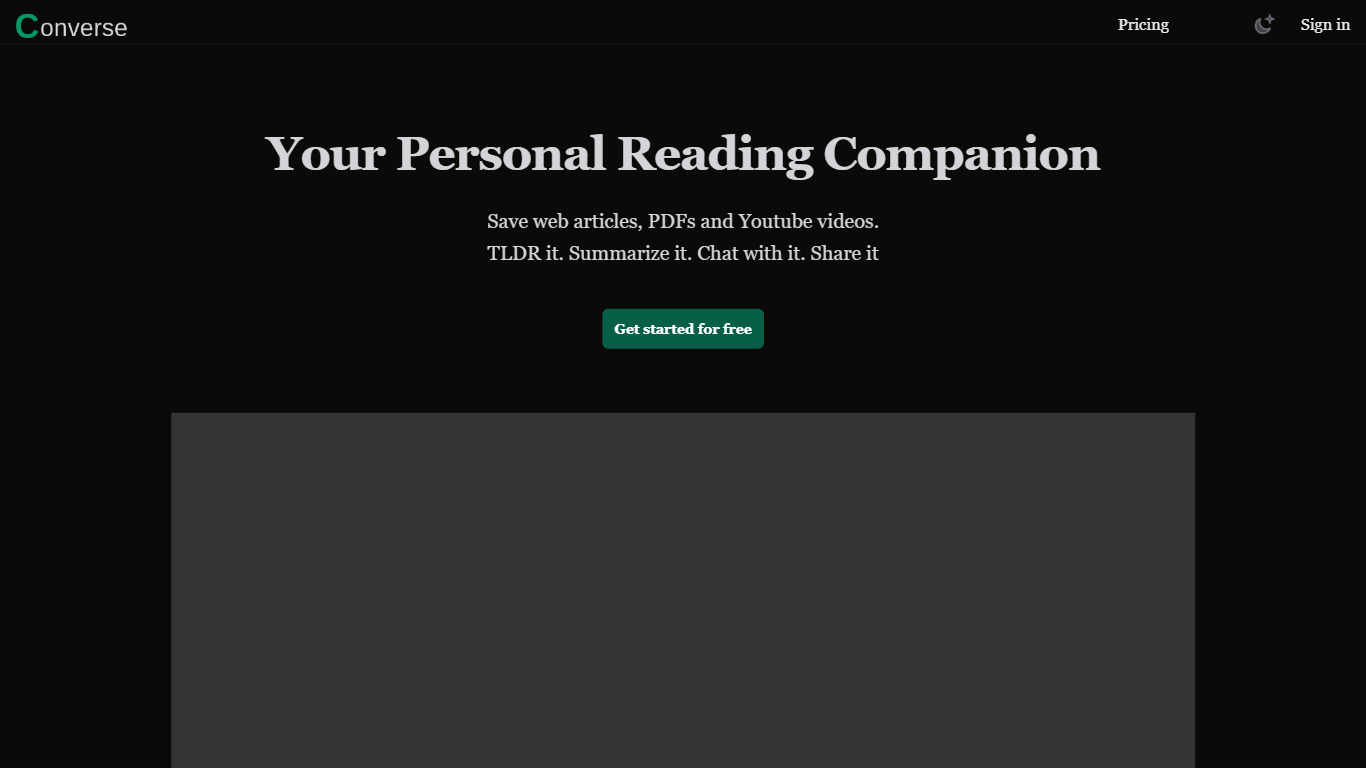
What is Converse?
Converse is an innovative web tool designed to enhance your reading journey by providing a wide range of features. With Converse, you can save, summarize, and chat with web articles, PDF documents, and YouTube videos, making it a versatile platform for all your reading and content needs.
One of the key features of Converse is the ability to save articles, PDF documents, and YouTube videos, allowing you to easily access and refer back to them later. This can be especially useful for research purposes or when you want to revisit a specific piece of content.
In addition to saving, Converse also offers a unique summarization feature. With tailored summaries and TLDRs (Too Long; Didn't Read), you can quickly get an overview of the main points and key takeaways from any article or document. This saves you time and allows you to grasp the essence of the content without having to read the entire piece.
Furthermore, Converse provides an intuitive document chat function. This allows you to engage with the content by asking questions, leaving comments, or discussing specific sections with other users. It's a great way to connect with like-minded individuals or collaborate on projects.
Another noteworthy feature of Converse is the social sharing capability. You can easily share articles, summaries, or key takeaways on various social media platforms, expanding your reach and initiating meaningful discussions with your audience.
Overall, Converse is a comprehensive tool that combines the functionalities of saving, summarizing, chatting, and sharing, all designed to enhance your reading journey and make your content consumption more efficient and enjoyable.
pdfAssistant.ai Upvotes
Converse Upvotes
pdfAssistant.ai Top Features
Chain 40+ PDF operations into reusable workflows and batch-run them across thousands of files
Describe one-off tasks in plain language with AI Studio to summarize, extract, or generate PDFs
Connect via MCP to ChatGPT, Claude, and Codex so assistants run your PDF workflows in chat
Built on Adobe PDF Library with TLS 1.3 and AES-256 encryption; files auto-delete within 24 hours
Export press-ready PDF/X, archival PDF/A, and custom images through Adobe Express add-ons
Converse Top Features
No top features listedpdfAssistant.ai Category
- PDF
Converse Category
- PDF
pdfAssistant.ai Pricing Type
- Freemium
Converse Pricing Type
- Freemium