pdfAssistant.ai vs PDFPeer
In the battle of pdfAssistant.ai vs PDFPeer, which AI PDF tool comes out on top? We compare reviews, pricing, alternatives, upvotes, features, and more.
Between pdfAssistant.ai and PDFPeer, which one is superior?
Upon comparing pdfAssistant.ai with PDFPeer, which are both AI-powered pdf tools, The upvote count shows a clear preference for PDFPeer. PDFPeer has been upvoted 89 times by aitools.fyi users, and pdfAssistant.ai has been upvoted 7 times.
Not your cup of tea? Upvote your preferred tool and stir things up!
pdfAssistant.ai

What is pdfAssistant.ai ?
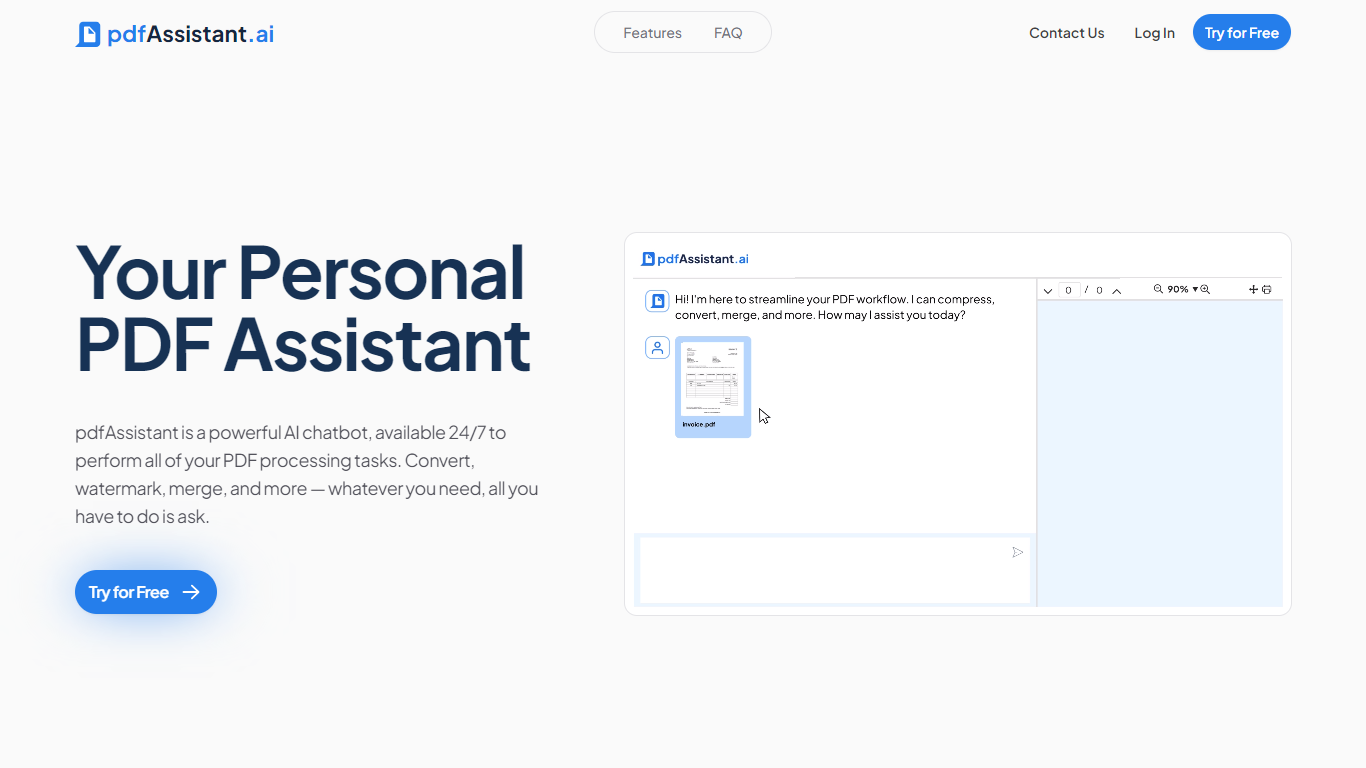
pdfAssistant.ai is a PDF automation platform from Datalogics that turns everyday document tasks into reusable workflows. Instead of clicking through menus for every file, you describe what you need in plain language, chain operations together, and run the same workflow across one file or thousands.
The platform sits on the Adobe PDF Library, the same engine behind Acrobat, with AI layered on top for conversational tasks and workflow building. That combination covers heavy-duty PDF work like redaction, OCR, PDF/A archival conversion, and batch merges alongside quick one-off jobs in AI Studio.
It targets teams in finance, legal, HR, and publishing who process documents at volume but do not want to write custom scripts. Integrations via MCP bring pdfAssistant into ChatGPT, Claude, and Codex, while Adobe Express add-ons handle specialized export formats.
PDFPeer
What is PDFPeer?
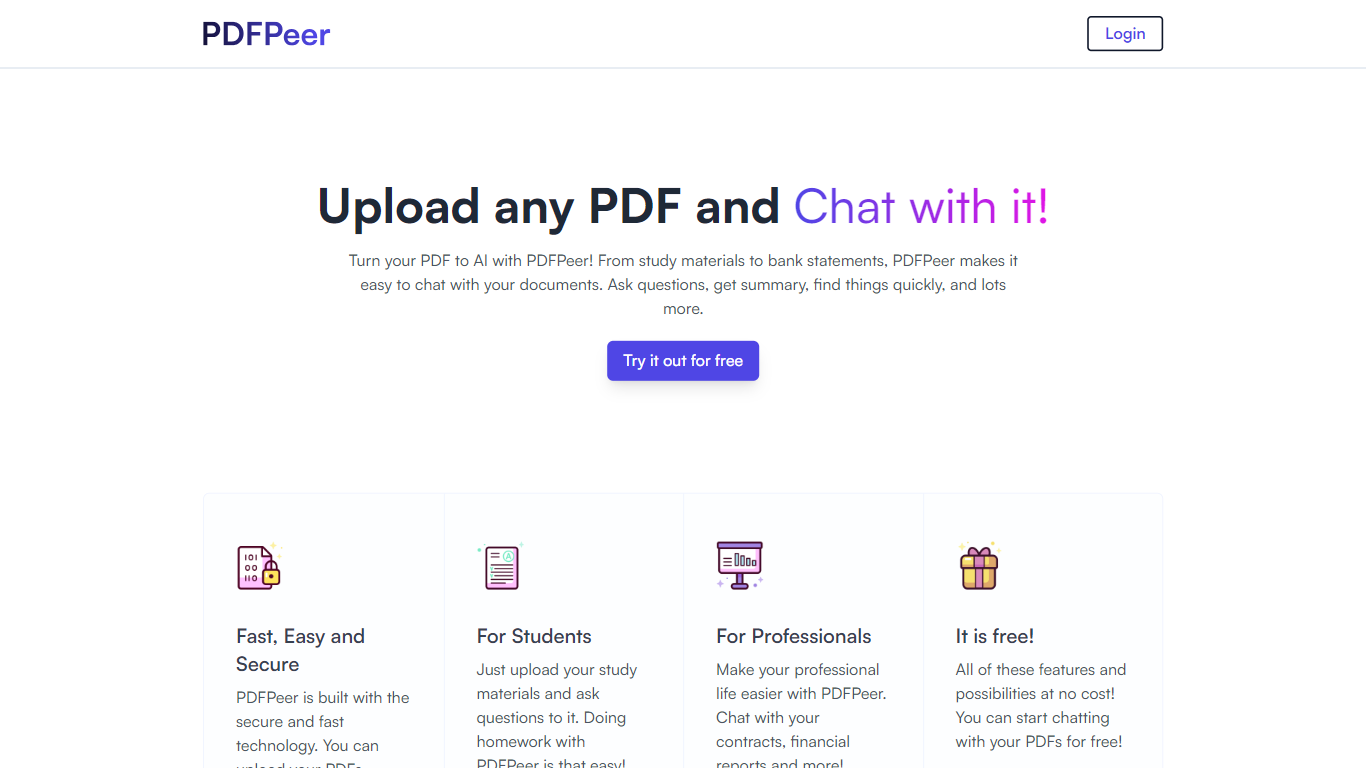
PDFPeer turns uploaded PDFs into documents you can question in plain language. Upload a file, then ask for summaries, specific facts, or quick lookups without scrolling page by page. The product targets students working through lecture notes and professionals handling contracts, reports, bank statements, and similar paperwork.
The homepage highlights use across study materials, invoices, resumes, contracts, tax forms, research papers, and other document types. PDFPeer also ships a separate free tools section for conversions and extraction, including PDF to text, OCR, image conversion, and split PDF workflows that do not require signing in.
Accounts support Google, GitHub, or email sign-in. Southern East Inc., based in Waterloo, Ontario, operates PDFPeer and handles billing through Stripe.
pdfAssistant.ai Upvotes
PDFPeer Upvotes
pdfAssistant.ai Top Features
Chain 40+ PDF operations into reusable workflows and batch-run them across thousands of files
Describe one-off tasks in plain language with AI Studio to summarize, extract, or generate PDFs
Connect via MCP to ChatGPT, Claude, and Codex so assistants run your PDF workflows in chat
Built on Adobe PDF Library with TLS 1.3 and AES-256 encryption; files auto-delete within 24 hours
Export press-ready PDF/X, archival PDF/A, and custom images through Adobe Express add-ons
PDFPeer Top Features
Upload a PDF and ask questions in natural language instead of searching manually
Generate summaries and pull specific details from long documents quickly
Works across study notes, contracts, invoices, resumes, tax forms, and research papers
Free tier includes one PDF with limits on file size, page count, and daily questions
Unlimited plan removes PDF, page, and question caps with priority support
Standalone free PDF utilities for text extraction, OCR, image conversion, and splitting files
pdfAssistant.ai Category
- PDF
PDFPeer Category
- PDF
pdfAssistant.ai Pricing Type
- Freemium
PDFPeer Pricing Type
- Freemium