pdfAssistant.ai vs Doclime
Dive into the comparison of pdfAssistant.ai vs Doclime and discover which AI PDF tool stands out. We examine alternatives, upvotes, features, reviews, pricing, and beyond.
In a comparison between pdfAssistant.ai and Doclime, which one comes out on top?
When we compare pdfAssistant.ai and Doclime, two exceptional pdf tools powered by artificial intelligence, and place them side by side, several key similarities and differences come to light. With more upvotes, pdfAssistant.ai is the preferred choice. pdfAssistant.ai has garnered 7 upvotes, and Doclime has garnered 6 upvotes.
Disagree with the result? Upvote your favorite tool and help it win!
pdfAssistant.ai
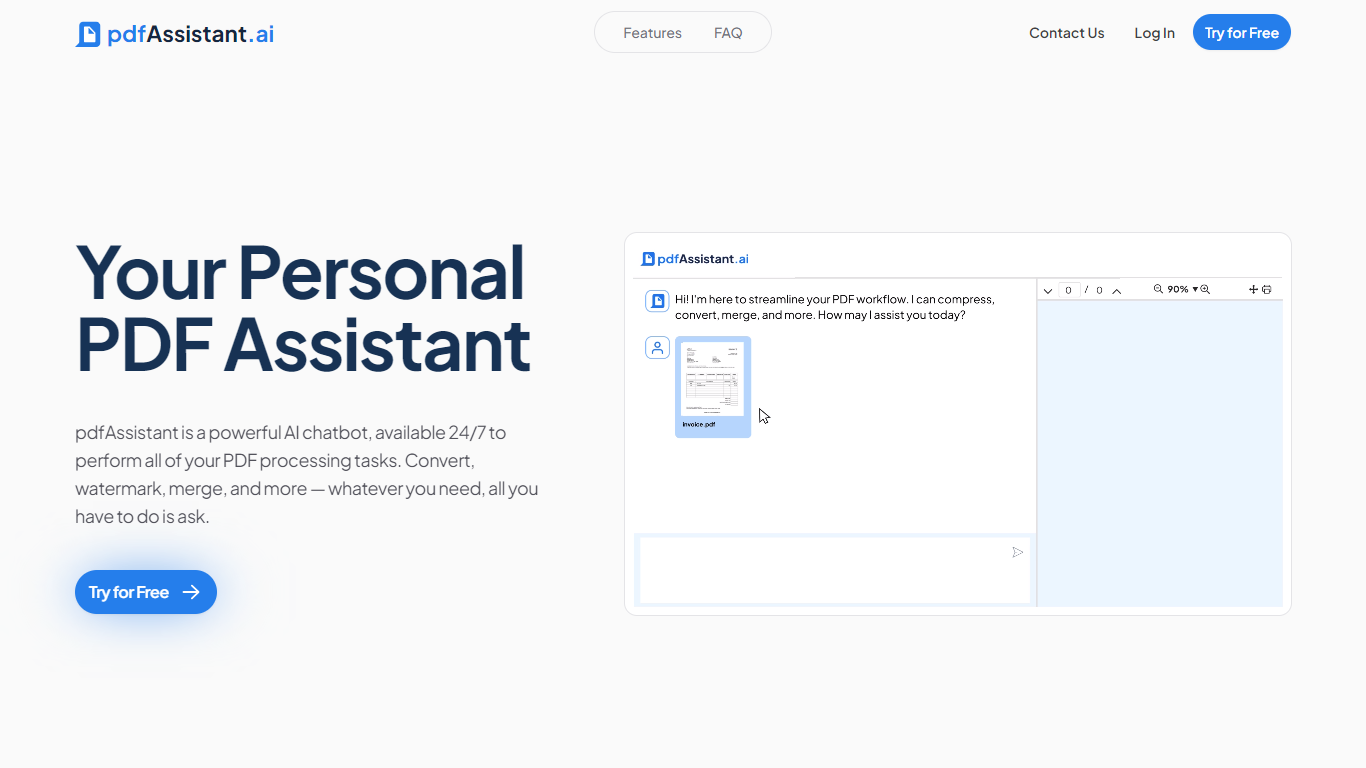

What is pdfAssistant.ai ?
pdfAssistant.ai is a PDF automation platform from Datalogics that turns everyday document tasks into reusable workflows. Instead of clicking through menus for every file, you describe what you need in plain language, chain operations together, and run the same workflow across one file or thousands.
The platform sits on the Adobe PDF Library, the same engine behind Acrobat, with AI layered on top for conversational tasks and workflow building. That combination covers heavy-duty PDF work like redaction, OCR, PDF/A archival conversion, and batch merges alongside quick one-off jobs in AI Studio.
It targets teams in finance, legal, HR, and publishing who process documents at volume but do not want to write custom scripts. Integrations via MCP bring pdfAssistant into ChatGPT, Claude, and Codex, while Adobe Express add-ons handle specialized export formats.
Doclime
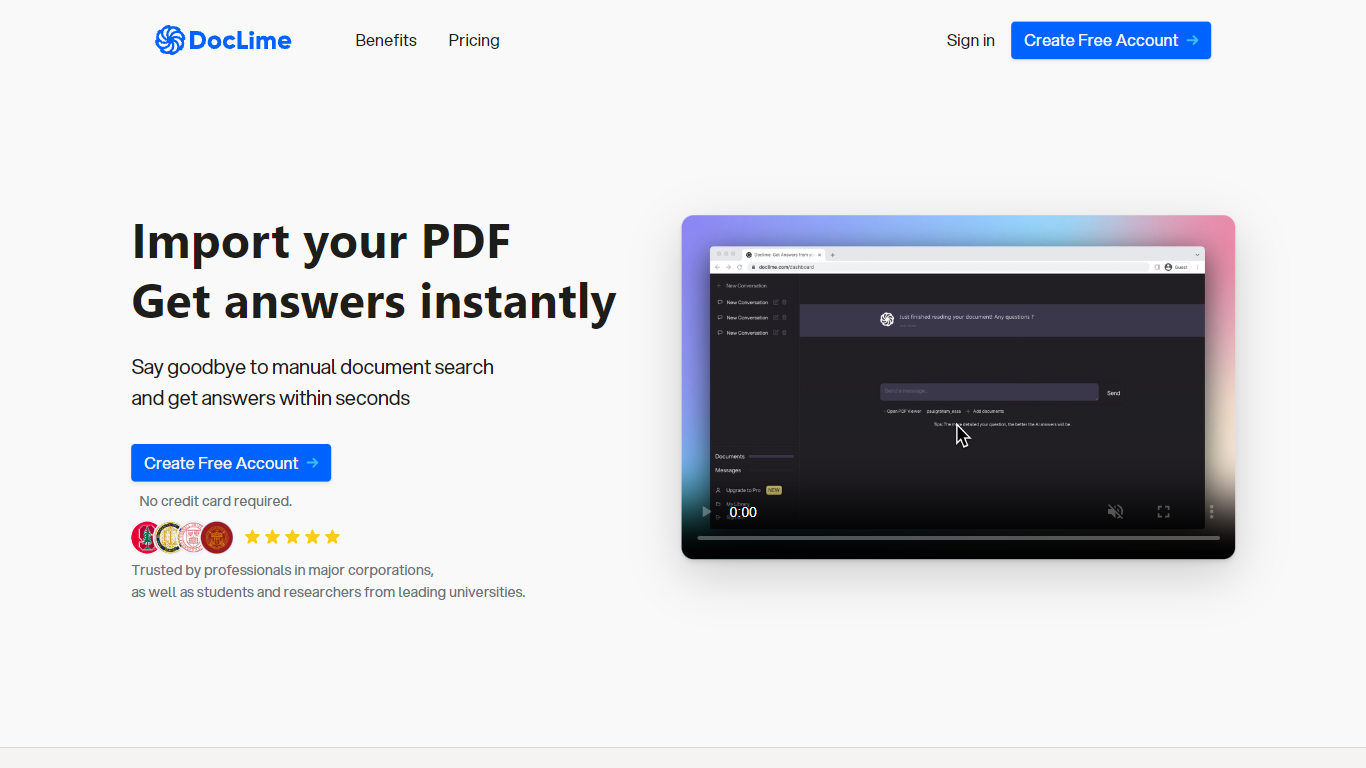
What is Doclime?
Doclime lets you upload PDFs and ask questions that come back with cited answers pulled from the file. You get a built-in PDF viewer with search and page navigation, a notes editor with version history, and a split-screen layout that keeps chat, documents, and notes open at once. It also reads scanned PDFs through OCR and accepts screenshot questions through its Vision feature.
Most PDF chat tools stop at a single file and a text box. Doclime stacks a hierarchical file tree, multi-document context for one conversation, and frontier models from OpenAI and Anthropic in the same workspace. That combination targets people cross-referencing textbooks, contracts, or research papers rather than doing one-off summaries.
The homepage lists use cases like lesson planning from textbooks, chapter summaries, and pulling obligations from contract sections, with example answers showing bracketed source references. Stanford, Berkeley, Cornell, and USC logos appear on the landing page, and the interface ships in nine languages including English, Spanish, French, German, Japanese, Korean, Arabic, and Chinese.
pdfAssistant.ai Upvotes
Doclime Upvotes
pdfAssistant.ai Top Features
Chain 40+ PDF operations into reusable workflows and batch-run them across thousands of files
Describe one-off tasks in plain language with AI Studio to summarize, extract, or generate PDFs
Connect via MCP to ChatGPT, Claude, and Codex so assistants run your PDF workflows in chat
Built on Adobe PDF Library with TLS 1.3 and AES-256 encryption; files auto-delete within 24 hours
Export press-ready PDF/X, archival PDF/A, and custom images through Adobe Express add-ons
Doclime Top Features
Ask questions about uploaded PDFs and receive answers with bracketed citation references to source passages
Built-in PDF viewer includes search, zoom, and page navigation alongside the chat panel
Split-screen layout opens PDF, notes, and chat views simultaneously in one workspace
Vision support lets you screenshot any document section and ask questions about that image
OCR converts scanned PDF files into searchable text before answering questions
Context-aware search adds multiple PDFs and notes as context files to a single AI conversation
pdfAssistant.ai Category
- PDF
Doclime Category
- PDF
pdfAssistant.ai Pricing Type
- Freemium
Doclime Pricing Type
- Freemium