
Last updated 07-23-2026
Category:
Reviews:
Join thousands of AI enthusiasts in the World of AI!
pdfAssistant.ai
pdfAssistant.ai is a PDF automation platform from Datalogics that turns everyday document tasks into reusable workflows. Instead of clicking through menus for every file, you describe what you need in plain language, chain operations together, and run the same workflow across one file or thousands.
The platform sits on the Adobe PDF Library, the same engine behind Acrobat, with AI layered on top for conversational tasks and workflow building. That combination covers heavy-duty PDF work like redaction, OCR, PDF/A archival conversion, and batch merges alongside quick one-off jobs in AI Studio.
It targets teams in finance, legal, HR, and publishing who process documents at volume but do not want to write custom scripts. Integrations via MCP bring pdfAssistant into ChatGPT, Claude, and Codex, while Adobe Express add-ons handle specialized export formats.
Chain 40+ PDF operations into reusable workflows and batch-run them across thousands of files
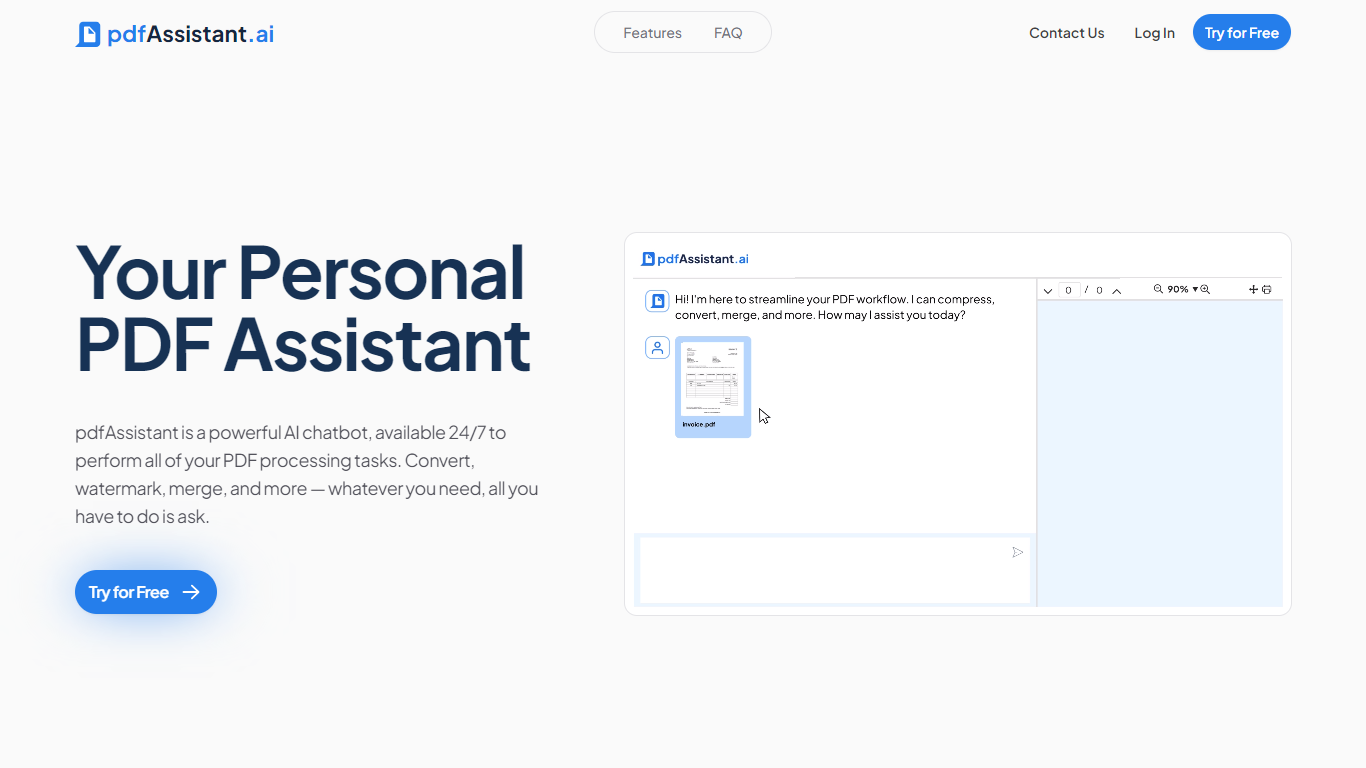
Describe one-off tasks in plain language with AI Studio to summarize, extract, or generate PDFs
Connect via MCP to ChatGPT, Claude, and Codex so assistants run your PDF workflows in chat
Built on Adobe PDF Library with TLS 1.3 and AES-256 encryption; files auto-delete within 24 hours
Export press-ready PDF/X, archival PDF/A, and custom images through Adobe Express add-ons
Free Starter plan requires no credit card and includes 400 monthly credits.
SOC 2 Type 2 audited with encrypted uploads and automatic 24-hour file deletion.
40+ PDF operations span OCR, redaction, conversion, and archival formats.
MCP integrations let you run saved workflows inside ChatGPT, Claude, and Codex.
Annual billing cuts paid plan costs by 30% compared to monthly pricing.
Starter plan previews results but requires a paid plan to download processed files.
Unused monthly credits reset each billing cycle and do not roll over.
No dedicated desktop or mobile apps; the product runs in the browser.
Is pdfAssistant free to use?
Yes. The Starter plan is free forever with 400 monthly credits and no credit card required. Paid plans unlock file downloads and higher monthly credit limits.
What PDF tasks can pdfAssistant handle?
pdfAssistant supports 40+ operations including merge, split, compress, redact, OCR, convert to Word or Excel, watermark, encrypt, and PDF/A or PDF/X conversion. You can chain them into reusable workflows.
How does pdfAssistant handle file security?
Uploads use TLS 1.3 in transit and AES-256 at rest. Files are automatically deleted within 24 hours of processing. Your documents are not used to train AI models.
Can I use pdfAssistant inside ChatGPT or Claude?
Yes. pdfAssistant connects to ChatGPT, Claude, and Codex via MCP, letting you run saved PDF workflows directly inside those AI chat tools.
Does pdfAssistant have a mobile app?
No dedicated mobile app is listed. pdfAssistant runs in the browser and offers API access plus Adobe Express add-ons for extended integrations.