PDFgen vs pdfy.ai
In the face-off between PDFgen vs pdfy.ai, which AI PDF tool takes the crown? We scrutinize features, alternatives, upvotes, reviews, pricing, and more.
In a face-off between PDFgen and pdfy.ai, which one takes the crown?
If we were to analyze PDFgen and pdfy.ai, both of which are AI-powered pdf tools, what would we find? PDFgen is the clear winner in terms of upvotes. The upvote count for PDFgen is 7, and for pdfy.ai it's 6.
Does the result make you go "hmm"? Cast your vote and turn that frown upside down!
PDFgen
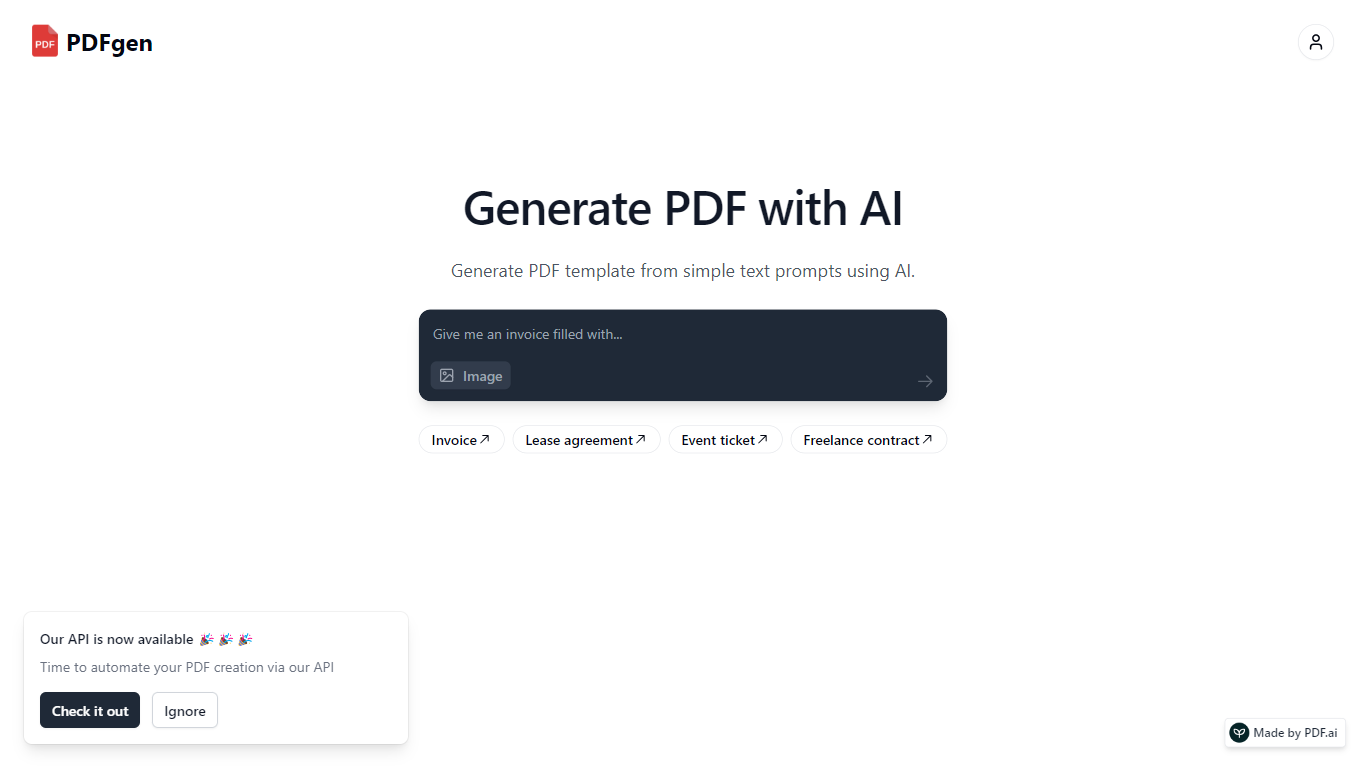

What is PDFgen?
PDFgen turns AI prompts, HTML, Markdown, or saved templates into pixel-perfect PDFs through a REST API. You can design documents in a browser dashboard, mark Handlebars fields for dynamic data, then call one endpoint to render invoices, tickets, certificates, or custom layouts at scale. The docs bill usage in credits where one credit covers up to five pages.
Unlike self-hosted headless Chrome setups, PDFgen runs the rendering stack for you and returns either the binary file or a signed URL. Prompt-based generation costs double the standard page rate because the model writes HTML before render, which is worth knowing if you plan to generate documents from natural language rather than fixed templates.
Developers wiring PDF output into SaaS billing, event platforms, or no-code automations use PDFgen to skip browser infrastructure. Starter and Business plans expose rate limits of 120 and 240 requests per minute, and Business adds bring-your-own AWS S3 delivery plus priority support.
pdfy.ai
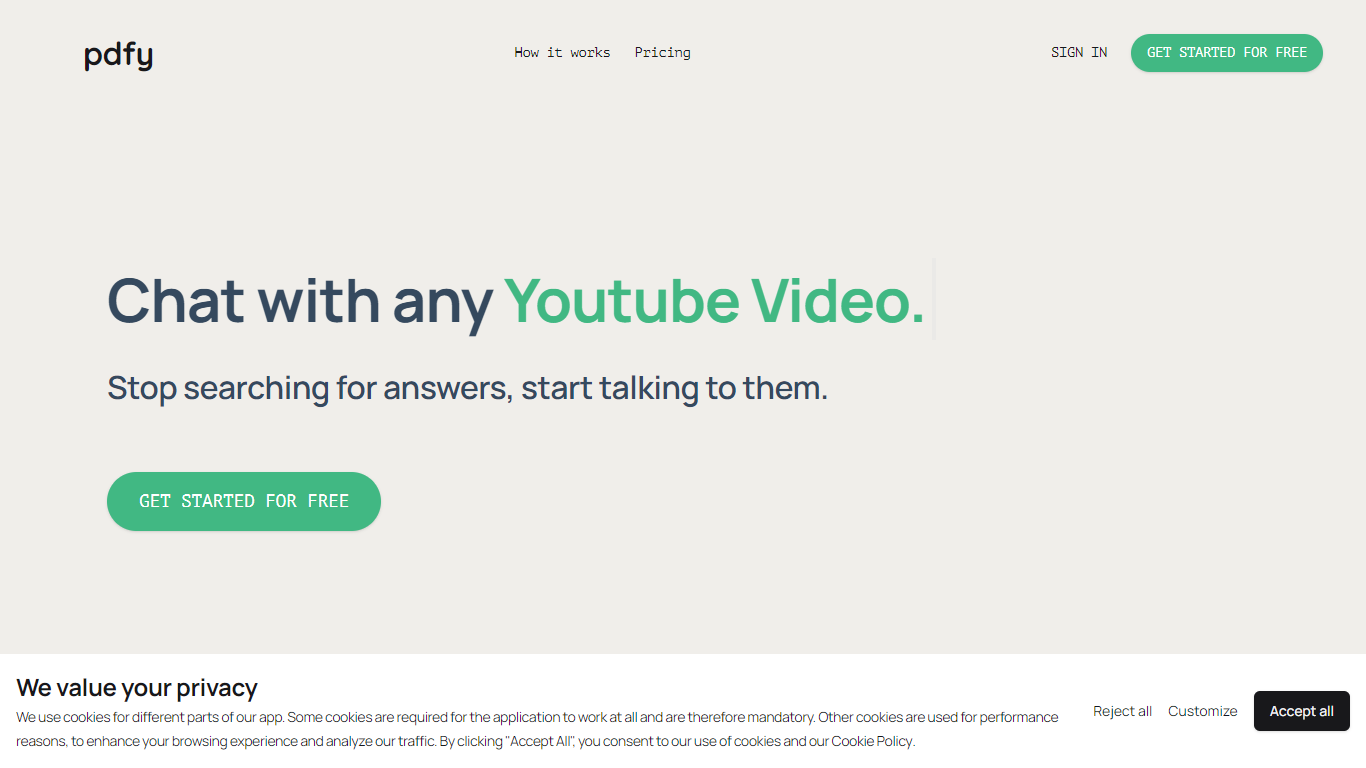
What is pdfy.ai?
pdfy.ai lets you chat with PDFs, websites, audio files, and YouTube videos instead of reading or scrubbing through them yourself. Upload a source, ask questions in plain language, and get answers drawn from the content. It is built for anyone who needs facts from long documents or media without sitting through every page or minute.
The app targets dense material like 200-page textbooks, meeting recordings, lengthy Wikipedia articles, and multi-hour video tutorials. You can ask follow-up questions and see where answers came from, which helps when you need to quote a source in school or at work.
Sign up, upload a file by drag-and-drop or file picker, and start chatting. Questions go into a simple chat box, and responses come back based on what the uploaded source contains.
PDFgen Upvotes
pdfy.ai Upvotes
PDFgen Top Features
Generate PDFs from saved templates, raw HTML, Markdown, or AI prompts via POST /api/v1/generate
Free plan includes 30 credits per month and up to 5 templates with watermark downloads
Starter plan at $29 per month includes 1,000 credits and 120 API requests per minute
Handlebars fields, loops, and conditionals for line items, totals, and conditional sections
Page sizes include A4, US Letter, Legal, A3, A5, and Tabloid
Password-protected PDF export with print and copy permission controls
Business plan supports bring-your-own AWS S3 delivery and 240 requests per minute
pdfy.ai Top Features
Chat with PDFs, websites, audio, and YouTube from one place
Upload sources by drag-and-drop or manual file selection
Ask questions in natural language and get cited answers back
OCR support on Premium and Ultimate for scanned documents
Free tier includes 5 sources and 50 questions per month
PDFgen Category
- PDF
pdfy.ai Category
- PDF
PDFgen Pricing Type
- Freemium
pdfy.ai Pricing Type
- Freemium