Phonesites vs Cmd J – ChatGPT for Chrome
In the battle of Phonesites vs Cmd J – ChatGPT for Chrome, which AI Writing Assistant tool comes out on top? We compare reviews, pricing, alternatives, upvotes, features, and more.
Between Phonesites and Cmd J – ChatGPT for Chrome, which one is superior?
Upon comparing Phonesites with Cmd J – ChatGPT for Chrome, which are both AI-powered writing assistant tools, The users have made their preference clear, Cmd J – ChatGPT for Chrome leads in upvotes. Cmd J – ChatGPT for Chrome has 46 upvotes, and Phonesites has 29 upvotes.
Want to flip the script? Upvote your favorite tool and change the game!
Phonesites
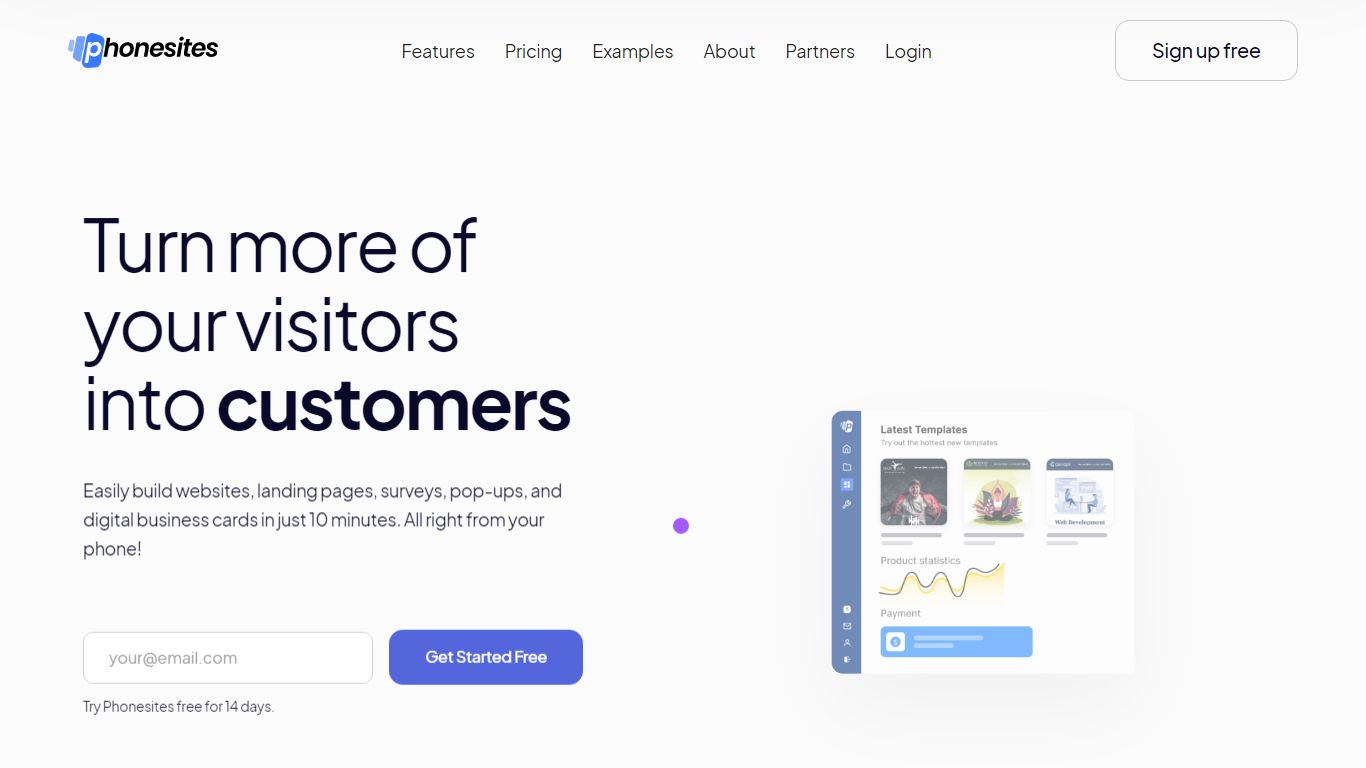

What is Phonesites?
Marketers and small businesses use Phonesites to publish landing pages, websites, surveys, pop-ups, and digital business cards from a phone or desktop without code. The drag-and-drop editor ships with 500+ templates, built-in email follow-ups, Stripe checkout, and an AI copywriter for headlines, ads, and sales emails. You can go from signup to a live lead capture page in about 10 minutes.
Most landing page tools assume you already pay for Mailchimp or ActiveCampaign. Phonesites bundles timed email sequences, lead notifications, and 600+ automation templates inside the editor, so you skip wiring a separate ESP. The trade-off is fewer design controls than Webflow or WordPress; the win is speed for people who build and tweak pages on their phone between client calls.
Since launching in 2018, Phonesites reports 313,000+ published pages, 3.6 million collected leads, and 200 million page visitors. Integrations run through Zapier, webhooks, and native hooks for Stripe, Twilio, Mailchimp, and Google Analytics. Essential plans start at $29 per month after a 14-day trial.
Solo founders, agencies, and local service businesses in real estate, insurance, coaching, and home services use it when they need funnels live today. Membership includes weekly coach workshops, a 6,000-member Facebook group, and a guided orientation call from the dashboard.
Cmd J – ChatGPT for Chrome
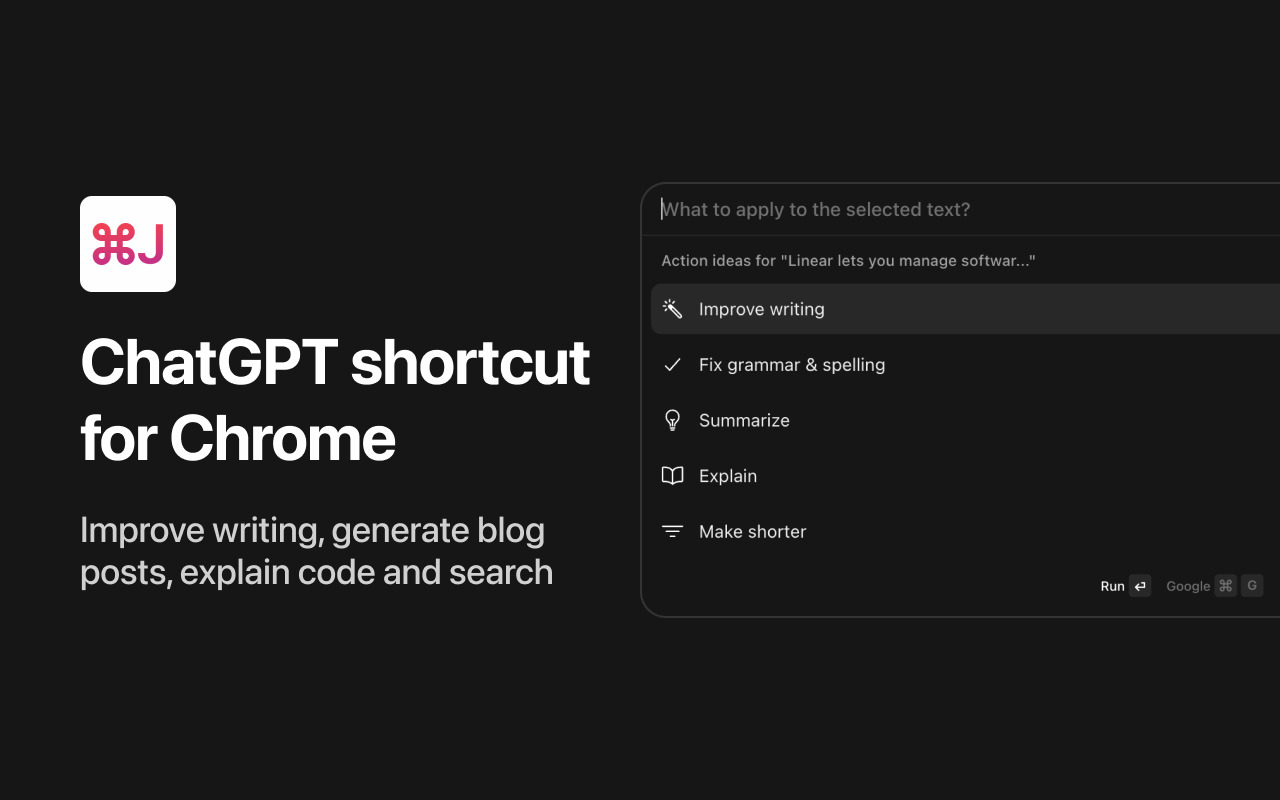
What is Cmd J – ChatGPT for Chrome?
The CmdJ app allows you to use ChatGPT on any tab without the hassle of copy-pasting. It's like Notion AI, but for any product.
Phonesites Upvotes
Cmd J – ChatGPT for Chrome Upvotes
Phonesites Top Features
500+ mobile-responsive templates with drag-and-drop editing from any device
Built-in email automations with 600+ templates, no separate ESP required
14-day free trial; Essential plan starts at $29/month or $250/year
Pop-up widgets embed on WordPress and other external sites
AI writer generates five headline, ad, or email options from a short offer description
Native Stripe, Twilio, Zapier, and webhook integrations plus 1,000+ app connections
Cmd J – ChatGPT for Chrome Top Features
No top features listedPhonesites Category
- Writing Assistant
Cmd J – ChatGPT for Chrome Category
- Writing Assistant
Phonesites Pricing Type
- Freemium
Cmd J – ChatGPT for Chrome Pricing Type
- Free