PhotoAid's AI Image Enlarger vs Cleanup Pictures
In the battle of PhotoAid's AI Image Enlarger vs Cleanup Pictures, which AI Photo Editing tool comes out on top? We compare reviews, pricing, alternatives, upvotes, features, and more.
Between PhotoAid's AI Image Enlarger and Cleanup Pictures, which one is superior?
Upon comparing PhotoAid's AI Image Enlarger with Cleanup Pictures, which are both AI-powered photo editing tools, The upvote count shows a clear preference for Cleanup Pictures. Cleanup Pictures has 7 upvotes, and PhotoAid's AI Image Enlarger has 6 upvotes.
Want to flip the script? Upvote your favorite tool and change the game!
PhotoAid's AI Image Enlarger


What is PhotoAid's AI Image Enlarger?
PhotoAid's AI Image Enlarger upscales photos in the browser without a software download. You upload a JPEG, WEBP, or PNG file up to 30MB or 10,000 by 10,000 pixels, pick a 1x or 2x zoom level, and the tool doubles dimensions while smoothing detail instead of leaving blocky pixels.
Standard resize tools stretch pixels and blur faces fast. PhotoAid's upscaler uses AI smoothing tuned especially for portraits, so a 1000 by 1000 px image can become 2000 by 2000 px with fewer artifacts than a basic bicubic stretch.
The enlarger is free and hosted by PhotoAiD, the same team behind passport and visa photo tools on photoaid.com. They released it as a standalone browser utility alongside their biometric photo pipeline, with multilingual site options and links back to other PhotoAid tools.
PhotoAid's AI Image Enlarger fits photographers, ecommerce sellers, and anyone who needs a quick upscale for profile shots or product images. It also helps travelers who already use PhotoAid for passport photos and want a separate enlargement step in the same ecosystem.
Cleanup Pictures
What is Cleanup Pictures?
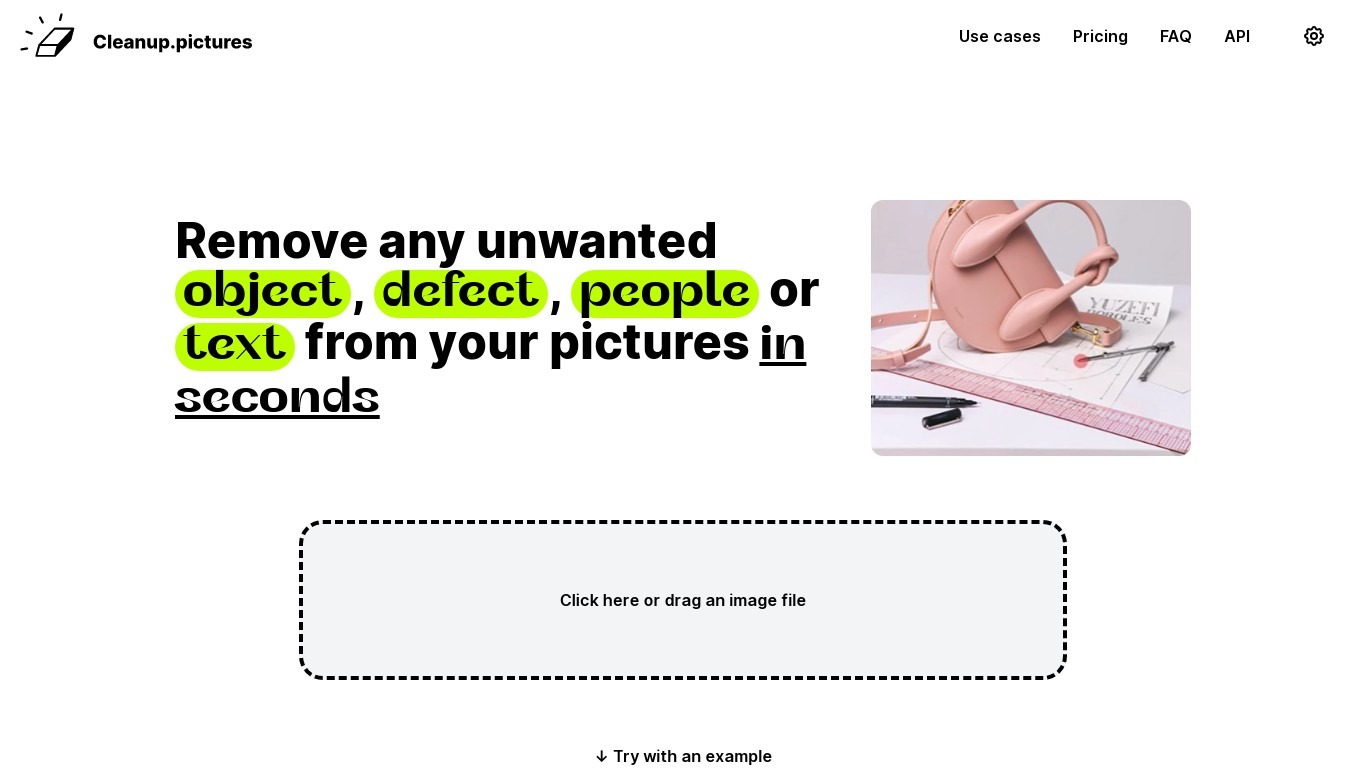
Cleanup Pictures is a browser-based photo editor focused on AI inpainting. You brush over an unwanted person, object, text, watermark, or blemish, and the tool reconstructs the background in a few clicks. No Photoshop clone stamp or reference patch is needed.
Most inpainting apps need you to sample nearby pixels manually. Cleanup Pictures, built by the Clipdrop team at Init ML, uses a model that guesses what was behind the selection, which handles shadows and complex edges better than traditional retouch tools.
Photographers use it to erase tourists from travel shots and fix cracked prints. Real estate agents depersonalize room photos, e-commerce sellers clean product shots, and agencies touch up campaign visuals. Exports cap at 720px on the free plan; Pro unlocks full resolution for $5 per month or $36 per year.
PhotoAid's AI Image Enlarger Upvotes
Cleanup Pictures Upvotes
PhotoAid's AI Image Enlarger Top Features
2x zoom doubles image dimensions, for example 1000 by 1000 px to 2000 by 2000 px
Maximum upload size is 30MB or 10,000 by 10,000 pixels
Supports JPEG, WEBP, and PNG input formats
Browser-based workflow requires no desktop software download
AI upscaler emphasizes face photos but handles other image types
Free access with share and tell-friends prompts on the tool page
Multilingual PhotoAid site lists 15 language options in the footer
Cleanup Pictures Top Features
AI inpainting removes people, objects, text, watermarks, and blemishes without a clone reference
Free plan includes unlimited edits with exports capped at 720px resolution
Pro plan at $5 per month or $36 per year removes the resolution limit and adds a high-quality refiner
Drag-and-drop web editor with example images to test before uploading your own
One subscription works on both mobile and desktop Cleanup Pictures apps
Inpainting API available through Clipdrop with usage-based pricing for developers
PhotoAid's AI Image Enlarger Category
- Photo Editing
Cleanup Pictures Category
- Photo Editing
PhotoAid's AI Image Enlarger Pricing Type
- Free
Cleanup Pictures Pricing Type
- Freemium