PhotoAid's AI Image Enlarger vs Cleanup Pictures By Pixelcut
When comparing PhotoAid's AI Image Enlarger vs Cleanup Pictures By Pixelcut, which AI Photo Editing tool shines brighter? We look at pricing, alternatives, upvotes, features, reviews, and more.
Between PhotoAid's AI Image Enlarger and Cleanup Pictures By Pixelcut, which one is superior?
When we put PhotoAid's AI Image Enlarger and Cleanup Pictures By Pixelcut side by side, both being AI-powered photo editing tools, Neither tool takes the lead, as they both have the same upvote count. Every vote counts! Cast yours and contribute to the decision of the winner.
Feeling rebellious? Cast your vote and shake things up!
PhotoAid's AI Image Enlarger
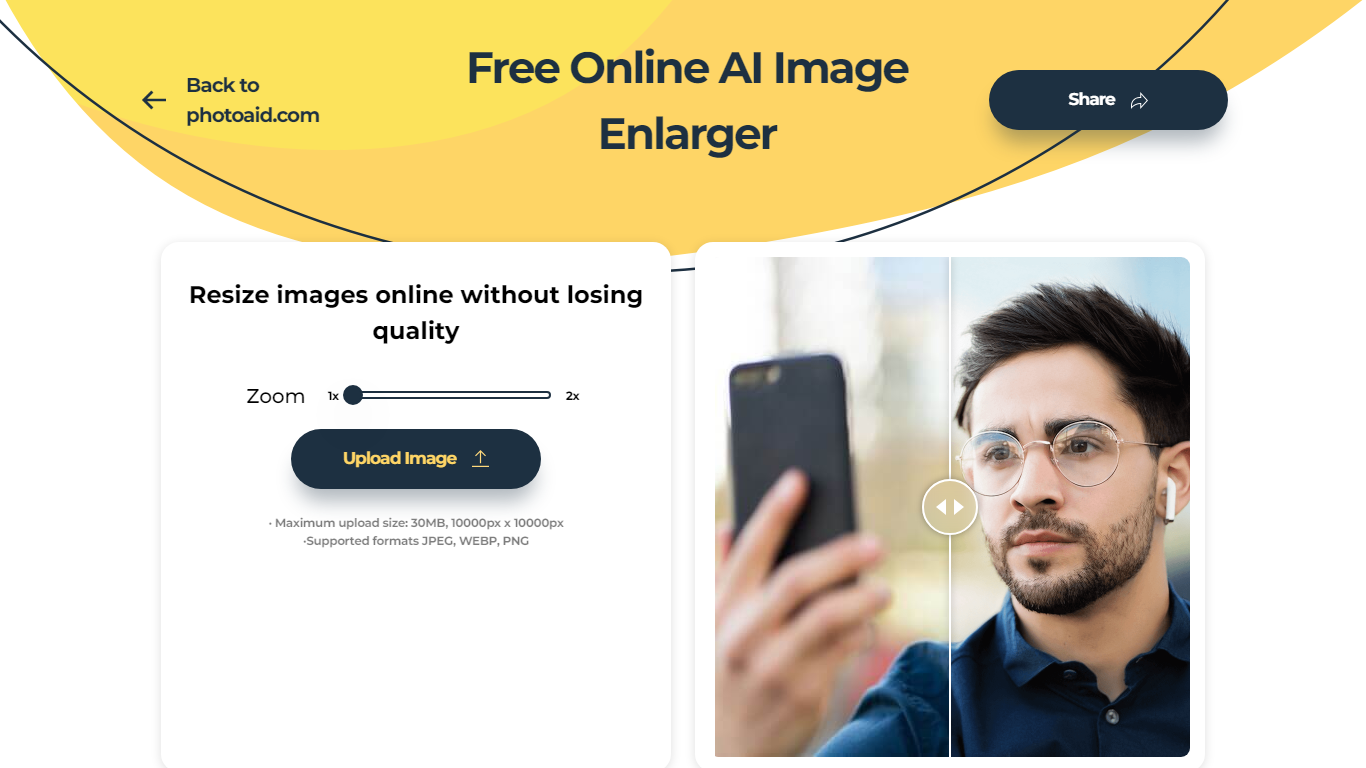

What is PhotoAid's AI Image Enlarger?
PhotoAid's AI Image Enlarger upscales photos in the browser without a software download. You upload a JPEG, WEBP, or PNG file up to 30MB or 10,000 by 10,000 pixels, pick a 1x or 2x zoom level, and the tool doubles dimensions while smoothing detail instead of leaving blocky pixels.
Standard resize tools stretch pixels and blur faces fast. PhotoAid's upscaler uses AI smoothing tuned especially for portraits, so a 1000 by 1000 px image can become 2000 by 2000 px with fewer artifacts than a basic bicubic stretch.
The enlarger is free and hosted by PhotoAiD, the same team behind passport and visa photo tools on photoaid.com. They released it as a standalone browser utility alongside their biometric photo pipeline, with multilingual site options and links back to other PhotoAid tools.
PhotoAid's AI Image Enlarger fits photographers, ecommerce sellers, and anyone who needs a quick upscale for profile shots or product images. It also helps travelers who already use PhotoAid for passport photos and want a separate enlargement step in the same ecosystem.
Cleanup Pictures By Pixelcut
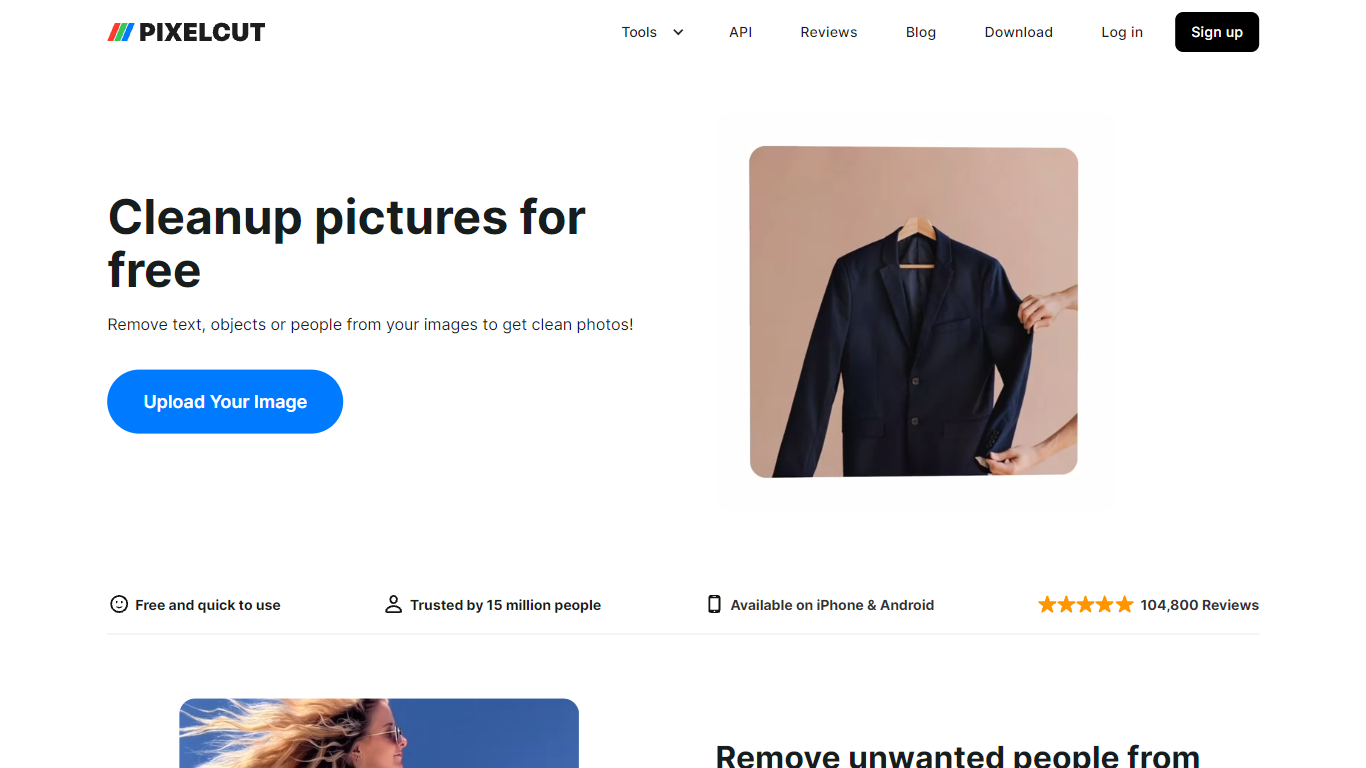
What is Cleanup Pictures By Pixelcut?
Cleanup Pictures By Pixelcut is a free online photo editing tool that removes unwanted objects, people, text, and blemishes from images. Upload a JPG, PNG, or HEIC file up to 100MB and 8000 by 8000 pixels, brush over what you want gone, and the Magic Eraser fills the background so the edit looks natural.
Unlike basic clone-stamp editors, Pixelcut's cleanup page targets quick social and product shots where photobombers, wires, or watermarks ruin an otherwise good frame. The web tool offers free HD downloads without a watermark on this page, which is rarer than trial exports that cap resolution.
Pixelcut also sells Pro plans starting at $8 per month billed yearly for unlimited Magic Eraser use, but the cleanup page itself works without payment for limited removals. Mobile apps on iPhone and Android extend the same object-removal workflow for on-the-go edits.
PhotoAid's AI Image Enlarger Upvotes
Cleanup Pictures By Pixelcut Upvotes
PhotoAid's AI Image Enlarger Top Features
2x zoom doubles image dimensions, for example 1000 by 1000 px to 2000 by 2000 px
Maximum upload size is 30MB or 10,000 by 10,000 pixels
Supports JPEG, WEBP, and PNG input formats
Browser-based workflow requires no desktop software download
AI upscaler emphasizes face photos but handles other image types
Free access with share and tell-friends prompts on the tool page
Multilingual PhotoAid site lists 15 language options in the footer
Cleanup Pictures By Pixelcut Top Features
Magic Eraser removes objects, people, text, and skin blemishes with a finger swipe or brush
Supports JPG, PNG, and HEIC uploads up to 100MB and 8000 by 8000 pixel resolution
Free HD downloads with no watermark on the cleanup-pictures page
AI fills removed areas so backgrounds stay clean instead of smudged
Undo individual removals if you change your mind before exporting
iPhone and Android apps available for the same Pixelcut editing workflow
PhotoAid's AI Image Enlarger Category
- Photo Editing
Cleanup Pictures By Pixelcut Category
- Photo Editing
PhotoAid's AI Image Enlarger Pricing Type
- Free
Cleanup Pictures By Pixelcut Pricing Type
- Freemium