PNG Maker vs Cleanup Pictures By Pixelcut
In the clash of PNG Maker vs Cleanup Pictures By Pixelcut, which AI Photo Editing tool emerges victorious? We assess reviews, pricing, alternatives, features, upvotes, and more.
If you had to choose between PNG Maker and Cleanup Pictures By Pixelcut, which one would you go for?
Let's take a closer look at PNG Maker and Cleanup Pictures By Pixelcut, both of which are AI-driven photo editing tools, and see what sets them apart. The upvote count reveals a draw, with both tools earning the same number of upvotes. Every vote counts! Cast yours and contribute to the decision of the winner.
Think we got it wrong? Cast your vote and show us who's boss!
PNG Maker

What is PNG Maker?
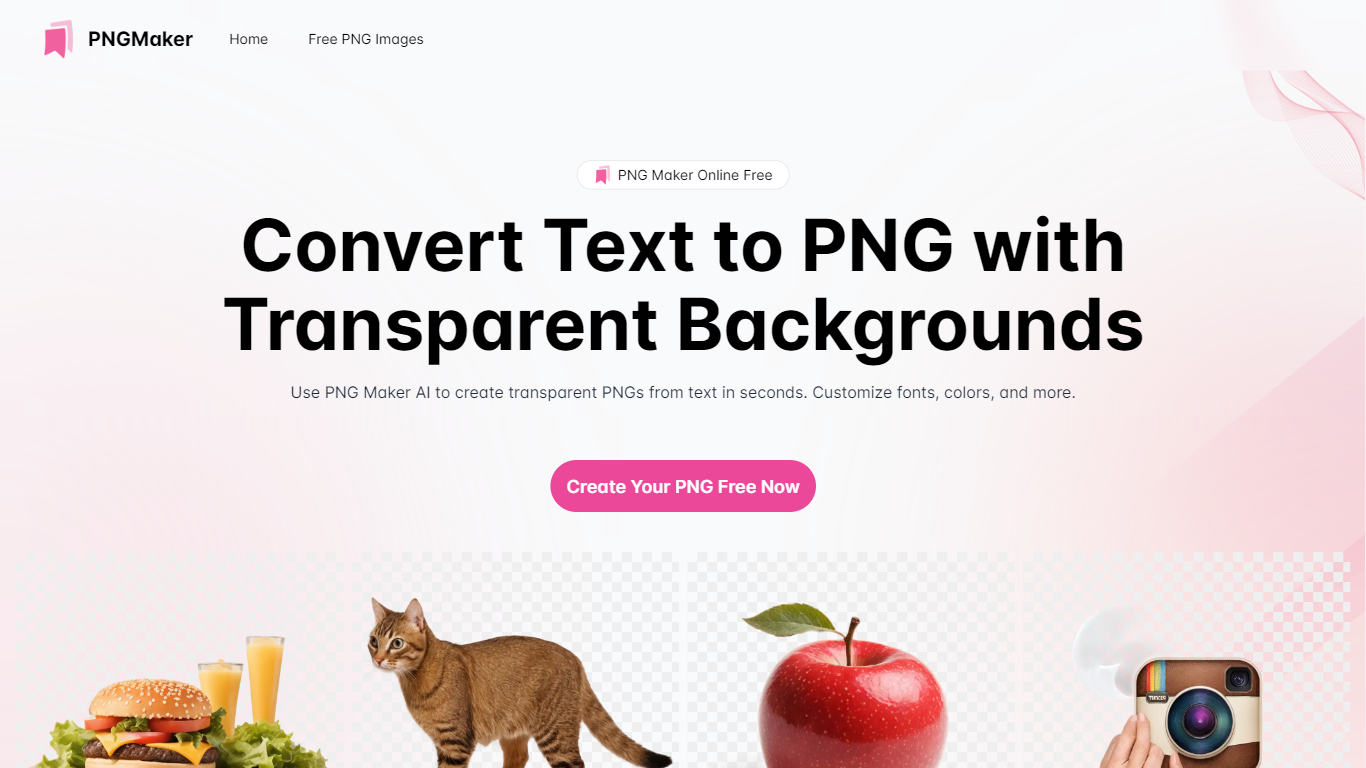
PNG Maker is an online tool that turns text prompts into PNG images with transparent backgrounds. It targets designers, marketers, and content creators who need clip-art style assets, logos, or graphics without opening desktop editing software.
You type a description of what you want, pick an aspect ratio, and the app generates one or more PNG files you can download. The web app also supports image-to-image generation, so you can upload a reference and refine the output from there. Free users get 9 credits per day; paid plans unlock higher monthly credit limits, batch generation, and private outputs.
The site also organizes outputs by tags and runs a blog with tips for writing better prompts. If you need quick transparent PNGs for slides, social posts, or web layouts, it keeps the workflow in the browser with no install required.
Cleanup Pictures By Pixelcut
What is Cleanup Pictures By Pixelcut?
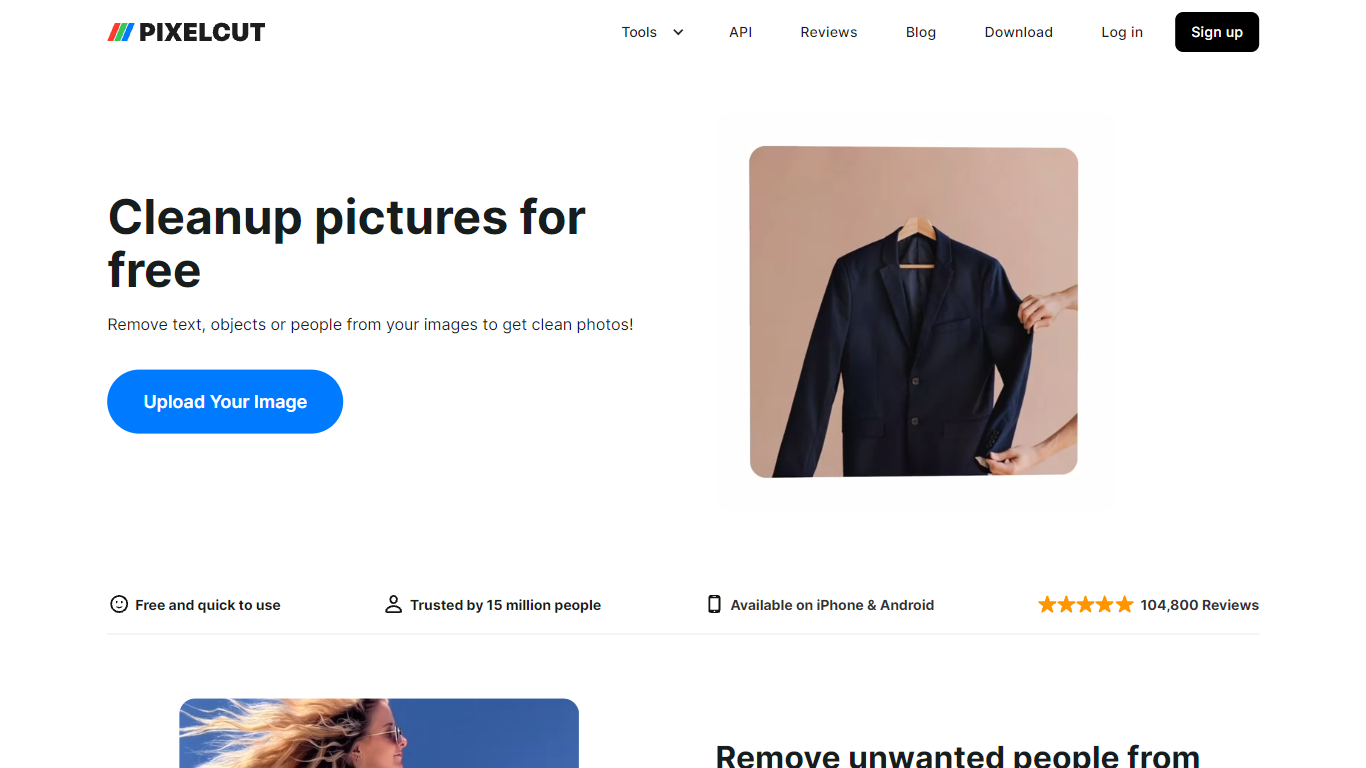
Cleanup Pictures By Pixelcut is a free online photo editing tool that removes unwanted objects, people, text, and blemishes from images. Upload a JPG, PNG, or HEIC file up to 100MB and 8000 by 8000 pixels, brush over what you want gone, and the Magic Eraser fills the background so the edit looks natural.
Unlike basic clone-stamp editors, Pixelcut's cleanup page targets quick social and product shots where photobombers, wires, or watermarks ruin an otherwise good frame. The web tool offers free HD downloads without a watermark on this page, which is rarer than trial exports that cap resolution.
Pixelcut also sells Pro plans starting at $8 per month billed yearly for unlimited Magic Eraser use, but the cleanup page itself works without payment for limited removals. Mobile apps on iPhone and Android extend the same object-removal workflow for on-the-go edits.
PNG Maker Upvotes
Cleanup Pictures By Pixelcut Upvotes
PNG Maker Top Features
Turn text prompts into transparent PNG images without desktop software
Switch between text-to-image and image-to-image modes in one web app
Pick aspect ratios like 1:1, 3:2, and 2:3 before generating
Generate up to four images at once on paid plans
Browse community creations organized by tags for prompt inspiration
Cleanup Pictures By Pixelcut Top Features
Magic Eraser removes objects, people, text, and skin blemishes with a finger swipe or brush
Supports JPG, PNG, and HEIC uploads up to 100MB and 8000 by 8000 pixel resolution
Free HD downloads with no watermark on the cleanup-pictures page
AI fills removed areas so backgrounds stay clean instead of smudged
Undo individual removals if you change your mind before exporting
iPhone and Android apps available for the same Pixelcut editing workflow
PNG Maker Category
- Photo Editing
Cleanup Pictures By Pixelcut Category
- Photo Editing
PNG Maker Pricing Type
- Freemium
Cleanup Pictures By Pixelcut Pricing Type
- Freemium