Profile Picture Maker By Picsart vs Cleanup Pictures By Pixelcut
Explore the showdown between Profile Picture Maker By Picsart vs Cleanup Pictures By Pixelcut and find out which AI Photo Editing tool wins. We analyze upvotes, features, reviews, pricing, alternatives, and more.
When comparing Profile Picture Maker By Picsart and Cleanup Pictures By Pixelcut, which one rises above the other?
When we contrast Profile Picture Maker By Picsart with Cleanup Pictures By Pixelcut, both of which are exceptional AI-operated photo editing tools, and place them side by side, we can spot several crucial similarities and divergences. Profile Picture Maker By Picsart is the clear winner in terms of upvotes. Profile Picture Maker By Picsart has garnered 9 upvotes, and Cleanup Pictures By Pixelcut has garnered 6 upvotes.
Don't agree with the result? Cast your vote and be a part of the decision-making process!
Profile Picture Maker By Picsart


What is Profile Picture Maker By Picsart?
Profile Picture Maker By Picsart crops, reframes, and styles square avatars for social platforms inside the free Quicktools browser editor. You upload a photo, optionally swap the background, add borders or colors, then export preset sizes for Instagram, LinkedIn, Discord, and other networks.
Most avatar editors auto-remove backgrounds whether you want that or not. Picsart's version lets you keep or replace the backdrop, then rotate, scale, and position the subject before picking platform-specific dimensions like 400x400 for LinkedIn or 128x128 for Discord.
Creators refreshing Instagram, Zoom, or Slack avatars use it because it needs no account, stores no images, and advertises 1 to 2 minute results. The page rates 4.8 out of 5 from 51 reviews and sits inside Picsart's broader Quicktools suite launched in 2021.
Cleanup Pictures By Pixelcut
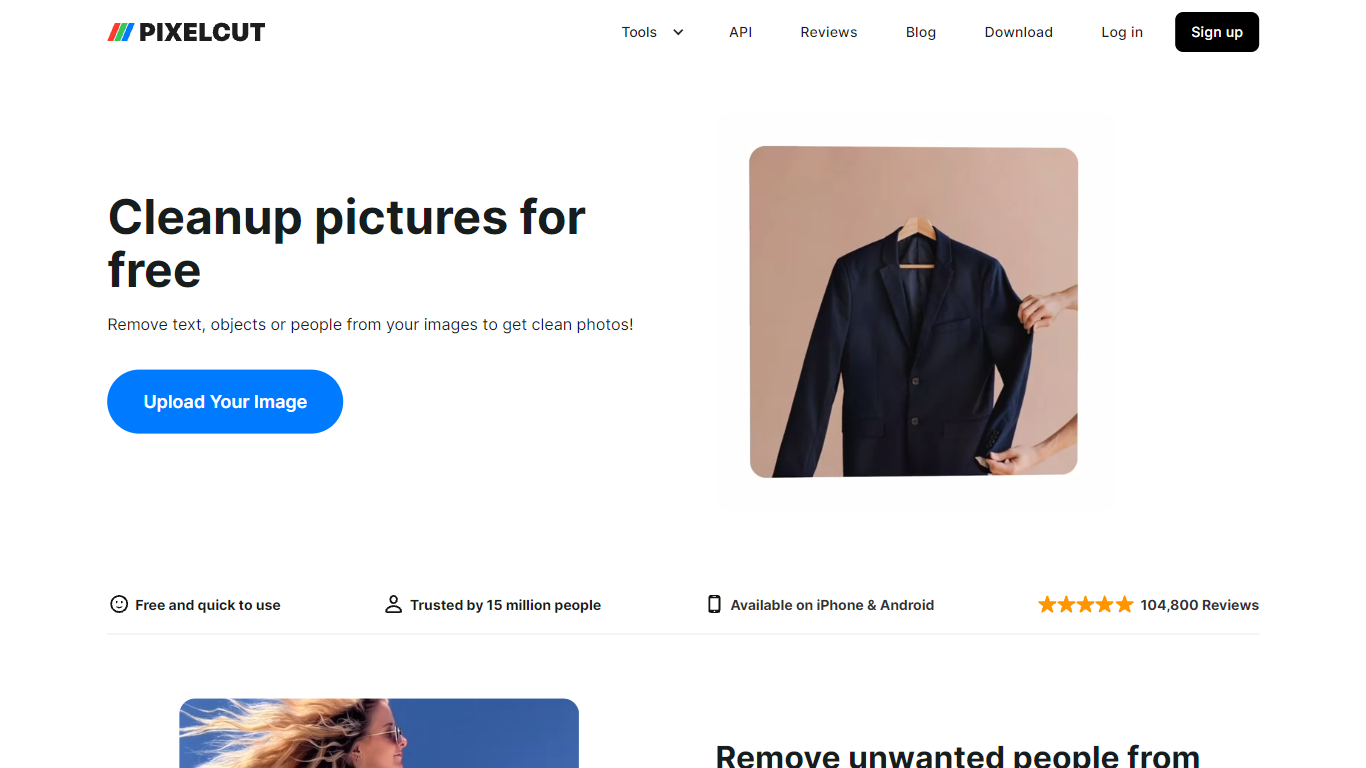
What is Cleanup Pictures By Pixelcut?
Cleanup Pictures By Pixelcut is a free online photo editing tool that removes unwanted objects, people, text, and blemishes from images. Upload a JPG, PNG, or HEIC file up to 100MB and 8000 by 8000 pixels, brush over what you want gone, and the Magic Eraser fills the background so the edit looks natural.
Unlike basic clone-stamp editors, Pixelcut's cleanup page targets quick social and product shots where photobombers, wires, or watermarks ruin an otherwise good frame. The web tool offers free HD downloads without a watermark on this page, which is rarer than trial exports that cap resolution.
Pixelcut also sells Pro plans starting at $8 per month billed yearly for unlimited Magic Eraser use, but the cleanup page itself works without payment for limited removals. Mobile apps on iPhone and Android extend the same object-removal workflow for on-the-go edits.
Profile Picture Maker By Picsart Upvotes
Cleanup Pictures By Pixelcut Upvotes
Profile Picture Maker By Picsart Top Features
100% free profile picture editor with no sign-up required
Optional background removal or custom colored and patterned backdrops
Border and fine-tune controls for rotate, scale, and positioning
Preset export sizes for Instagram (320x320), LinkedIn (400x400), Discord (128x128), and more
Drag-and-drop upload with advertised 1 to 2 minute processing
No image storage policy stated on the tool page
4.8 star Quicktools rating from 51 reviews
Cleanup Pictures By Pixelcut Top Features
Magic Eraser removes objects, people, text, and skin blemishes with a finger swipe or brush
Supports JPG, PNG, and HEIC uploads up to 100MB and 8000 by 8000 pixel resolution
Free HD downloads with no watermark on the cleanup-pictures page
AI fills removed areas so backgrounds stay clean instead of smudged
Undo individual removals if you change your mind before exporting
iPhone and Android apps available for the same Pixelcut editing workflow
Profile Picture Maker By Picsart Category
- Photo Editing
Cleanup Pictures By Pixelcut Category
- Photo Editing
Profile Picture Maker By Picsart Pricing Type
- Free
Cleanup Pictures By Pixelcut Pricing Type
- Freemium