Pie Chart Maker vs Peach App
Compare Pie Chart Maker vs Peach App and see which AI Presentation tool is better when we compare features, reviews, pricing, alternatives, upvotes, etc.
Which one is better? Pie Chart Maker or Peach App?
When we compare Pie Chart Maker with Peach App, which are both AI-powered presentation tools, Pie Chart Maker stands out as the clear frontrunner in terms of upvotes. Pie Chart Maker has attracted 7 upvotes from aitools.fyi users, and Peach App has attracted 6 upvotes.
Disagree with the result? Upvote your favorite tool and help it win!
Pie Chart Maker

What is Pie Chart Maker?
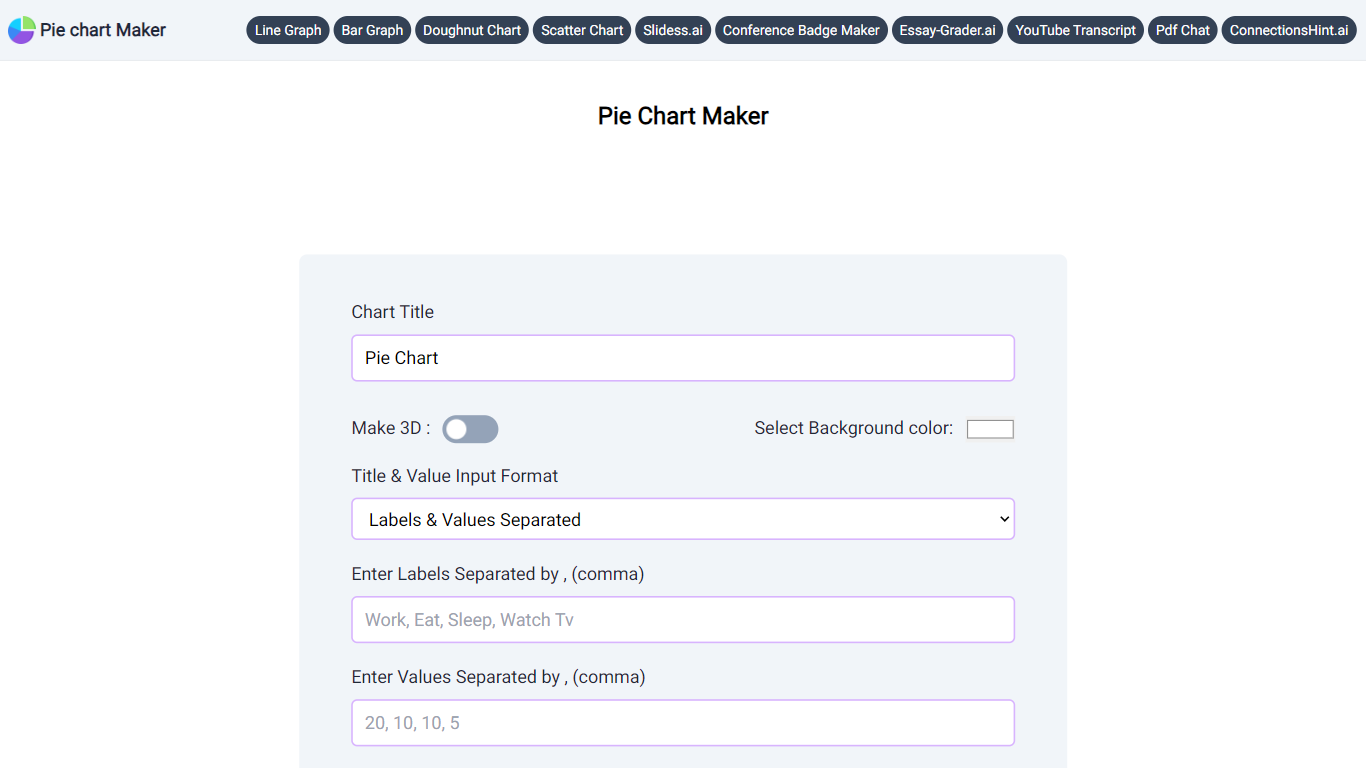
Pie Chart Maker is a free browser tool for building pie and doughnut charts without installing software. Enter labels and values, adjust colors, legend placement, rotation, and slice labels, then download the finished chart as PNG, JPEG, or SVG.
You can switch to a 3D view with one click, add a center hole to create a doughnut chart, and customize the background, title, and legend colors. The interface is built for quick edits, so students, teachers, and anyone presenting small datasets can produce a clean chart in minutes.
The site also links to related graph makers for line, bar, and scatter charts, plus other education-focused tools from the same publisher.
Peach App
What is Peach App?
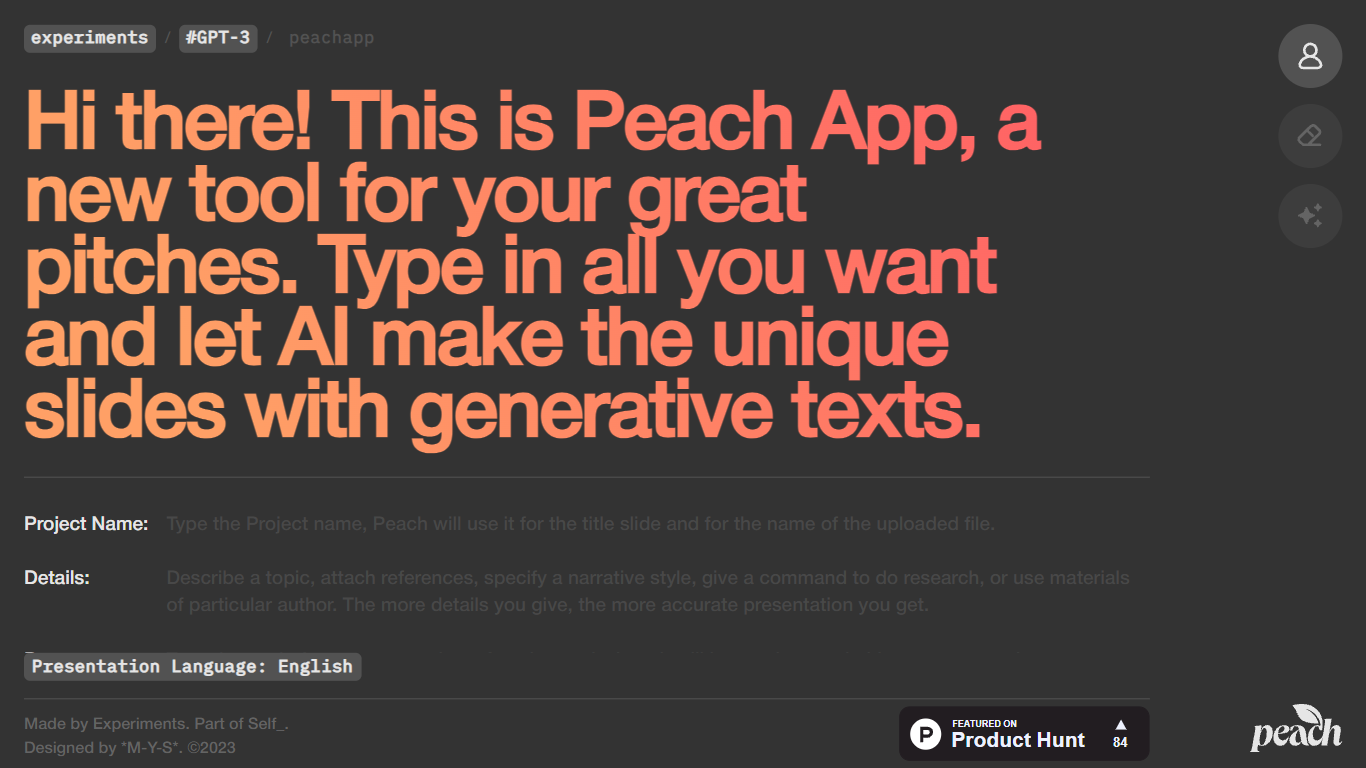
Peach App turns a short project brief into a slide deck with AI-written copy. You enter a project name, details, purpose, and presentation language, and Peach App generates unique slides with generative text for each one. It lives on Self.team's experiments hub as a lightweight pitch builder rather than a full presentation suite.
Compared with Canva or Gamma, Peach App skips templates, branding controls, and export options. You get a fast first draft from four text fields, which works when you need slides in minutes and do not care about pixel-level design.
Peach App suits founders, students, and freelancers who want a starting point for investor or client pitches without opening PowerPoint. It launched on Product Hunt in 2023 as a Self.team experiment and remains free to use with no account gate on the homepage.
Pie Chart Maker Upvotes
Peach App Upvotes
Pie Chart Maker Top Features
Enter comma-separated labels and values to generate a pie chart instantly
Switch to 3D view or add a pie hole to create a doughnut chart with one click
Customize background, title, legend colors, legend position, and chart rotation
Choose slice labels as percentage, value, label text, or none
Download finished charts as PNG, JPEG, or SVG at no cost
Related tools for line, bar, scatter, and doughnut charts on the same site
Peach App Top Features
Generates unique presentation slides from project name, details, and purpose fields
Supports multiple presentation languages including English
No account required on the homepage to start building a pitch
Built by Self.team as part of their experiments lab in 2023
Featured on Product Hunt as a lightweight AI pitch tool
Pie Chart Maker Category
- Presentation
Peach App Category
- Presentation
Pie Chart Maker Pricing Type
- Free
Peach App Pricing Type
- Free