
Last updated 07-24-2026
Category:
Reviews:
Join thousands of AI enthusiasts in the World of AI!
Pie Chart Maker
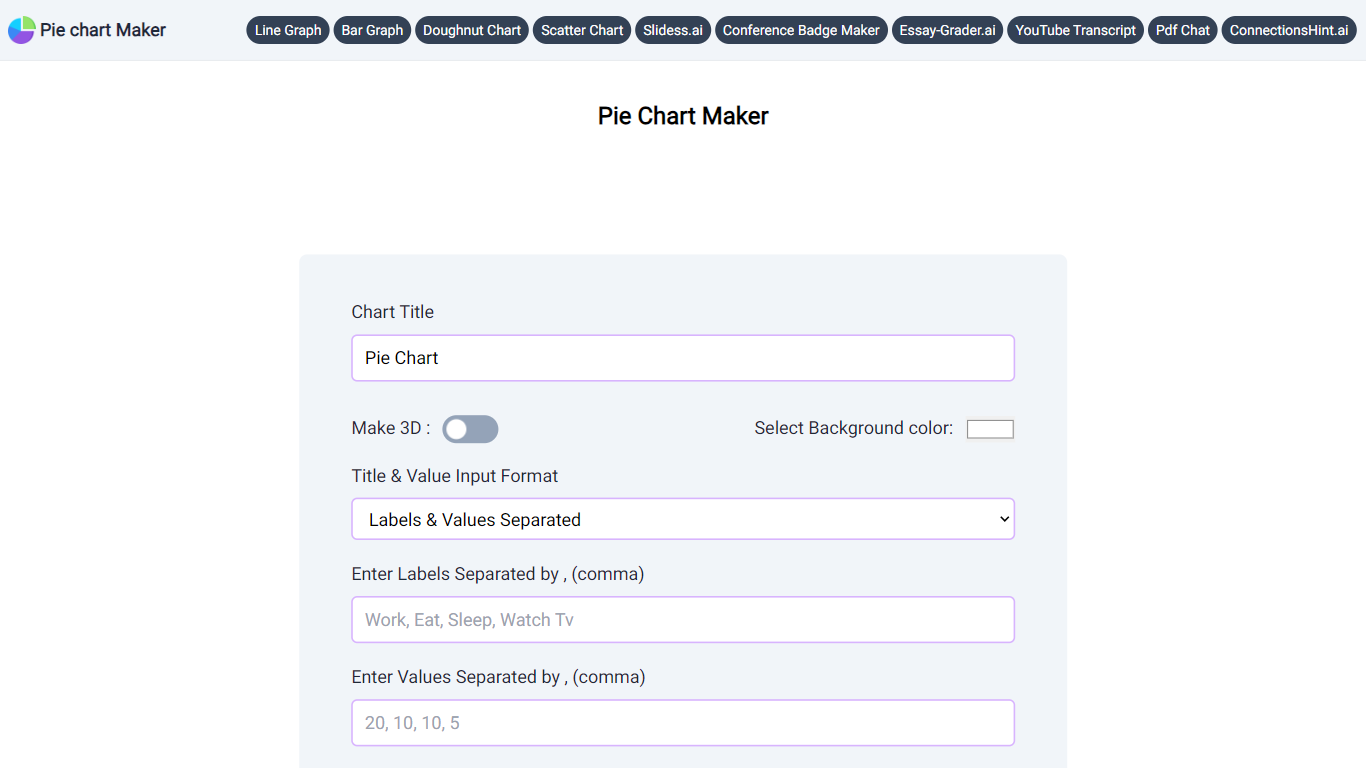
Pie Chart Maker is a free browser tool for building pie and doughnut charts without installing software. Enter labels and values, adjust colors, legend placement, rotation, and slice labels, then download the finished chart as PNG, JPEG, or SVG.
You can switch to a 3D view with one click, add a center hole to create a doughnut chart, and customize the background, title, and legend colors. The interface is built for quick edits, so students, teachers, and anyone presenting small datasets can produce a clean chart in minutes.
The site also links to related graph makers for line, bar, and scatter charts, plus other education-focused tools from the same publisher.
Enter comma-separated labels and values to generate a pie chart instantly
Switch to 3D view or add a pie hole to create a doughnut chart with one click
Customize background, title, legend colors, legend position, and chart rotation
Choose slice labels as percentage, value, label text, or none
Download finished charts as PNG, JPEG, or SVG at no cost
Related tools for line, bar, scatter, and doughnut charts on the same site
Completely free with no signup required.
Exports to PNG, JPEG, and SVG for slides and reports.
Simple controls for colors, legend placement, and 3D or doughnut styles.
Best suited to small datasets; large category lists get crowded.
Runs in the browser only with no dedicated mobile app.
What is a pie chart?
A pie chart divides a circle into slices based on each data point's percentage of the total. It works best for small datasets where the parts add up to 100%.
Can I create a 3D pie chart?
Yes. Pie Chart Maker includes a Make 3D option that converts your chart to a 3D view with one click.
What download formats are supported?
You can download your chart as PNG, JPEG, or SVG using the download buttons below the preview.
What is a doughnut chart?
A doughnut chart is a pie chart with a hole in the center. Use the Pie Hole slider (0 to 1) to convert your chart into a doughnut style.
Is Pie Chart Maker free?
Yes. The tool is free to use in the browser with no account required.