Pixlr vs Magestic
In the contest of Pixlr vs Magestic, which AI Image Generation tool is the champion? We evaluate pricing, alternatives, upvotes, features, reviews, and more.
If you had to choose between Pixlr and Magestic, which one would you go for?
When we examine Pixlr and Magestic, both of which are AI-enabled image generation tools, what unique characteristics do we discover? Interestingly, both tools have managed to secure the same number of upvotes. You can help us determine the winner by casting your vote and tipping the scales in favor of one of the tools.
Want to flip the script? Upvote your favorite tool and change the game!
Pixlr
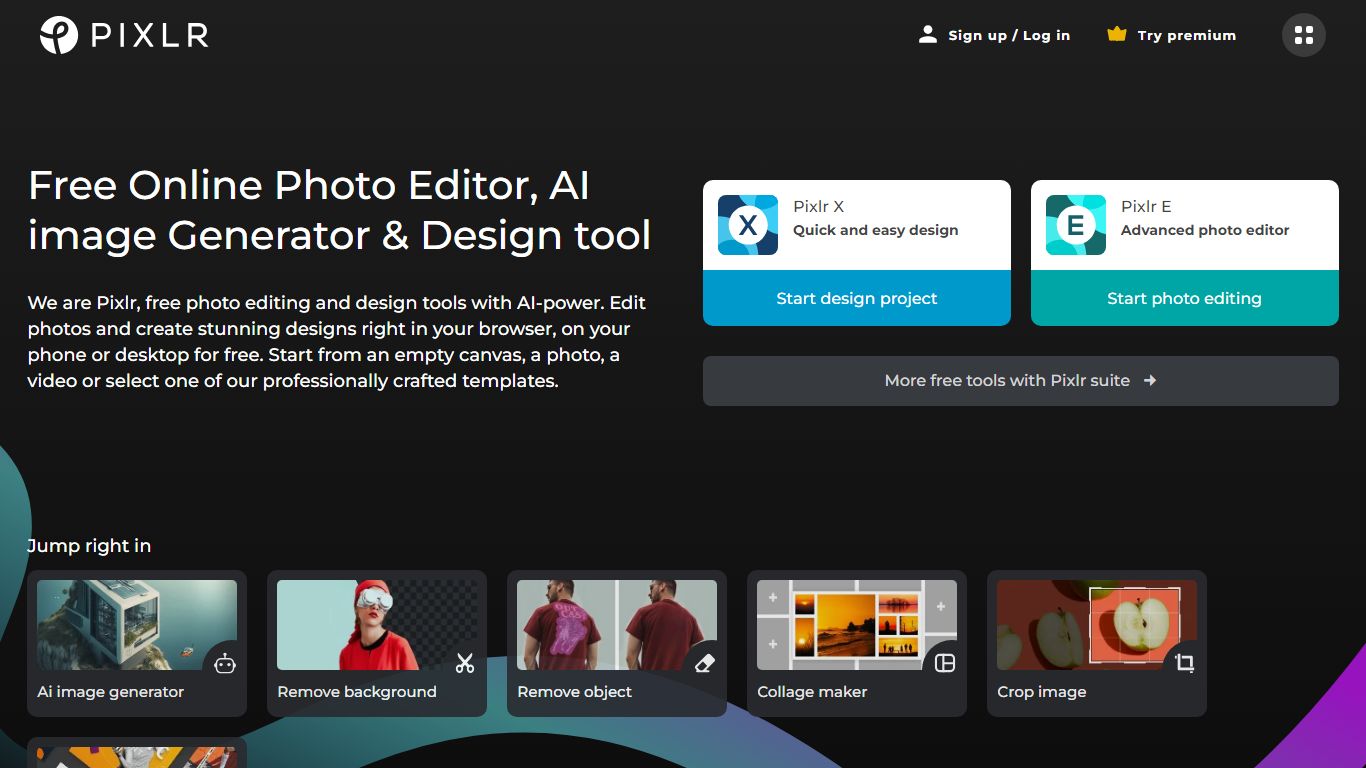

What is Pixlr?
Free Online Photo Editor, AI image Generator & Design tool
We are Pixlr, free photo editing and design tools with AI-power. Edit photos and create stunning designs right in your browser, on your phone or desktop for free. Start from an empty canvas, a photo, a video or select one of our professionally crafted templates.
Photomash Studio by Pixlr:Create high quality visual assets with just one click, for free! The one-click visual creator Photomash Studio instantly removes backgrounds from your photos to create amazing profile pictures, product images, Youtube thumbnails and more..
Design templates:Start designing from professionally crafted templates! Create a YouTube banner, Instagram story, resume, brochure, business card, presentation or the perfect sales pitch with a growing library of thousands of stunning and free templates.
Animations:Animate any design in just a few clicks with Pixlr. Use professional-looking animation presets or get into the gritty timeline details and capture your audience in way that simple images just can't.
Remove background:Erase backgrounds in your photos with ease! Instant AI-powered background removal in a single click! So fast, too easy. Now you can remove backgrounds from portraits, selfies, profile pictures and more in mere seconds.
Collage maker:Need to assemble photos on the fly? Create photo collages free online with our built-in pre-made collage templates. Just select a layout, upload images and start editing.
Filters & Effects:Transform your photos into artistic visuals with a variety of creative photo filters. Achieve the desired photo effects effortlessly in easy clicks!
Magestic
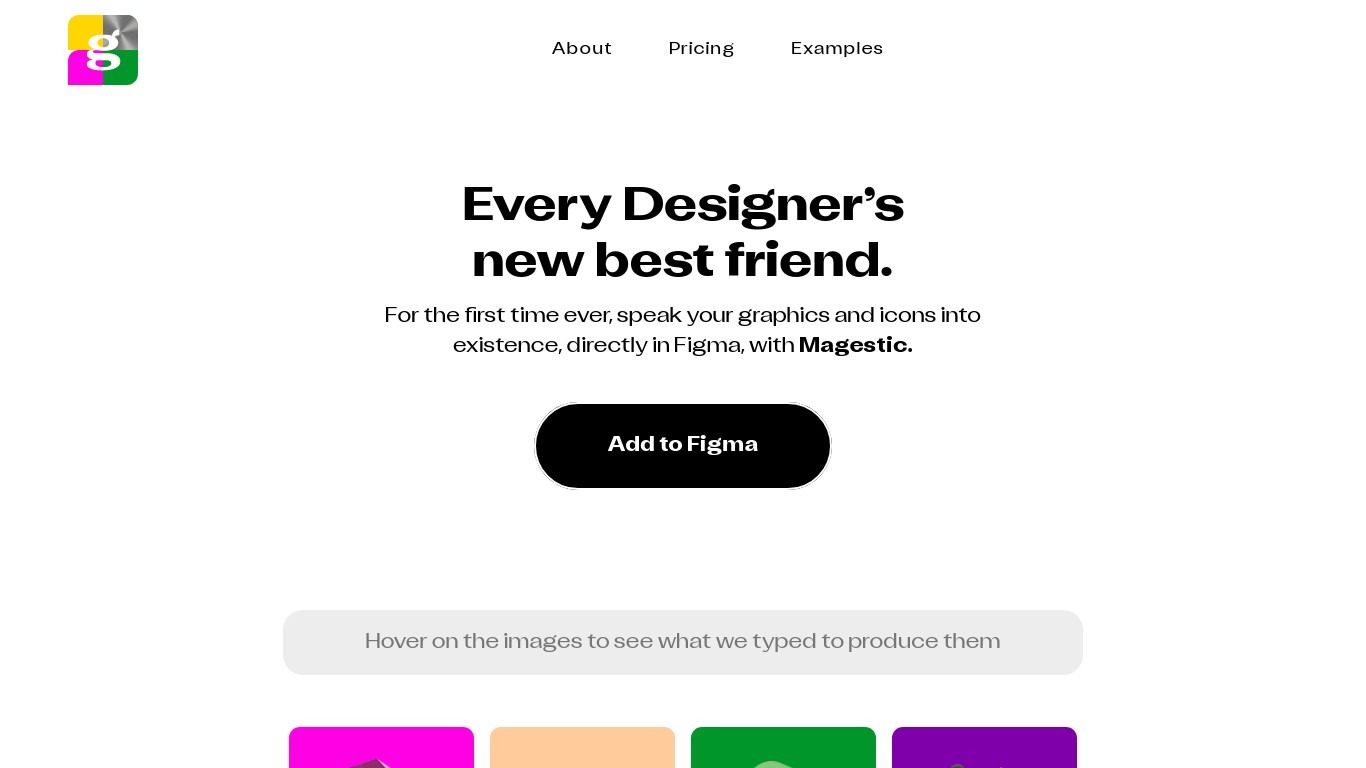
What is Magestic?
Magestic is a design-focused AI tool built for designers who work in Figma. It turns text prompts into graphics and icon sets you can use directly in your design workflow.
The product generates images from written descriptions and ships weekly sets of unique icons, including the prompts used to create them. The site also covers AI tools, plugins, and design innovators for a community of over 18,000 newsletter readers.
Magestic runs as a Figma-integrated experience where you describe what you want and get visual assets back. Homepage examples let you hover over generated icons to see the exact prompt behind each image.
The tool is operated by Fable Collab Co under Imagine Cap LLC. It was co-founded by Armaan Kalsi, Brihu Sundararaman, and Ryan Myher, who also co-founded Lore.
Pixlr Upvotes
Magestic Upvotes
Pixlr Top Features
No top features listedMagestic Top Features
Turn text descriptions into 3D-style icons and graphics inside Figma
Browse weekly curated icon sets with the exact prompts used to create each one
Get newsletter coverage of new AI design tools, plugins, and free partner offerings
Read spotlights on designers and builders shaping the AI design space
Hover homepage examples to see the prompts behind each generated asset
Pixlr Category
- Image Generation
Magestic Category
- Image Generation
Pixlr Pricing Type
- Freemium
Magestic Pricing Type
- Paid