Pluralsight vs ScreenApp
In the contest of Pluralsight vs ScreenApp, which AI Education tool is the champion? We evaluate pricing, alternatives, upvotes, features, reviews, and more.
If you had to choose between Pluralsight and ScreenApp, which one would you go for?
When we examine Pluralsight and ScreenApp, both of which are AI-enabled education tools, what unique characteristics do we discover? In the race for upvotes, ScreenApp takes the trophy. The upvote count for ScreenApp is 7, and for Pluralsight it's 6.
Does the result make you go "hmm"? Cast your vote and turn that frown upside down!
Pluralsight

What is Pluralsight?
Pluralsight is a technology skills platform for individuals and organizations building expertise in AI, cloud, security, data, and software development. The library includes 6,500+ expert-led courses, 800+ learning paths, 500+ Skill IQ assessments, 3,500+ hands-on labs, certification prep, and sandboxes for practice in secure environments.
Iris, Pluralsight's conversational AI assistant, uses retrieval augmented generation on top of the course library to recommend learning paths, answer technical questions, provide coding help, and run in-the-moment knowledge checks. Individual plans are organized around Core Tech and specialty add-ons (AI+, Cloud+, Data+, Security+), with a Complete plan that bundles the full library.
For enterprises, Pluralsight offers team analytics, integrations, professional services, and programs like AI Academy, Cloud Ready, and Secure Ready. The company reports 2,500+ expert authors, 22,000 business customers, and use by 70% of the Fortune 500.
ScreenApp
What is ScreenApp?
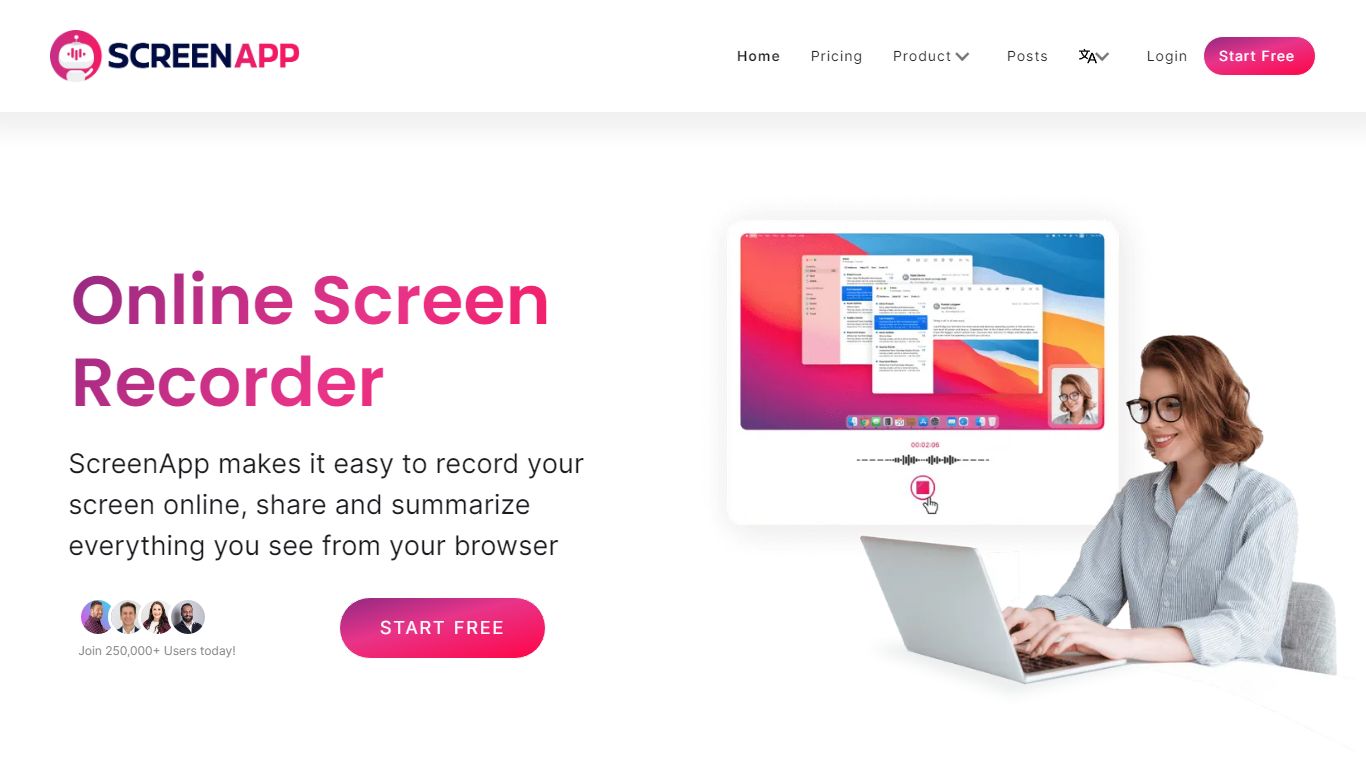
ScreenApp records your screen, webcam, or in-person audio in the browser and turns those captures into searchable transcripts, summaries, and notes. Teachers, trainers, and students use it as an education-focused recorder when they need lecture clips, meeting walkthroughs, or tutorial videos without installing desktop software first. The free tier includes 3 recordings with AI summaries and a full transcript on each file.
Compared with basic screen recorders that stop at MP4 exports, ScreenApp layers AI chat, templates, and cross-file search on top of every recording. Growth and Business plans add a meeting bot, video frame analysis, and API access, while the site advertises 351 feature-specific tools from lecture note taking to SOP generation. That breadth makes it closer to an AI video workspace than a single-purpose capture button.
ScreenApp runs on the web plus Chrome, Mac, Windows, iOS, and Android apps, so teams can record a class session on a laptop and review AI notes on a phone. It fits educators recording lessons, sales teams sharing async demos, and anyone who wants spoken content turned into text they can skim later.
Pluralsight Upvotes
ScreenApp Upvotes
Pluralsight Top Features
6,500+ expert-led courses across AI, cloud, security, data, software development, and IT ops
800+ curated learning paths and certification prep with practice exams
Skill IQ assessments benchmark ability and recommend where to start in a path
3,500+ hands-on labs plus cloud and AI sandboxes for practice without production risk
Iris AI assistant for personalized recommendations, coding help, and knowledge checks
ScreenApp Top Features
Free plan with 3 recordings, full transcripts, and 3 AI generations per month
Growth plan at $19 per month (billed annually) with 600 AI credits per year and unlimited recordings
Meeting bot on paid plans that joins calls and produces summaries without a visible bot avatar on some flows
Video analysis on Business plans with up to 120 analyses per year and unlimited on Enterprise
351 listed AI feature pages covering transcription, lecture notes, SOP generation, and converters
Apps for Web, Chrome extension, Mac, Windows, iOS, and Android with SOC 2 Type II certification
Pluralsight Category
- Education
ScreenApp Category
- Education
Pluralsight Pricing Type
- Freemium
ScreenApp Pricing Type
- Freemium