PNG Maker vs AID-Photo
In the face-off between PNG Maker vs AID-Photo, which AI Photo Editing tool takes the crown? We scrutinize features, alternatives, upvotes, reviews, pricing, and more.
In a face-off between PNG Maker and AID-Photo, which one takes the crown?
If we were to analyze PNG Maker and AID-Photo, both of which are AI-powered photo editing tools, what would we find? There's no clear winner in terms of upvotes, as both tools have received the same number. Since other aitools.fyi users could decide the winner, the ball is in your court now to cast your vote and help us determine the winner.
Disagree with the result? Upvote your favorite tool and help it win!
PNG Maker
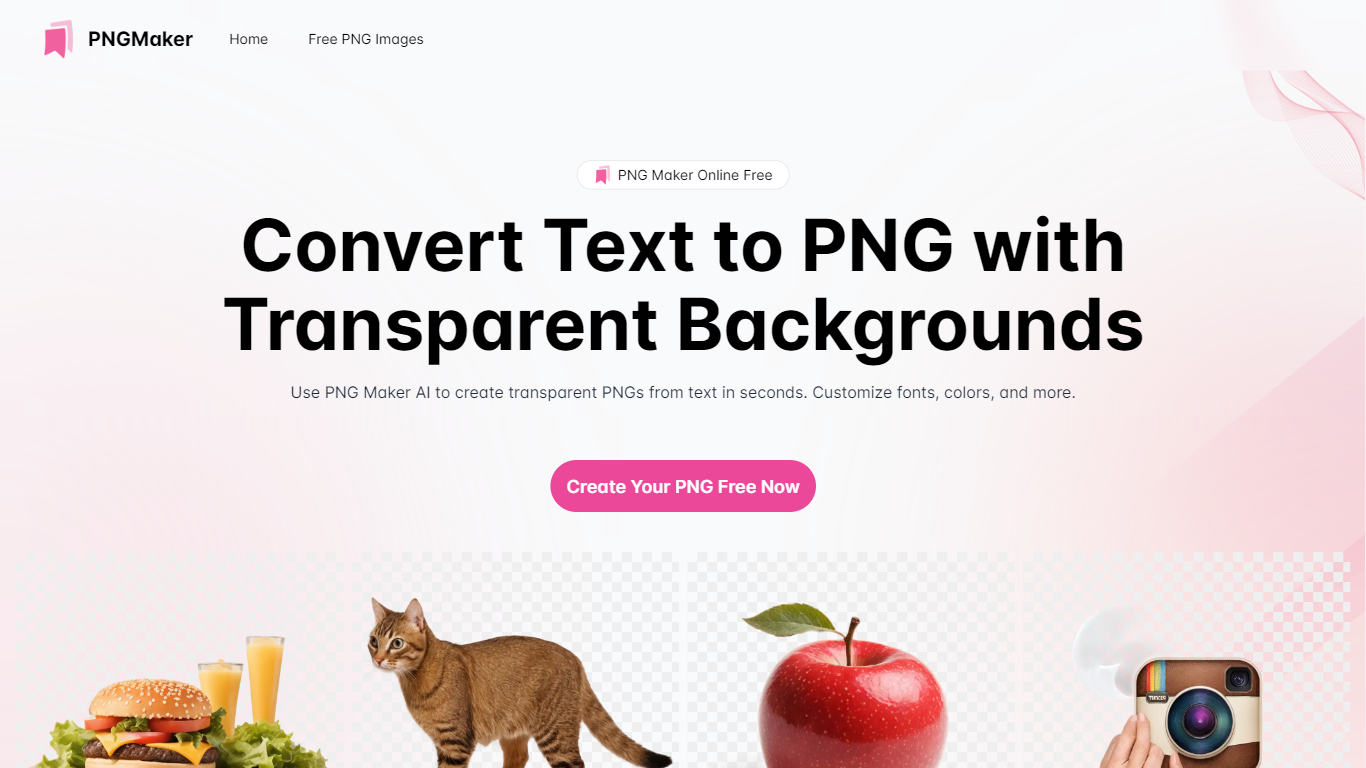

What is PNG Maker?
PNG Maker is an online tool that turns text prompts into PNG images with transparent backgrounds. It targets designers, marketers, and content creators who need clip-art style assets, logos, or graphics without opening desktop editing software.
You type a description of what you want, pick an aspect ratio, and the app generates one or more PNG files you can download. The web app also supports image-to-image generation, so you can upload a reference and refine the output from there. Free users get 9 credits per day; paid plans unlock higher monthly credit limits, batch generation, and private outputs.
The site also organizes outputs by tags and runs a blog with tips for writing better prompts. If you need quick transparent PNGs for slides, social posts, or web layouts, it keeps the workflow in the browser with no install required.
AID-Photo
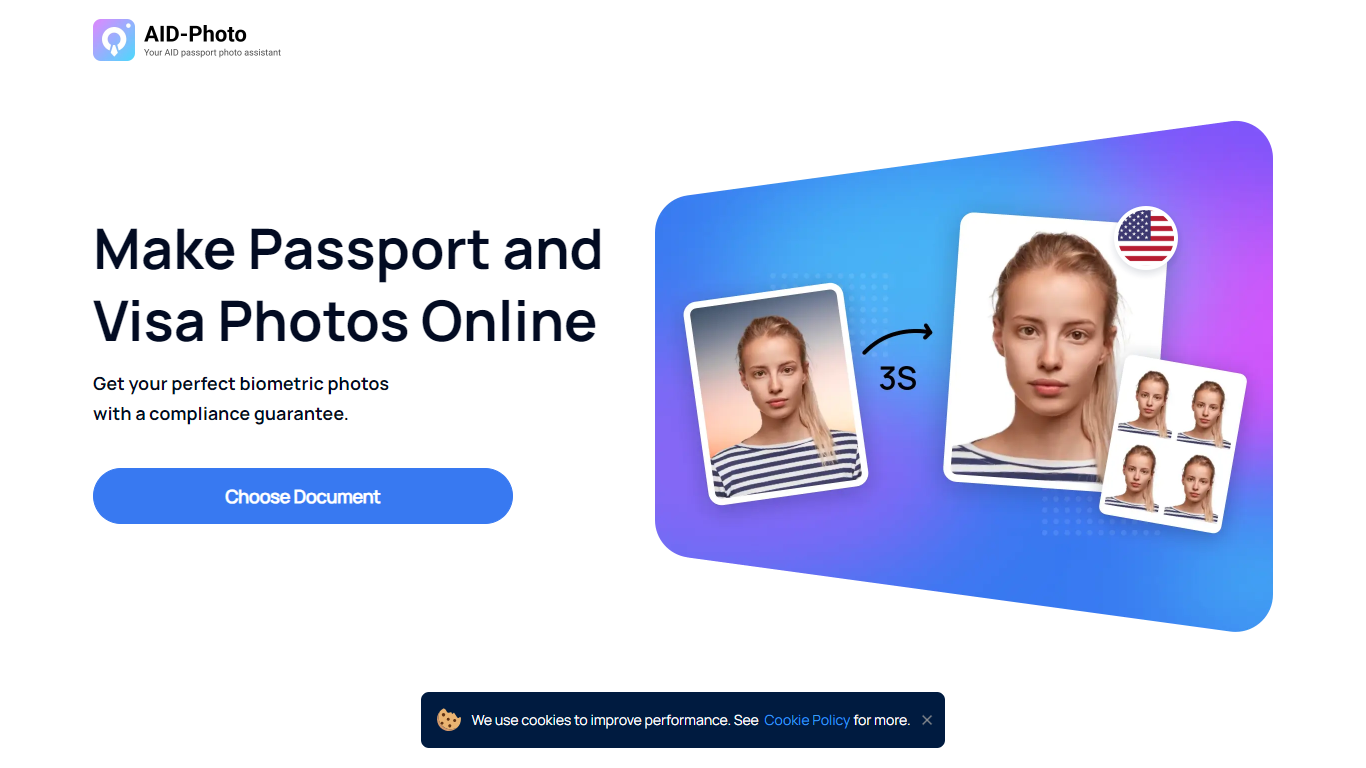
What is AID-Photo?
AID-Photo, also branded as AiPassportPhotos, is an online passport and visa photo maker from Alright Soft Inc. Upload a photo from your phone or camera, and the service crops it to official dimensions, checks compliance, and outputs a printable template you can use for government applications.
The site covers a long list of document types, including U.S. passport photos, USCIS photos, green card photos, baby passport photos, Canadian visa photos, and many other ID and visa formats. Each document page lists size specs, background rules, and common rejection reasons so you know what to fix before submitting.
The workflow is straightforward: upload an image, let the tool auto-crop to the right size, save a printable template, then print at a local store or submit digitally where allowed. The homepage FAQ notes the service can verify whether your photo meets requirements and suggest retakes when something is off.
It suits travelers, families, and anyone applying for passports, visas, or immigration documents who wants to skip the photo booth and handle the process at home.
PNG Maker Upvotes
AID-Photo Upvotes
PNG Maker Top Features
Turn text prompts into transparent PNG images without desktop software
Switch between text-to-image and image-to-image modes in one web app
Pick aspect ratios like 1:1, 3:2, and 2:3 before generating
Generate up to four images at once on paid plans
Browse community creations organized by tags for prompt inspiration
AID-Photo Top Features
Upload a photo and get a cropped 2x2 inch passport image in seconds
Automatic compliance checks flag size, background, and pose issues before you submit
Background removal replaces busy scenes with plain white or off-white backdrops
Printable 4x6 templates you can take to Walmart, CVS, Walgreens, or Costco
Dozens of document presets from U.S. passports to USCIS, green card, and visa photos
PNG Maker Category
- Photo Editing
AID-Photo Category
- Photo Editing
PNG Maker Pricing Type
- Freemium
AID-Photo Pricing Type
- Freemium