PNG Maker vs Background Blur
Explore the showdown between PNG Maker vs Background Blur and find out which AI Photo Editing tool wins. We analyze upvotes, features, reviews, pricing, alternatives, and more.
In a face-off between PNG Maker and Background Blur, which one takes the crown?
When we contrast PNG Maker with Background Blur, both of which are exceptional AI-operated photo editing tools, and place them side by side, we can spot several crucial similarities and divergences. The upvote count is neck and neck for both PNG Maker and Background Blur. Be a part of the decision-making process. Your vote could determine the winner.
Want to flip the script? Upvote your favorite tool and change the game!
PNG Maker
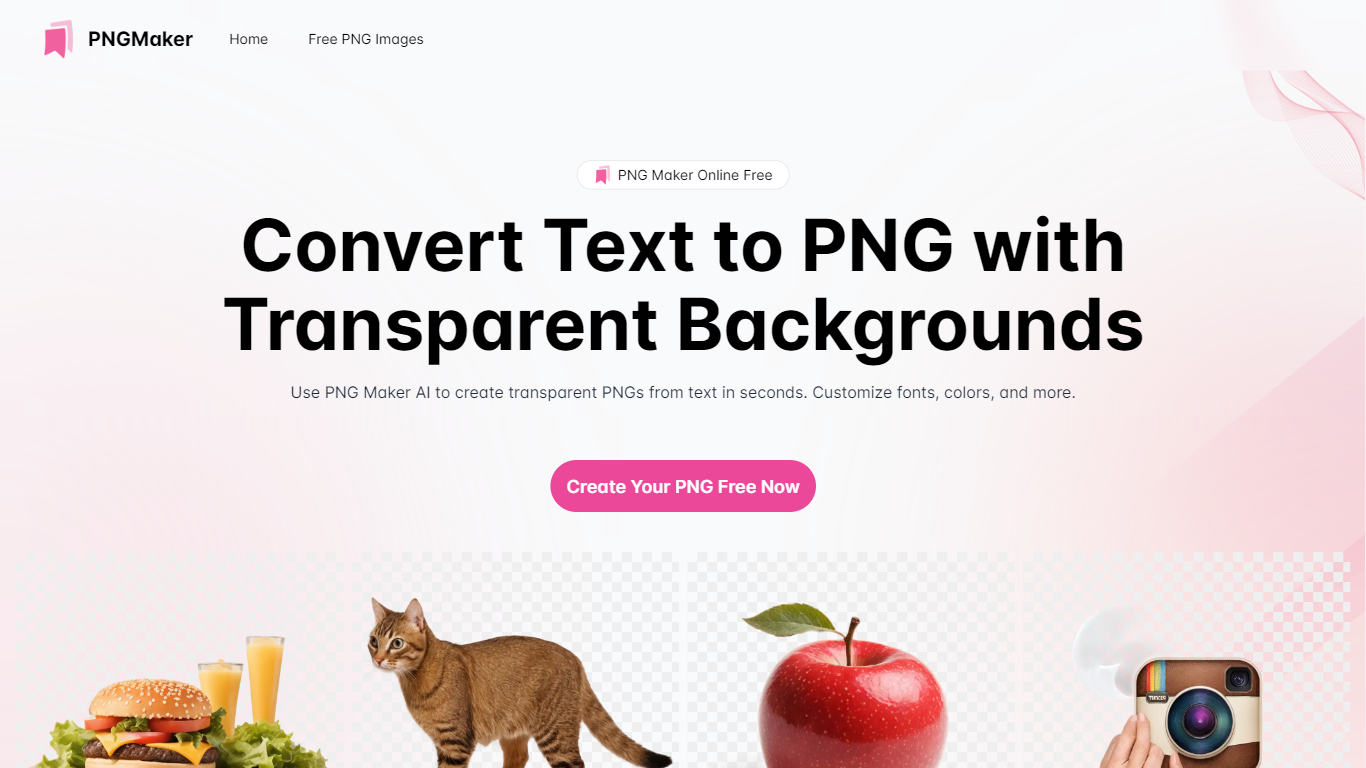

What is PNG Maker?
PNG Maker is an online tool that turns text prompts into PNG images with transparent backgrounds. It targets designers, marketers, and content creators who need clip-art style assets, logos, or graphics without opening desktop editing software.
You type a description of what you want, pick an aspect ratio, and the app generates one or more PNG files you can download. The web app also supports image-to-image generation, so you can upload a reference and refine the output from there. Free users get 9 credits per day; paid plans unlock higher monthly credit limits, batch generation, and private outputs.
The site also organizes outputs by tags and runs a blog with tips for writing better prompts. If you need quick transparent PNGs for slides, social posts, or web layouts, it keeps the workflow in the browser with no install required.
Background Blur
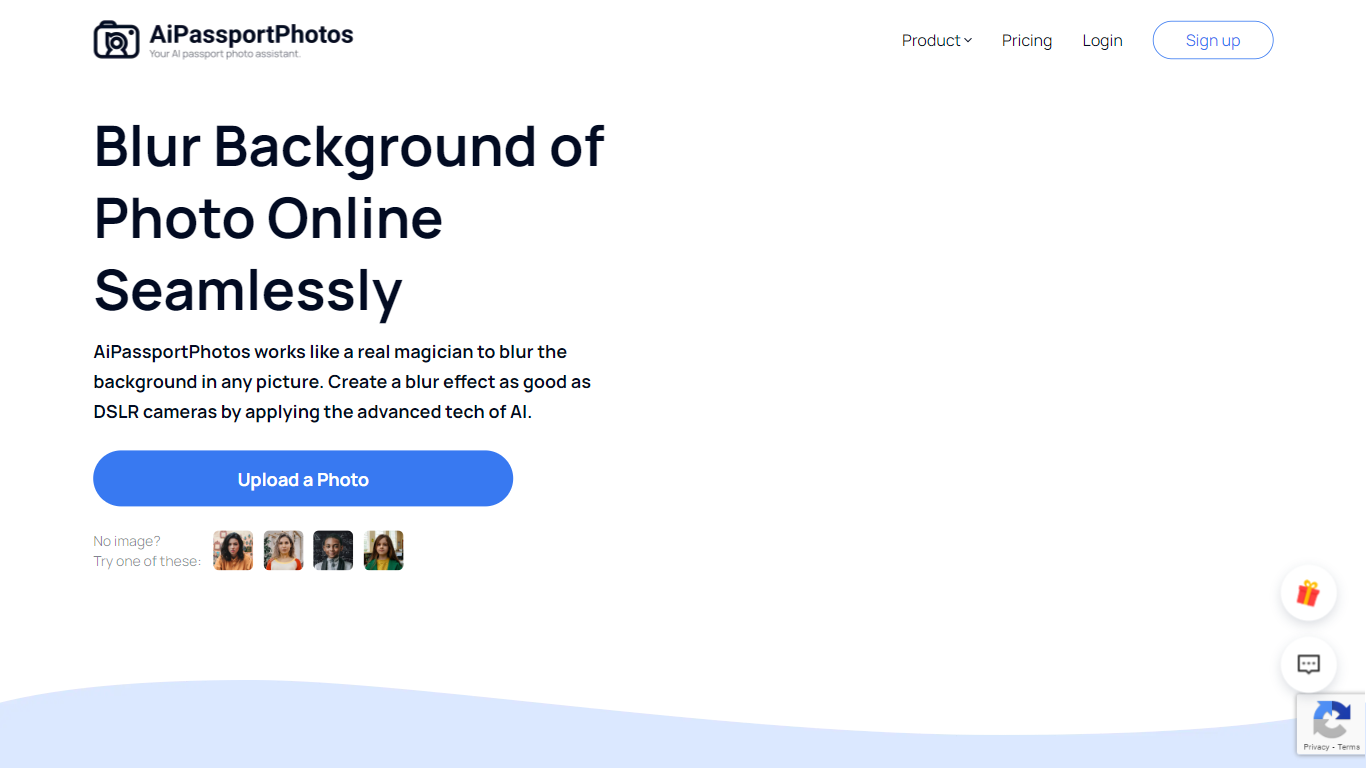
What is Background Blur?
Background Blur lets you soften the area behind a portrait, product, or group photo while keeping the subject sharp, all inside a browser tab on AiPassportPhotos. Upload an image, and the tool detects the main subject before applying an adjustable blur so you get a shallow depth-of-field look without masking by hand.
Unlike generic photo editors that make you mask subjects by hand, Background Blur auto-detects the main subject and keeps it sharp while softening everything behind it. The page advertises six blur intensity levels, HD downloads, and one-click processing aimed at DSLR-style depth of field on phone photos.
It fits content creators polishing social avatars, sellers cleaning up product shots, and anyone who wants a shallow depth-of-field look without portrait mode or a wide-aperture lens. The tool runs in mobile browsers on Android and iPhone, and the site reports a 4.71 rating from 8,400 user votes on the blur page.
PNG Maker Upvotes
Background Blur Upvotes
PNG Maker Top Features
Turn text prompts into transparent PNG images without desktop software
Switch between text-to-image and image-to-image modes in one web app
Pick aspect ratios like 1:1, 3:2, and 2:3 before generating
Generate up to four images at once on paid plans
Browse community creations organized by tags for prompt inspiration
Background Blur Top Features
Auto-detects the main subject and blurs only the background in one click
Offers 6 adjustable blur intensity levels for portraits, products, and group photos
Exports blurred images in HD quality for editing, printing, and sharing
Works in mobile browsers on Android and iPhone with no software download
Supports shallow depth-of-field and privacy blurring for faces or sensitive details
PNG Maker Category
- Photo Editing
Background Blur Category
- Photo Editing
PNG Maker Pricing Type
- Freemium
Background Blur Pricing Type
- Freemium