
Last updated 08-09-2026
Category:
Reviews:
Join thousands of AI enthusiasts in the World of AI!
Background Blur
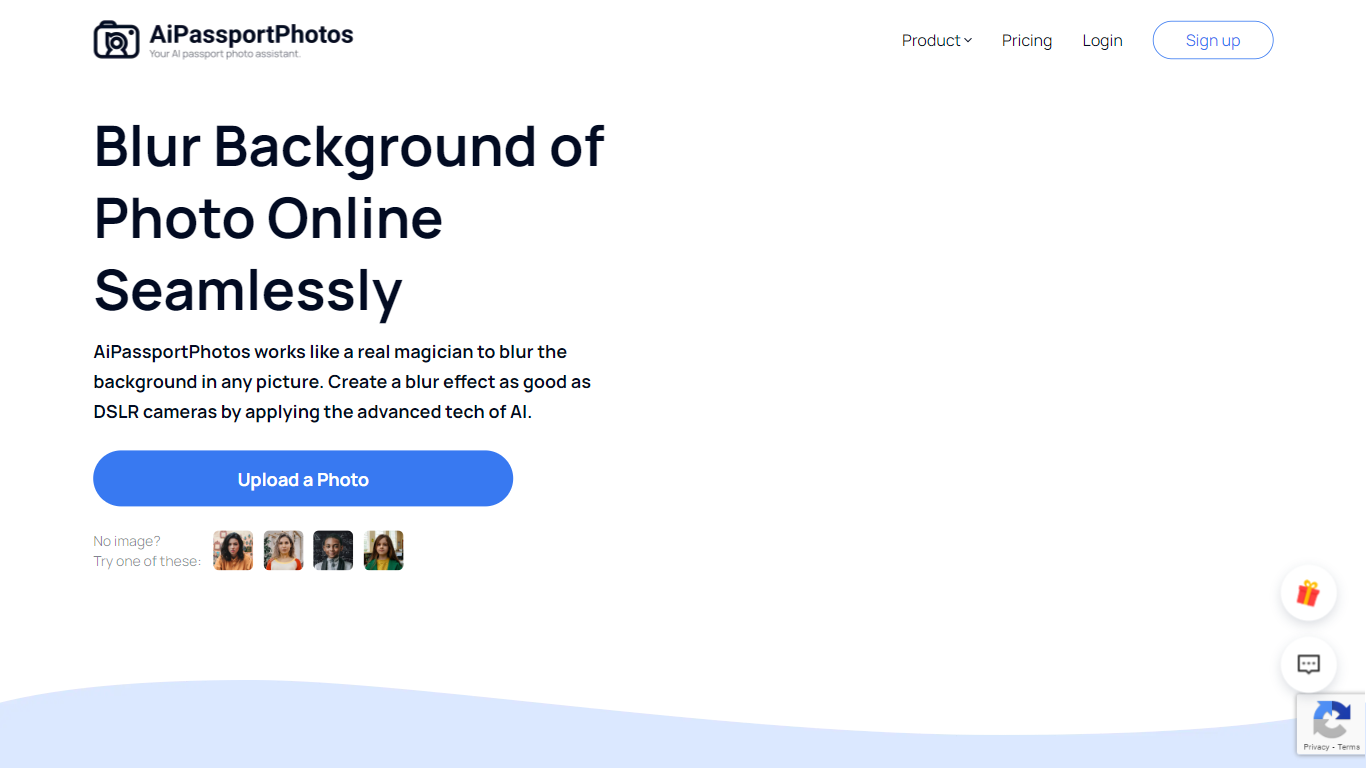
Background Blur lets you soften the area behind a portrait, product, or group photo while keeping the subject sharp, all inside a browser tab on AiPassportPhotos. Upload an image, and the tool detects the main subject before applying an adjustable blur so you get a shallow depth-of-field look without masking by hand.
Unlike generic photo editors that make you mask subjects by hand, Background Blur auto-detects the main subject and keeps it sharp while softening everything behind it. The page advertises six blur intensity levels, HD downloads, and one-click processing aimed at DSLR-style depth of field on phone photos.
It fits content creators polishing social avatars, sellers cleaning up product shots, and anyone who wants a shallow depth-of-field look without portrait mode or a wide-aperture lens. The tool runs in mobile browsers on Android and iPhone, and the site reports a 4.71 rating from 8,400 user votes on the blur page.
Auto-detects the main subject and blurs only the background in one click
Offers 6 adjustable blur intensity levels for portraits, products, and group photos
Exports blurred images in HD quality for editing, printing, and sharing
Works in mobile browsers on Android and iPhone with no software download
Supports shallow depth-of-field and privacy blurring for faces or sensitive details
Separates subjects automatically instead of requiring manual masking
Six blur levels give more control than a single on/off portrait effect
Runs in mobile browsers without installing an app
Useful for portraits, product shots, avatars, and privacy redaction in one tool
Page states the tool cannot create circular bokeh light points
Photos without a clear subject may not blur as expected
Full feature set sits inside the broader AiPassportPhotos account ecosystem
What is Background Blur on AiPassportPhotos?
Background Blur is AiPassportPhotos's online tool for softening photo backgrounds while keeping the subject sharp. You upload an image, let it detect the subject, adjust blur intensity, and download the result.
How many blur levels does Background Blur offer?
Background Blur on AiPassportPhotos lets you choose from 6 different blur intensity levels. You can fine-tune how strong the background softening looks on portraits, products, or landscapes.
Can Background Blur work on group photos?
Yes. Background Blur can process group and family photos by detecting people in the frame and blurring the background so subjects stand out from the scene behind them.
Does Background Blur need Photoshop?
No. Background Blur runs entirely in the browser on AiPassportPhotos. You upload a photo, apply the blur, and download the edited file without installing desktop editing software.
Will Background Blur soften the subject too?
No. Background Blur isolates the subject before applying the effect, so the person or product in focus stays sharp while only the background receives the blur.
Is Background Blur free to use?
Background Blur is marketed as a free online photo blurring tool on AiPassportPhotos. The site also promotes earning credits by inviting friends, which suggests paid credits for some exports.