AI Image Upscaler on AI Image Enlarger vs Background Blur
In the face-off between AI Image Upscaler on AI Image Enlarger vs Background Blur, which AI Photo Editing tool takes the crown? We scrutinize features, alternatives, upvotes, reviews, pricing, and more.
In a face-off between AI Image Upscaler on AI Image Enlarger and Background Blur, which one takes the crown?
If we were to analyze AI Image Upscaler on AI Image Enlarger and Background Blur, both of which are AI-powered photo editing tools, what would we find? Neither tool takes the lead, as they both have the same upvote count. Be a part of the decision-making process. Your vote could determine the winner.
You don't agree with the result? Cast your vote to help us decide!
AI Image Upscaler on AI Image Enlarger


What is AI Image Upscaler on AI Image Enlarger?
This Imglarger photo editing tool enlarges JPG, PNG, or WebP images to 2x or 4x resolution in your browser. You upload a file up to 10 MB and 1024 px wide, pick a scale factor, and the model sharpens edges and textures for 4K screens, product catalogs, or social posts. It handles portraits, AI art, anime frames, and product shots without installing desktop software.
Standard resize tools stretch pixels and leave blurry blocks. Imglarger's upscaler rebuilds detail with a focused workflow: upload, choose 200% or 400%, preview side by side, then download. You give up local batch power on the free tier and must trust cloud processing, though files auto-delete within six hours.
E-commerce teams batch-prepare catalog assets on paid plans. Digital artists upscale Midjourney or Stable Diffusion outputs, and photographers rescue compressed client files before print runs.
Background Blur
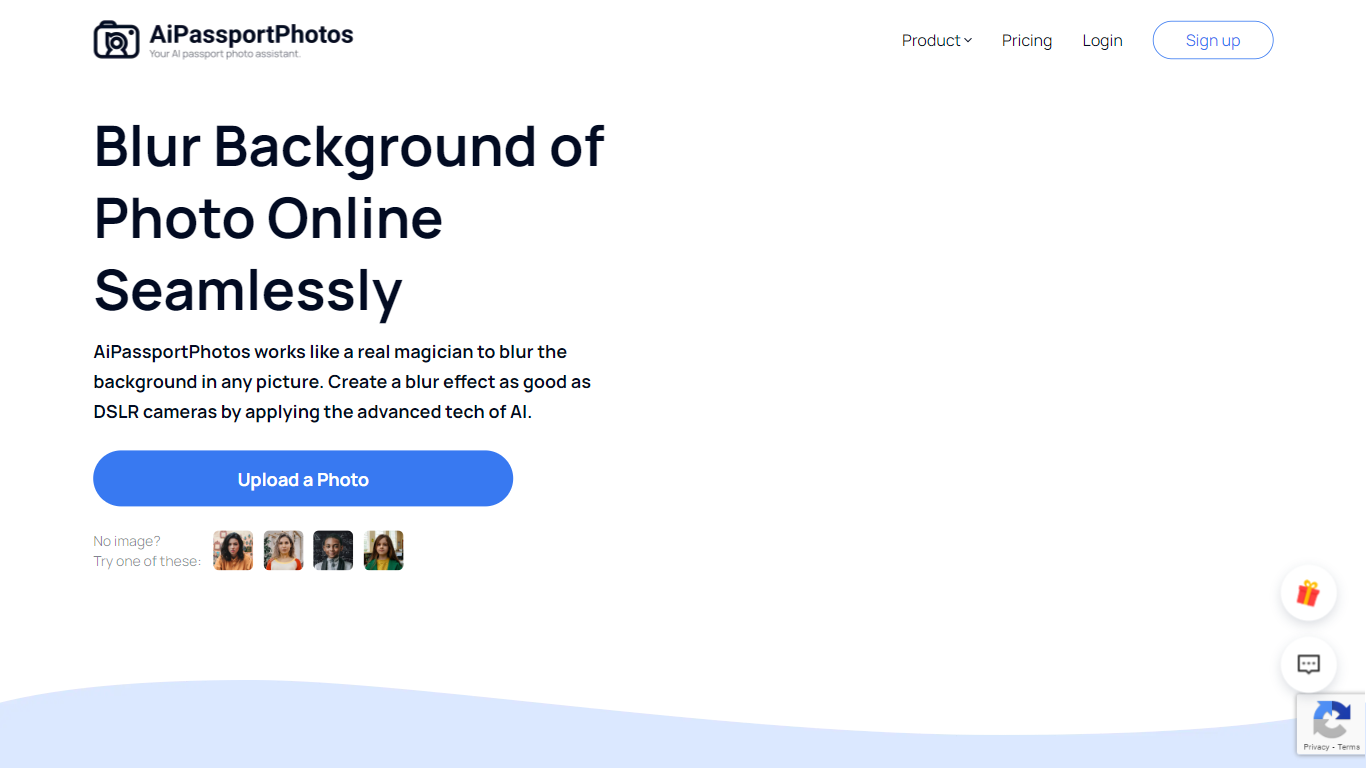
What is Background Blur?
Background Blur lets you soften the area behind a portrait, product, or group photo while keeping the subject sharp, all inside a browser tab on AiPassportPhotos. Upload an image, and the tool detects the main subject before applying an adjustable blur so you get a shallow depth-of-field look without masking by hand.
Unlike generic photo editors that make you mask subjects by hand, Background Blur auto-detects the main subject and keeps it sharp while softening everything behind it. The page advertises six blur intensity levels, HD downloads, and one-click processing aimed at DSLR-style depth of field on phone photos.
It fits content creators polishing social avatars, sellers cleaning up product shots, and anyone who wants a shallow depth-of-field look without portrait mode or a wide-aperture lens. The tool runs in mobile browsers on Android and iPhone, and the site reports a 4.71 rating from 8,400 user votes on the blur page.
AI Image Upscaler on AI Image Enlarger Upvotes
Background Blur Upvotes
AI Image Upscaler on AI Image Enlarger Top Features
Upscale images to 200% or 400% with a single upload step
Accepts JPG, PNG, and WebP files up to 10 MB and 1024 px input width
Preview upscaled output beside the original before downloading
Batch upscale multiple images on paid plans starting at $4.99 per month
Processed files are automatically deleted within six hours
Dedicated anime upscaler and enlarger tools live on the same Imglarger site
Background Blur Top Features
Auto-detects the main subject and blurs only the background in one click
Offers 6 adjustable blur intensity levels for portraits, products, and group photos
Exports blurred images in HD quality for editing, printing, and sharing
Works in mobile browsers on Android and iPhone with no software download
Supports shallow depth-of-field and privacy blurring for faces or sensitive details
AI Image Upscaler on AI Image Enlarger Category
- Photo Editing
Background Blur Category
- Photo Editing
AI Image Upscaler on AI Image Enlarger Pricing Type
- Freemium
Background Blur Pricing Type
- Freemium