Profile Picture Maker By Picsart vs Background Blur
Compare Profile Picture Maker By Picsart vs Background Blur and see which AI Photo Editing tool is better when we compare features, reviews, pricing, alternatives, upvotes, etc.
Which one is better? Profile Picture Maker By Picsart or Background Blur?
When we compare Profile Picture Maker By Picsart with Background Blur, which are both AI-powered photo editing tools, Profile Picture Maker By Picsart is the clear winner in terms of upvotes. Profile Picture Maker By Picsart has received 9 upvotes from aitools.fyi users, while Background Blur has received 6 upvotes.
Don't agree with the result? Cast your vote and be a part of the decision-making process!
Profile Picture Maker By Picsart


What is Profile Picture Maker By Picsart?
Profile Picture Maker By Picsart crops, reframes, and styles square avatars for social platforms inside the free Quicktools browser editor. You upload a photo, optionally swap the background, add borders or colors, then export preset sizes for Instagram, LinkedIn, Discord, and other networks.
Most avatar editors auto-remove backgrounds whether you want that or not. Picsart's version lets you keep or replace the backdrop, then rotate, scale, and position the subject before picking platform-specific dimensions like 400x400 for LinkedIn or 128x128 for Discord.
Creators refreshing Instagram, Zoom, or Slack avatars use it because it needs no account, stores no images, and advertises 1 to 2 minute results. The page rates 4.8 out of 5 from 51 reviews and sits inside Picsart's broader Quicktools suite launched in 2021.
Background Blur
What is Background Blur?
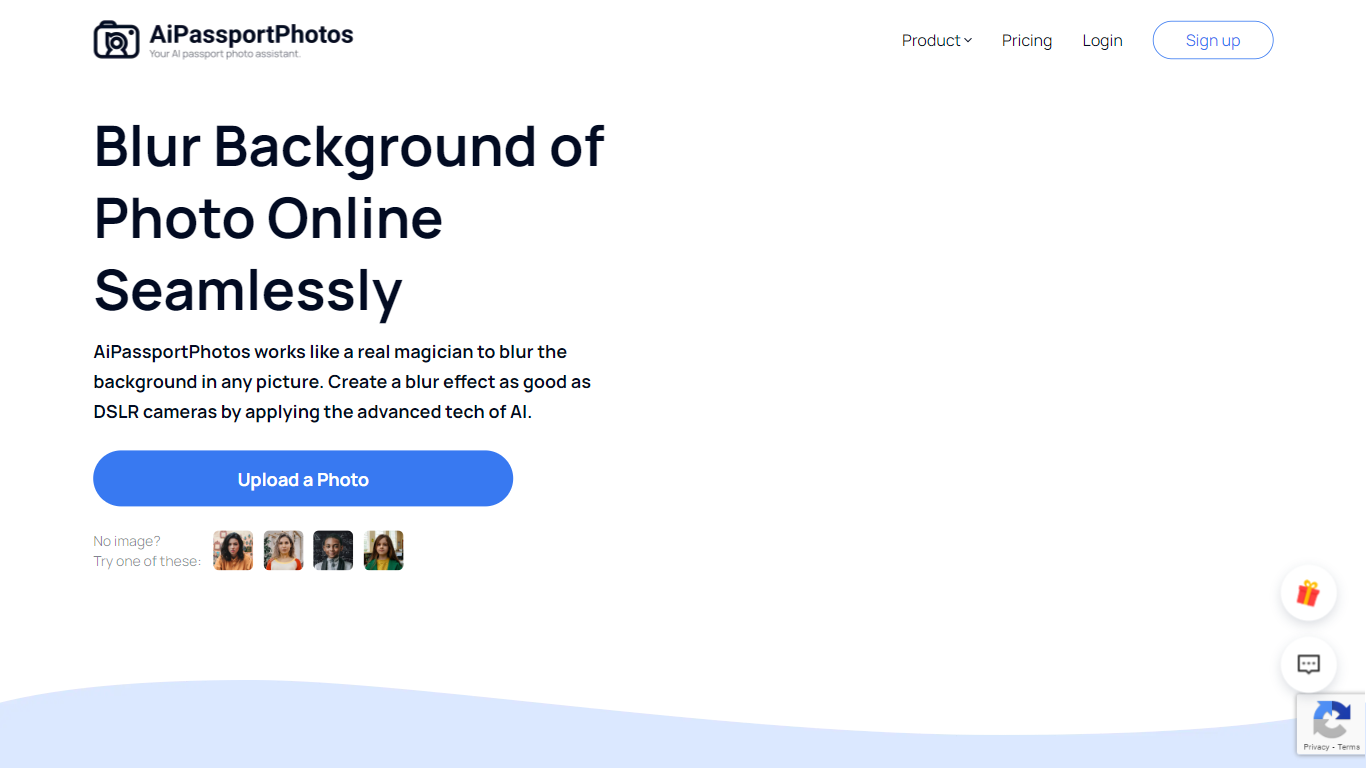
Background Blur lets you soften the area behind a portrait, product, or group photo while keeping the subject sharp, all inside a browser tab on AiPassportPhotos. Upload an image, and the tool detects the main subject before applying an adjustable blur so you get a shallow depth-of-field look without masking by hand.
Unlike generic photo editors that make you mask subjects by hand, Background Blur auto-detects the main subject and keeps it sharp while softening everything behind it. The page advertises six blur intensity levels, HD downloads, and one-click processing aimed at DSLR-style depth of field on phone photos.
It fits content creators polishing social avatars, sellers cleaning up product shots, and anyone who wants a shallow depth-of-field look without portrait mode or a wide-aperture lens. The tool runs in mobile browsers on Android and iPhone, and the site reports a 4.71 rating from 8,400 user votes on the blur page.
Profile Picture Maker By Picsart Upvotes
Background Blur Upvotes
Profile Picture Maker By Picsart Top Features
100% free profile picture editor with no sign-up required
Optional background removal or custom colored and patterned backdrops
Border and fine-tune controls for rotate, scale, and positioning
Preset export sizes for Instagram (320x320), LinkedIn (400x400), Discord (128x128), and more
Drag-and-drop upload with advertised 1 to 2 minute processing
No image storage policy stated on the tool page
4.8 star Quicktools rating from 51 reviews
Background Blur Top Features
Auto-detects the main subject and blurs only the background in one click
Offers 6 adjustable blur intensity levels for portraits, products, and group photos
Exports blurred images in HD quality for editing, printing, and sharing
Works in mobile browsers on Android and iPhone with no software download
Supports shallow depth-of-field and privacy blurring for faces or sensitive details
Profile Picture Maker By Picsart Category
- Photo Editing
Background Blur Category
- Photo Editing
Profile Picture Maker By Picsart Pricing Type
- Free
Background Blur Pricing Type
- Freemium