Polyhive vs Draw3D
Dive into the comparison of Polyhive vs Draw3D and discover which AI 3D Generation tool stands out. We examine alternatives, upvotes, features, reviews, pricing, and beyond.
When comparing Polyhive and Draw3D, which one rises above the other?
When we compare Polyhive and Draw3D, two exceptional 3d generation tools powered by artificial intelligence, and place them side by side, several key similarities and differences come to light. There's no clear winner in terms of upvotes, as both tools have received the same number. The power is in your hands! Cast your vote and have a say in deciding the winner.
You don't agree with the result? Cast your vote to help us decide!
Polyhive
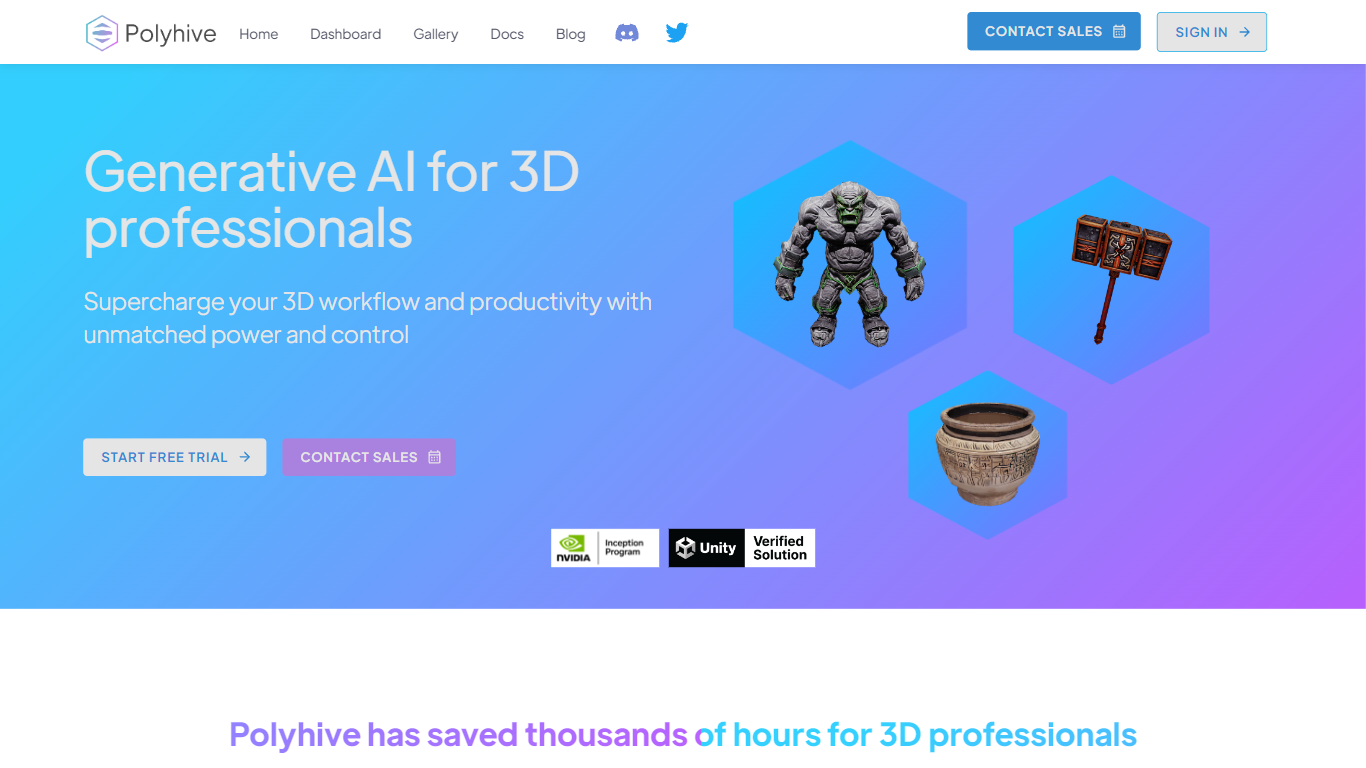

What is Polyhive?
Polyhive is revolutionizing the way 3D professionals work with generative AI technology. With Polyhive, users can harness the innovative power of AI to craft textures for their 3D models using simple text prompts. The platform empowers artists and designers to push the boundaries of creativity, allowing them to generate unique textures or "skins" for a diverse range of 3D objects. Users will find themselves taking their projects to new heights as they explore the endless possibilities of generating infinite variations of assets. Polyhive promises a user experience where imagination truly sets the limits. This cutting-edge tool is designed to streamline workflow and boost productivity, making texture creation more efficient and intuitive for professionals across the 3D industry.
Draw3D
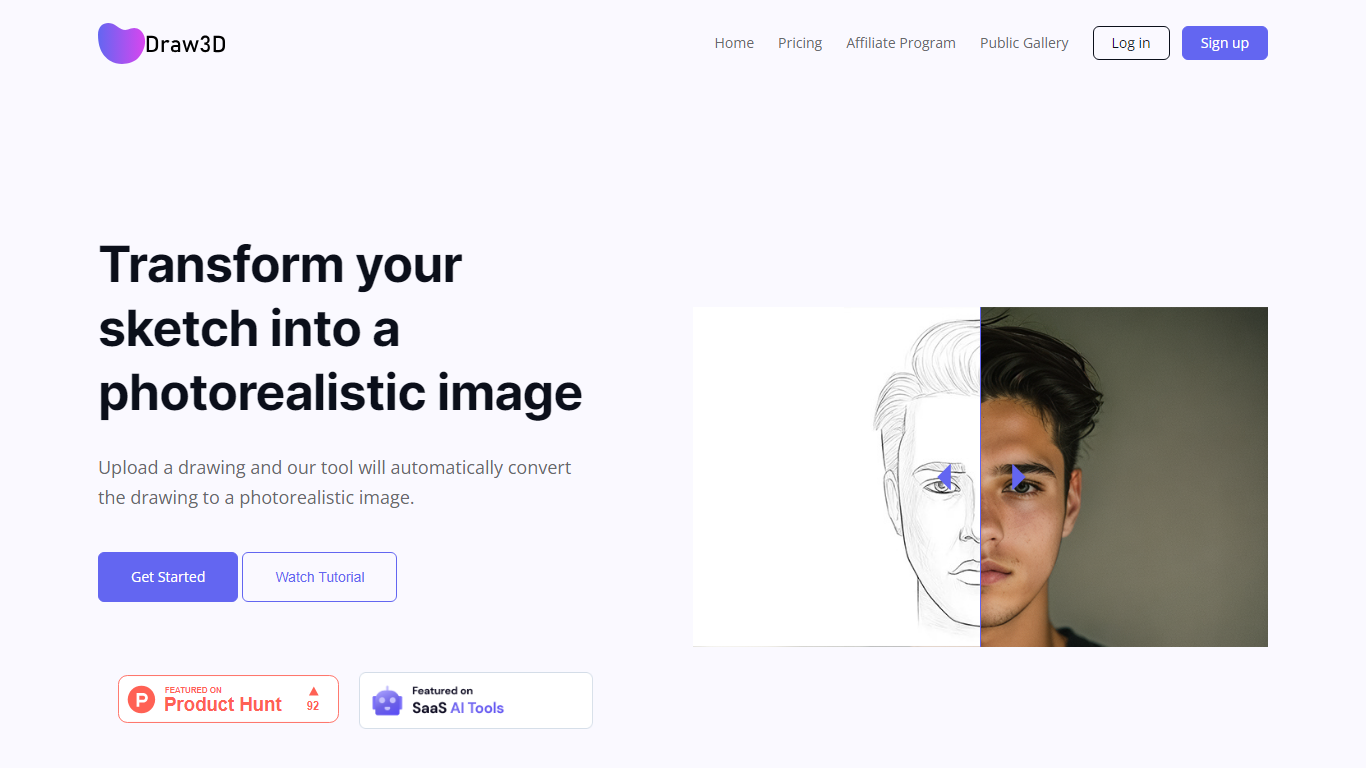
What is Draw3D?
Draw3D is a 3D generation and image toolkit that turns sketches and spatial blockouts into photoreal renders and cinematic video. You draw on a 2D canvas or place dummies in 3D space, hit generate, and the model respects your composition instead of guessing from a text prompt alone.
Text-to-image tools make you describe perspective and layout in words. Draw3D starts from your lines and 3D blockouts, then adds storyboard-to-video, AI inpainting, sculpture-to-photo conversion, and up to 8x upscaling for production exports. That workflow fits directors, architects, and product designers who already think in frames and volumes.
More than 80,000 creators have used the platform with 7.2 million images created, per the homepage stats. Free accounts include 5 generations per month; paid plans start at $9 per month for 120 generations with private gallery mode and commercial rights on every tier.
Polyhive Upvotes
Draw3D Upvotes
Polyhive Top Features
Innovative Generative AI: Utilize AI technology to creatively generate textures from text descriptions.
Designed for 3D Professionals: Tailored tools to meet the specific needs of artists and designers in the 3D space.
Effortless Texture Creation: AI streamlines texture production saving time and simplifying processes.
Endless Creative Possibilities: Infinite asset variation encourages experimentation and unique design outcomes.
Imagination as the Limit: Encourages users to fully explore their creative potential without restrictive boundaries.
Draw3D Top Features
Convert 2D sketches and 3D spatial blockouts into photoreal images
Storyboard-to-cinematic-video pipeline with consistent characters
AI video generation with camera motion from still renders
8x AI upscaling on exports for production-resolution PNG and JPEG
Free plan includes 5 generations per month with commercial license
Starter plan at $9 per month includes 120 generations and private gallery
Touch and pen optimized for iPad and tablet sketching workflows
Polyhive Category
- 3D Generation
Draw3D Category
- 3D Generation
Polyhive Pricing Type
- Freemium
Draw3D Pricing Type
- Freemium