PSEUDO.AI vs GitBook
Explore the showdown between PSEUDO.AI vs GitBook and find out which AI Developer tool wins. We analyze upvotes, features, reviews, pricing, alternatives, and more.
When comparing PSEUDO.AI and GitBook , which one rises above the other?
When we contrast PSEUDO.AI with GitBook , both of which are exceptional AI-operated developer tools, and place them side by side, we can spot several crucial similarities and divergences. The community has spoken, PSEUDO.AI leads with more upvotes. The number of upvotes for PSEUDO.AI stands at 7, and for GitBook it's 6.
Don't agree with the result? Cast your vote and be a part of the decision-making process!
PSEUDO.AI
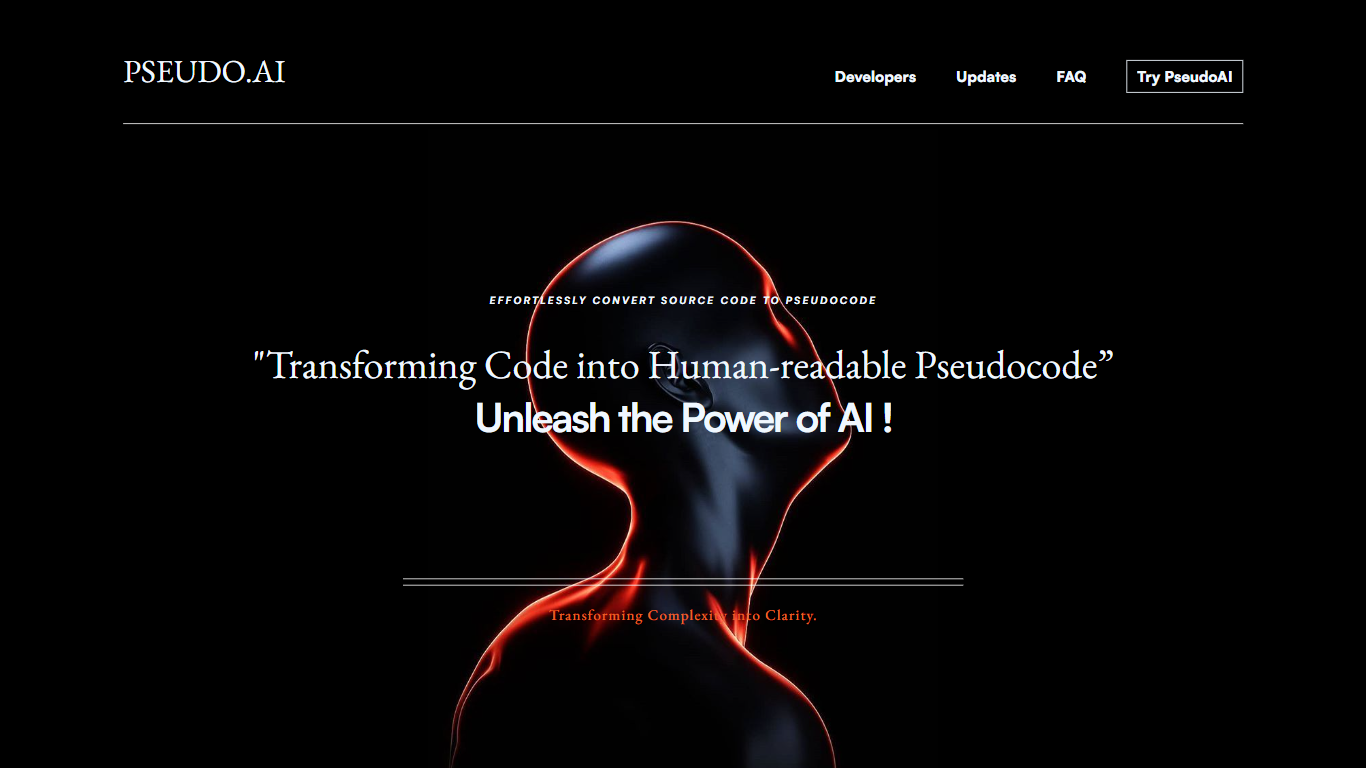

What is PSEUDO.AI?
PSEUDO.AI turns source code into human-readable pseudocode in your browser. You enter a prompt or code snippet, pick a language, and the app returns plain-language steps that read like structured pseudocode rather than raw syntax. It runs on the web at pseudoai.vercel.app with no install, and targets teams who need to explain implementation details to people who do not read code daily.
Most code explainers summarize what a snippet does in prose. PSEUDO.AI keeps the output closer to pseudocode structure, which makes handoffs to designers, product owners, or junior developers easier to scan. The trade-off is focus: it is built for pseudocode conversion, not debugging, testing, or repo-wide documentation. That narrow scope is the point when the goal is shared comprehension, not a full IDE workflow.
Software developers use it to translate tricky logic before code reviews or stakeholder meetings. Computer science students and instructors lean on it when a textbook example needs a readable walkthrough. Product managers and mentors who sit in technical discussions but do not write production code get a format they can follow without parsing braces and semicolons.
GitBook
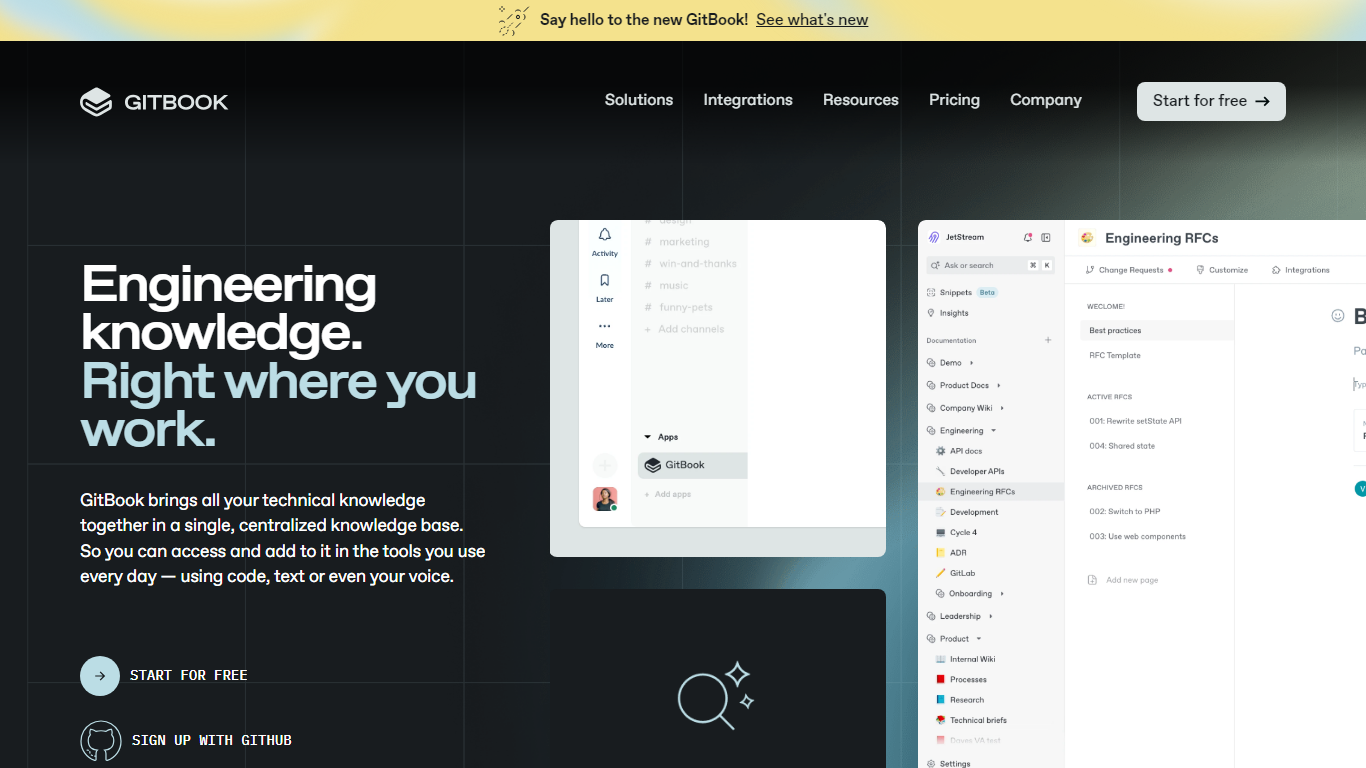
What is GitBook ?
GitBook hosts product and API documentation with a block editor, GitHub and GitLab sync, and interactive API playgrounds. Teams publish branded docs sites, preview deployments, and add LLM optimizations so AI tools can cite accurate answers from your content.
Most doc tools stop at publishing pages. GitBook layers an AI Assistant sidebar on Ultimate plans, AI insights that flag knowledge gaps, and a GitBook Agent that writes and updates docs from Slack, Linear, and GitHub. Its MCP server at mcp.gitbook.com also lets coding agents publish docs directly from your IDE.
Engineering and product teams use it for public docs, developer portals, and help centers. The free plan covers individuals with Git sync and API playgrounds, while Premium starts at $65 per site per month plus $12 per user on annual billing.
PSEUDO.AI Upvotes
GitBook Upvotes
PSEUDO.AI Top Features
Choose from 12 languages on the converter page, including C, C++, C#, Java, Python 3, JavaScript, Node.js, PHP, Kotlin, Swift, and SQL.
Runs entirely in the browser at pseudoai.vercel.app with no downloads required, per the homepage FAQ.
Uses an OpenAI-trained GPT model to generate pseudocode from your code input, according to the site FAQ.
Three-step workflow on the converter: enter a prompt or topic, pick a language, then click GO and copy the output.
Homepage FAQ lists Java, Python, C++, and JavaScript among supported languages, with a broader list on the live converter.
GitBook Top Features
Free plan includes GitHub and GitLab sync with interactive API playgrounds
Premium starts at $65 per site per month plus $12 per user on annual billing
Ultimate adds an AI Assistant sidebar and GitBook Agent for $249 per site per month
GitBook MCP server lets coding agents publish docs from Cursor, Claude, and Codex
Block editor supports custom blocks, preview deployments, and LLM optimizations
Ultimate plan includes adaptive content and authenticated access controls
Enterprise adds SAML SSO, white-glove migration, and dedicated support
PSEUDO.AI Category
- Developer
GitBook Category
- Developer
PSEUDO.AI Pricing Type
- Free
GitBook Pricing Type
- Freemium