PSEUDO.AI vs Prisma Editor
In the battle of PSEUDO.AI vs Prisma Editor, which AI Developer tool comes out on top? We compare reviews, pricing, alternatives, upvotes, features, and more.
Between PSEUDO.AI and Prisma Editor, which one is superior?
Upon comparing PSEUDO.AI with Prisma Editor, which are both AI-powered developer tools, In the race for upvotes, PSEUDO.AI takes the trophy. PSEUDO.AI has attracted 7 upvotes from aitools.fyi users, and Prisma Editor has attracted 6 upvotes.
Think we got it wrong? Cast your vote and show us who's boss!
PSEUDO.AI

What is PSEUDO.AI?
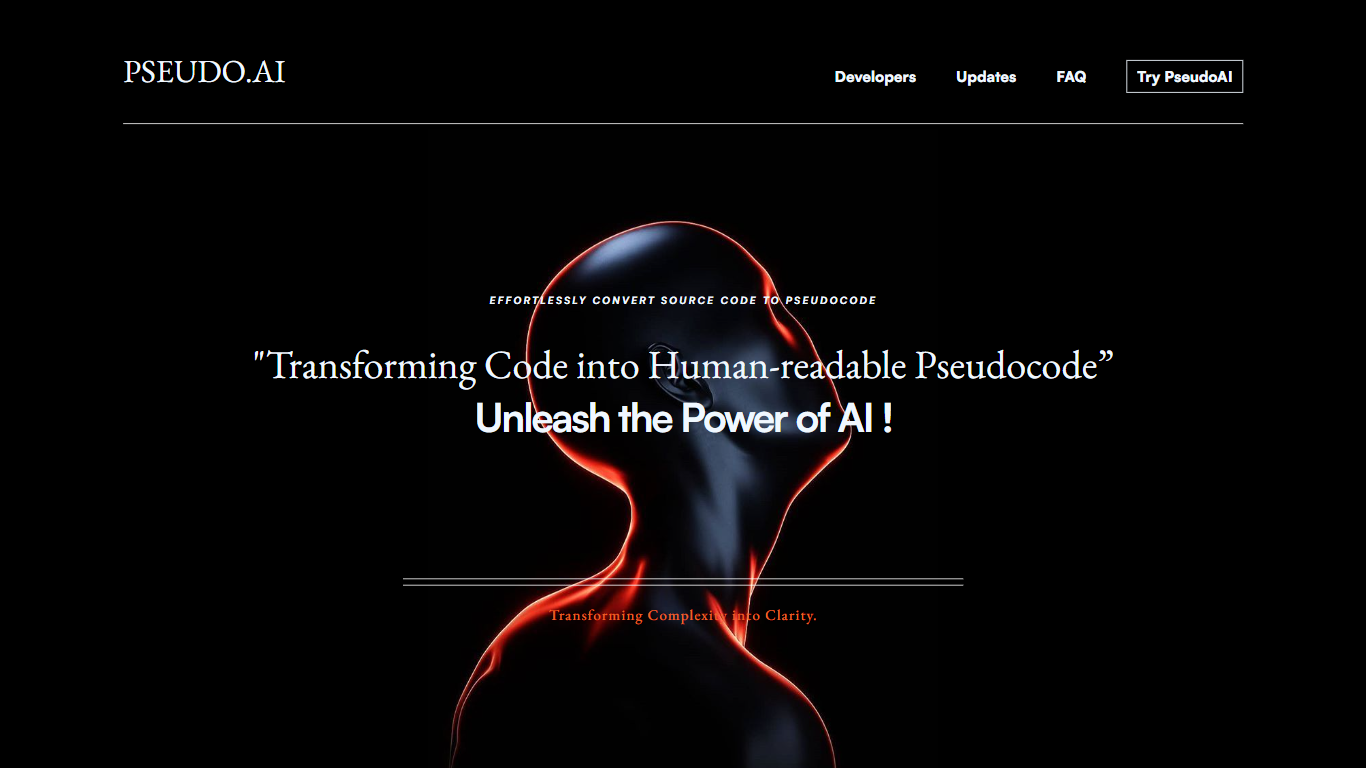
PSEUDO.AI turns source code into human-readable pseudocode in your browser. You enter a prompt or code snippet, pick a language, and the app returns plain-language steps that read like structured pseudocode rather than raw syntax. It runs on the web at pseudoai.vercel.app with no install, and targets teams who need to explain implementation details to people who do not read code daily.
Most code explainers summarize what a snippet does in prose. PSEUDO.AI keeps the output closer to pseudocode structure, which makes handoffs to designers, product owners, or junior developers easier to scan. The trade-off is focus: it is built for pseudocode conversion, not debugging, testing, or repo-wide documentation. That narrow scope is the point when the goal is shared comprehension, not a full IDE workflow.
Software developers use it to translate tricky logic before code reviews or stakeholder meetings. Computer science students and instructors lean on it when a textbook example needs a readable walkthrough. Product managers and mentors who sit in technical discussions but do not write production code get a format they can follow without parsing braces and semicolons.
Prisma Editor
What is Prisma Editor?
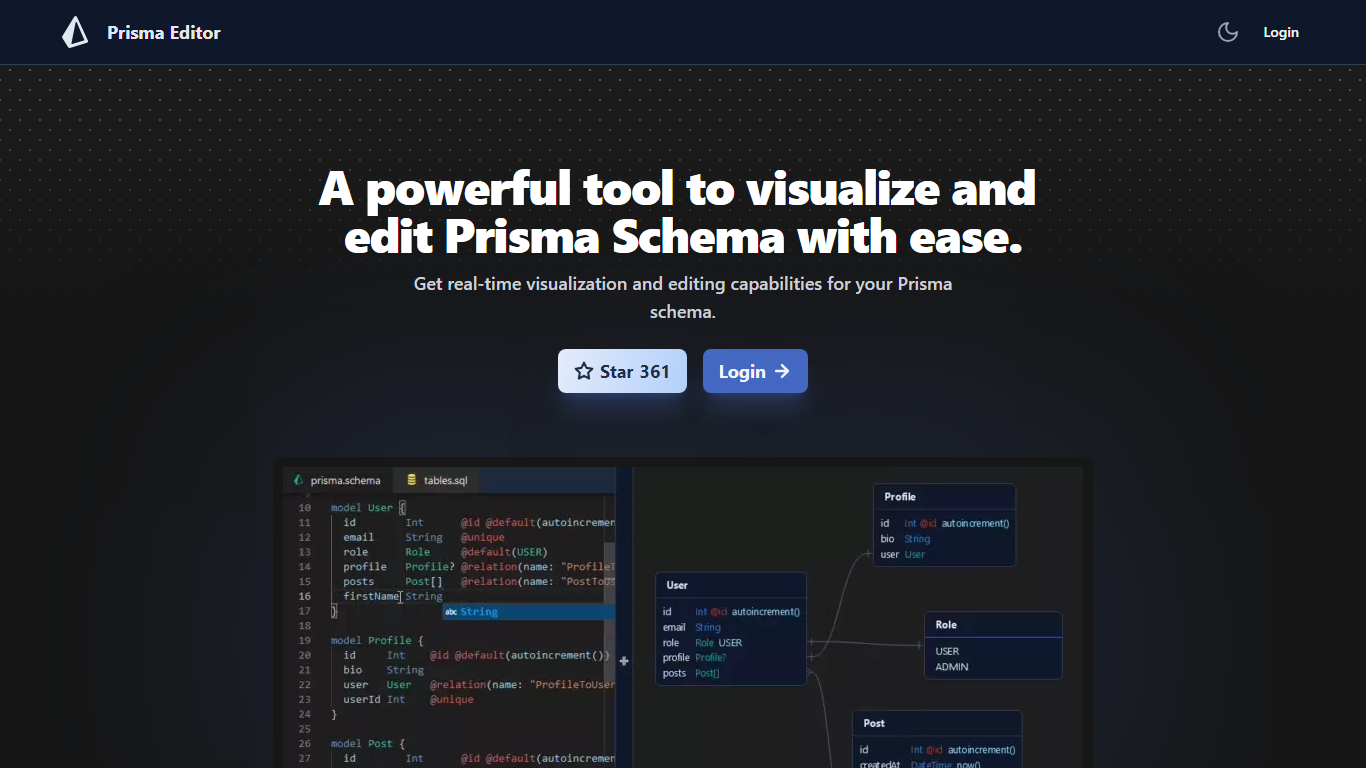
Prisma Editor is a browser-based visual editor for Prisma schema files that renders your models as an interactive graph while you edit. Changes update the diagram in real time, and you can tweak fields directly on the graph instead of scrolling through plain text.
Prisma Studio shows data rows, while Prisma Editor focuses on schema design with shareable links and natural-language schema generation through OpenAI. The site labels itself a community project that is not affiliated with Prisma HQ, and the open-source repo on GitHub reports more than 1,000 stars.
TypeScript teams prototyping databases use it to whiteboard relations before committing schema.prisma changes. Login unlocks the editor, and shared links let teammates review the same graph without passing files around.
PSEUDO.AI Upvotes
Prisma Editor Upvotes
PSEUDO.AI Top Features
Choose from 12 languages on the converter page, including C, C++, C#, Java, Python 3, JavaScript, Node.js, PHP, Kotlin, Swift, and SQL.
Runs entirely in the browser at pseudoai.vercel.app with no downloads required, per the homepage FAQ.
Uses an OpenAI-trained GPT model to generate pseudocode from your code input, according to the site FAQ.
Three-step workflow on the converter: enter a prompt or topic, pick a language, then click GO and copy the output.
Homepage FAQ lists Java, Python, C++, and JavaScript among supported languages, with a broader list on the live converter.
Prisma Editor Top Features
Real-time graph visualization updates as you create or modify Prisma models
Direct schema editing from the visual graph without leaving the diagram view
Shareable schema links for collaborative reviews across a team
OpenAI integration turns natural language prompts into boilerplate schema code
Open-source project on GitHub (mohammed-bahumaish/prisma-editor) with 1,035 stars listed on the homepage
Featured in Awesome Prisma, the T3 collection, and Product Hunt according to site badges
PSEUDO.AI Category
- Developer
Prisma Editor Category
- Developer
PSEUDO.AI Pricing Type
- Free
Prisma Editor Pricing Type
- Free