Qdrant vs ChatCraft
When comparing Qdrant vs ChatCraft, which AI Developer tool shines brighter? We look at pricing, alternatives, upvotes, features, reviews, and more.
In a comparison between Qdrant and ChatCraft, which one comes out on top?
When we put Qdrant and ChatCraft side by side, both being AI-powered developer tools, There's no clear winner in terms of upvotes, as both tools have received the same number. Be a part of the decision-making process. Your vote could determine the winner.
You don't agree with the result? Cast your vote to help us decide!
Qdrant

What is Qdrant?
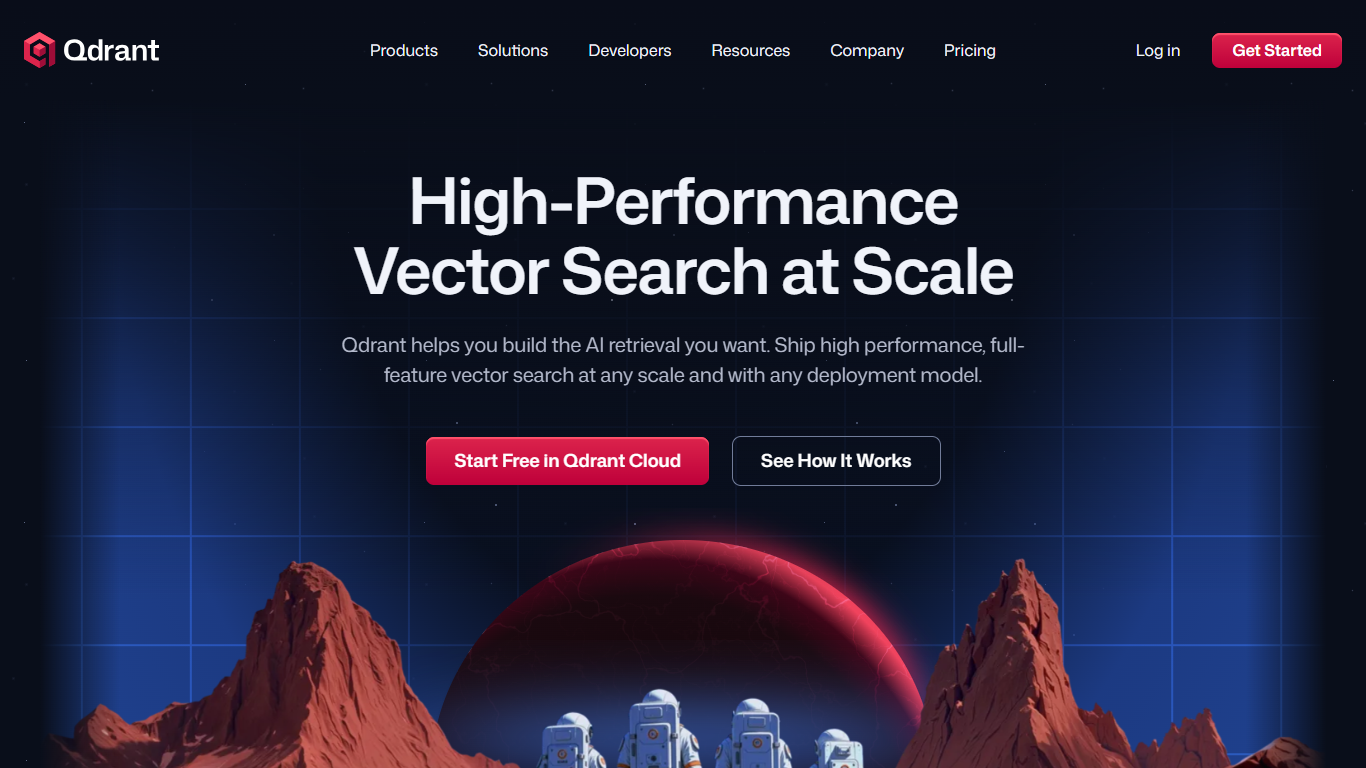
Qdrant stores embeddings and runs fast similarity search with metadata filtering for production AI workloads like RAG chatbots, semantic search, recommendations, and agent memory. You can start on the free cloud tier, self-host the database, or scale on managed clusters across AWS, GCP, and Azure.
The engine is written in Rust and uses a customized HNSW algorithm for approximate nearest neighbor search. Qdrant stands out with native hybrid search that blends dense and sparse vectors in one query, one-stage filtering during graph traversal, and multivector support when a single object needs several embeddings. Compression options like scalar, product, and binary quantization help cut memory use on large collections.
Developers connect through REST, gRPC, or official client libraries, with a built-in Web UI for inspecting collections and running test queries. Qdrant Cloud adds managed backups, zero-downtime scaling, and optional cloud inference. The project launched on GitHub in 2021 and now backs enterprise deployments from companies like Tripadvisor, HubSpot, and Deutsche Telekom.
ChatCraft
What is ChatCraft?
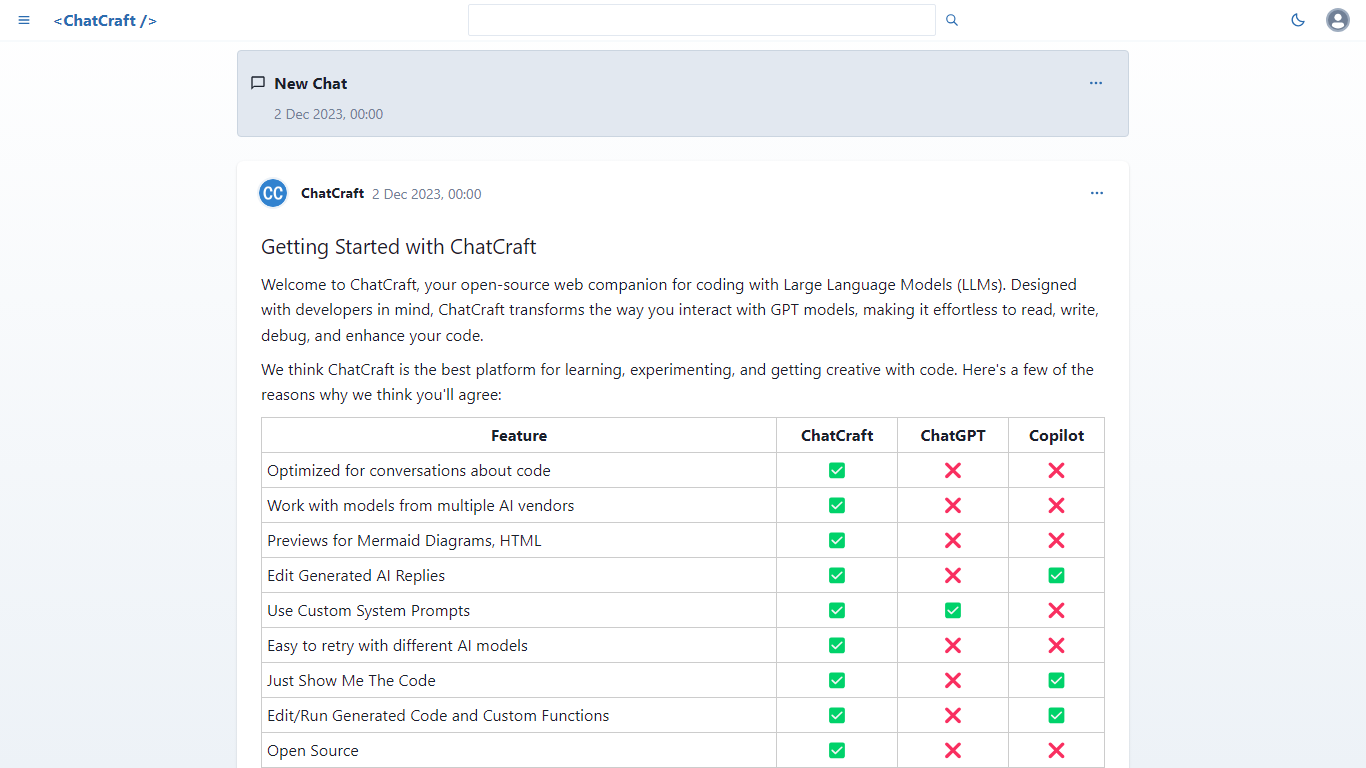
ChatCraft is a browser-based developer chat client for talking through code with large language models. You paste an OpenAI or OpenRouter API key, pick a model, and iterate on prompts with GitHub-flavored Markdown, syntax highlighting, and per-message edit, retry, and delete controls.
General chat UIs optimize for prose. ChatCraft stores every conversation in local IndexedDB, gives each chat its own URL, and lets you retry any assistant reply with a different model mid-thread. That makes it practical to compare GPT-4 against cheaper models on the same coding question without starting over.
The project is open source on GitHub, runs entirely client-side with no server install, and supports Mermaid diagram rendering plus optional sign-in with GitHub or Google. You pay only what your chosen provider charges per token.
Qdrant Upvotes
ChatCraft Upvotes
Qdrant Top Features
Hybrid dense and sparse search in one query, with BM25, SPLADE++, and miniCOIL support
Metadata filters run during HNSW traversal, not as a slow pre- or post-filter step
Written in Rust and benchmarked at up to 4x RPS versus alternatives
Free cloud tier includes 0.5 vCPU, 1GB RAM, and 4GB disk on a single node
REST, gRPC, and official clients for Python, JavaScript, Go, and more
Built-in Web UI to browse collections, test queries, and inspect results visually
Run managed on Qdrant Cloud, self-host OSS, or deploy Hybrid and Private Cloud options
ChatCraft Top Features
Supports OpenAI and OpenRouter so you can switch models or vendors in one thread
Retries any assistant message with a different model without losing prior context
Stores chats locally in IndexedDB with optional GitHub or Google sign-in
Renders code blocks with syntax highlighting and converts prompts to Mermaid diagrams
Open-source MIT project linked directly from the ChatCraft sidebar
Qdrant Category
- Developer
ChatCraft Category
- Developer
Qdrant Pricing Type
- Freemium
ChatCraft Pricing Type
- Free