Qdrant vs Cursor AI
Compare Qdrant vs Cursor AI and see which AI Developer tool is better when we compare features, reviews, pricing, alternatives, upvotes, etc.
Which one is better? Qdrant or Cursor AI?
When we compare Qdrant with Cursor AI, which are both AI-powered developer tools, There's no clear winner in terms of upvotes, as both tools have received the same number. Join the aitools.fyi users in deciding the winner by casting your vote.
You don't agree with the result? Cast your vote to help us decide!
Qdrant
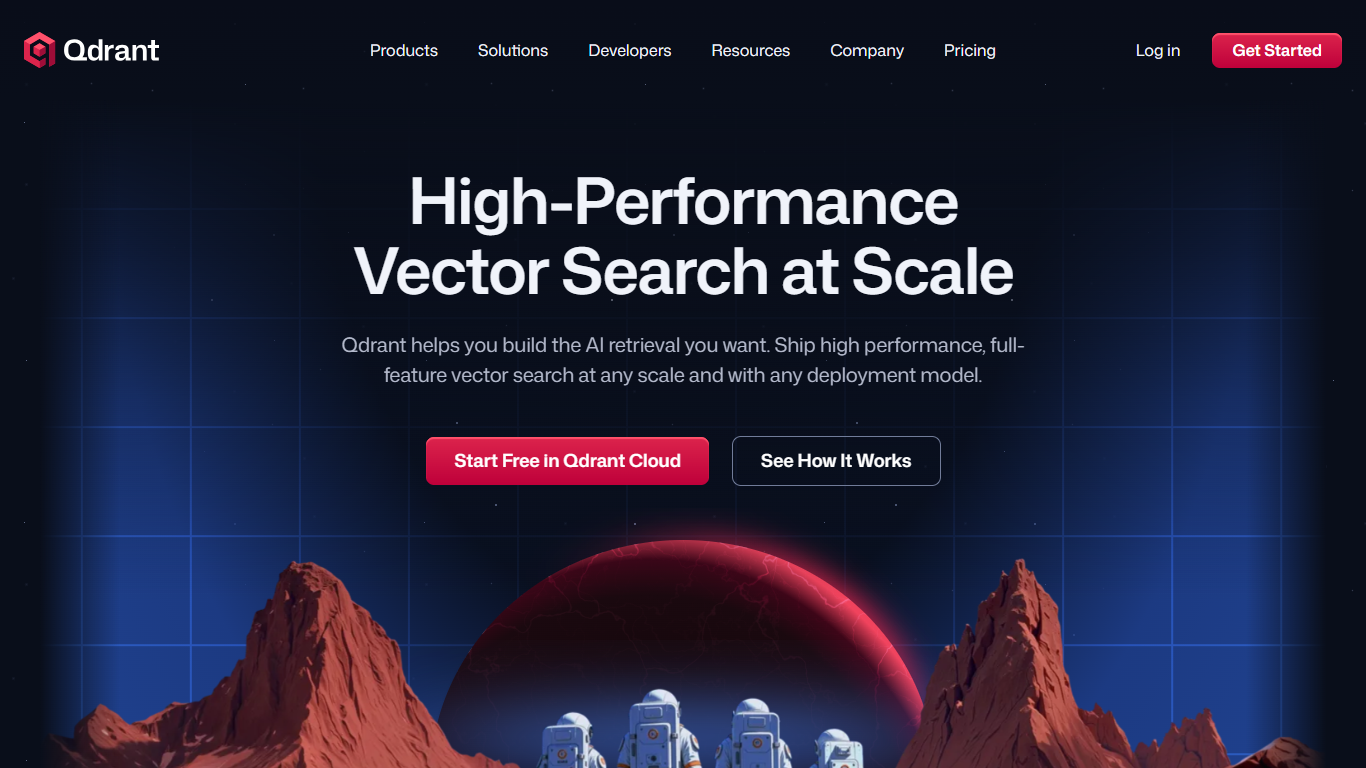

What is Qdrant?
Qdrant stores embeddings and runs fast similarity search with metadata filtering for production AI workloads like RAG chatbots, semantic search, recommendations, and agent memory. You can start on the free cloud tier, self-host the database, or scale on managed clusters across AWS, GCP, and Azure.
The engine is written in Rust and uses a customized HNSW algorithm for approximate nearest neighbor search. Qdrant stands out with native hybrid search that blends dense and sparse vectors in one query, one-stage filtering during graph traversal, and multivector support when a single object needs several embeddings. Compression options like scalar, product, and binary quantization help cut memory use on large collections.
Developers connect through REST, gRPC, or official client libraries, with a built-in Web UI for inspecting collections and running test queries. Qdrant Cloud adds managed backups, zero-downtime scaling, and optional cloud inference. The project launched on GitHub in 2021 and now backs enterprise deployments from companies like Tripadvisor, HubSpot, and Deutsche Telekom.
Cursor AI
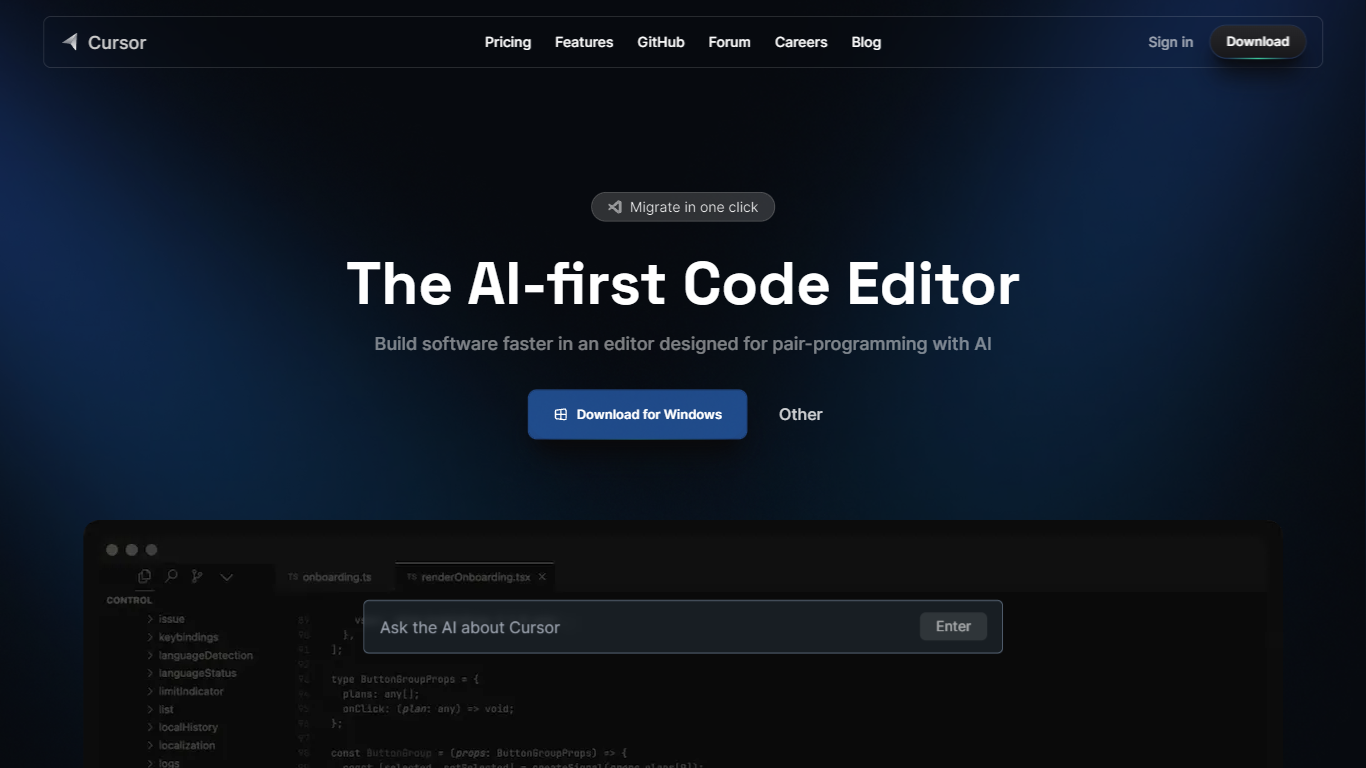
What is Cursor AI?
Cursor AI gives developers an agentic coding environment where you delegate implementation work while keeping architectural control. The editor indexes your full codebase, runs multi-step agents in the IDE, terminal, Slack, and GitHub, and ships changes through Tab autocomplete, Composer edits, and cloud agents that can build and demo features end to end. A free Hobby tier requires no credit card to start.
Compared with chat-only copilots that suggest single lines, Cursor AI runs parallel agents on their own machines and ties into Bugbot for pull request reviews. Individual plans start at $20 per month with frontier models, MCP servers, and cloud agents, while Teams adds $40 per user billing with SAML SSO and shared team context. That agent-first stack suits fast-moving product teams, though usage-based model billing can add cost after included limits.
Software engineers, startup teams, and enterprise developers use Cursor AI to migrate from VS Code with one-click extension imports, trigger tasks from issue trackers, and enforce privacy mode so code is not used for training. The pricing page lists Pro, Pro+, and Ultra individual tiers plus Enterprise with pooled usage and audit logs. Contact for sales and support is available at [email protected].
Qdrant Upvotes
Cursor AI Upvotes
Qdrant Top Features
Hybrid dense and sparse search in one query, with BM25, SPLADE++, and miniCOIL support
Metadata filters run during HNSW traversal, not as a slow pre- or post-filter step
Written in Rust and benchmarked at up to 4x RPS versus alternatives
Free cloud tier includes 0.5 vCPU, 1GB RAM, and 4GB disk on a single node
REST, gRPC, and official clients for Python, JavaScript, Go, and more
Built-in Web UI to browse collections, test queries, and inspect results visually
Run managed on Qdrant Cloud, self-host OSS, or deploy Hybrid and Private Cloud options
Cursor AI Top Features
Hobby plan is free with no credit card and includes limited Agent requests plus Composer access
Individual Pro plan costs $20 per month with extended Agent limits and frontier model access
Teams plan costs $40 per user per month with SAML/OIDC SSO and centralized billing
Cloud agents build, test, and demo features end to end on their own machines
Bugbot reviews pull requests with agentic code reviews on Teams and usage-based billing on Individual
CLI installs on macOS, Linux, and Windows via curl https://cursor.com/install
Qdrant Category
- Developer
Cursor AI Category
- Developer
Qdrant Pricing Type
- Freemium
Cursor AI Pricing Type
- Freemium