Quill Flow vs Sheet Copilot
Dive into the comparison of Quill Flow vs Sheet Copilot and discover which AI Excel tool stands out. We examine alternatives, upvotes, features, reviews, pricing, and beyond.
In a comparison between Quill Flow and Sheet Copilot, which one comes out on top?
When we compare Quill Flow and Sheet Copilot, two exceptional excel tools powered by artificial intelligence, and place them side by side, several key similarities and differences come to light. Neither tool takes the lead, as they both have the same upvote count. Since other aitools.fyi users could decide the winner, the ball is in your court now to cast your vote and help us determine the winner.
Think we got it wrong? Cast your vote and show us who's boss!
Quill Flow
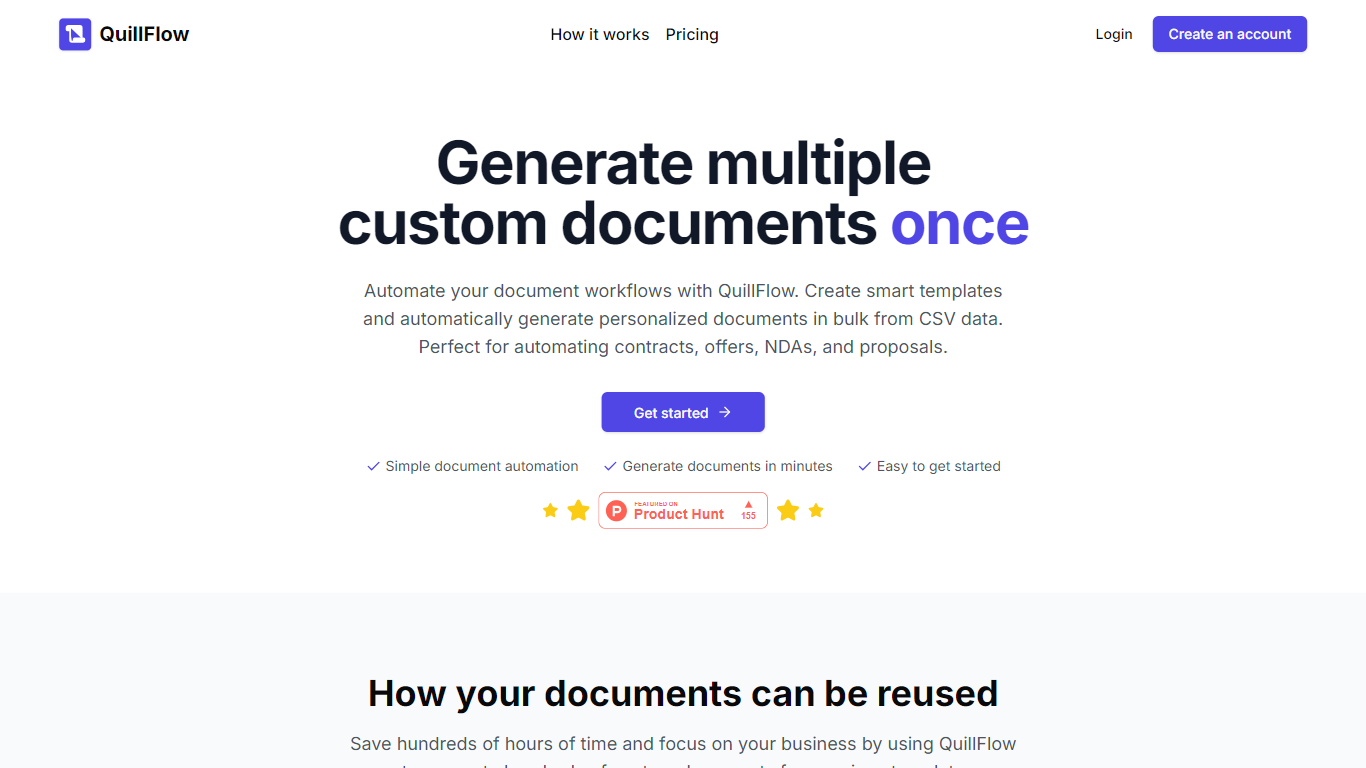

What is Quill Flow?
Quill Flow is a keyboard extension for iPhone that lets you swipe, type, or dictate in any app, then cleans up the text before it lands. Hold the mic, talk naturally, and get back formatted sentences with punctuation, capitalization, and filler words stripped out. It works in iMessage, WhatsApp, Gmail, Slack, Notes, and anywhere else you can type on iOS.
The keyboard combines glide typing, smart autocorrect, and dictation in one place so you do not have to switch apps or keyboards mid-message. Swipe typing covers 17 languages with live word candidates, while dictation supports 100+ languages including Hinglish for mixed Hindi and English in the same sentence.
Flow Studios built Quill Flow for people who write on their phone all day but hate fixing typos and messy transcripts. That includes commuters drafting emails, multilingual speakers code-switching mid-sentence, and VoiceOver users who need dictation that does not transcribe screen reader announcements.
Sheet Copilot
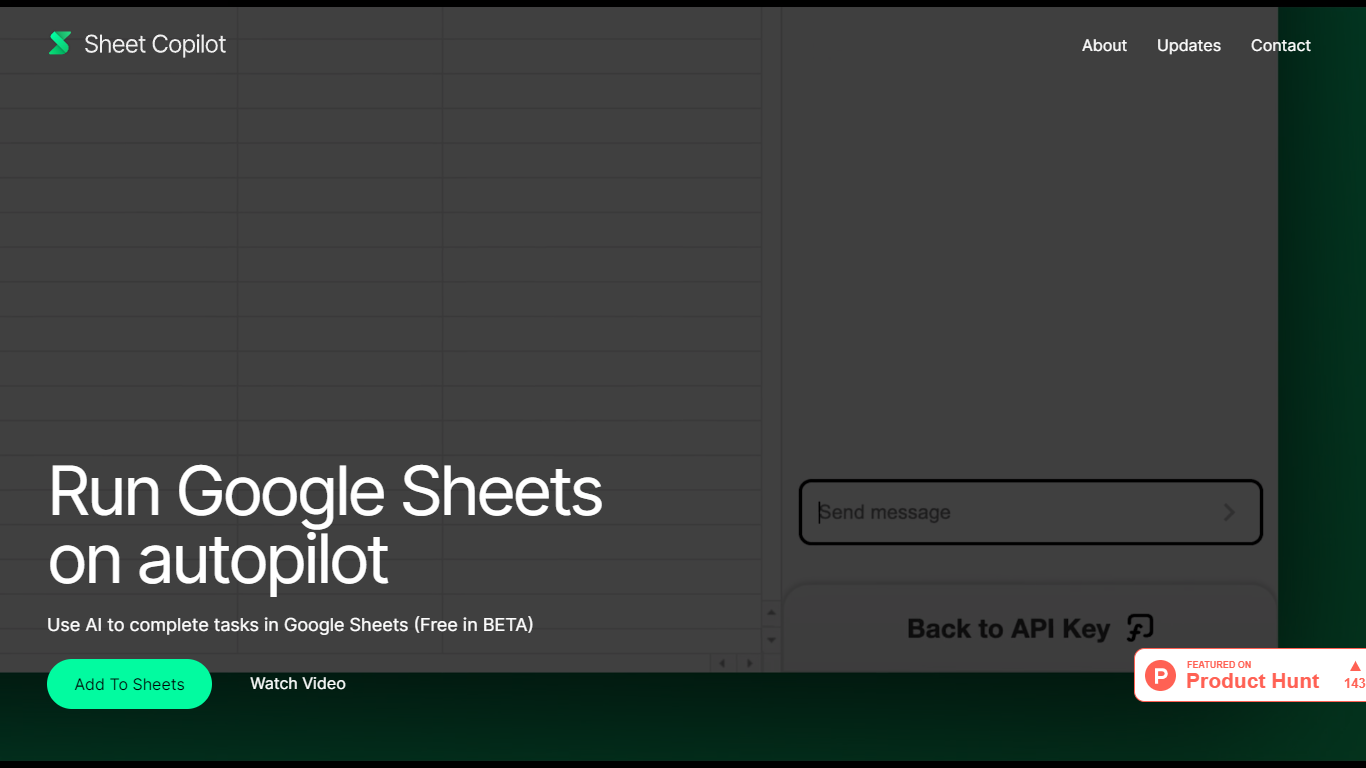
What is Sheet Copilot?
Sheet Copilot is a Google Sheets add-on that turns plain-language instructions into spreadsheet work. Install it from the Google Workspace Marketplace, connect your own OpenAI API key, and ask it to handle formulas, formatting, and charts while you stay inside the sheet.
The listing describes GPT-4 driving each task, with changes applied in real time so you can watch the assistant work step by step. You describe the outcome you want in chat, and Sheet Copilot carries out the spreadsheet operations needed to get there.
The add-on is free during its beta period on the marketplace, though you bring your own OpenAI API key and pay OpenAI for model usage. The listing states your key is stored in your Google account and is not kept on Sheet Copilot servers.
The marketplace listing shows more than 81,000 installations and was last updated in September 2024. Support contact listed there is [email protected]. The developer site sheetcopilot.ai is currently unreachable.
Quill Flow Upvotes
Sheet Copilot Upvotes
Quill Flow Top Features
Dictate in 100+ languages with filler words and false starts removed automatically
Glide typing in 17 languages with live candidates from an 82,000-word vocabulary
19 rewrite tones from Professional to Gen Z, applied to anything you dictated
Context-aware formatting that adjusts for email, chat, or notes based on the app you are in
Dedicated Hinglish dictation for mixing Hindi and English mid-sentence without garbled output
Full VoiceOver support with magic tap dictation and screen reader filtering in 34 languages
Works as a keyboard extension in every iOS app, no switching between keyboards required
Sheet Copilot Top Features
Describe tasks in chat and Sheet Copilot executes them inside your spreadsheet
Uses GPT-4 to build formulas, apply formatting, and create visualizations
Shows changes in real time as the assistant works through your sheet
Free during beta on the Google Workspace Marketplace
Your OpenAI API key stays in your Google account, not on Sheet Copilot servers
Quill Flow Category
- Excel
Sheet Copilot Category
- Excel
Quill Flow Pricing Type
- Freemium
Sheet Copilot Pricing Type
- Freemium