Readable vs CloneDub
In the battle of Readable vs CloneDub, which AI Translation tool comes out on top? We compare reviews, pricing, alternatives, upvotes, features, and more.
Between Readable and CloneDub, which one is superior?
Upon comparing Readable with CloneDub, which are both AI-powered translation tools, There's no clear winner in terms of upvotes, as both tools have received the same number. Be a part of the decision-making process. Your vote could determine the winner.
Think we got it wrong? Cast your vote and show us who's boss!
Readable

What is Readable?
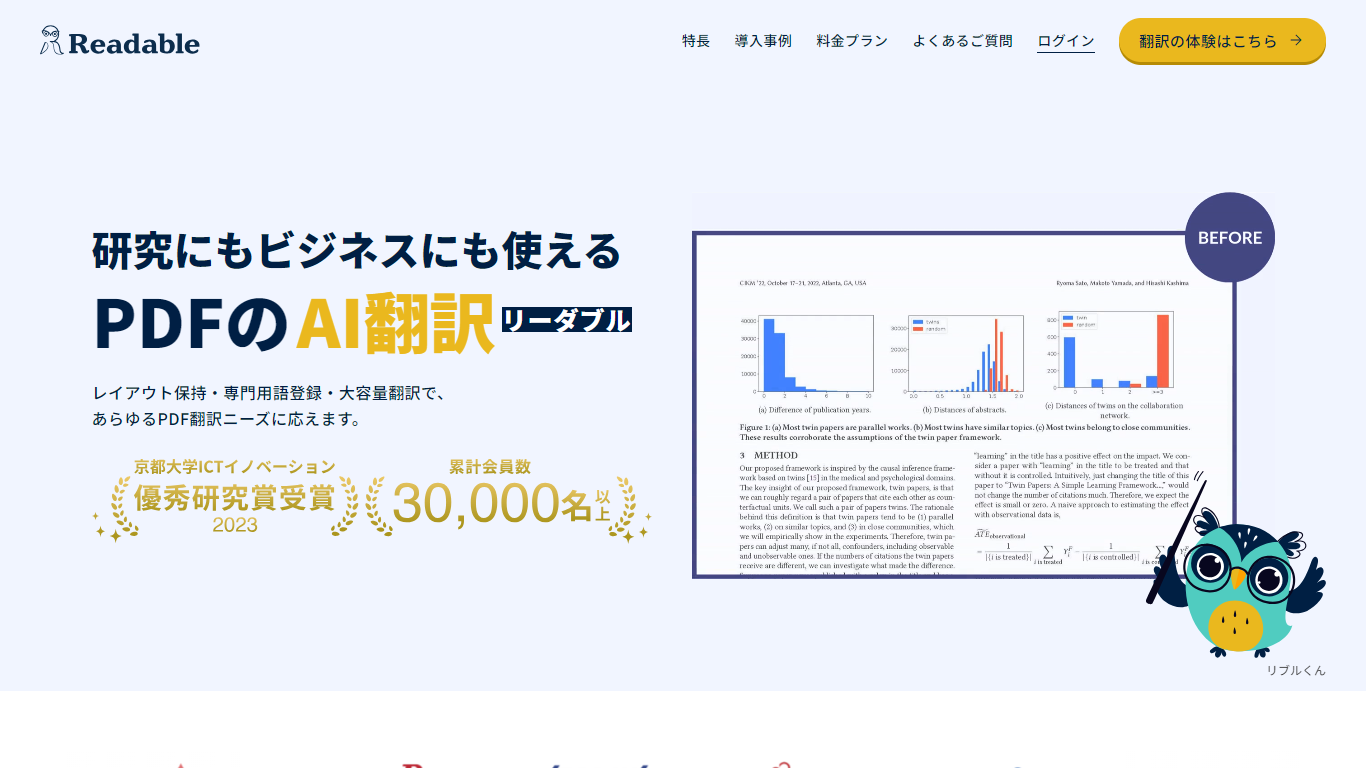
Readable translates PDF files into Japanese while keeping the original layout intact, including tables, figures, and images. Built by NextLab Inc., it targets researchers reading academic papers and business teams working through manuals, reports, and contracts without rebuilding documents by hand.
The reader shows original and translated text side by side so you can scan a translation and jump back to the source line when something needs a closer look. Premium users can register custom dictionaries so product names, abbreviations, and field-specific terms translate the same way every time.
Readable runs in the browser and through a Chrome extension for quick file translation. Pro Standard focuses on English-to-Japanese PDFs, while Pro Premium adds 200+ source languages, larger file limits, and optional ChatGPT-based translation engines.
CloneDub
What is CloneDub?
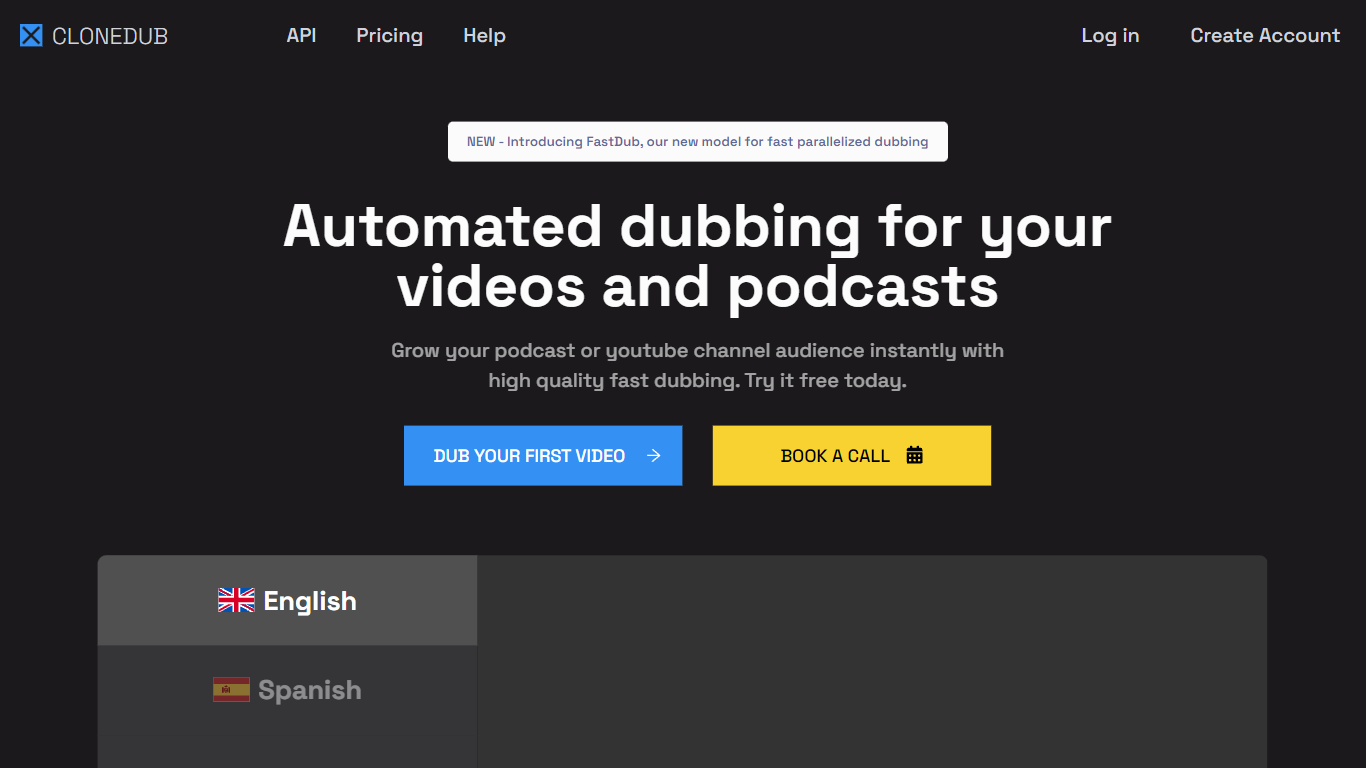
CloneDub turns podcasts and YouTube videos into localized versions in other languages while trying to keep the original speaker voice, background music, and sound effects. You upload audio or video, pick a target language, and download dubbed files plus optional SRT subtitles from the dashboard.
Most dubbing tools swap in a generic narrator and strip the mix down to dialogue. CloneDub focuses on voice cloning plus translation, and it recently added FastDub for faster parallel processing. Pricing is minute-based rather than per-seat, which fits creators dubbing a handful of long episodes each month instead of enterprise localization teams running thousands of clips.
The product targets podcasters, YouTube channel owners, and small media teams who want multilingual reach without hiring voice actors for every language. Plans cap uploads at 2 hours per file and support 27 languages on the published pricing table.
Readable Upvotes
CloneDub Upvotes
Readable Top Features
Tables, charts, and images stay in place in the translated PDF
Original and Japanese text sit side by side for faster research reading
Custom dictionaries pin product names and technical terms to your preferred wording
Premium translates up to 1,000 pages or 200 MB in a single upload
Chrome extension handles one-click translation for online files
CloneDub Top Features
Dubs into 27 languages including English, Spanish, Hindi, French, German, Japanese, and Arabic
Accepts MP3, OGG, WAV, FLAC, AVI, MP4, MKV, AIFF, and AAC uploads up to 2 hours per file
Without voice cloning, dubbing typically finishes in about 50 to 60 percent of the source runtime
Basic plan includes 12 dubbing minutes per month for $10, with overage at $1 per minute
Exports dubbed video, audio, and SRT subtitle files from a single workflow
FastDub model supports parallelized dubbing for faster turnaround on longer content
Pro and Premium tiers add custom voice cloning; Basic does not
Readable Category
- Translation
CloneDub Category
- Translation
Readable Pricing Type
- Freemium
CloneDub Pricing Type
- Paid