Readable vs DocTranslator
In the battle of Readable vs DocTranslator, which AI Translation tool comes out on top? We compare reviews, pricing, alternatives, upvotes, features, and more.
Between Readable and DocTranslator, which one is superior?
Upon comparing Readable with DocTranslator, which are both AI-powered translation tools, Interestingly, both tools have managed to secure the same number of upvotes. Be a part of the decision-making process. Your vote could determine the winner.
You don't agree with the result? Cast your vote to help us decide!
Readable

What is Readable?
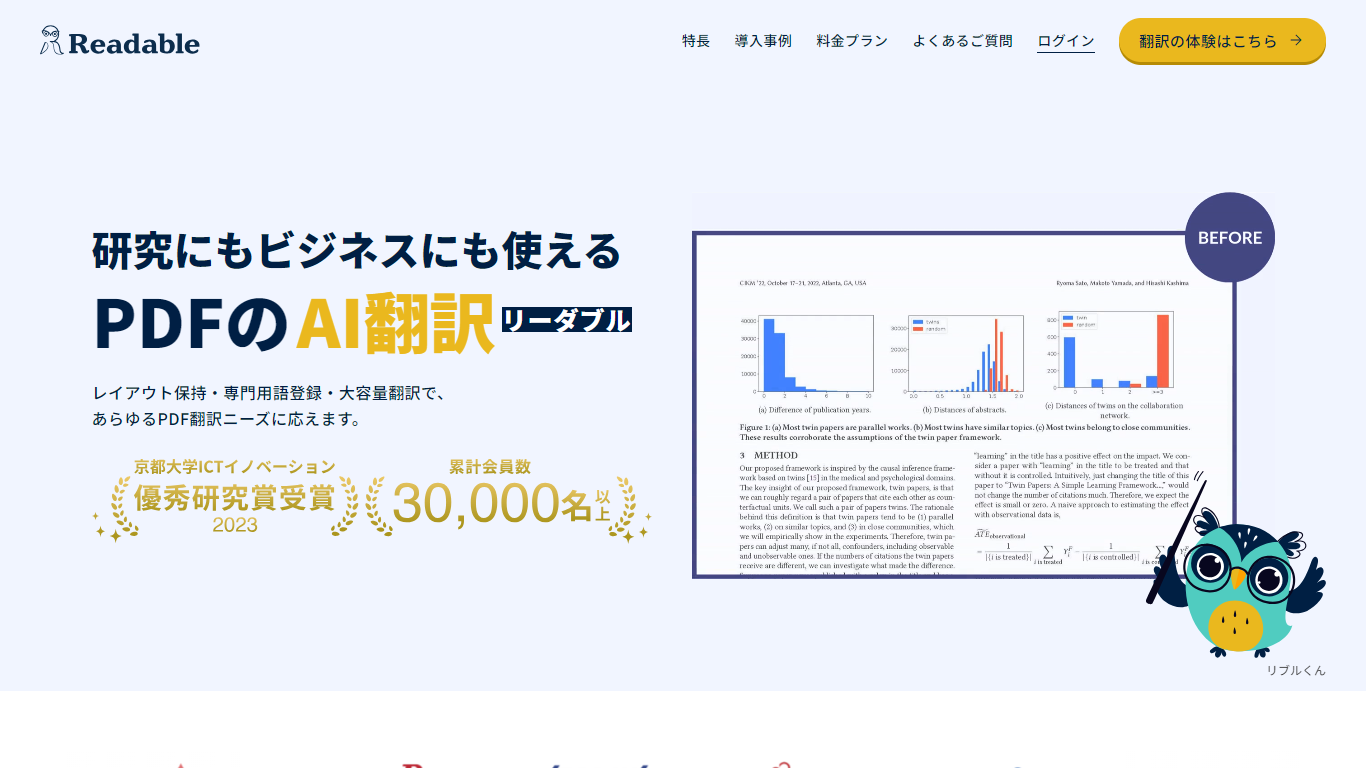
Readable translates PDF files into Japanese while keeping the original layout intact, including tables, figures, and images. Built by NextLab Inc., it targets researchers reading academic papers and business teams working through manuals, reports, and contracts without rebuilding documents by hand.
The reader shows original and translated text side by side so you can scan a translation and jump back to the source line when something needs a closer look. Premium users can register custom dictionaries so product names, abbreviations, and field-specific terms translate the same way every time.
Readable runs in the browser and through a Chrome extension for quick file translation. Pro Standard focuses on English-to-Japanese PDFs, while Pro Premium adds 200+ source languages, larger file limits, and optional ChatGPT-based translation engines.
DocTranslator
What is DocTranslator?
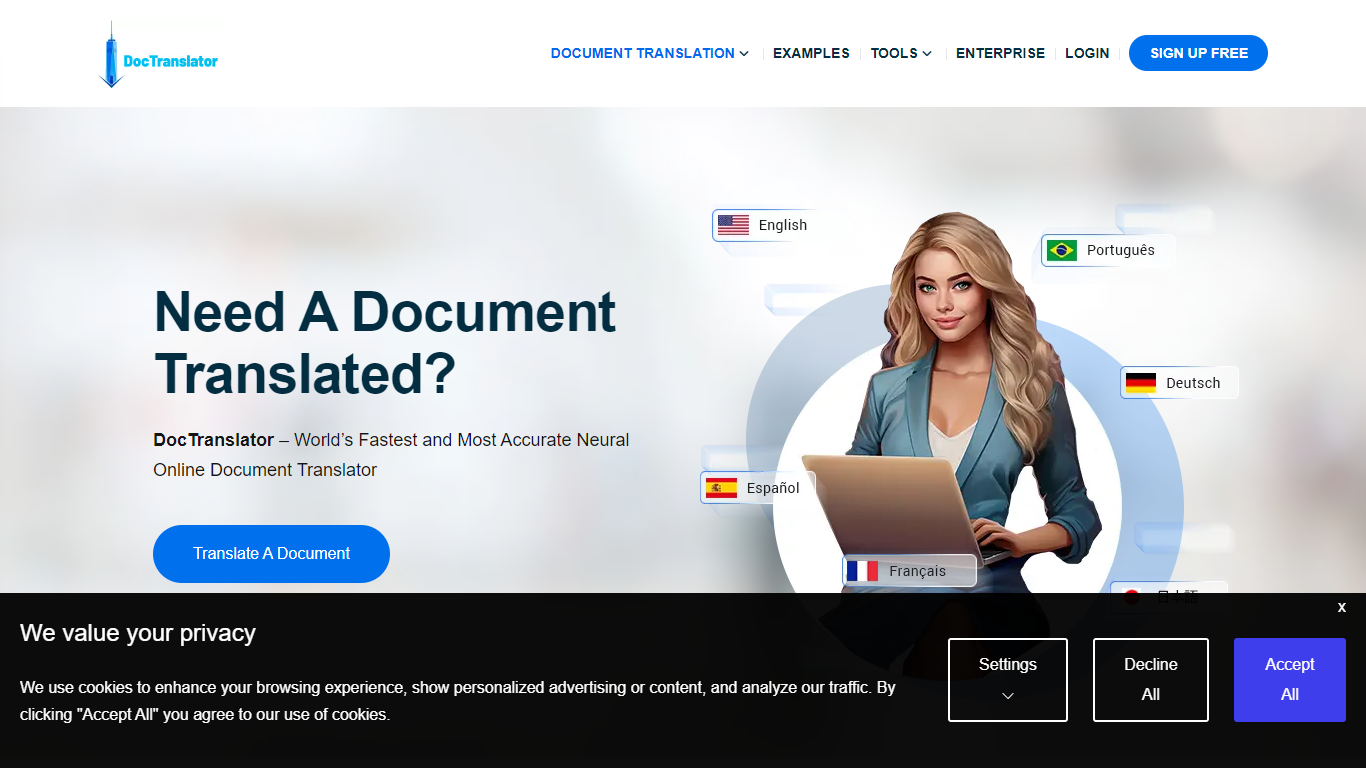
DocTranslator is an online document translation platform run by Translation Cloud LLC. Upload a file, pick source and target languages, and get a translated document that keeps the original layout, fonts, tables, and images intact.
The service handles PDF, Word, Excel, PowerPoint, InDesign, EPUB, TXT, CSV, JSON, HTML, and image files up to 1 GB or 5,000 pages. It supports 120+ languages and uses neural machine translation backed by Google Translate and OpenAI. Built-in OCR can read scanned PDFs and photos when you do not have a text-based source file.
DocTranslator has been online since 2011 and serves individuals, legal teams, healthcare providers, and enterprise customers. Industry-specific pages cover legal, financial, healthcare, government, and manufacturing use cases. Human certified translation is available for USCIS and other official requirements where machine output is not accepted.
Readable Upvotes
DocTranslator Upvotes
Readable Top Features
Tables, charts, and images stay in place in the translated PDF
Original and Japanese text sit side by side for faster research reading
Custom dictionaries pin product names and technical terms to your preferred wording
Premium translates up to 1,000 pages or 200 MB in a single upload
Chrome extension handles one-click translation for online files
DocTranslator Top Features
Translates PDF, DOCX, XLSX, PPTX, IDML, TXT, CSV, JSON, EPUB, HTML, JPG, and PNG files
Supports 120+ languages with neural machine translation via Google Translate and OpenAI
Preserves original document layout including fonts, tables, images, and columns
Handles files up to 1 GB or 5,000 pages per upload
Built-in OCR extracts and translates text from scanned PDFs and smartphone photos
Team access and custom glossaries on paid plans for collaborative translation work
Free first-page PDF preview before you pay for a full translation
Human certified translation available for USCIS and other official document needs
Readable Category
- Translation
DocTranslator Category
- Translation
Readable Pricing Type
- Freemium
DocTranslator Pricing Type
- Freemium